
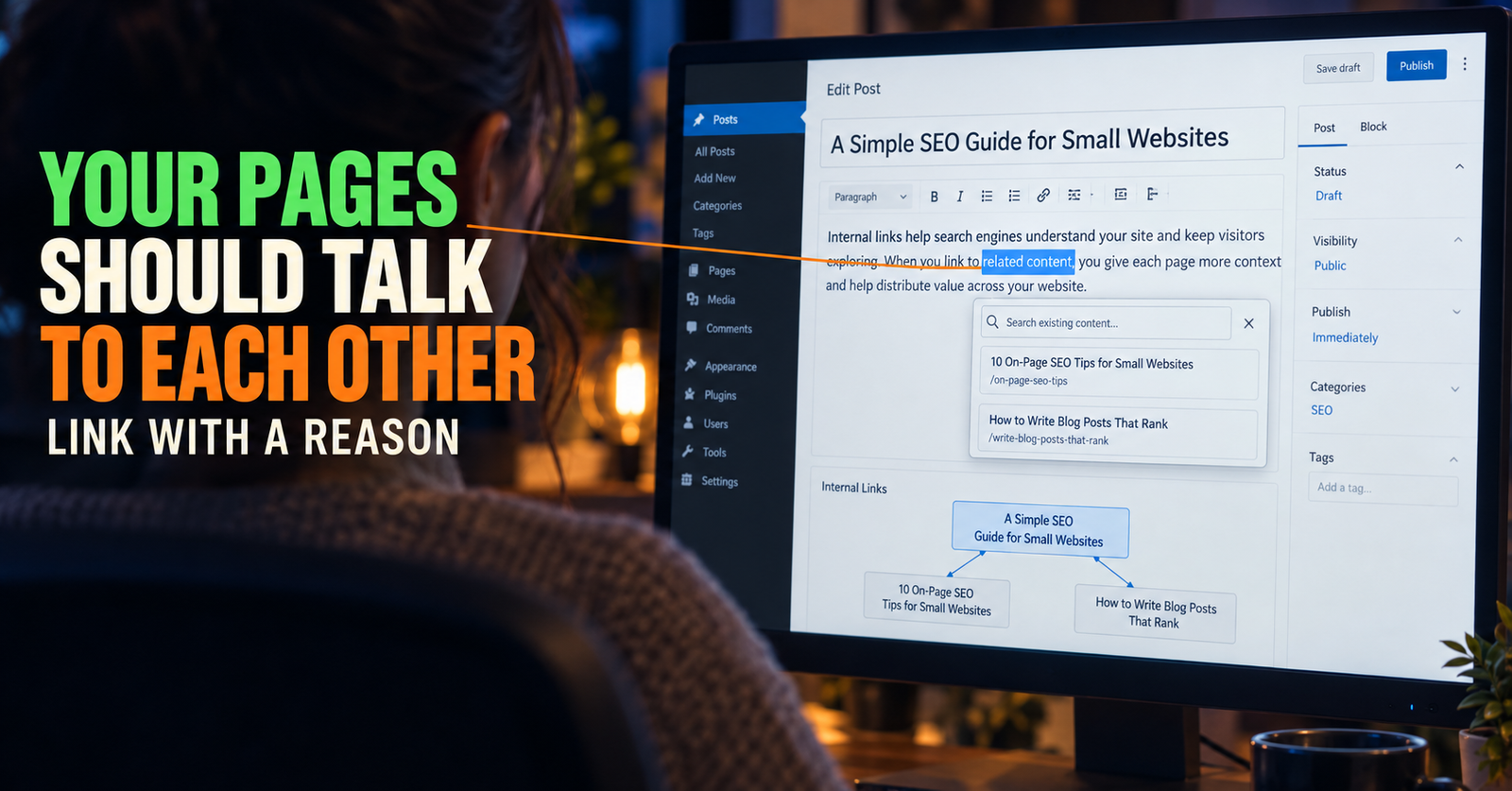
Internal links are links from one page on your website to another page on the same website. They sound basic, but they are one of the easiest ways for a small site to become more useful, more organized, and easier for search engines to understand.
They are also easy to overdo.
I have seen advice that makes internal linking sound like a game of stuffing as many links as possible into every post. That creates an annoying reading experience and usually leads to weak, repetitive links that do not help anybody. A better approach is much simpler: link a reader to the next page they would naturally need.
That is it.
If someone is reading about why their new website is not showing up in Google, they may need to understand indexing. If they learn that their page is indexed but still invisible, they may need to know what affects rankings. If they are choosing what to write next, they may need help with keyword research or search intent.
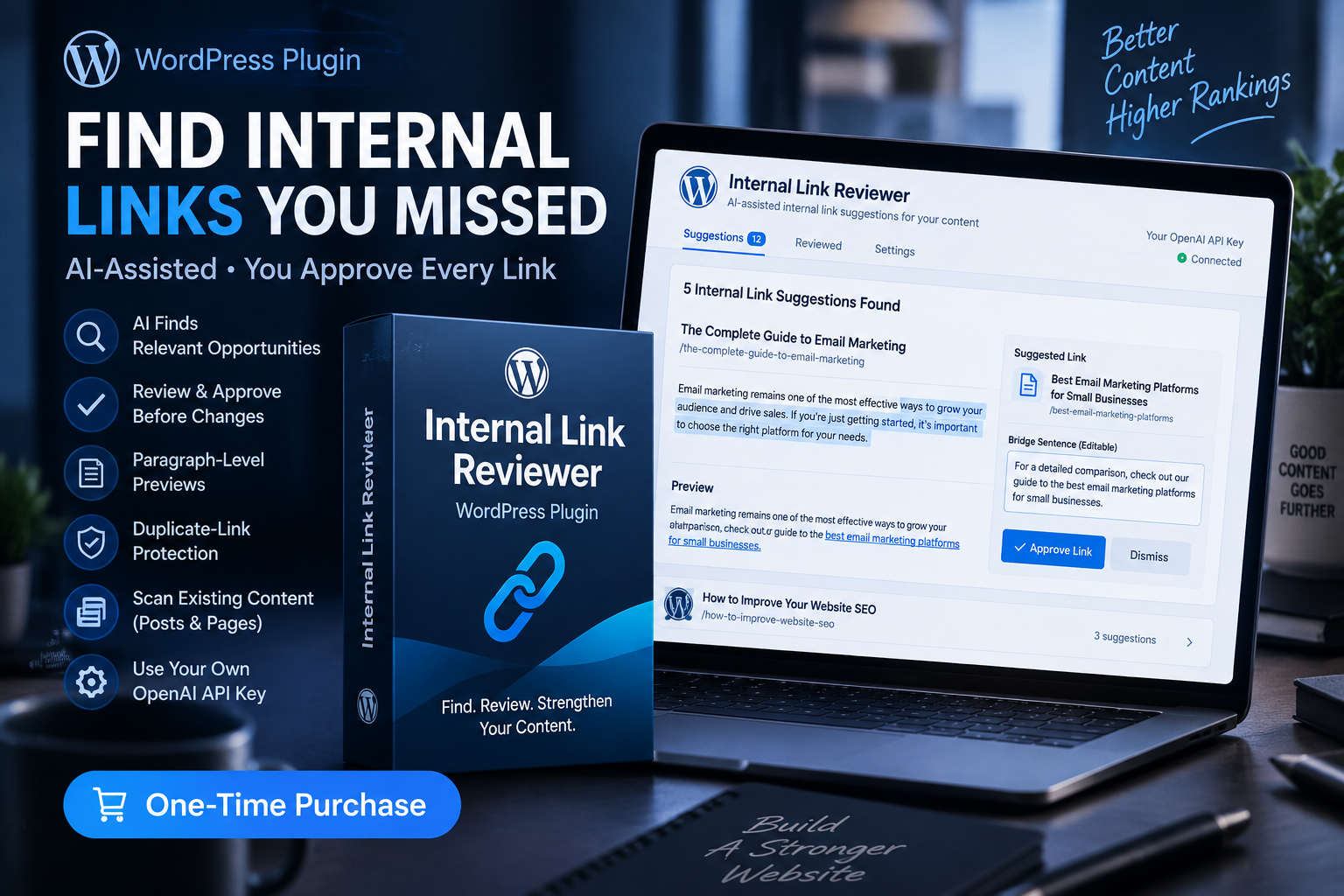
A well-linked site feels like somebody thought through the reader’s next question before they had to search again. For a site that needs a systematic check of those connections, an internal link review tool may fit this part of the workflow.
What internal links do for a small website
Internal links do three useful jobs.
First, they help people find related answers without having to return to Google. That keeps the experience simple and gives the reader a clearer path through your site.
Second, they help search engines discover pages and understand the relationship between them. A page that is linked naturally from related articles is easier to place in context than a page sitting alone with no meaningful connection to the rest of the site.
Third, they help you build a site that makes sense as it grows. When you use internal links intentionally, you start noticing which pages are broad guides, which pages are detailed problem-solvers, and which important questions still do not have an answer.
The goal is not to create a web of links for its own sake. The goal is to create a useful path.
Internal links are different from backlinks
A backlink comes from another website to yours. An internal link stays inside your own website.
Both can be useful, but internal links are entirely under your control. You do not have to ask for them, pay for them, or wait for another site owner to notice your work. You can add them when they make the article better.
That is especially valuable for a new website. A new site may not have many outside links yet, but it can still build a clean structure from the beginning.
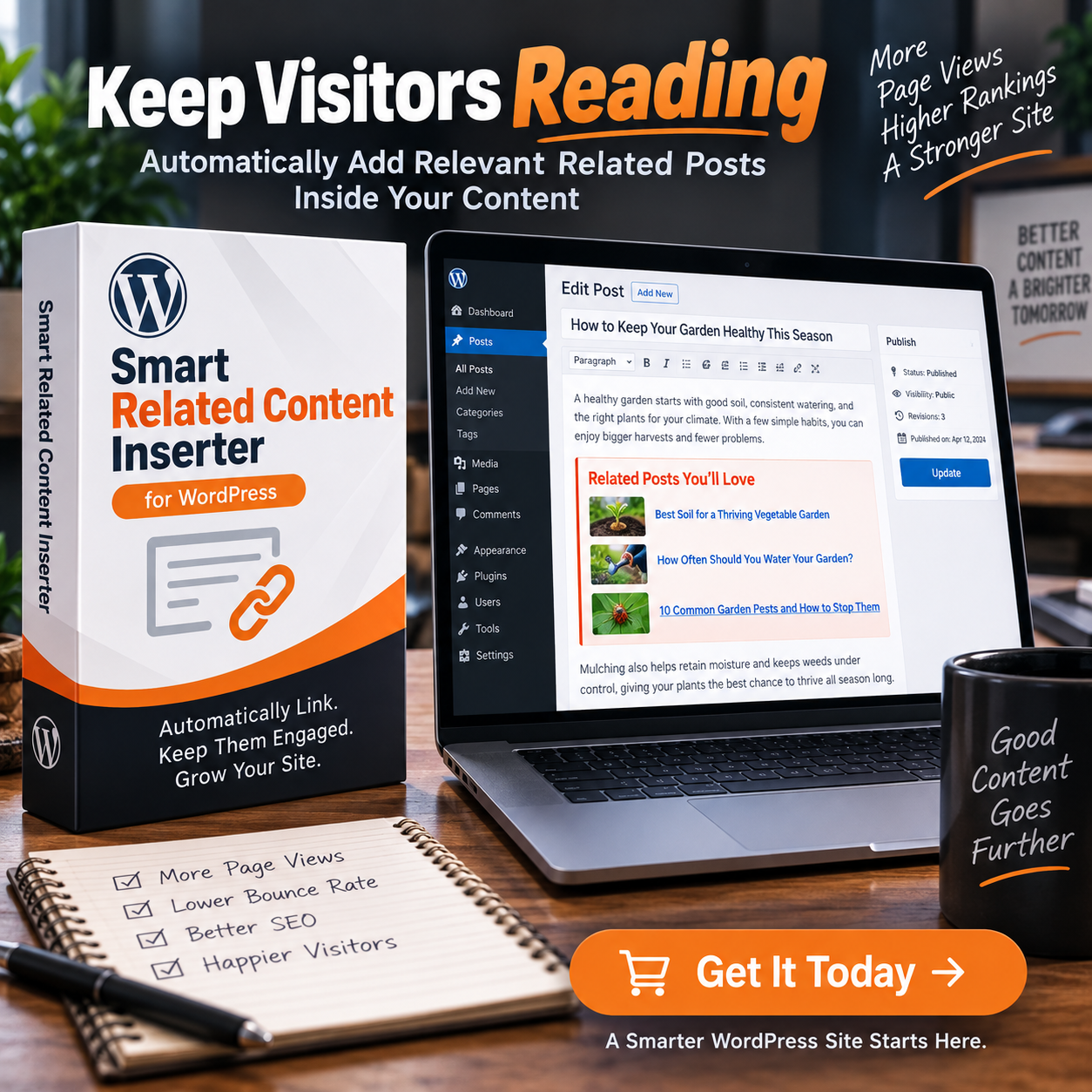
A focused beginner guide can lead to more specific articles. Those specific articles can point readers back to the broad guide when they need the bigger picture. That is one reason a connected cluster is more useful than a pile of random posts. For WordPress sites building these connections, a related content inserter can help surface relevant pages as the content library grows.
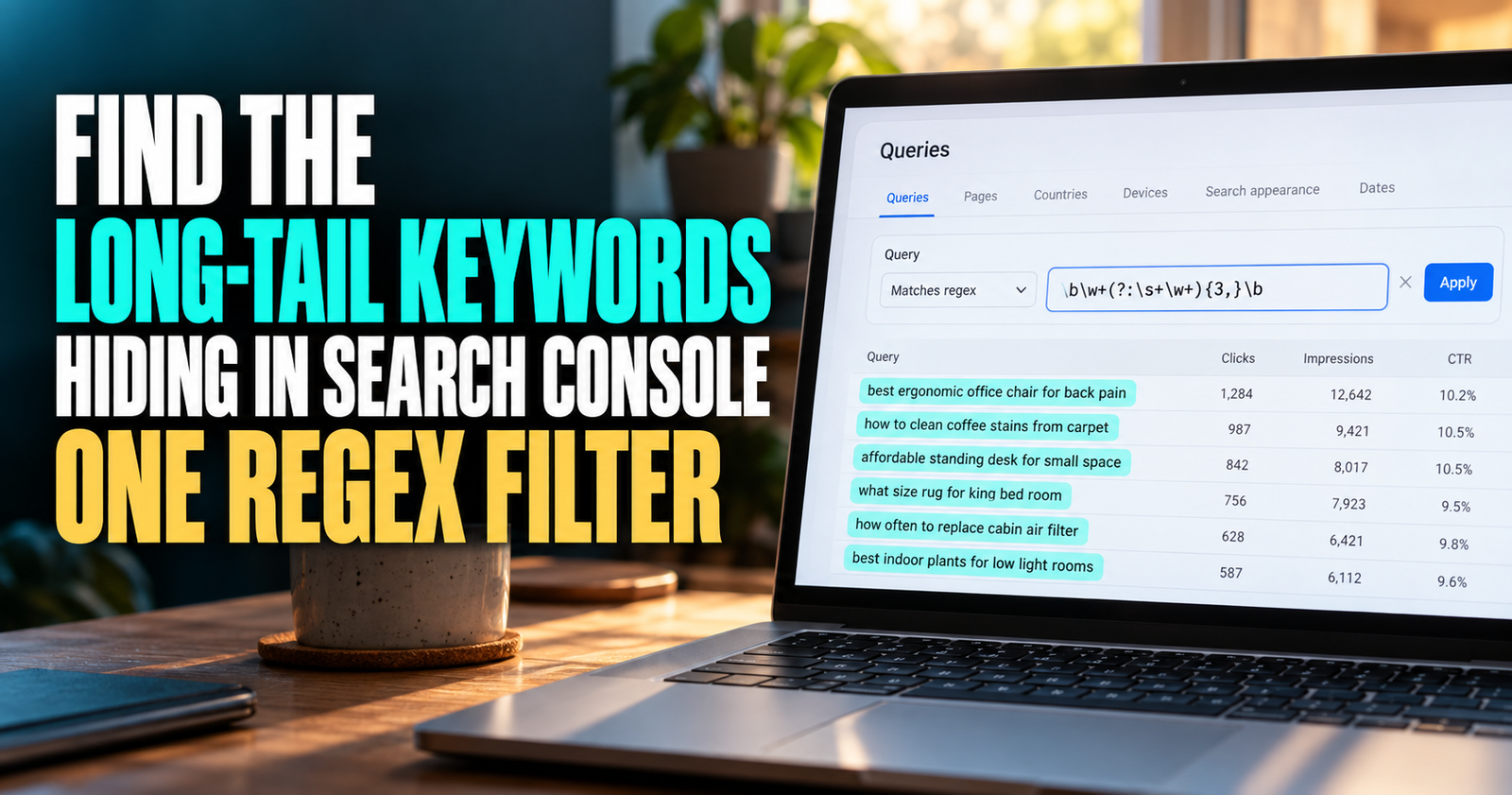
The easiest rule to remember
I use this rule:
Add an internal link when the reader would benefit from the next answer right now.
That keeps you from adding links just because a phrase happened to appear.
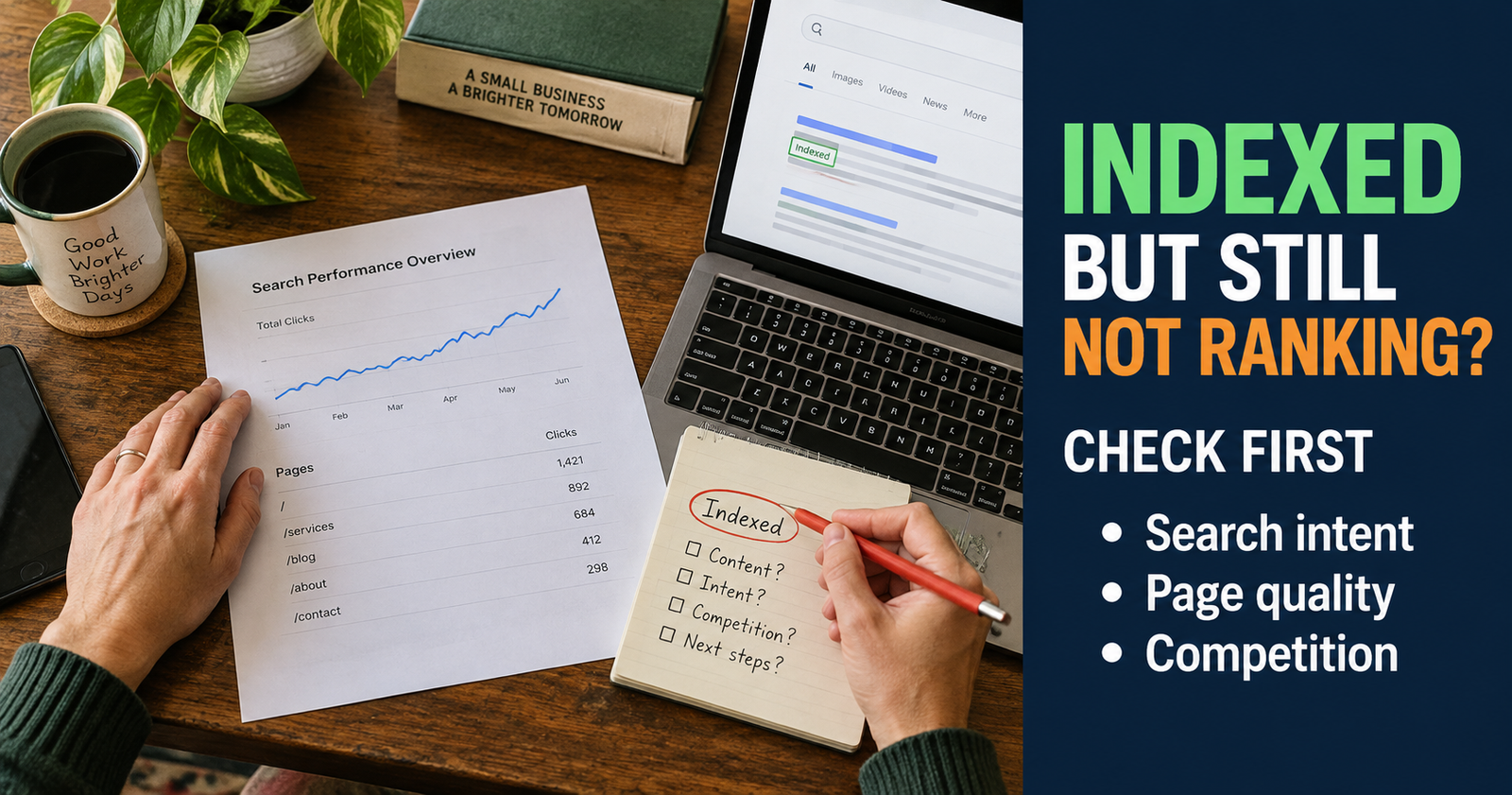
For example, if you write that Google may know a page exists but still not show it prominently, that is the right moment to link to your detailed guide on what to check when a page is indexed but not ranking.
The link belongs because it solves the next question. It does not feel like an interruption, and it gives the reader a real reason to click.
On the other hand, if you mention the word “website” and link it to your homepage, that probably does not help anyone. The word was there, but the reader did not need the destination.
That distinction is what makes internal linking useful instead of mechanical.
Start by knowing the job of each page
You cannot link a site well until you know why each page exists.
Every article should have one main job. It may explain a concept, solve a problem, walk somebody through a process, or help them make a decision.
A few examples from a beginner SEO cluster make this clear:
- A broad beginner guide explains the overall process of DIY SEO.
- A troubleshooting page helps a person figure out why Google is not showing their new website.
- A keyword article helps a person find realistic topics to write about.
- A search-intent article helps a person understand what kind of page the searcher actually wants.
- A decision article helps a person decide whether to update old content or write something new.
These pages can all link together, but they should not all try to do the same job.
When you know the role of a page, you also know where it fits. The broad guide links outward to detailed help. The detailed help links inward to the broader explanation when a reader needs context. Related problem pages can link sideways when the next step overlaps.

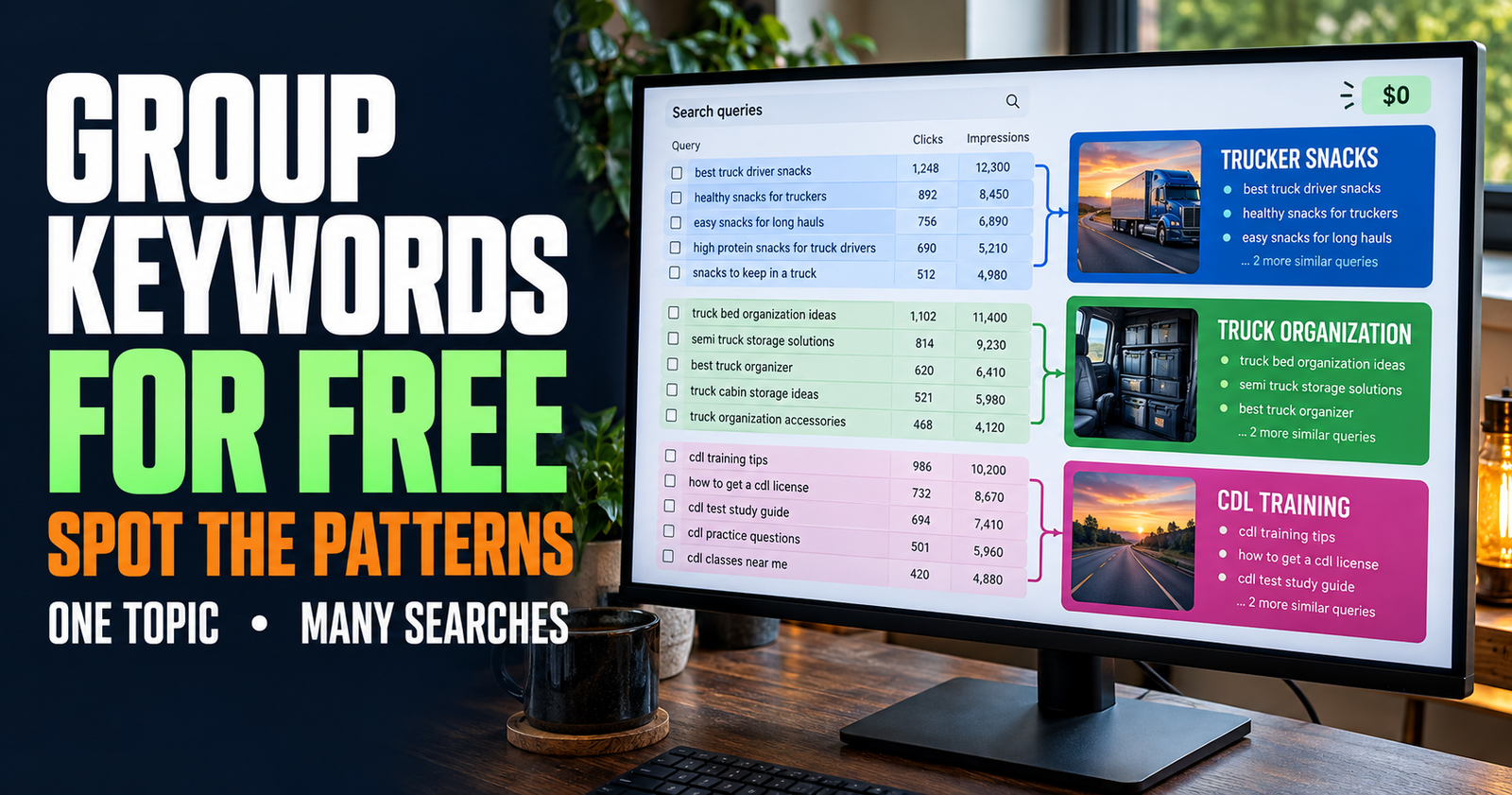

Think in reader paths, not link counts
There is no perfect number of internal links for every article.
A 700-word post may only need one or two genuinely useful internal links. A thorough 3,000-word guide may naturally include several. The right number depends on how many related questions come up while the reader is moving through the article.
I would never start with a target like “add 12 links.” That makes the writing worse because it puts the count ahead of the reader.
Instead, think through the path.
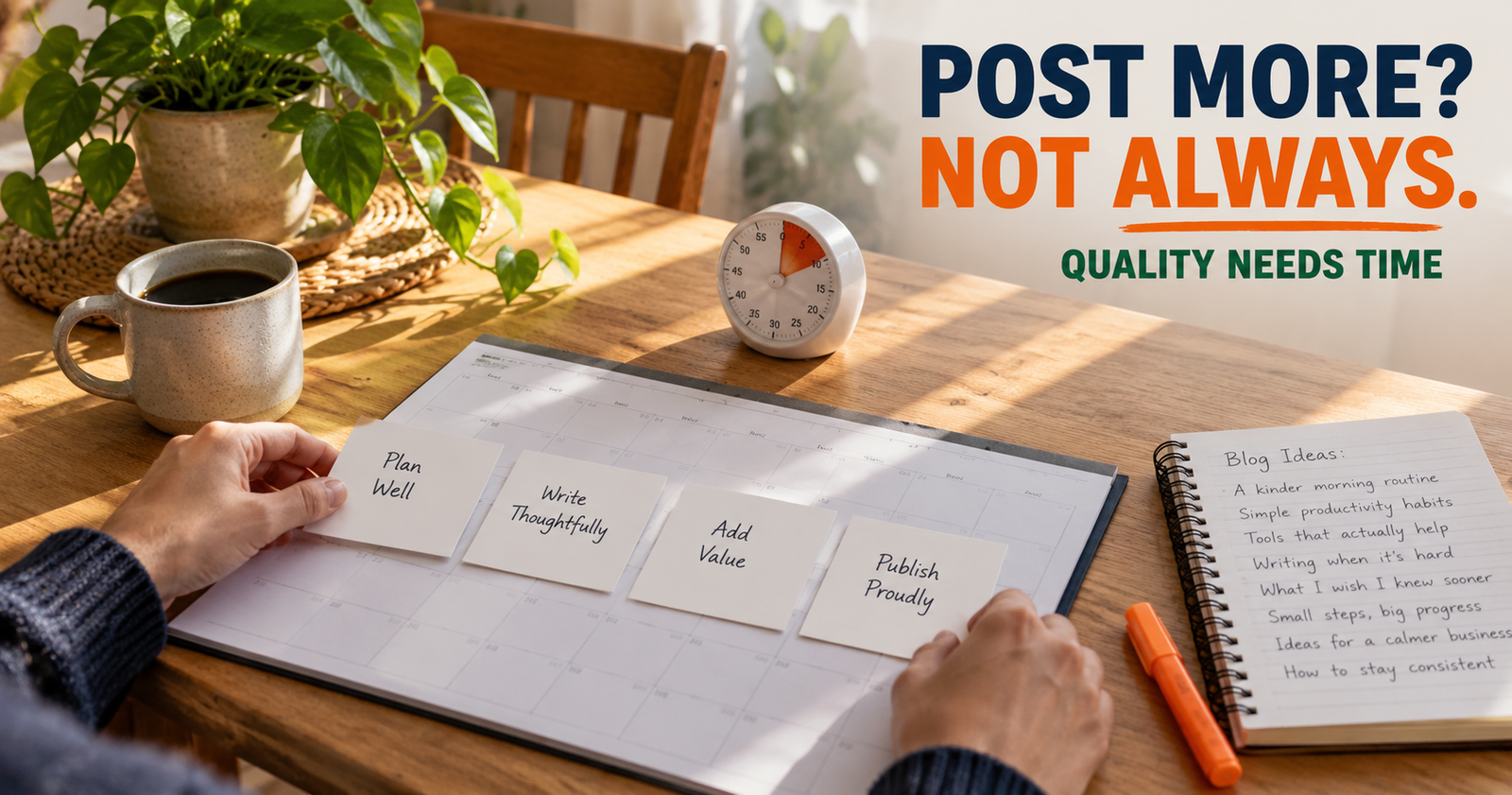
A person who lands on your article about keyword research may need to understand search intent before they choose a topic. After that, they may need help deciding whether the keyword is realistic for a new site. Then they may need to know how often they should publish without burning themselves out.
Those are sensible next steps, so links to those pages can be useful when the article naturally reaches each point.
This is exactly why a connected SEO content cluster for a new website is stronger than isolated articles. The articles are not merely related by a broad category. They help the reader progress.
Where internal links belong in an article
The best place for an internal link is usually in the body of a paragraph, after you have explained enough for the reader to understand why the linked article matters.
Do not cram links into the first few sentences of every article. Let the opening answer the main question first. A reader who arrives worried about a problem does not need to be sent in three directions before you have even addressed it.
Once the article begins explaining the issue, use internal links where the topic naturally widens or becomes more specific.
Here are the strongest places to look for them:
- After introducing a related concept that needs a deeper explanation.
- After diagnosing one problem and before moving into the detailed fix.
- When the reader needs to choose between two next steps.
- When a broad article introduces a topic that already has its own detailed guide.
- Near the end, when the next article is the logical continuation of the reader’s progress.
Notice what is not on that list: every heading, every keyword, every paragraph, and the author bio.
A link should support the content around it. It should not become the content.
Use anchor text that tells the truth
Anchor text is the clickable wording of a link.
Good anchor text gives the reader a clear idea of what they will get if they click. It does not need to match the destination page title word for word every time, but it should describe the page honestly.
For example, if you link to an article about search intent, these can all work naturally:
- search intent and why it matters
- understand what the searcher wants
- matching your content to the search
- a closer look at search intent
What would not work is something vague like “click here” or “this article.” Those words tell the reader nothing about what is on the other side.
I also would not use the same exact anchor phrase every time you link to the same page. Repeating one keyword-heavy phrase over and over can sound unnatural. Write for the sentence first, then make sure the anchor accurately describes the destination.
The reader should never feel tricked after clicking.
Link from broad pages to specific pages
Broad pages are some of the best places to add internal links because they naturally introduce several subjects that deserve their own in-depth explanation.
Your beginner SEO guide may mention indexing, keywords, backlinks, content quality, search intent, and internal links. It should explain each one enough to be helpful, then point readers to the detailed page only when they need more.

For example, a person who wants a quick starting point can read your full beginner guide. A person who is worried because their site has been live for a month with no visibility needs the more focused explanation of why a new website may not be appearing on Google.
That is a healthy internal-link relationship. The broad guide gives context. The focused guide gives the practical answer.
A broad page should not become a list of links with a few sentences in between. Give people a real overview first. Then send them deeper only when it helps.

Link back to the broad page when readers need context
Supporting articles should often link back to the broader guide, but again, only where it helps.
A very focused troubleshooting article may explain one problem perfectly while leaving a reader wondering where that problem fits in the larger SEO picture. A link back to the main beginner guide can be useful there.

For example, an article on whether a new website can rank without backlinks may need to remind readers that backlinks are only one part of SEO. The reader may benefit from the larger DIY SEO for beginners roadmap, where they can see content, indexing, search intent, and site structure working together.
That is different from linking every article back to the pillar page out of habit. The link has a job: it gives perspective when the reader needs perspective.
Link sideways when the reader’s problem changes
Sideways links connect pages that serve the same stage of a reader’s journey.
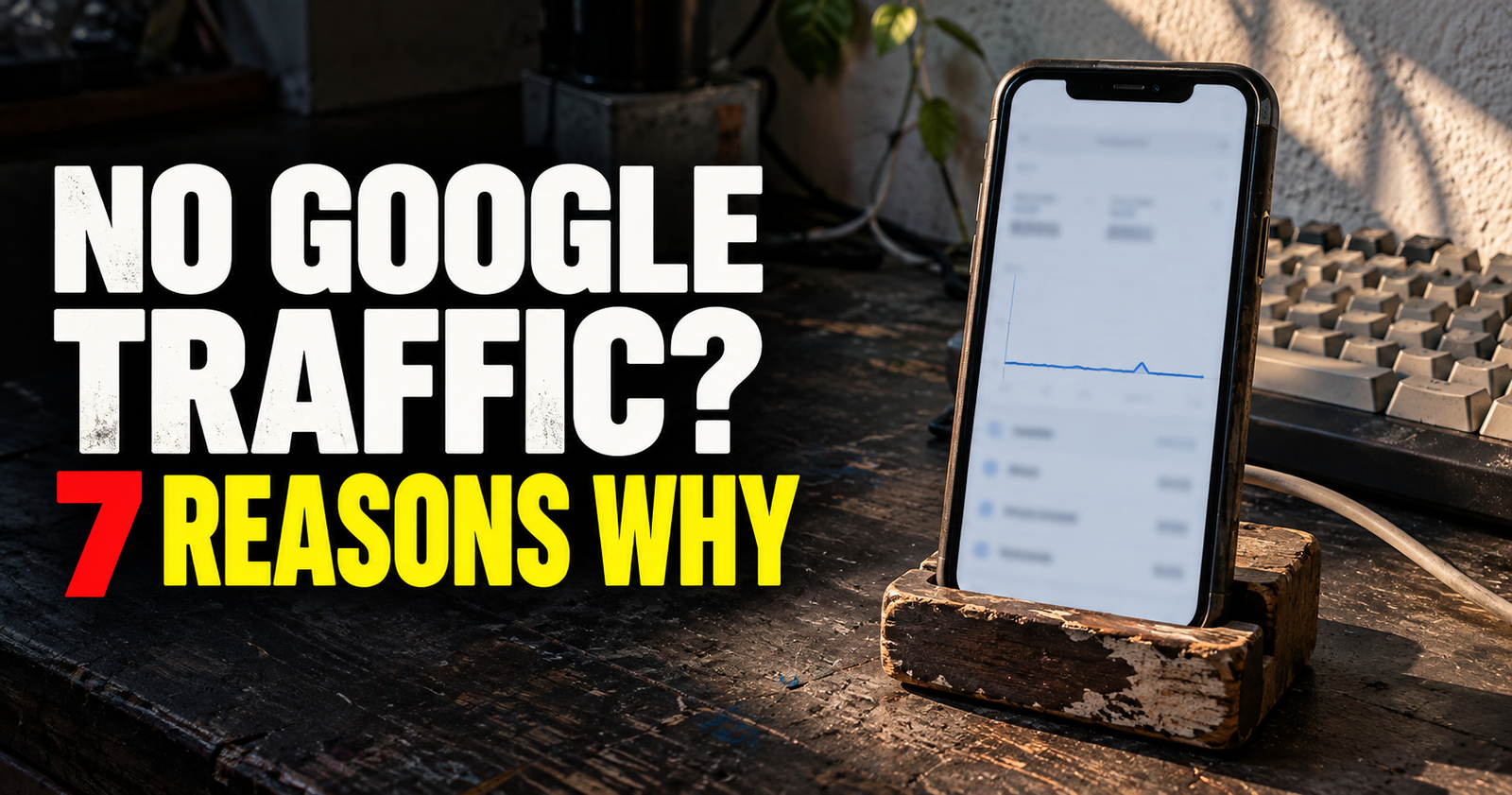
For example, someone who finds a page about their site not showing up on Google may discover that Google has already indexed it. Their problem has changed. They no longer need indexing help first. They need to understand why indexed pages can still struggle to rank. A wider explanation of those ranking and traffic problems appears in why indexed pages can still struggle to rank.
That is a natural sideways link.
Another example is keyword research. A reader may find several ideas, then realize they do not know whether any of them are realistic. That is the right time to connect them with an article about judging keyword competition for a new website.
Good sideways links are often the difference between a reader getting stuck and a reader taking action.
Do not put a link in every paragraph
This is worth saying plainly because plenty of SEO advice makes people nervous about missing an opportunity.
You do not need a link in every paragraph.
In fact, too many links can make a page harder to read. If every few words are blue and clickable, the reader starts skimming past them. Some links may lead to articles that are only loosely related. Others may pull the person away before you have answered the page they came for.
A good internal-linking pattern has breathing room.
Open with a direct answer. Explain the first important point. Add a related link when the reader genuinely needs more context. Continue the article. Add another link later when the next question naturally appears.
Spread them through the piece. Let the article stand on its own.
Avoid linking to pages that have no real connection
Not every published article needs a link from every other published article.
This is a common mistake on small sites that are trying to look organized. The site owner sees all the pages as related because they own them. The reader does not necessarily see it that way.
An article about search intent can connect naturally to keyword research, keyword competition, and content clusters. It may not need to link to a page about whether backlinks are necessary unless the paragraph is actually explaining how relevance can matter more than chasing links for a new site.
Relevance is the standard.
If a link would surprise the reader, it probably does not belong there. If it makes the reader think, “I was about to ask that,” it is probably a good one.
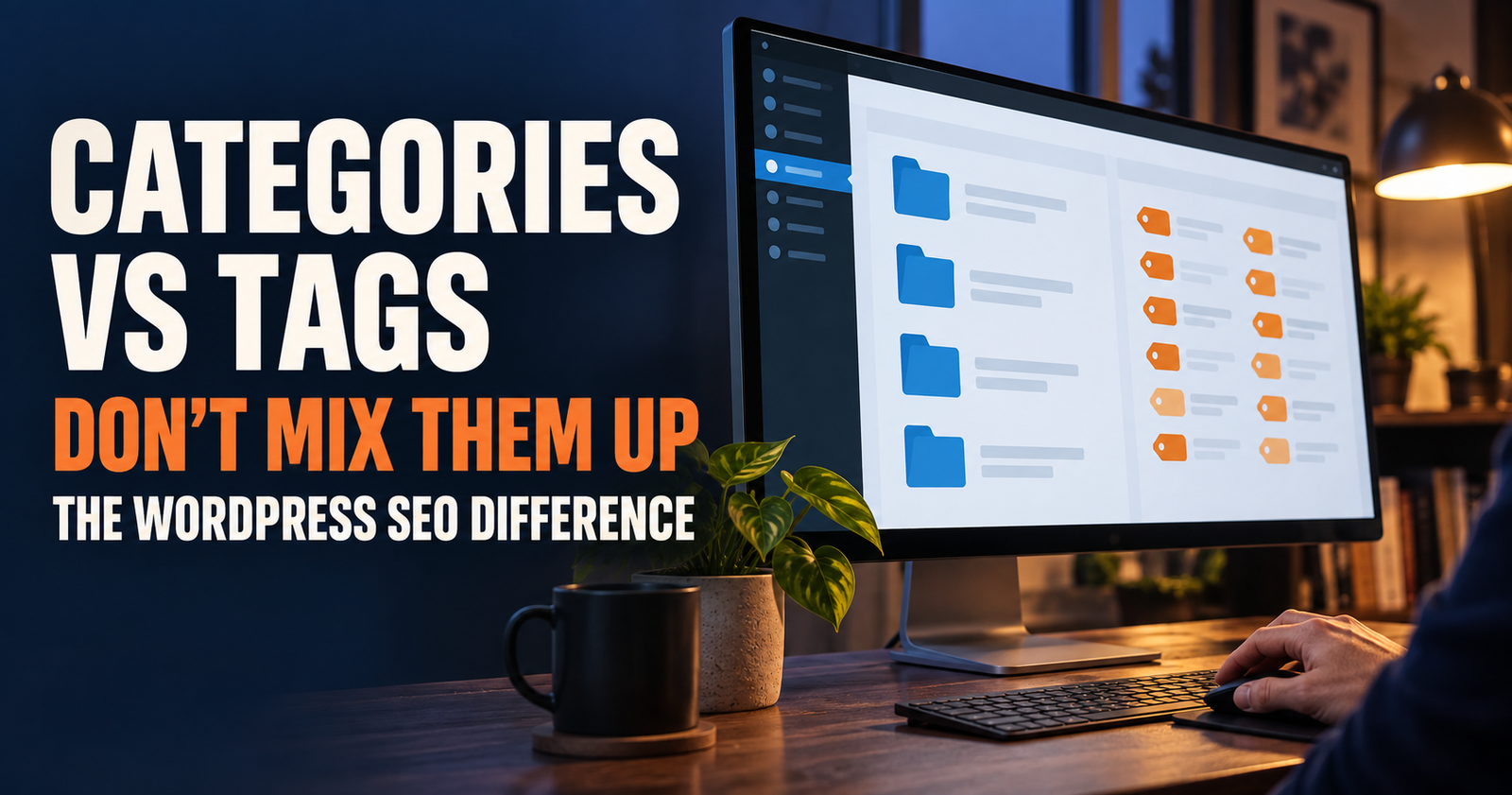
Use descriptive categories and navigation too
Internal linking is not only links inside your article paragraphs.
Your main navigation, category pages, related-post areas, breadcrumbs, and footer can all help people find their way through the site. The article links are still important because they are the most contextual, but the rest of your site should not be ignored.
For a small site, I would keep categories broad and meaningful. Make It Found can use categories such as SEO Basics, Website SEO, Content Strategy, Google Search Console, Internal Linking and Site Structure, YouTube SEO, Etsy SEO, Tools and Templates, and Small Business Marketing.
Those categories help people browse by need. They should not become a junk drawer where every article gets assigned to every possible category.
The same goes for navigation. Keep it simple enough that a new visitor can tell what the site helps with. A complicated menu does not make a site feel bigger. It often just makes it harder to use.
Find orphan pages before they become forgotten pages
An orphan page is a page with no meaningful internal links pointing to it from the rest of your website. It may still be indexed and capable of appearing in search, but it is harder for readers to discover once they are already on your site.
Orphan pages often happen when you publish a new article and forget to go back to older, related posts.
When you publish something new, ask two questions:
- Which existing article would naturally mention this page?
- Which existing article does this new page help explain more deeply?
You may only find one or two strong opportunities. That is fine. Add the links where they fit, then move on.
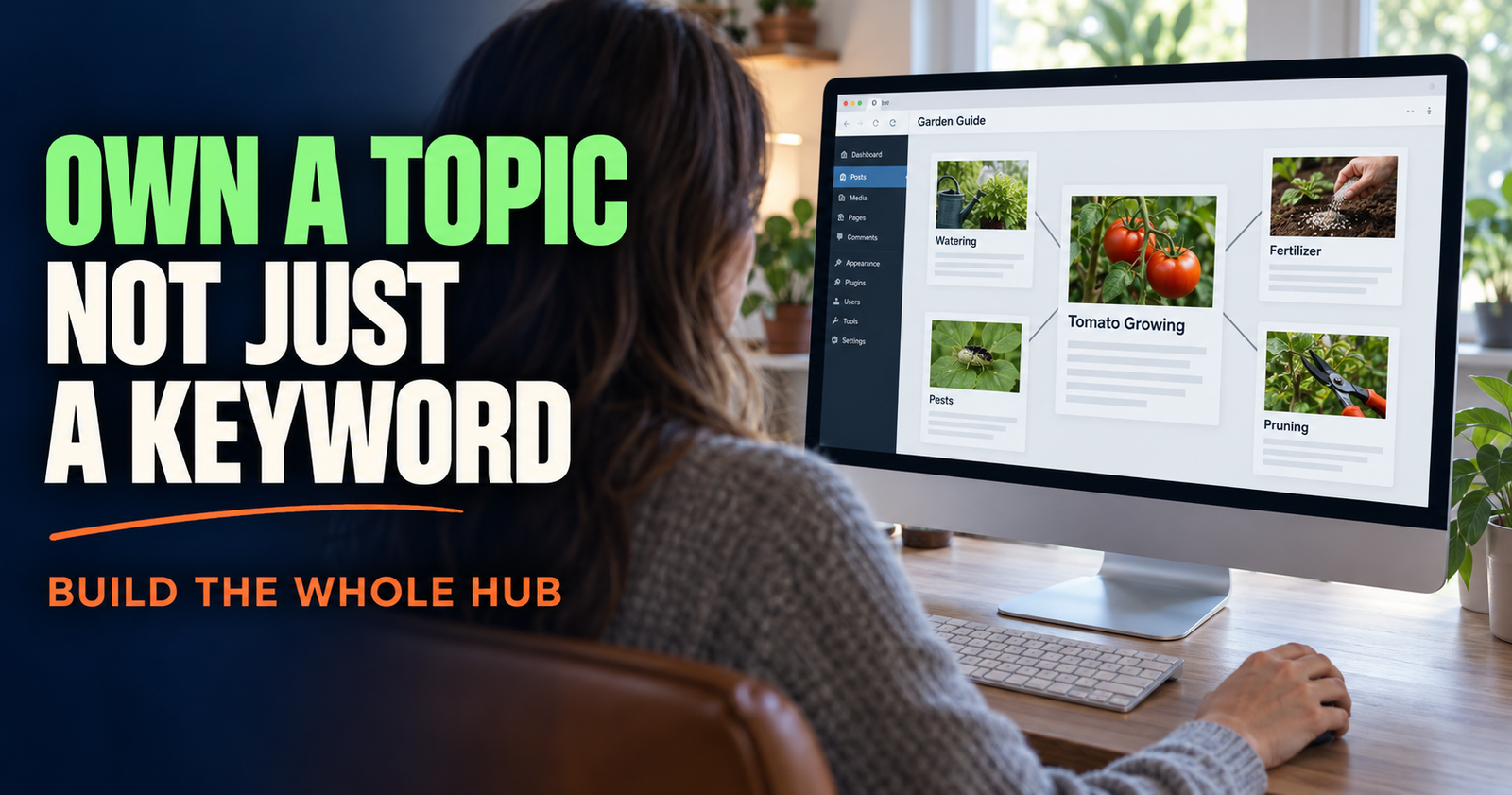
For example, when you publish a guide on internal links, it makes sense to add a contextual reference from an article about topical authority because internal links help hold a focused cluster together. You do not need to edit 25 old articles just to make the new post look important.
Update older posts carefully when you add links
Adding internal links can be a good reason to revisit older content, but do not use it as an excuse to make random edits.
Read the older article as if you were the visitor. Look for a point where the new page genuinely makes the answer more complete. Add one helpful sentence, place the link naturally, and leave the rest alone unless the content itself needs a real update.
Google’s guidance is clear that simply changing dates or making empty updates does not make content more valuable. A useful internal link should improve the reader’s path, not create the appearance that you are constantly tinkering.

That is one reason it helps to decide whether a post deserves a substantial refresh or whether your time is better spent publishing a new answer. The decision is not always obvious, which is why this guide on updating old posts versus writing new ones is useful when you are planning your next move.
A practical internal-linking workflow
You do not need a complicated spreadsheet to begin, although one can help as your site grows.
Here is a simple process I would use every time you publish an article:
- Write the article to fully answer its main question first.
- Highlight the moments where a reader would naturally need a deeper or related answer.
- Find one to three existing pages that directly solve those next questions.
- Add the links inside normal sentences, not as a pile of “related posts.”
- Look at one or two older articles and see whether the new page belongs there naturally.
- Check that each link describes the destination honestly.
- Remove any link that feels forced, repetitive, or distracting.
That process works because it keeps the reader at the center. You are not trying to build an artificial link structure. You are building a site that is easier to use.
What to do when you only have a few articles
A new site may not have many linking opportunities yet. That is normal.
Do not force irrelevant links just because you want every page connected. Start with the pages that are already clearly related.
Your first beginner SEO article can link to a keyword guide once it exists. Your keyword guide can link to search intent once that exists. Your search-intent article can later link to a guide on content clusters or internal linking.
The structure grows as the site grows.
A small cluster of five connected pages is better than five isolated pages. Ten connected pages are better still. The work compounds because every useful new article gives you more opportunities to help readers move through the subject.
How to tell whether your internal links are helping
Internal links are not usually something you judge overnight.
Look for practical signs over time. Are your articles easier to navigate? Are readers finding relevant pages after landing on a broad guide? Are important articles receiving impressions and clicks? Are you able to explain how the pages in a cluster fit together?
You can also use Search Console to see which pages show up for related searches and which ones might deserve more attention. A page that has impressions but weak clicks may need a better title or a clearer match to search intent. A page with little visibility may need more than an internal link. It may need a stronger answer, a better target topic, or more time.
Internal linking supports good content. It does not rescue an article that does not solve the searcher’s problem.
The internal-linking mistakes I would avoid
There are a few mistakes that create more trouble than they are worth:
- Adding links only because the anchor text has a keyword in it.
- Repeating the same exact anchor phrase throughout the site.
- Sending readers to a broad page when a detailed page would answer their question better.
- Linking to loosely related posts just to increase the number of links.
- Putting a cluster of links at the top of an article before answering the question.
- Forgetting to link to useful new pages from older related articles.
- Treating internal links as a substitute for helpful, original content.
- Creating several overlapping pages just so you have more places to add links.
Avoiding these mistakes keeps your site feeling calm and useful. That matters. A reader should feel guided, not herded around.
Frequently asked questions
How many internal links should a blog post have?
There is no fixed number. Use as many as genuinely help the reader find the next useful answer. A short article may need one or two. A long guide may naturally include several. Do not add links just to hit a target.
Should I link to old posts from every new article?
No. Link to old posts when they are directly useful to the reader. A few strong contextual links are better than a long list of unrelated older pages.
Can too many internal links hurt SEO?
Too many links can make the page harder for readers to use, especially when they are irrelevant or repetitive. Focus on clarity and usefulness instead of trying to make every paragraph clickable.
Should internal links open in a new tab?
Usually no. Keeping internal links in the same tab gives the reader a normal browsing experience and lets them use the back button easily. New tabs are generally more useful for certain external resources, not ordinary links within your own site.
Do internal links help new pages get found?
They can help search engines and visitors discover a new page through the rest of your site. That is one reason it is worth adding relevant links from older articles after publishing something new. A newly published page can use that support alongside the advice in this new website ranking guide.
Alden Whitaker writes practical, plain-English SEO guides for Make It Found that help small website owners build clear, useful sites without getting buried in agency jargon.