

Coming up with blog ideas gets harder after the obvious topics are already published.
At first, the ideas are easy. You write the beginner guide, the main how-to post, the common questions, and a few related articles. Then you hit the point where every new idea feels like it might be too broad, too competitive, or too close to something you already wrote.
That is where I stop relying on a blank keyword tool and start looking at Search Console.
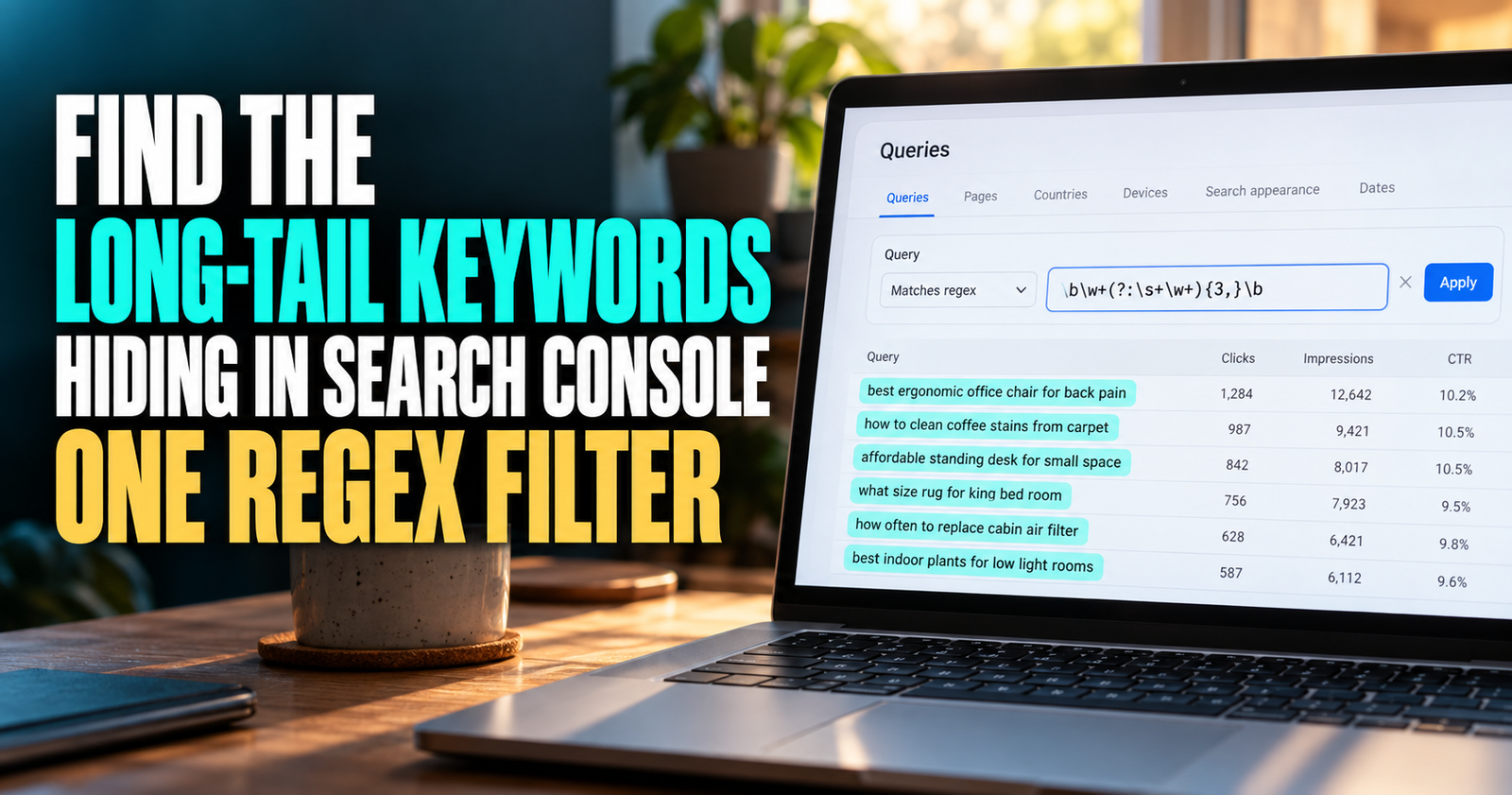
Google Search Console shows the actual queries where Google has connected your website with a search. That is useful even when the query has not brought many clicks yet. It gives you a look at the questions, wording, and follow-up problems real searchers are bringing to your site. Those queries also help you connect queries with CTR before deciding whether the page or topic needs improvement.
The trick is not to create a new post for every phrase you see.
The useful work is turning those phrases into fresh, helpful topic ideas that fit your site and do not compete with existing pages.
What Search Console Can Tell You About Future Blog Posts
Search Console is not a magic article generator. It cannot tell you exactly what to write, what will rank, or what your next viral post should be.
It can show you something better than a random list of ideas: evidence that Google is already beginning to understand what your site is about.
Google’s Performance report breaks down your search visibility by queries and pages. That means you can see the searches that made your site appear, plus the pages Google connected to those searches. Google’s Search Console guideconfirms that the report includes performance by queries and pages, which makes it a useful starting point for real topic research.
I use that data to answer a few practical questions:
- What kinds of problems are people beginning to associate with my site?
- What follow-up question is missing from my current content?
- Are several search phrases pointing toward one new topic?
- Would a new post help a reader, or would it just repeat something I already have?
- Is the idea narrow enough for a smaller website to answer well?
That last question matters.

A small site is usually better off becoming genuinely helpful on a specific problem than trying to cover every possible question in a giant niche. That focused approach is also central to how to rank for a specific keyword without competing for every broad search at once.
Start With the Pages You Already Have
Open Search Console, choose your website, and go to the Performance or Search Results report.
Set the date range to the last three months if your site has enough data. If the site is newer or quieter, use the longest useful range you have. The goal is to see patterns, not to react to one weird day.
Then click the Pages tab.
This is the part I think many people skip. They jump straight to Queries and see a pile of phrases with no context. Starting with pages gives you a better foundation because you can see which existing articles are already attracting visibility.
Choose a page that is:
- Relevant to the direction of your site.
- Earning at least some impressions.
- Broad enough that readers would naturally have follow-up questions.
- Not already crowded with several nearly identical supporting articles.
Click that page, then switch to the Queries tab.
Now you are looking at the searches connected to one specific article. This makes it much easier to spot what your readers may need next.

For example, imagine you have a page about beginner SEO. You might see searches around keyword research, indexing, traffic, titles, backlinks, internal links, and Search Console. Those connected subjects fit into the broader beginner SEO framework, which helps beginners understand how the pieces work together.
Some of those belong inside the beginner guide.
Others are big enough to become their own focused articles.
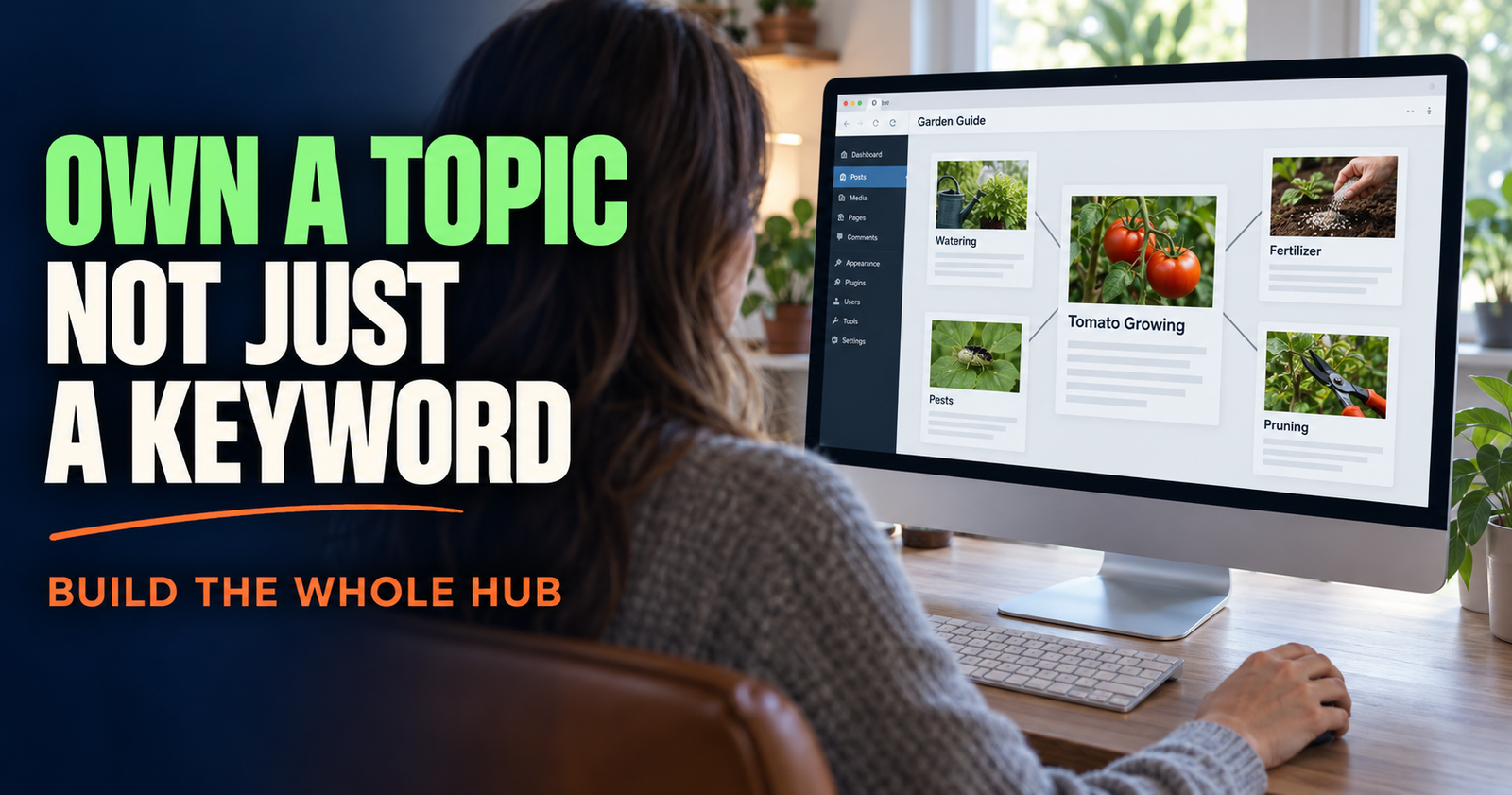
That is how a useful content cluster grows naturally. You are not grabbing unrelated topics because they sound popular. You are following the next questions a real beginner is likely to ask.
If you need a wider structure before you start, building an SEO content cluster for a new website will help you separate the main guide from the supporting posts.
Look for Query Groups, Not Just One Odd Keyword
One random query is not always a blog topic.
Maybe Google showed your page for a phrase once because the wording was loosely related. Maybe the search had almost no real demand. Maybe the phrase belongs in an existing paragraph instead of a new article.
What gets my attention is a query group.
A query group is several searches circling the same missing question.
For example, you may see phrases like:
- Why are my Google impressions going up but clicks are not?
- Lots of impressions but no website traffic.
- Google Search Console impressions no clicks.
- Why does nobody click my Google result?
Those are not four separate article ideas. They point to one clear subject: why a website can earn impressions but not clicks.
That tells you the topic has different natural wording around it. It also tells you what explanations readers may expect when they land on the page.
You might notice another group like this:
- How to find keywords my site ranks for.
- Where to see website keywords in Google Search Console.
- What searches does my website show up for?
- Find Google ranking keywords for free.
Again, that is one focused article, not four thin posts.
I like this approach because it keeps the writing natural. You are not forcing a phrase into every heading. You are building a page that answers the real question from a few different angles.
Find the Questions Hiding Behind Broad Searches
A broad search is often a clue, not a complete article idea.
Say Search Console shows that one of your pages is appearing for “SEO for small business.”
That phrase is huge. It could mean almost anything:
- How does a small business get found on Google?
- Does the business need a website?
- How should it choose keywords?
- Does local SEO matter?
- How much does SEO cost?
- How can a business compete without hiring an agency?
Do not rush out and write another generic “SEO for small business” article if you already have a broad beginner guide.
Instead, look for the tighter question underneath it.
You can do that by checking the other queries connected to the same page. You can search the broad phrase in Google and look at the types of results showing up. You can also check the “People also ask” questions that appear in the live results.
The goal is to find a problem a reader would actually type when they need help.
“Why is my small business website not showing up on Google?” is a clearer article idea than “small business SEO tips.”
“How do I find local keywords without paying for a tool?” is clearer than “local SEO.”
Specific questions are easier to answer, easier to organize, and often easier for a smaller website to compete for.
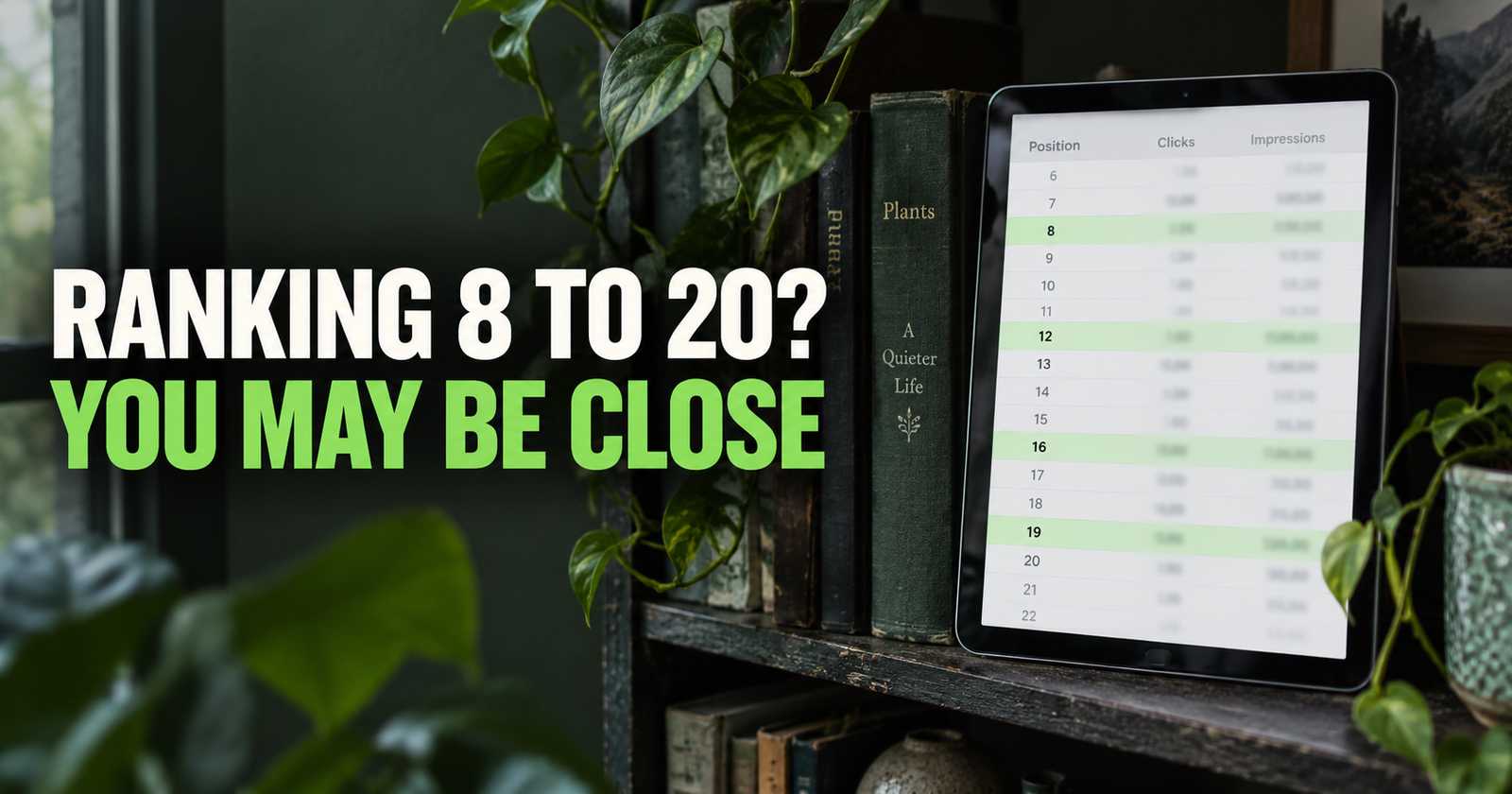
Separate an Update Opportunity From a New Blog Topic
This is the one decision that keeps a content plan from turning into a mess.
Not every query needs a new URL.
Sometimes Search Console is telling you that an existing article needs a better section, a clearer explanation, or a title that matches how people are searching.
Other times it is pointing toward a whole new topic.
I use a simple test.
Update the Existing Article When It Already Owns the Main Question
If a page about keyword research is appearing for “how do I find keywords for my website,” that phrase almost certainly belongs in the existing article.
Maybe the answer needs to be clearer near the top. Maybe you need to add a step-by-step section using Search Console. But you do not need a second article that says the same thing with a slightly different title.
The same applies when a query is just a more natural version of the article’s existing question.
That is an update opportunity, not a fresh blog post.

You can use this guide to updating an old post versus writing a new one when the line is not obvious.
Write a New Article When the Searcher Has a Different Job to Do
A fresh article makes sense when the searcher needs a different kind of answer.
For example, a page about what average position means may appear for “how do I improve my average position.”
Those subjects are connected, but they are not the same.
One person needs a definition. The other needs a practical improvement plan. They should not have to scroll through a definition article hoping to find the strategy they actually came for.
That is a new content opportunity.
The best new posts usually have their own clear question, their own useful answer, and a natural internal link back to the broader guide.
Use Search Console to Find the Next Step in a Reader’s Journey
One of the smartest ways to find blog topics is to ask, “What would this person need after reading this page?”
I call this the next-step method.
Take one article that already earns impressions. Read it as if you are brand new to the topic. Then notice where a reader might get stuck or ask another question.
A beginner reading about indexing may naturally wonder why an indexed page still does not rank.
A website owner reading about impressions may wonder why those impressions are not becoming clicks.
A person checking their keyword rankings may wonder which keyword opportunities are worth working on first.
A blogger learning internal links may wonder how to write anchor text that sounds normal instead of forced.
Those are not random content ideas. They are the natural next steps.
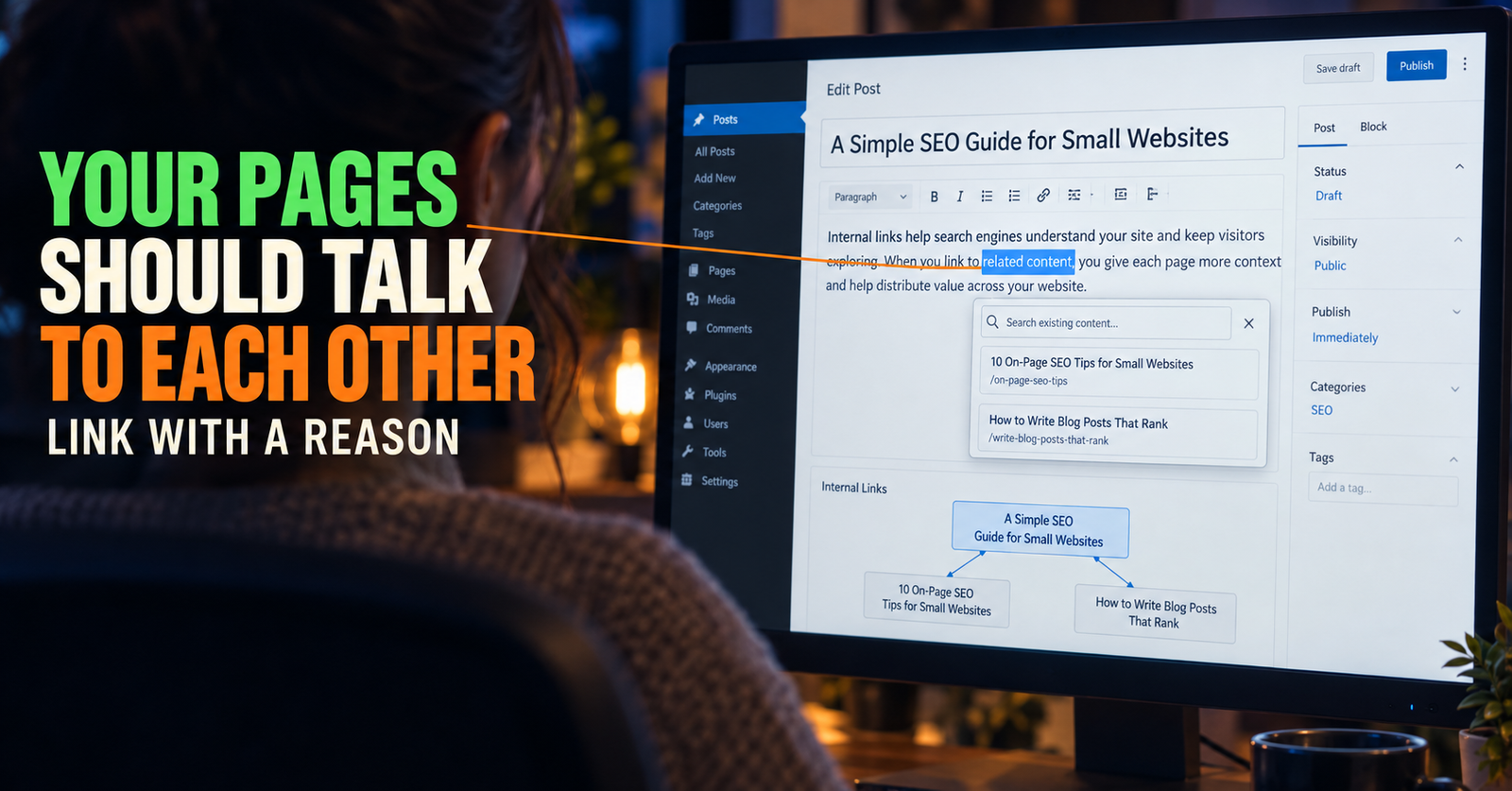
This is one reason internal links work so well when they are used with good judgment. They let a reader continue without sending them on a wild goose chase.

If you want to make sure the links feel useful instead of mechanical, natural internal-link anchor text is worth reading before you add them.
Watch for Queries That Suggest a Missing Beginner Explanation
People do not always search with the words professionals use.
That is a good thing to remember when you review Search Console.
A website owner may search “why does Google show my page but nobody visits” instead of “low CTR from organic search.”
They may search “what does average position 23 mean” instead of “interpreting SERP position metrics.”
They may search “how does Google find new websites” instead of “Googlebot discovery process.”
Those plain-language searches often point to excellent blog topics because they reveal how real people are thinking about the problem.
When I spot several beginner-style queries, I do not try to make the article sound more technical. I use the words a normal person would use, then explain the technical term along the way.
That gives the reader a page they can understand without needing to search again for a translation.
Google’s people-first guidance asks whether content provides a satisfying answer and whether it demonstrates a real depth of knowledge rather than simply chasing traffic. Google’s content guidance is a useful reminder that a topic is only worth publishing if you can add a real answer, not just a new page.
Check Whether the Idea Fits Your Site Before You Write It
A query may have impressions and still be a bad topic for your site.
Google sometimes tests a page for related searches. That does not mean you need to follow every side path.
Before I add a topic to a content plan, I ask:
- Does this fit the purpose of the website?
- Do I have enough knowledge to make the answer genuinely useful?
- Would the same audience care about it?
- Does it connect naturally to pages I already have?
- Can I say something more helpful than a basic rewrite of the pages already ranking?
- Is it different enough from existing articles on my own site?
That last question is the one that saves the most trouble.
Writing several pages that aim at the same reader, same question, and same search intent can make it harder for Google to understand which page should rank.
Before approving a new idea, check your own site search, your category archives, and your published URL list. Then compare the searcher’s real question with the job each existing page already does.
If two posts would give almost the same answer, strengthen the better one instead of creating another competitor.
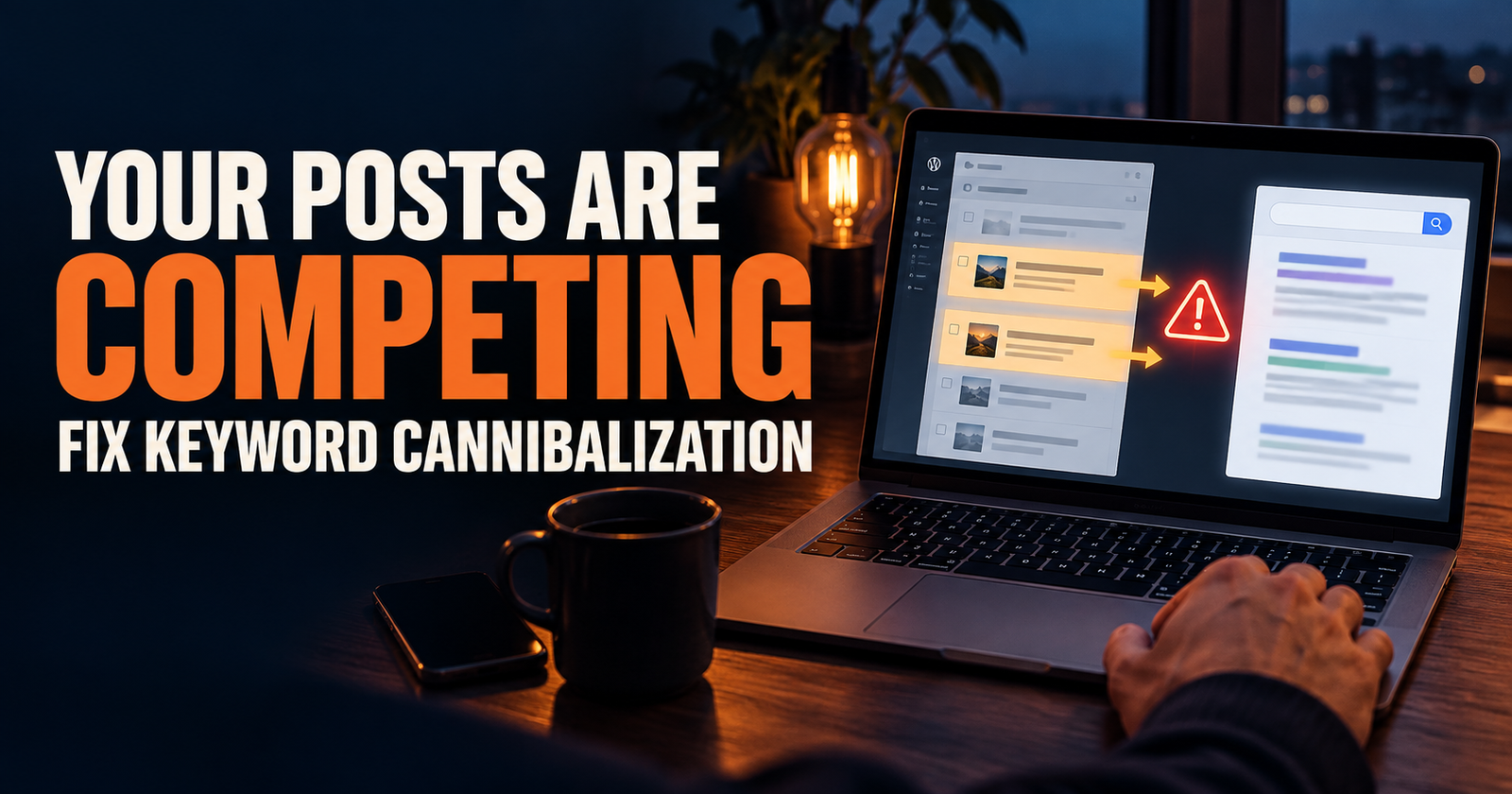
Keyword cannibalization is not just an advanced SEO problem. It often starts with a good idea that was not checked against the articles already published.
A Simple Search Console Topic-Idea Workflow
When I need new topics, I do not spend hours staring at every number in Search Console.
I use a short repeatable workflow.
First, I choose a page that already fits the site’s core subject.
Next, I review the queries connected to that page and write down repeated question patterns, not every individual phrase.
Then I compare each pattern with the article that is already ranking for it.
After that, I decide whether the pattern belongs in the existing page, a separate supporting article, or nowhere at all.
Finally, I search the possible new topic in Google and make sure I understand what kind of result the searcher expects.
That last step is important. Search Console tells you Google has associated your site with a query. The live results help you see whether the query wants a guide, product page, local business, video, tool, comparison, or quick answer.
Do not skip it.
You may find a phrase that sounds perfect until you search it and realize every top result is a local service page or a shopping category. That is not necessarily an article opportunity.
Keep a Topic Bank Instead of a Giant Content Calendar
You do not need to write every good idea right away.
I recommend keeping a small topic bank with only a few details beside each idea:
- The reader’s exact question.
- The page or query group that revealed it.
- Whether it is an update or a new article.
- The main search intent.
- The existing pages it should naturally connect to.
- Why it is distinct from what you already published.
This makes future planning much easier.
It also keeps you from forgetting why an idea looked good in the first place. Six weeks later, “write about CTR” is not very helpful. “Explain why page-one results can still have weak CTR, using beginner examples and a title-testing checklist” tells you exactly what the article needs to do. Once the topic is specific, prompts for developing blog ideas can help turn that direction into a useful outline and draft.
If you are building your early content plan from scratch, this first-30-post framework will help you turn those ideas into a useful order instead of publishing related posts at random.
Do Not Treat Search Console as a Reason to Chase Every Trend
It can be tempting to see a strange query and think, “Maybe I should make a whole post about that.”
Usually, I would slow down.
A single odd query may come from loose relevance, one searcher’s wording, or a temporary test in results. It may have nothing to do with the site you are trying to build.
The right topic should fit your audience and your overall purpose. It should be something you can explain with care, not something you publish only because a keyword looks interesting for five minutes.
A small site gets stronger by becoming more useful to the same kind of reader over time.
It does not get stronger by jumping into every topic Google happens to test once.
Frequently Asked Questions
Can I use Google Search Console to find new blog topics?
Yes. Look at the queries already connected to your pages, group related searches together, and identify the next question your current content does not fully answer. Then check that the new idea has a different purpose from anything already published.
How much Search Console data do I need before using it for ideas?
Even a smaller amount of data can be useful on a new site, especially when you see several related queries or a clear question pattern. Use a longer date range and avoid making major decisions from one or two impressions.
Should I write an article for every query in Search Console?
No. Many queries belong inside an existing article, and some are not a good fit for your site at all. Write a new article only when the searcher needs a clearly different answer.
What if my site has no impressions yet?
Start with your core topic, the questions your audience asks, and the articles that logically support your main guide. Once Google begins showing your pages, Search Console becomes even more useful for deciding what comes next.
How do I stop new blog ideas from overlapping?
Write down the exact question each article answers before you publish it. Check whether an older post already owns that question, and make sure the new page has a different search intent or a different stage in the reader’s journey.
Is Search Console better than paid keyword tools for blog ideas?
Neither tool is always better. Paid tools can help you research the wider search landscape, while Search Console shows the language Google is already associating with your own site. For finding practical next-step content ideas, that first-party data is hard to beat.
Alden Whitaker writes practical, plain-English SEO guides for Make It Found that help small website owners make smarter content decisions without getting lost in agency jargon.