
When a new website owner asks me how to rank for a keyword, I think the question sounds simple but actually contains three different jobs.
First, you have to choose a search that a newer site can realistically serve. Then you have to make a page that genuinely answers what the person searched for. Finally, you have to give Google enough clear signals to understand the page, discover it, and decide it belongs in results. For a broader introduction to those fundamentals, see these DIY SEO starting steps before planning individual keyword targets.
That last part takes time. There is no honest method where you publish a page on Tuesday and force it to rank on Wednesday. But a new site does not need to wait until it is “big enough” before it can show up. It needs to stop treating a keyword like a magic phrase and start treating it like a specific person with a specific problem.
I have seen beginners waste weeks trying to rank one short, broad phrase when they could have written a useful page for a more specific version of the same problem. The smaller, clearer search is often where a new site gets its first real chance.
If your site is brand new, this is the process I would use.
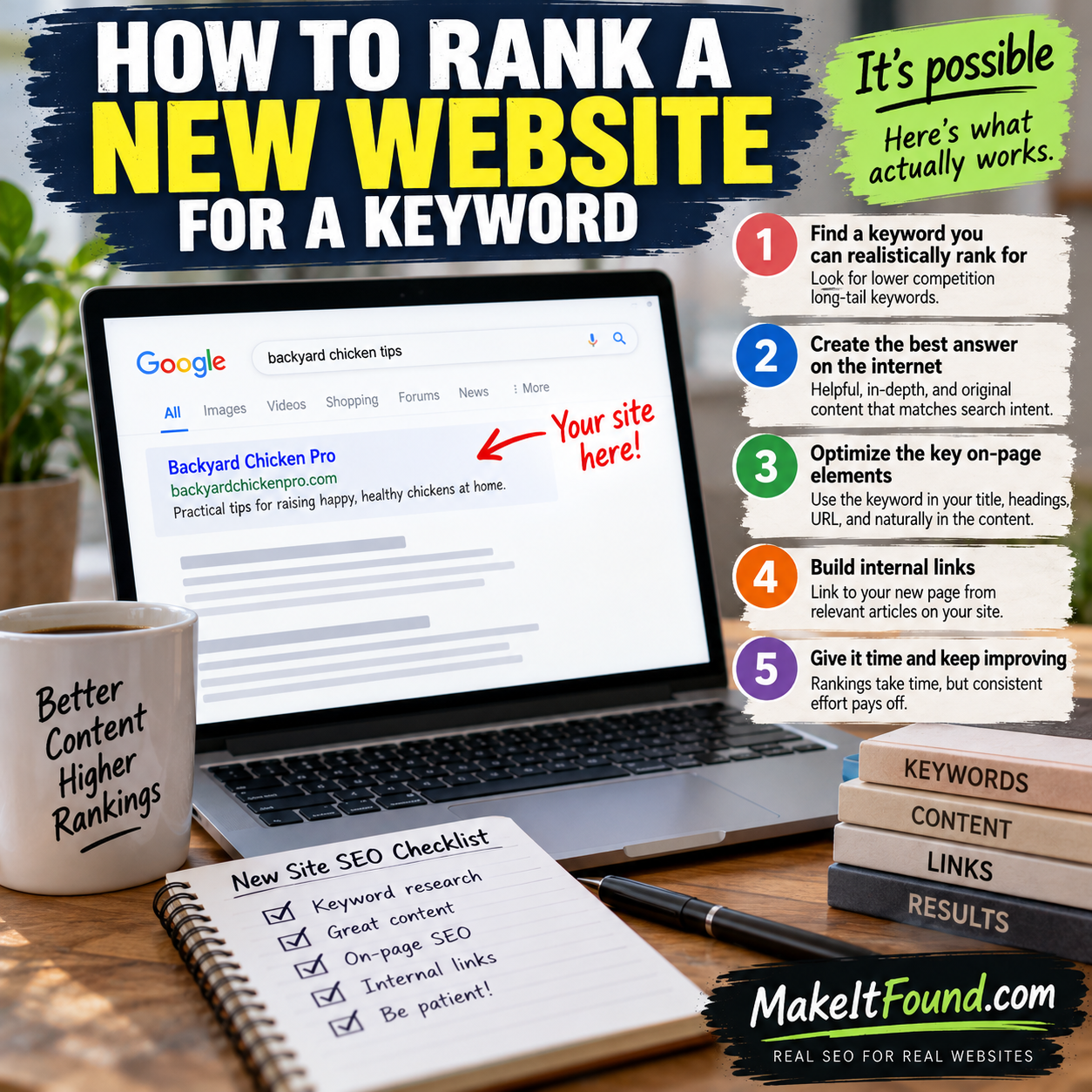
Start With One Search, Not a Huge Topic
A keyword is the actual wording people type into Google. A topic is the bigger subject around it.
“SEO” is a topic. “How to rank a new website for a keyword” is a keyword phrase. The first one is enormous and vague. The second one has a clear problem behind it.
New sites usually do better when they begin with the problem-shaped version.
Someone who searches “dog food” could want brands, recipes, ingredients, prices, feeding advice, or a store near them. Someone who searches “best dog food for a picky senior dog with bad teeth” has made their need much clearer. That does not make the second phrase easy, but it tells you what kind of page would actually help.
I do not choose a keyword only because a tool says it has volume. I ask these questions:
- Can I explain exactly what the searcher wants?
- Can I make a page that is more useful than a generic answer?
- Does this page fit what my site is becoming known for?
- Is the search specific enough that giant brands are not automatically the only sensible answer?
- Can I support the page with related articles over time?
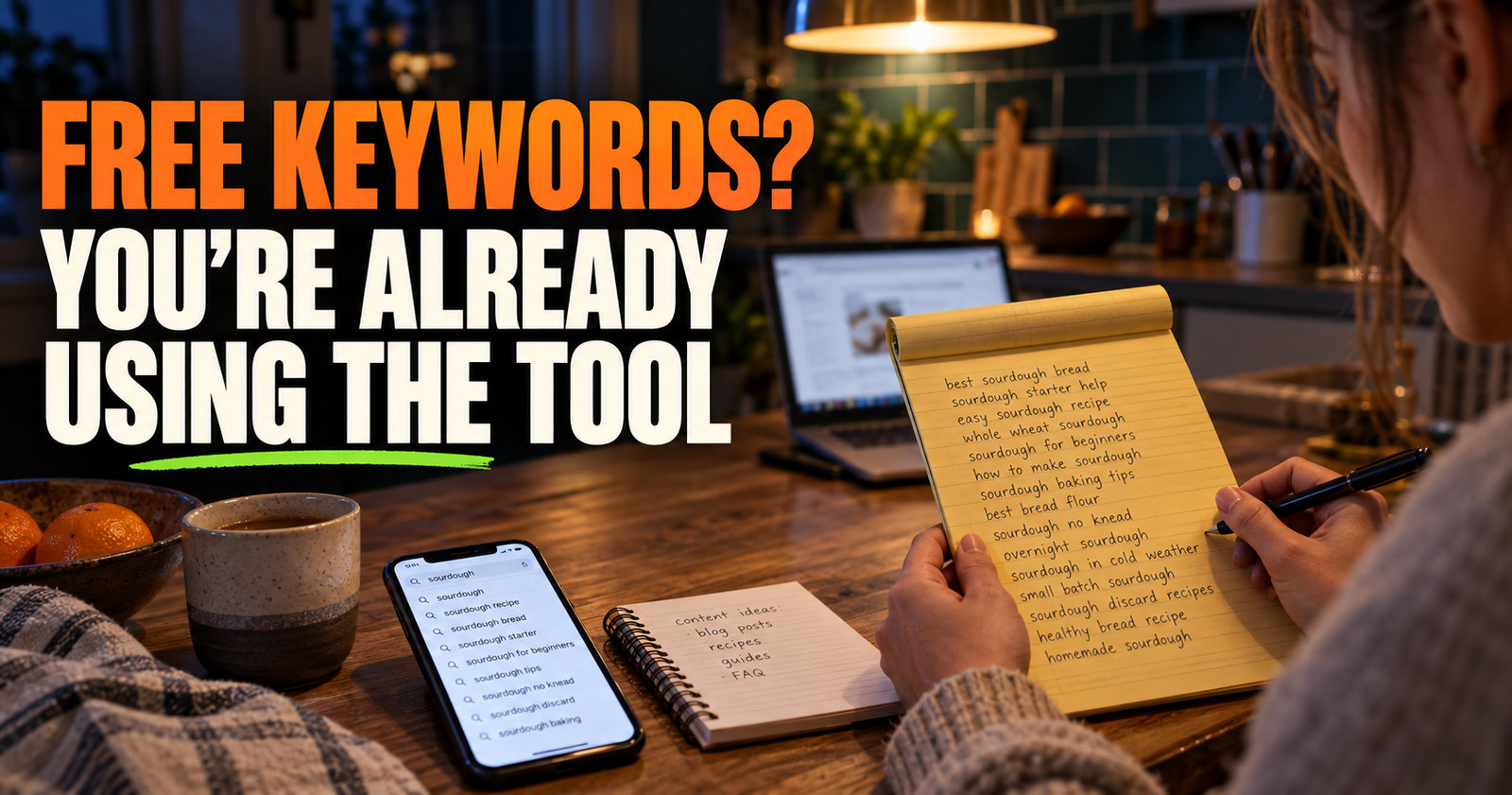
That is why keyword research for a smaller site is less about finding a secret number and more about finding a narrow opening. If you need a simple way to build that list without subscriptions, use this guide on finding keywords for a small website without paid tools.
Check What Google Is Already Rewarding
Before writing, search the phrase yourself in a private browser window. I am not looking for a perfect ranking score. I am looking for the shape of the results.
Ask what types of pages appear:
- Are they how-to guides, product pages, category pages, videos, local businesses, or forum discussions?
- Are the results aimed at beginners, buyers, hobbyists, professionals, or people with an urgent problem?
- Do the top pages answer one clear question, or do they cover a broad topic?
- Are the results fresh and recently updated?
- Is there a common weakness in those pages that you could improve?
This is how I judge search intent in real life. Google has already collected millions of search choices. If every result is a buying guide and you publish a personal opinion piece, you may have written something good, but it probably does not match the job the searcher hired Google to do.

A page cannot rank well for long just because it says the keyword enough times. It has to feel like the right destination. If this idea is still fuzzy, search intent and why it matters for SEO is worth reading before you outline anything.



Do Not Confuse a Competitive Keyword With an Impossible One
A new website does not need only “zero competition” keywords. Those are often impossible to find, and some have almost no real audience anyway.
What you need is a keyword where your page has a believable reason to exist.
A phrase is usually harder for a new site when:
- The results are dominated by famous brands, government sites, major publishers, and long-established expert sites.
- The search is short, broad, and could mean many things.
- The results have years of backlinks, expensive tools, original research, or strong brand recognition behind them.
- Google is clearly favoring a format you cannot match, such as local businesses, shopping results, or video.
A phrase can still be a good first target when it is specific, practical, and connected to something you can explain better than a generic article. You do not need to outrank the whole internet. You need to become a useful result for one particular person.
For example, “internal links” is a huge target. “How to use internal links on a small website” gives a smaller site a clearer angle and gives the reader a more useful promise.
When I am unsure, I look at the pages already ranking and ask, “Could I honestly make the next best version of this page?” If the answer is no, I narrow the phrase. If the answer is yes, I move on.
Build the Page Around the Reader’s Actual Next Step
A page that ranks is not always the longest page. It is the page that removes the reader’s confusion without making them dig for the answer.
That usually means answering the main question near the top, then walking the reader through the next decisions in the order they naturally happen.
For a new-site SEO article, that might look like this:
- Explain the direct answer in plain English.
- Define any confusing terms before using them repeatedly.
- Show the reader what to check first.
- Explain why common mistakes happen.
- Give a realistic process they can follow.
- Cover the exceptions that make people second-guess themselves.
- Answer the questions they are likely to search next.
The most useful writing often comes from noticing where a beginner gets stuck. They are not usually wondering whether a heading should be an H2. They are wondering whether they picked the wrong keyword, whether Google has even seen the page, and whether they need backlinks before they can do anything else. Those early visibility questions are unpacked further in whether Google has even seen the page.
That is why I would rather add a clear explanation, a small example, or a warning about a bad shortcut than pad an article with a few hundred vague words.


Put the Keyword in the Important Places Naturally
Google needs help understanding a page, but it does not need to be hit over the head with the same phrase.
Use the main keyword where it belongs:
- In the page title.
- In the URL when it makes sense.
- Early in the introduction.
- In one relevant main heading if it reads naturally.
- In the meta description when it helps explain the page.
- In image alt text only when the image truly shows that subject.
- A few times in the body where a human would naturally say it.
Then use related wording. A page about ranking a new website for a keyword may naturally mention search intent, the search results, page quality, internal links, indexing, and related questions. Those are not tricks. They are part of a complete explanation.
What I avoid is forcing the exact phrase into every heading and paragraph. That makes the article awkward, and awkward writing is usually a sign the page is serving the keyword instead of serving the reader.
Make the Page Easy for Google to Discover
A page cannot rank if Google has not found it, crawled it, and chosen to index it.
After publishing, I check these basics:
- The page is published and not set to noindex.
- It is not blocked by robots.txt.
- The canonical URL points to the version you want indexed.
- The page is included in your sitemap if your site uses one.
- At least one relevant published page links to it.
- The page loads for normal visitors.
- It is not mostly duplicate content from another page on your site.

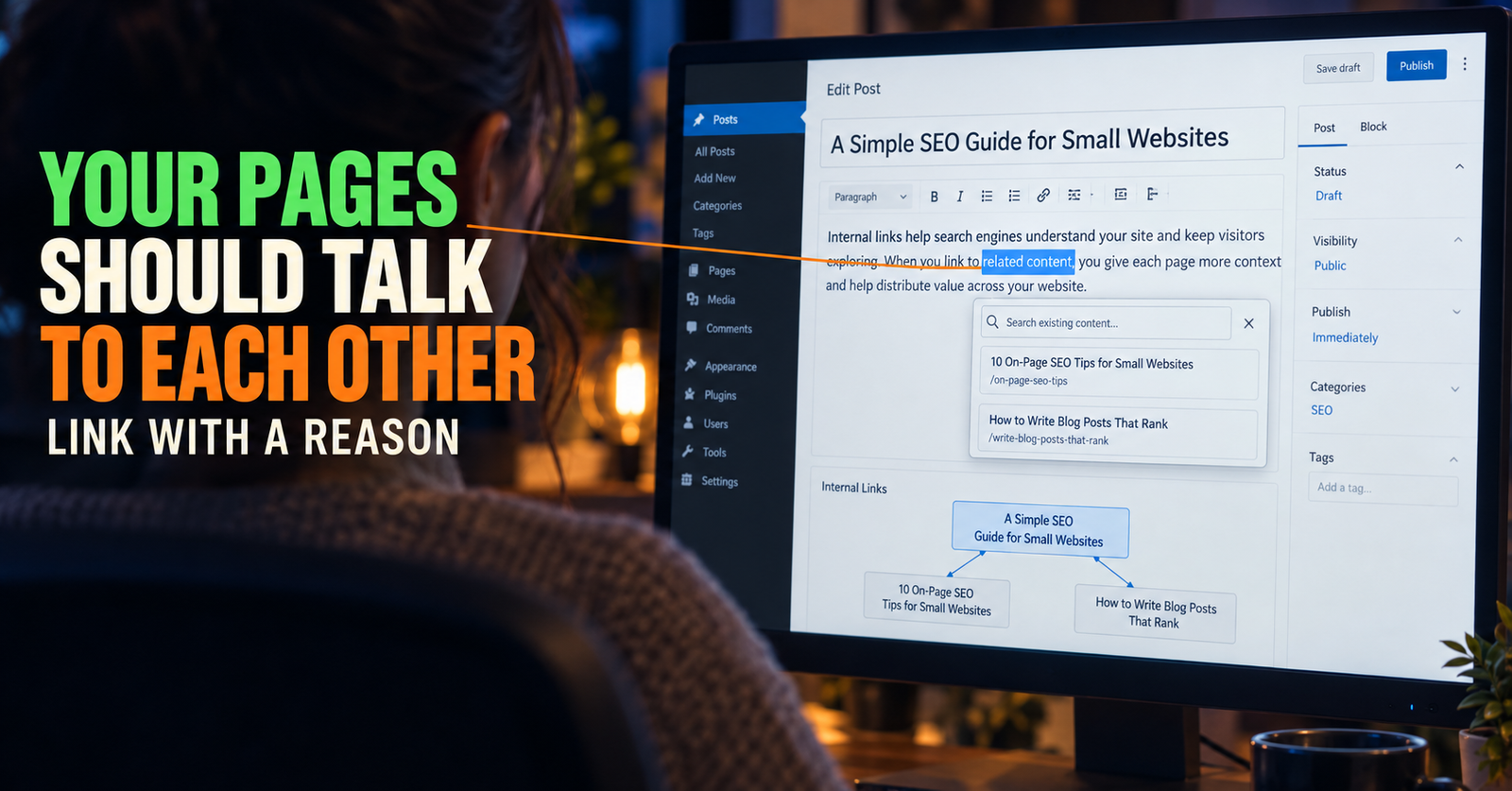
For a small site, an internal link from a related article is one of the cleanest things you can do. It gives visitors a path to the new page and gives Google context about how that page fits your site. If you want help identifying those connections, related article suggestions can support the process of finding related pages to consider.

The anchor text should sound normal in the sentence. Do not make every link say the exact target keyword. A good internal link tells the reader where they are going and why it is worth opening. I explain that process in how to write natural internal link anchor text.
Give Google a Reason to Trust the Page’s Place on Your Site
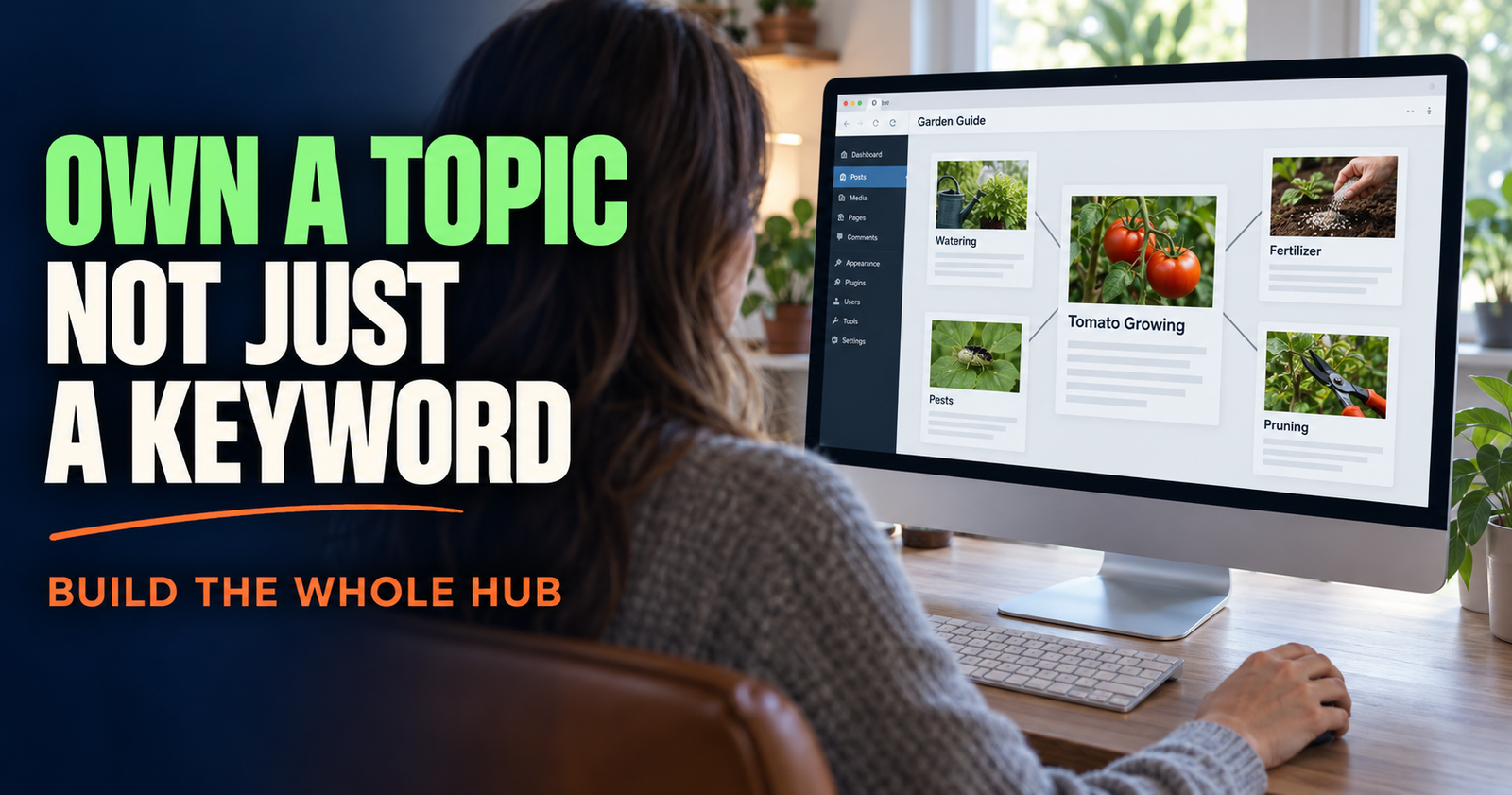
One article can rank, but it is easier to build momentum when related articles support each other.
If you publish one article about “how to rank a new website for a keyword,” then later publish pages about choosing keywords, search intent, indexing, and measuring performance, you are not just adding page count. You are making the site easier to understand.
That is the practical side of topical authority. Google does not need you to cover every imaginable subject. It needs to see that you are building useful depth in a subject area rather than throwing unrelated pages at the wall.
I think of it like walking into a small hardware store. You may not expect it to carry every item in the world, but you trust it to help if the shelves show real depth in tools, paint, plumbing, and repair supplies. Your content should create that same feeling for one subject.
When you build related pages, link them where the connection helps the reader. An article about keyword competition may point to choosing a target. A guide about indexing may point to what happens after publishing. Each article should stand on its own, but it should also have a clear place in the larger site.
Improve What Is Real, Not What You Hope Is Happening
A lot of bad SEO decisions come from looking at a page too early.
A newly published article may have no impressions for a while. That does not automatically mean it failed. Google may not have crawled it yet, may be testing it for a small group of searches, or may not have enough information to place it confidently.

I give a new page time, then I look at Google Search Console for evidence. Additional post performance insights can help organize the review of how published pages are developing over time.
Here is what I check:
- Is the page indexed?
- Is it getting impressions at all?
- Which queries are bringing those impressions?
- Is Google showing the page for the keyword I intended, or for something different?
- Does the page get impressions but no clicks?
- Is another page from my site being shown instead?
This is where SEO becomes much less mysterious. You stop guessing what Google might be doing and start looking at the actual queries and pages it is testing.
If Google is sending impressions for a close but unexpected phrase, that can be useful. It may reveal wording you should address in the article, a missing section, or a separate topic worth covering later. It does not mean you should rewrite your entire page around every strange one-impression query.


Do Not Rewrite the Whole Article at the First Sign of Trouble
A common mistake is changing the title, URL, headings, and body every few days because a page has not ranked yet.
That makes it harder to tell what improved anything. It also turns a thoughtful article into a moving target.
I would make changes when the evidence points to a problem:
- The page is indexed but Google is showing it for the wrong intent.
- The article missed an obvious question that appears throughout the results.
- The title is vague or does not make the benefit clear.
- The content is thin compared with what a reader needs to do next.
- A different page on your own site is competing for the same search.
- The page gets impressions but the title and snippet are not earning clicks.
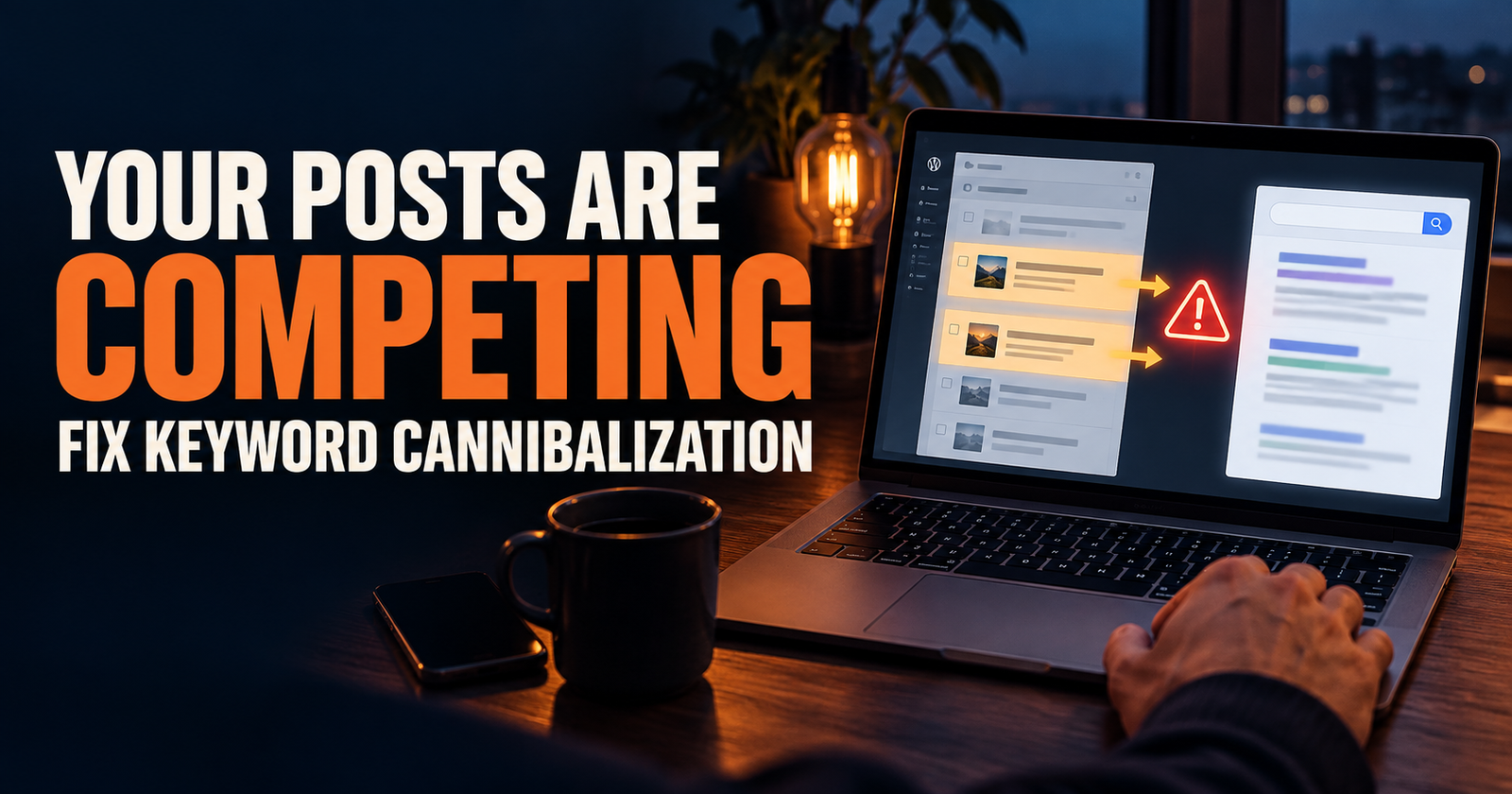
If your site has multiple pages circling the same search, do not immediately delete one. First figure out whether they are truly duplicates or whether each one can own a different question. This is the decision behind keyword cannibalization and how to fix it.
What I Would Do in the First 30 Days
For a brand-new website, I would keep the process boring on purpose.
In the first week, publish the page, make sure it is indexable, and add one or two genuinely relevant internal links from pages that already exist.
In the second week, confirm that Google can find the page. Do not panic if the data is sparse.
In the third and fourth weeks, check Search Console for impressions, queries, average position trends, and whether the correct page is appearing. Improve only what you can explain with evidence.
At the same time, publish one or two closely related articles that make the original page more useful in the bigger site structure. This is more valuable than spending every day refreshing the same paragraph.
SEO usually rewards steady, clear work better than frantic activity. A new site needs enough quality pages for Google and real people to understand what it does.
What Actually Helps a New Page Rank
I would focus on these things before chasing fancy tactics:
- A specific keyword with a clear search intent.
- An article that answers the question better than a generic overview.
- A title that makes a truthful, useful promise.
- Clear headings and short paragraphs that make the answer easy to use.
- Relevant internal links from related pages.
- A growing set of connected articles in the same subject area.
- Search Console checks that guide improvements with real data.
- Patience long enough for Google to crawl, test, and understand the page.
Backlinks can help, but they are not a permission slip you need before publishing useful work. A new site can earn visibility without them by becoming a better answer for specific searches. The key is not pretending you can compete with every site at once.
Choose one real question. Make the page genuinely helpful. Connect it to the rest of your site. Then use the data to decide what deserves improvement next.
Alden Whitaker writes practical, plain-English SEO guides for Make It Found that help small website owners make smarter content decisions without getting lost in agency jargon.