
Getting no Google traffic can feel personal.
You wrote the pages. You bought the domain. You spent time making the site look right. Then you check your analytics and see a flat line that barely moves.
I want to clear up one thing right away. A website with no Google traffic is not automatically a bad website. Most of the time, it means Google has not found enough reason, enough context, or enough time to match the site with the searches people are making.
That is fixable, but it helps to diagnose the right problem. You do not need to change every title, rebuild your theme, or publish fifty rushed blog posts. I would start with the seven reasons below, because one or two of them are usually where the real issue is hiding.
1. Google Has Not Indexed Your Important Pages
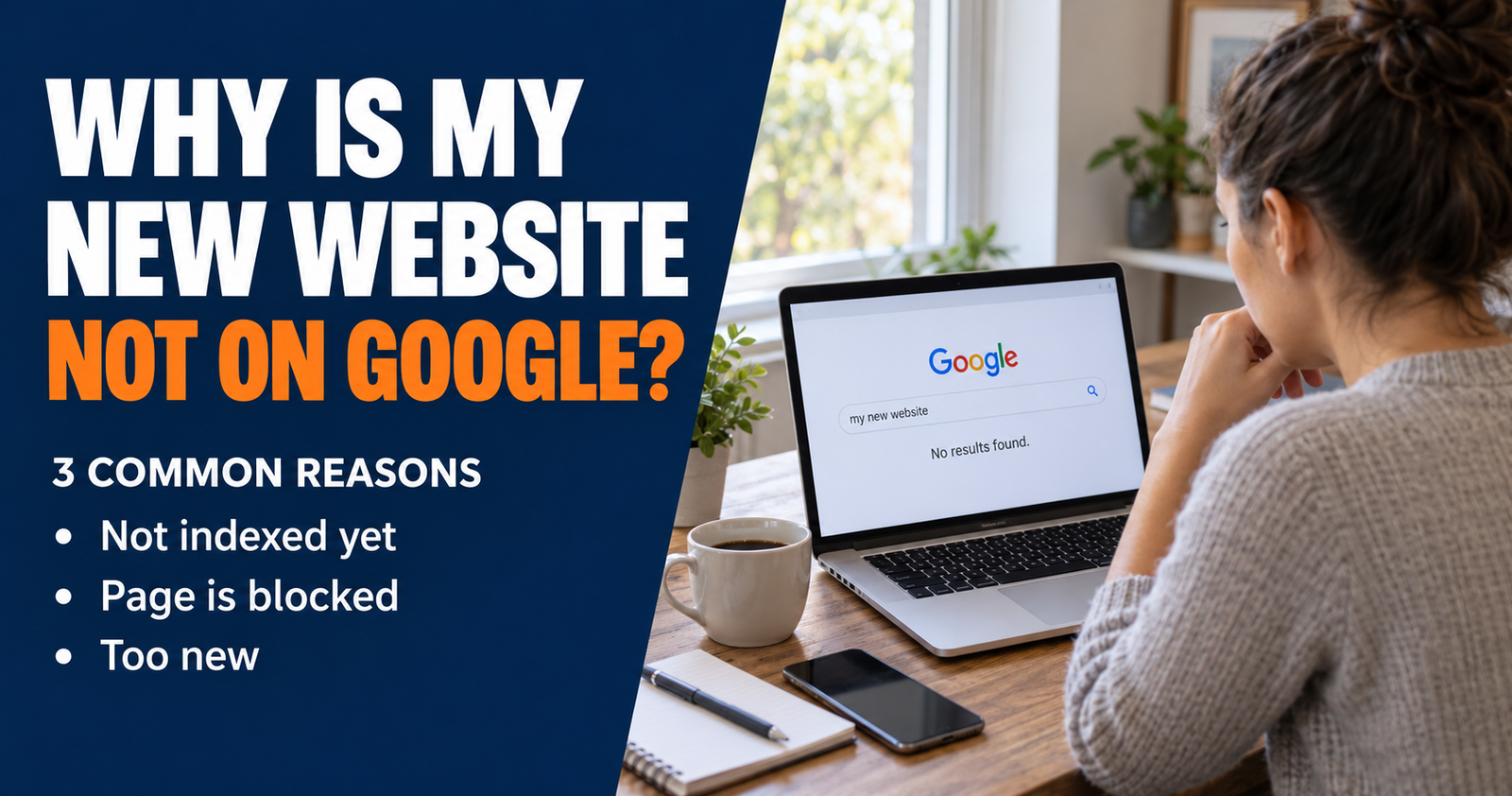
A page cannot bring you Google traffic if Google does not have it in its index.
Think of Google’s index like its giant filing system. Google has to find a page, crawl it, and decide it can be included before that page can appear in normal search results. It may then rank the page well, poorly, or not at all for a particular search. But indexing comes first.
The quickest basic check is to search Google for:
site:yourdomain.com
Replace “yourdomain.com” with your actual website address. If pages from your site appear, Google has indexed at least part of your site. If no pages appear, or only a few old pages show up, head to Google Search Console before doing anything else.
Use the URL Inspection tool in Search Console and paste in the address of a page you care about. It can tell you whether Google has indexed the page and, when it has not, often gives you a direction to investigate.
Google says it finds most pages automatically through crawling, often by following links from pages it already knows about. A sitemap can help identify the pages you want Google to know about, but a sitemap is not a command that forces every URL into search results. Google’s SEO Starter Guide explains that distinction clearly.
A page can stay out of the index for several reasons:
- Your site is very new and Google has not gotten around to the page yet.
- The page has no useful internal links pointing to it.
- A setting, plugin, or tag is telling Google not to index it.
- The page is too thin, too similar to another page, or not useful enough on its own.
- Google sees the page but has not yet decided it is worth keeping in the index.
I would not assume the worst from one status message. Check the page itself, make sure it is publicly available, add a useful internal link from a related published article, and give Google time to revisit it.
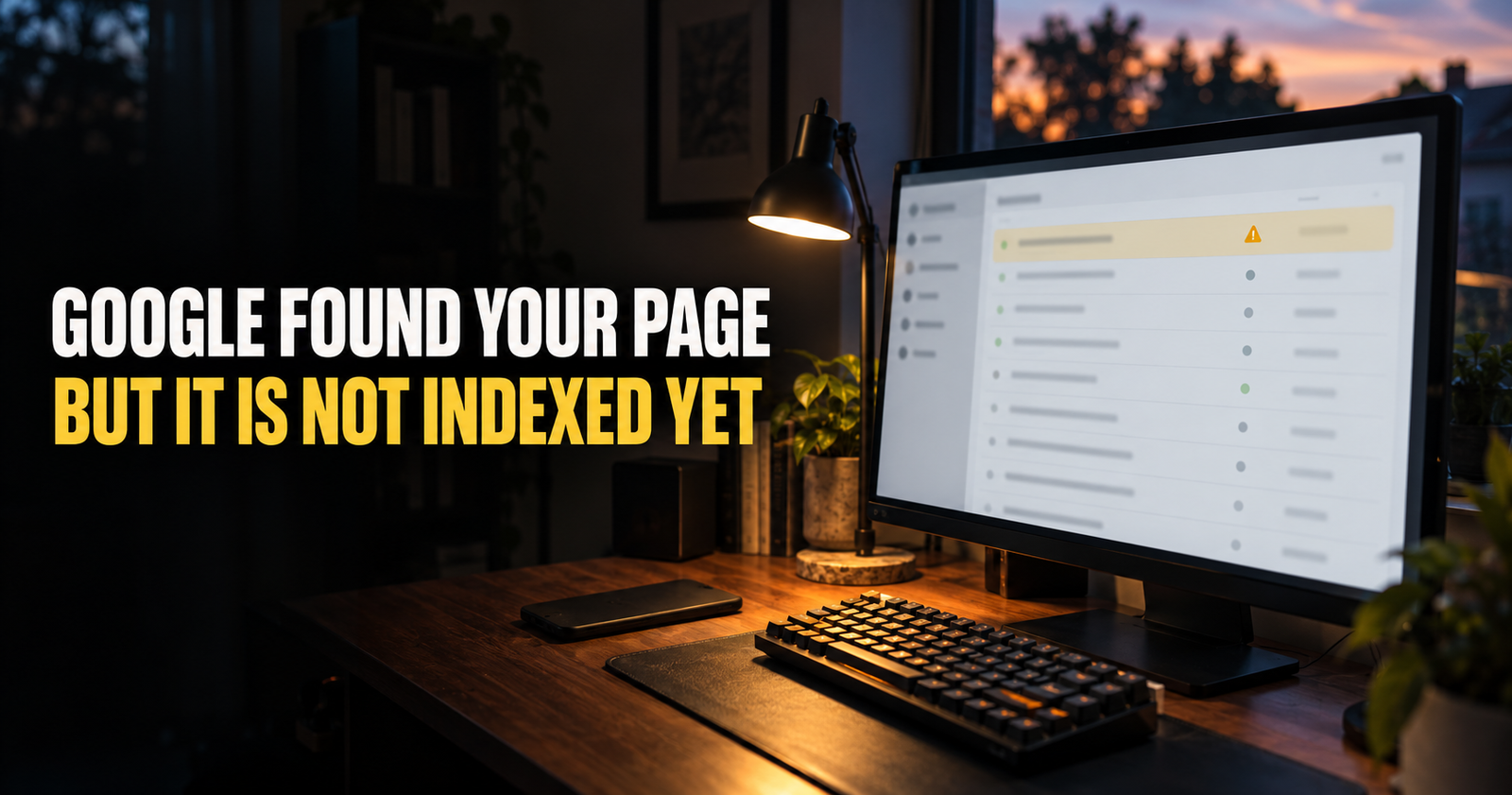
For the deeper troubleshooting path, use this plain-English guide to pages that are discovered but not indexed.
2. Your Website Is Too New to Have Built Any Search History
New websites are at a disadvantage, even when the content is good.
That is not because Google hates new sites. Google simply has less information to work with. It has not had much time to crawl your pages, understand how they connect, see whether visitors find them useful, or compare them with the established pages already serving the same searches.
I think this is one of the hardest parts of SEO because there is no exact countdown clock.
Some pages can show up quickly. Others sit quietly for weeks or months before they begin earning impressions. The timing changes based on the topic, the competition, the quality of the content, how easy the site is to crawl, and whether people or other sites are finding it naturally.
Google itself says that changes can take from a few hours to several months to show up in Search and recommends giving changes a few weeks before deciding whether they helped. Google’s current guidance on measuring SEO changes is worth remembering when you are tempted to rewrite a page every other day.
The mistake I see is treating a new site like it should perform like a site that has been answering the same kind of questions for five years.
You can move faster by making the site easier to understand. Keep publishing useful pages around a focused subject. Link the pages together naturally. Make sure important pages are easy to reach. Avoid creating a scattered site where every new post is about something unrelated.
But I would not keep changing your entire strategy because you have not had traffic in the first month. Good SEO is often quiet before it is visible.

If the waiting is making you question everything, this breakdown of how long SEO really takes for a new website will give you a more realistic way to judge progress.

3. You Are Targeting Searches Your Website Cannot Win Yet
This one stings a little, because the page may actually be well written.
A brand-new website can publish an excellent article about “SEO,” “best credit cards,” “weight loss,” or “how to make money online” and still get almost no traffic. Those searches are packed with established brands, huge publishers, specialists, and pages that have been improved for years.
The answer is not to aim low forever. It is to choose the right battles while your site is still earning its footing.
Instead of trying to rank for a giant broad phrase, I would look for a clear, specific version of the problem.
For example, “SEO” is broad enough to mean almost anything.
“Why is my new website not showing up on Google” is a real question from a person who needs a specific answer.
“Website indexed but not ranking what should I check first” has an even clearer problem behind it.
The best early keywords often have a few things in common:
- The searcher is asking a specific question.
- You can give a better, clearer answer than the pages already ranking.
- The topic fits the purpose of your site.
- You can support the page with other helpful articles.
- You are not trying to out-muscle giant brands on their favorite topic.
Search the phrase yourself before you write. Look at the first page and ask what those pages are actually doing. Are they answering a beginner question? Selling something? Comparing products? Showing local businesses? If your page does not match that kind of result, it may never be the right answer for the search.
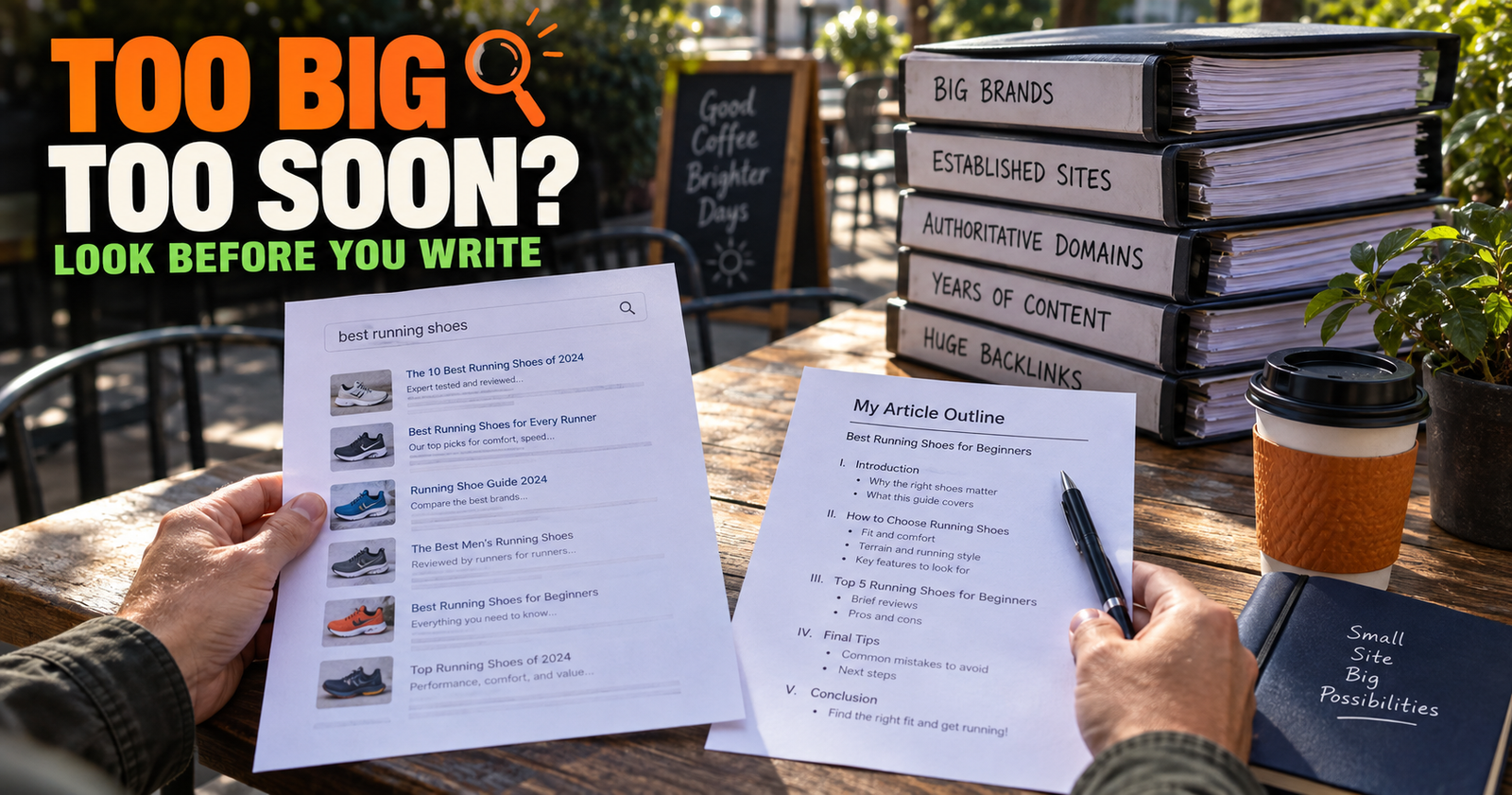
Before I commit to a topic, I use the checks in this guide on whether a keyword is too competitive for a new website. It helps you make a judgment call instead of blindly trusting a difficulty score.
4. Your Content Does Not Match What the Searcher Really Wants
A page can target the right words and still miss the reason somebody searched them.
That reason is called search intent. It is simply the goal behind the search.
Someone searching “how to fix a broken WordPress image” wants steps. They do not want a 2,000-word history of website images.
Someone searching “best WordPress image plugin” is likely comparing options. They are not looking for a basic tutorial on how to upload a photo.
Someone searching “why does my website have impressions but no clicks” wants help understanding confusing Search Console data. They need a diagnosis, not generic motivation.
Google is trying to match people with pages that fit what they need right now. That means a page can be well written but still get little traffic if it answers the wrong version of the question.
I would check a page’s intent like this:
- Search the main phrase in Google.
- Read the top few results, not just their titles.
- Notice what kind of pages keep showing up.
- Look at the questions they answer.
- Look for what they fail to explain well.
- Make sure your page does the job better, not just longer.
Sometimes the fix is simple. A page needs a direct answer near the top. Sometimes it needs a clearer step-by-step section, better examples, a comparison, or an explanation for beginners.
Sometimes the page is simply targeting the wrong phrase. In that case, forcing more keywords into it will not help.

If you are unsure how to separate the words people type from the problem they are really trying to solve, this guide to search intent will make it much easier to see.

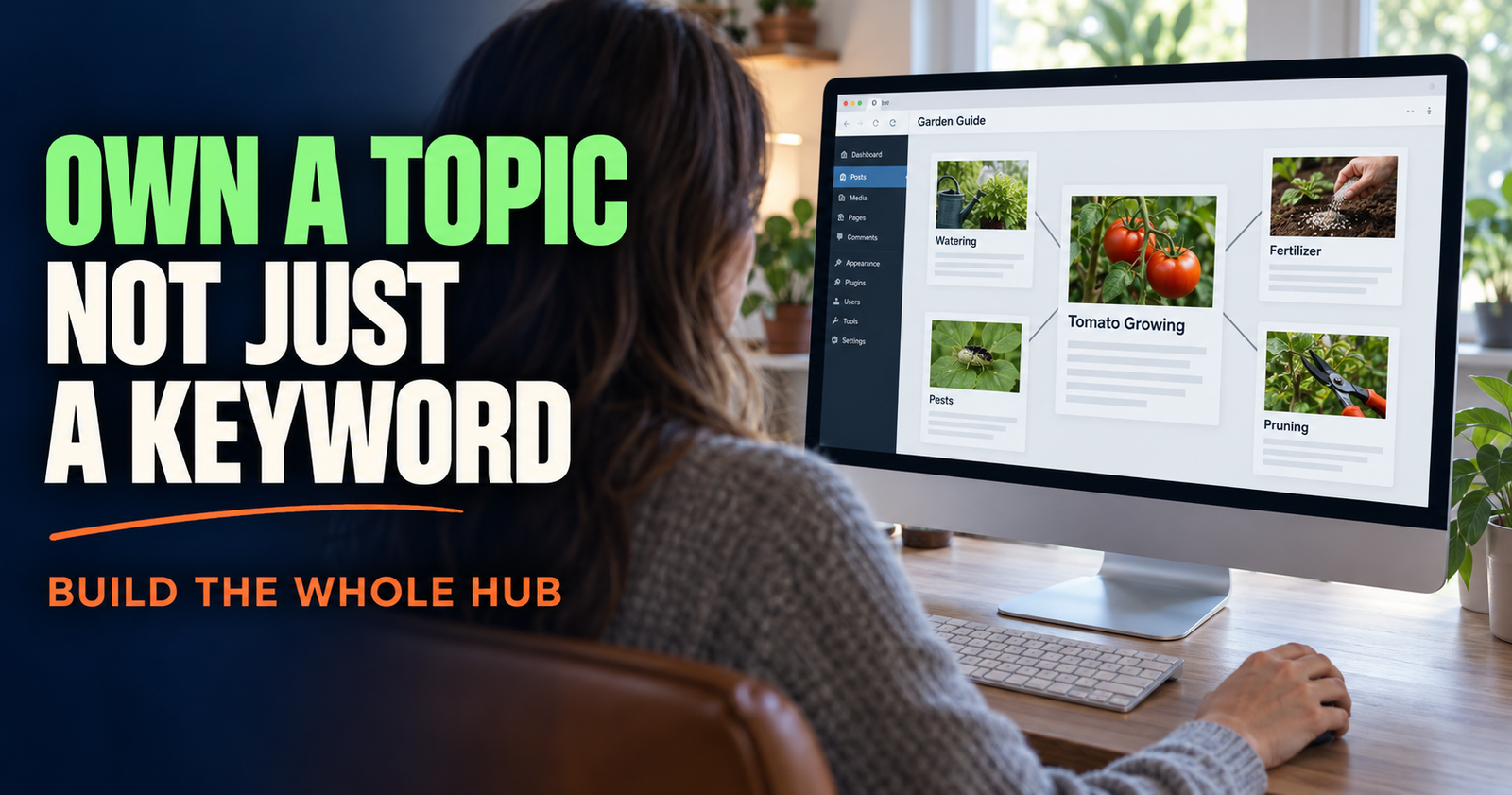
5. Your Important Pages Are Not Connected to the Rest of Your Site
A page with no internal links is like a room in a house with no hallway.
People may find it eventually. Google may find it eventually. But you are making both jobs harder than they need to be.
Internal links are links from one page on your website to another page on your website. They help a visitor keep moving when they need more information, and they help search engines understand how your content fits together.
Google says links are a crucial way it discovers new pages and that useful anchor text helps people and Google understand where a link leads. Google’s link best practices do not require anything complicated. The goal is a normal, crawlable link with words that describe the destination.
I would not go back and turn every sentence on your site into a link. That makes the page unpleasant to read and starts looking desperate.
Instead, I would look for useful handoffs.
If you mention indexing, link to the deeper indexing article.
If you explain impressions, link to the page that explains what an impression actually means.
If a visitor is learning how to pick topics, point them toward keyword research or search intent.
A good internal link should make a reader think, “Yep, that is exactly what I need next.”

One of the best ways to find missing link opportunities is to open a published article, read it as a beginner, and ask where a person would naturally have another question. That is where the link belongs. For sites that need help identifying those contextual connections, internal linking suggestions may support the review process.

If pages are sitting alone with no way to reach them from normal articles or navigation, you may have orphan pages. Here is how to find orphan pages before they get forgotten.
6. You Are Publishing Articles That Overlap and Compete With Each Other
More content is not always more traffic.
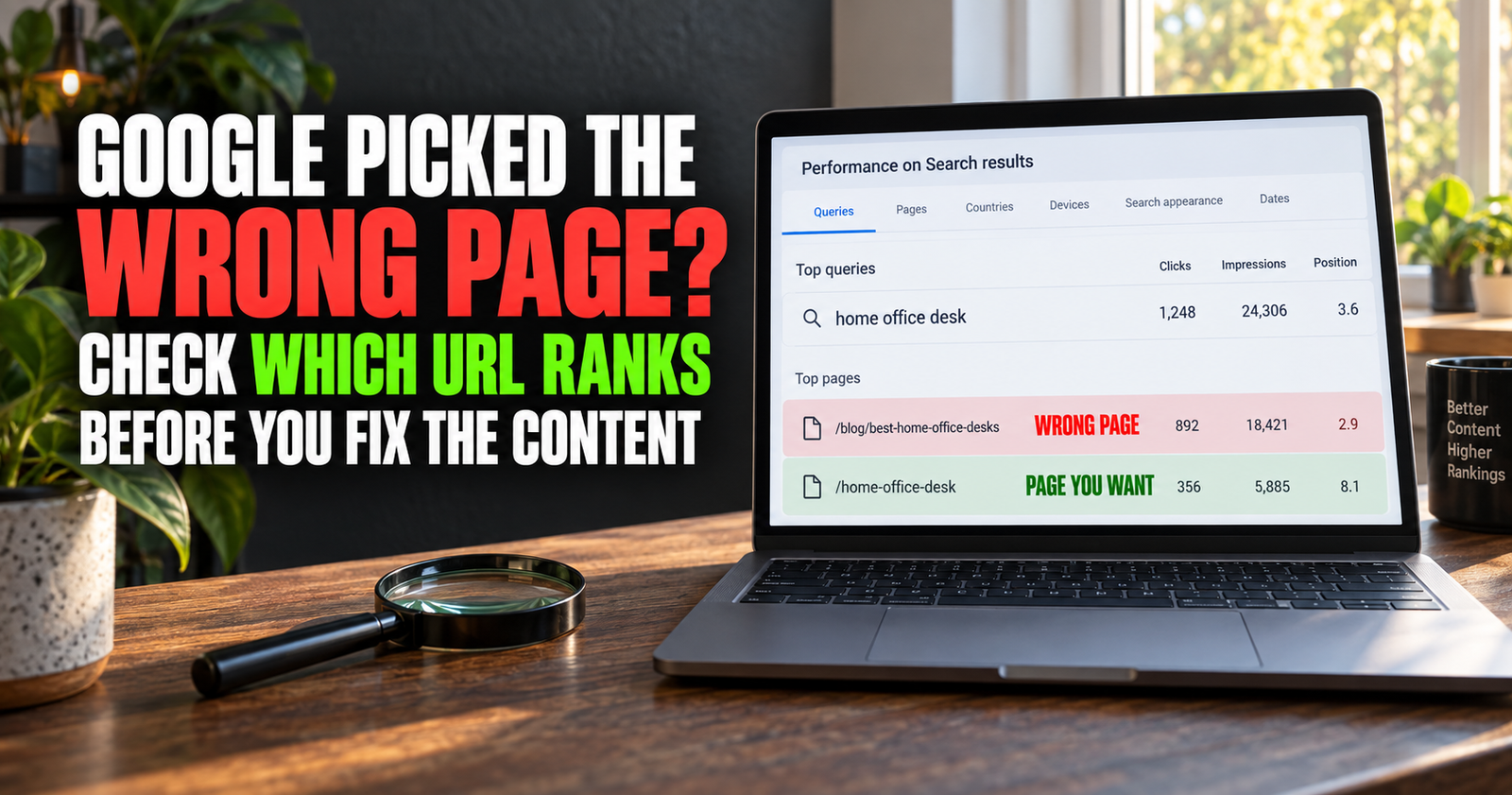
If you publish five articles that all answer nearly the same question, you may accidentally make your own site less clear. Google has to decide which page is the best match, and it may rotate them, rank the wrong one, or rank none of them as strongly as a single focused page could have ranked.
This is called keyword cannibalization, but the name makes it sound more mysterious than it is.
It usually happens when several pages chase the same searcher with slightly different wording.
For example, these could easily overlap:
- How to get more Google traffic
- Why my website gets no traffic
- How to get traffic from Google
- Website traffic tips for beginners
They could be separate pages if each one has a truly different purpose. But if all four say the same things in a different order, they are probably fighting for the same search space.
I would not delete pages just because two articles are related. Related content is good. The question is whether each page has a different job.
One page can diagnose why traffic is low.
Another can give a plan for reaching a first traffic milestone.
Another can explain a specific Search Console metric.
Another can explain how to improve click-through rate after impressions begin.
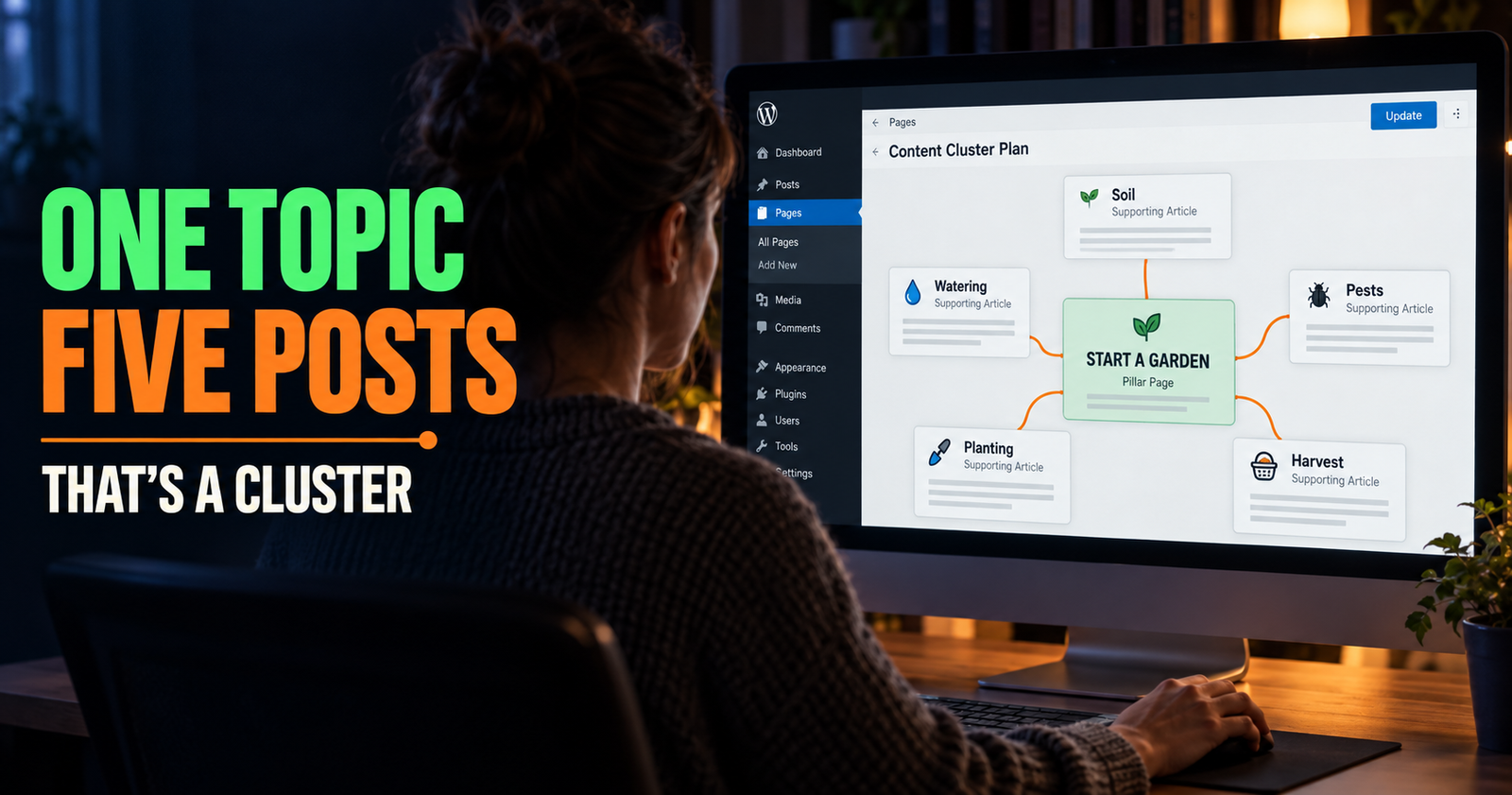
That is a useful cluster. Each page helps the next one without trying to replace it.
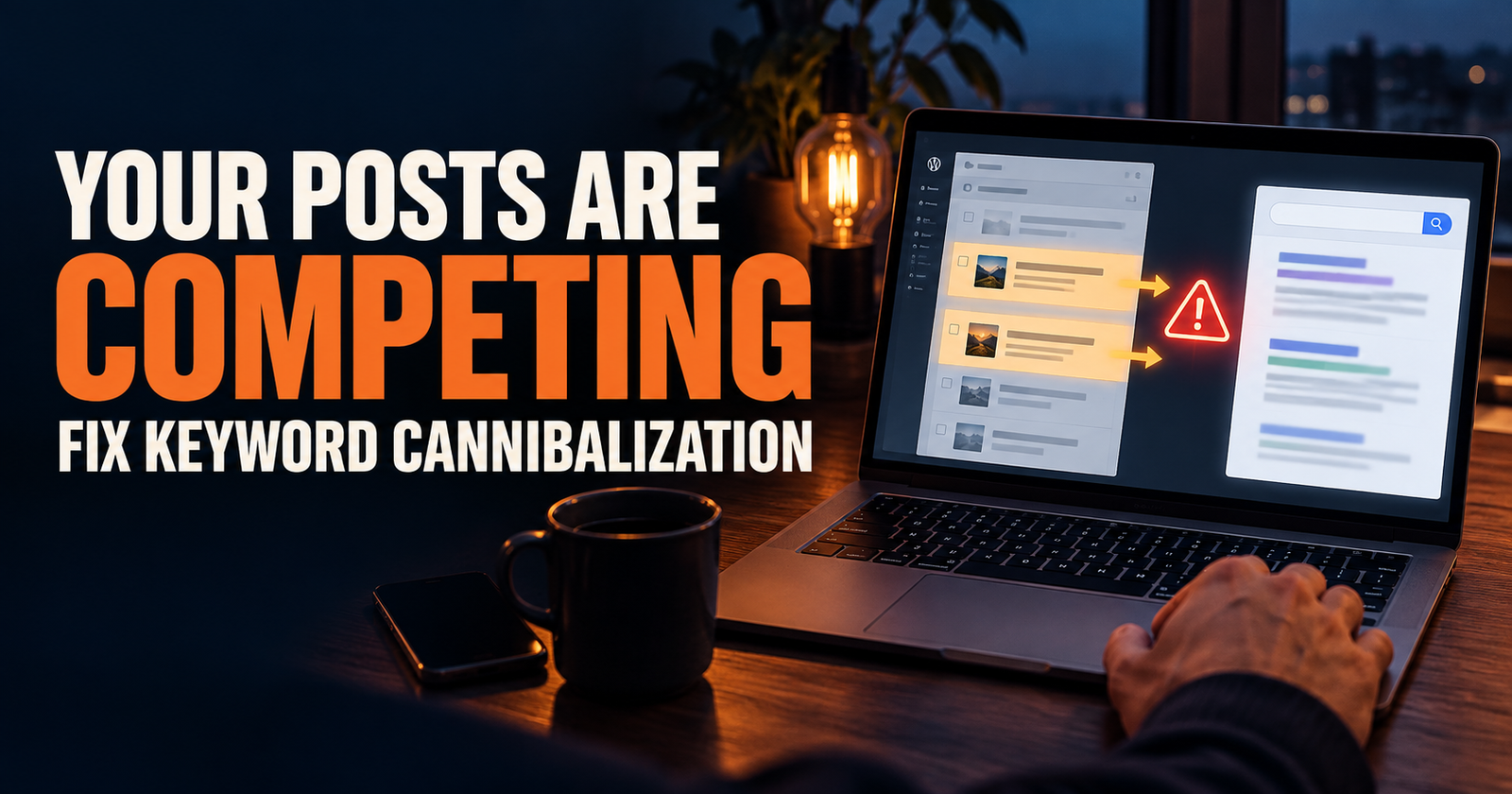
Before creating another post on a familiar topic, read this guide on keyword cannibalization and the fixes that actually make sense. It can save you from creating a pile of articles that all need to be cleaned up later.
7. You Are Watching the Wrong Signal or Giving Up Too Soon
Traffic is the result you want, but it is not always the first good sign.
A new page may show zero clicks while still making progress. It may start getting impressions. It may rank around position 50, then 30, then 18. It may appear for a few long-tail searches you did not even plan for. Those are clues that Google is beginning to understand the page.
Google Search Console is where I would look for those clues.
The Performance report can show you impressions, clicks, click-through rate, and average position. Each number tells a different part of the story. You need all of them together before making a big decision. Google’s Performance report overview explains how those measurements work and why the report is not always as simple as it first appears.
Here is the simple version:
- No impressions may mean Google has not indexed the page, has barely discovered it, or does not see it as relevant for the searches you expected.
- Impressions with no clicks may mean the title, snippet, ranking position, or search intent needs work.
- Some clicks with a low average position can still be encouraging, especially on a newer site.
- A traffic drop may mean seasonality, changing search behavior, a stronger competitor, a technical issue, or a page that needs updating.
- One bad week does not prove a page is dead.
I would check Search Console once or twice a month for most small sites, then make calm decisions from what I see. Checking it ten times a day only makes normal slow growth feel like a crisis.
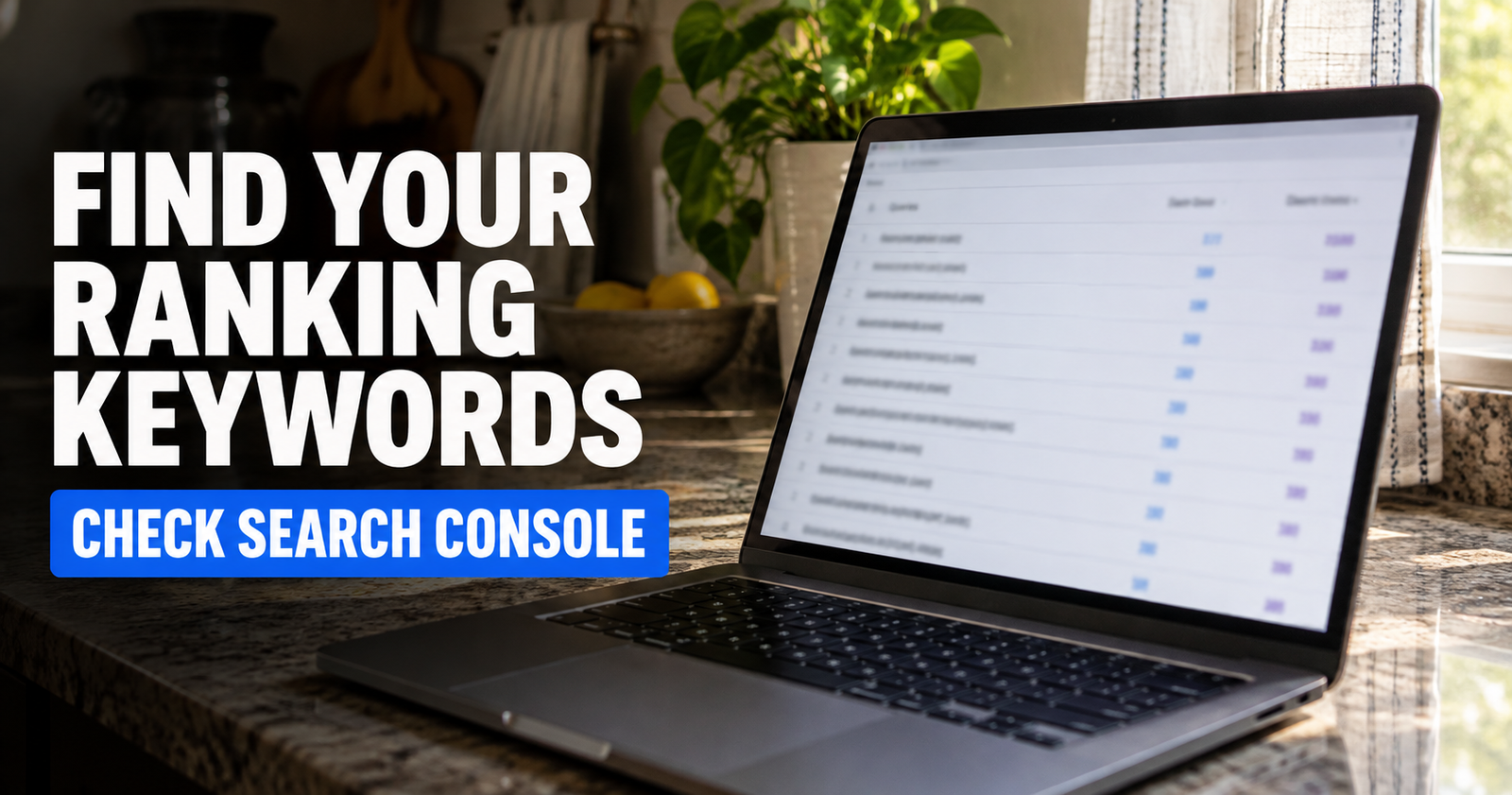
Start by knowing exactly what your current pages are appearing for. This guide on finding the keywords your website already ranks for shows the free method step by step.
What I Would Fix First If My Website Had No Traffic
I would not try to fix all seven problems in one afternoon.
I would begin with the pages that matter most. Usually that means your homepage, your main service or product pages if you have them, and the best articles that answer real questions in your niche.
First, I would make sure Google can index them.
Second, I would make sure every page has a clear purpose and actually answers the searcher’s question.
Third, I would add natural internal links so those pages are not floating alone.
Fourth, I would look for lower-competition topics that make sense for the site instead of aiming at the biggest phrase in the niche.
Then I would give the work time to breathe while I keep building useful supporting content.
A healthy small website does not need thousands of pages. It needs a set of genuinely helpful pages that fit together, answer specific questions well, and give people a reason to stay once they find you.

Frequently Asked Questions
Why does my website get no visitors from Google?
Your important pages may not be indexed yet, the site may be very new, the content may target overly competitive searches, or the pages may not match what searchers actually want. Check Search Console before assuming the problem is your entire website.
Can a new website get Google traffic without backlinks?
Yes. A new website can earn impressions and traffic without backlinks, especially for specific searches where it provides a clear, helpful answer. Backlinks can help over time, but they do not replace good content, indexability, internal links, and a realistic keyword strategy. This look at ranking without backlinks explains where they fit without pretending they are magic.
How long should I wait before worrying about no Google traffic?
A few weeks with little or no traffic can be normal for a new page or new website. If months go by with no impressions on your important pages, check indexing, internal links, topic targeting, and technical settings.
Should I post every day to get more Google traffic?
Not usually. A steady schedule is helpful only if you are publishing pages that are useful, distinct, and relevant to your site’s core topic. One strong article that answers a real question is worth more than several rushed posts that overlap.
What does it mean if my site gets impressions but no clicks?
Google is showing your page in some search results, but people are not choosing it often enough. The page may rank too low, have a weak title, have a snippet that does not match the search, or be appearing for searches that are not a great fit. This guide to impressions without clicks will help you figure out which one it is.
Is Google traffic free?
You do not pay Google for organic traffic, but it is not effortless. It takes time to create useful pages, fix problems, understand your audience, and improve the content Google is already beginning to show.
Alden Whitaker writes practical, plain-English SEO guides for Make It Found that help small website owners make smarter content decisions without getting lost in agency jargon.