
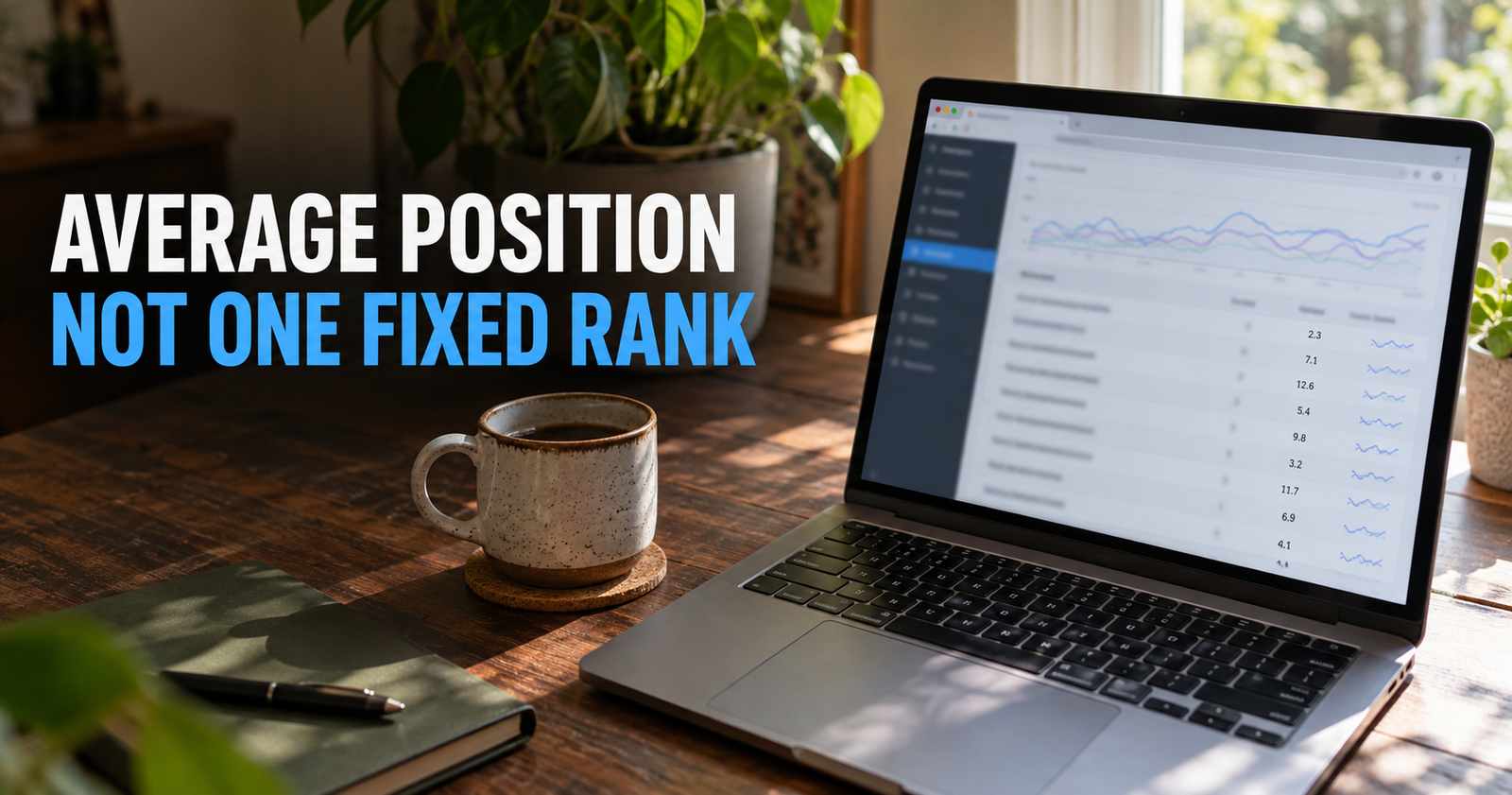
Average position in Google Search Console is one of the most useful numbers on the screen and one of the easiest numbers to misread.
If Search Console says your page has an average position of 12.4, that does not mean your page ranks in the 12th spot for one keyword. It means Google averaged where your result appeared across the searches, devices, locations, dates, and impressions included in the report.
That is a much messier number than people expect.
Used correctly, average position can help you find pages that are close to earning more visibility. Used carelessly, it can send you into a panic over a “ranking drop” that is not actually a drop at all.
I treat it as a directional clue, not a scoreboard.
What average position means in plain English
Average position tells you the average place of your highest-ranking result in Google Search for the selected group of data.
That group could be:
- Your entire site.
- One specific page.
- One search query.
- One device type.
- One country.
- One date range.
- Any combination of those filters.
The smaller and more specific you make the report, the more useful the number becomes.
A sitewide average position can combine hundreds of pages and thousands of queries. That is rarely something I would make decisions from. A page-level average position for one important query is much more useful.
Google’s Performance report is built to let you break down clicks, impressions, click-through rate, and position by query, page, country, device, and date. That is exactly how I would use it, instead of staring at one giant average. Google’s Search Console Performance report explains the available metrics and filters.
Why 12.4 does not mean you rank #12
Imagine one article appears:
- In position 4 for one search.
- In position 11 for another search.
- In position 22 for a third search.
- In position 35 for several long-tail searches.
The average might land somewhere around 18. That does not mean the page sits in position 18 every time someone searches.
It means the page appears in several different places for several different searches.
This is why a site owner can search their target keyword, not see their page anywhere near the number in Search Console, and think the tool is wrong. Usually, the number is not wrong. It is just measuring a larger mix of impressions than the one search they typed into Google.
Search results also vary based on location, device, language, search history, and the time of the search. Your own browser search is one snapshot. Search Console is a broader record of actual appearances.



Lower numbers are better, but the number still needs context
Position 1 is better than position 10. Position 10 is better than position 25. That part is simple.
The problem is assuming every improvement or decline means the same thing.
Moving from an average position of 40 to 20 can be a real sign that Google is beginning to understand the page better. Moving from 12 to 8 can put a page much closer to meaningful clicks. Moving from 3 to 5 can hurt because the top of the results gets a lot of attention.
But the number alone does not tell you:
- How many impressions the page received.
- Whether the query is relevant.
- Whether the result is buried under ads or other search features.
- Whether the page is being shown for new long-tail searches.
- Whether clicks actually changed.
That is why I never celebrate or panic over position before checking the rest of the data.
The most common reason average position gets worse while the site improves
This confuses people all the time.
Your average position can get worse even while clicks and impressions go up.
Here is a simple example.
At first, Google only shows your article for three closely matched searches where you rank around position 10. Your average position looks pretty good.
Then Google begins testing the article for twenty more related searches where you rank around positions 35 to 60. Your article now appears more often, gets more impressions, and may even earn more clicks. But all those newer low-ranking impressions can pull the average position number higher.
Remember, a higher position number is worse.
So a move from 10 to 18 may look like a ranking loss, even when the page is actually gaining visibility for more searches.
This is one reason I check clicks and impressions before deciding whether an average-position change is bad news. A broader query footprint can be a good sign, especially for a newer website.



Why sitewide average position is usually a bad decision-making tool
A sitewide average combines too many unrelated things.
Your homepage may rank first for your brand name. A new article may be sitting around position 70 for a few early impressions. An old page may rank in the top five for a long-tail question. Another page may have begun appearing for dozens of unrelated terms.
Put all that into one average, and you get a number that does not clearly describe any individual opportunity.
A sitewide position trend can be worth noticing if there is a major shift. It should not be the number that tells you what to fix.
Instead, I would narrow the report:
- Go to Search results in Google Search Console.
- Select a useful date range, usually at least 28 days for a newer site and often three months when there is enough data.
- Turn on clicks, impressions, CTR, and average position.
- Open the Pages tab.
- Choose a page that matters.
- Open the Queries tab to see the searches connected to that page.
Now you are looking at something you can actually interpret.
What is a good average position?
There is no universal “good” average position because the search results are not all equally competitive or equally visible.
Still, these rough ranges can help you understand what you are seeing:
- Positions 1 through 3 usually mean strong organic visibility.
- Positions 4 through 10 mean your page is on the first page, but competition for clicks can still be tough.
- Positions 11 through 20 often mean you are close enough to investigate, especially if impressions are meaningful.
- Positions 21 through 50 show Google sees some relevance, but the page needs a stronger reason to move up.
- Positions beyond 50 are early visibility, not usually a priority unless the topic is valuable and clearly fits the page.
The most interesting range for a small site is often somewhere around positions 8 through 20.
That is not because every page in that range is a quick win. It is because the page is already being shown for the topic. Google has given you a hint that the page may be relevant enough to improve.
Why position 3 might still not bring many clicks
Position does not tell you how far down the screen your result appears.
A search result can have:
- Ads.
- A featured snippet.
- An AI Overview when Google shows one.
- A People Also Ask section.
- A local map pack.
- Shopping results.
- Images.
- Videos.
- A large brand result with sitelinks.
Your page could technically appear in position 3 while still being pushed lower on the page than you would expect.
That is why clicks and CTR matter alongside position. A high-ranking result that earns very few clicks may have a weak title, a search intent problem, or a crowded results page.

If you are seeing the page show up without attracting visitors, use this guide to impressions without clicks before making title changes blindly.
Average position is more useful at the page-and-query level
Here is the practical difference.
A sitewide average position of 28.6 is interesting, but vague.
An article about “how long SEO takes for a new website” showing around position 14 for a closely matched query is actionable. You can inspect the top-ranking results, compare the search intent, identify missing information, and decide whether the page deserves an update.
The smaller your filtered report, the more the metric resembles a real ranking signal instead of a blended average.
I would use these views for different jobs:
Use the Queries tab to understand demand
The Queries tab shows what people searched when your site appeared.
This helps you spot:
- Searches you intentionally targeted.
- Related long-tail questions worth answering in the article.
- Queries that do not fit the page.
- Queries that may deserve a completely separate article later.
Do not create a new page for every query. First ask whether the existing article can honestly answer it.
If it can, strengthen the current page. If it cannot, and the question has a distinct purpose, that may be a new content opportunity.
Use the Pages tab to find underperforming articles
The Pages tab shows which articles are earning the most clicks, impressions, and visibility.
I look for pages with:
- Good impressions but weak clicks.
- Positions near page one for relevant searches.
- A gradual decline in clicks or impressions.
- Queries that reveal a missing section or unclear page focus.
A page that receives impressions at position 12 is often more worth reviewing than a brand-new page with no search signals at all.
Use the device filter when the numbers look strange
Mobile and desktop results can behave very differently.
A local business query may show a map pack that crowds the mobile results. A page may rank well on desktop but have weaker mobile visibility. A long headline may get cut off on a phone screen.
If the numbers do not make sense, filter by device before rewriting the page. You may find that the issue is not the article itself. It may be how that search result appears on a specific screen.



How to use average position to find content opportunities
Average position is most helpful when it points you toward a question you can answer better.
Here is the workflow I would use.
Find pages already earning impressions
Start in the Pages tab and sort by impressions.
You are looking for pages that Google is already showing. A page with real impressions has at least entered the conversation.
Then click into a page and open the Queries tab.
Look for relevant queries around positions 8 through 20
A query around position 12 with steady impressions is often worth examining.
Again, this is not an automatic rewrite signal. You need to check whether the query fits the page.
If it does, look at the current top results and ask:
- What type of page is ranking?
- Does the searcher want a quick answer, a comparison, a tutorial, or a list?
- Is my article missing a helpful section?
- Is my title less specific than the titles above it?
- Is my page easier or harder to use than the competition?
This is where average position stops being a vanity metric and becomes a research tool.
Improve the page, not just the keyword
A page rarely moves up because you repeat the keyword a few more times.
The stronger approach is to make the page better at solving the searcher’s problem.
That may mean:
- Adding a missing step.
- Updating outdated details.
- Giving a clearer answer near the top.
- Improving an unclear heading.
- Adding a useful example.
- Removing a section that distracts from the page’s main purpose.
- Linking from a related page where readers need the next step.

If you are unsure whether an existing article needs improvement or whether a fresh page would be better, use the update-versus-new-post decision process. It keeps you from creating two pages that compete for the same intent.
What average position cannot tell you
Average position is helpful, but it has limits.
It cannot tell you:
- Your exact ranking for every person who searches.
- Whether the searcher saw your result above the fold.
- Whether your page is better than every result above it.
- Whether the search had commercial, local, visual, or informational intent.
- Whether Google will show the same page tomorrow.
- Whether you should rewrite the article without checking the query data.
The number is an opening question, not a final answer.
When you treat it like a fixed rank tracker, it will mislead you. When you use it to identify patterns and investigate further, it becomes genuinely useful.
Do not judge tiny samples
A page with six impressions can have a wild-looking average position. One new impression can move the number dramatically.
That is not a useful trend yet.
I would be cautious about drawing conclusions when:
- The page is very new.
- The query has almost no impressions.
- The date range is too short.
- One unusual day is affecting the result.
- You are comparing a busy season with a slow season.
A good rule is to wait for enough impressions to see a pattern. Until then, keep improving the overall site and publishing connected content instead of staring at a number that has not settled.
How to compare average position over time
When comparing date ranges, compare like with like.
Use the same number of days. Avoid comparing a holiday week with a normal week when the topic is seasonal. Check whether your site began ranking for new queries in the newer period.
Then look at the individual queries that changed.
If clicks declined, impressions declined, and positions worsened for the same important queries, you may have a real ranking issue to investigate.
If clicks increased, impressions increased, and average position got worse, you may simply be reaching more searches.
If impressions stayed steady but clicks fell, position may not be the main issue. Your title, search-result competition, or intent match may need attention.

That is why your click-through-rate data needs context too. A page can be visible without being chosen, and position is only one piece of why that happens.
Common mistakes I would avoid
Chasing a sitewide average position
This number is too broad to tell you what to fix. Use page and query filters.
Treating every higher number as a penalty
A worse average position can come from a broader group of low-ranking impressions. Look at clicks and impressions before assuming something broke.
Changing a title before checking search intent
A stronger title helps only when the page is already answering the right question. If Google is showing the page for the wrong searches, a title tweak will not solve the real problem.
Rewriting a page with no meaningful data
New pages need time. Do not keep changing a page before Google has had a fair chance to understand and test it.
Publishing a duplicate page for every new query
One article can rank for many related phrases. Strengthen the current page when the query fits. Build a new page only when the searcher needs a different answer.
Ignoring the actual results page
Search the query yourself. You may discover that a map pack, shopping block, video carousel, or giant answer box is taking up most of the page.
A simple monthly average-position review
I would not check this every day.
Once a month, or every few weeks on an active site, review:
- Pages with the biggest gain in impressions.
- Pages with the biggest drop in clicks.
- Queries in the 8 through 20 range with meaningful impressions.
- Pages showing for relevant searches but earning weak CTR.
- Pages that may be competing with another article on your site.
This gives you a short list of real opportunities. Then you can make thoughtful updates instead of publishing or rewriting based on panic.
Average position is not supposed to tell you everything. It is supposed to help you ask better questions.
Alden Whitaker writes practical, plain-English SEO guides for Make It Found that help small website owners make smarter content decisions without getting lost in agency jargon.