

The best answer is usually not “always update” or “always write new.”
If an old post already has a useful purpose, some search visibility, or a clear opportunity to become better, updating it can be a smart use of time. If the old post answers the wrong question, overlaps with another page, or has no real chance of helping the reader, a new article may be the better move.
I look at this as a content decision, not an SEO ritual. The goal is not to keep every old post alive forever. The goal is to make the website more useful.
When Updating an Old Post Makes Sense
Update an old post when the topic is still relevant and the page has a solid job to do.
A post may deserve an update when it is getting impressions but few clicks, ranks somewhere close enough that a better answer could help, contains outdated information, or has useful material that needs clearer organization.
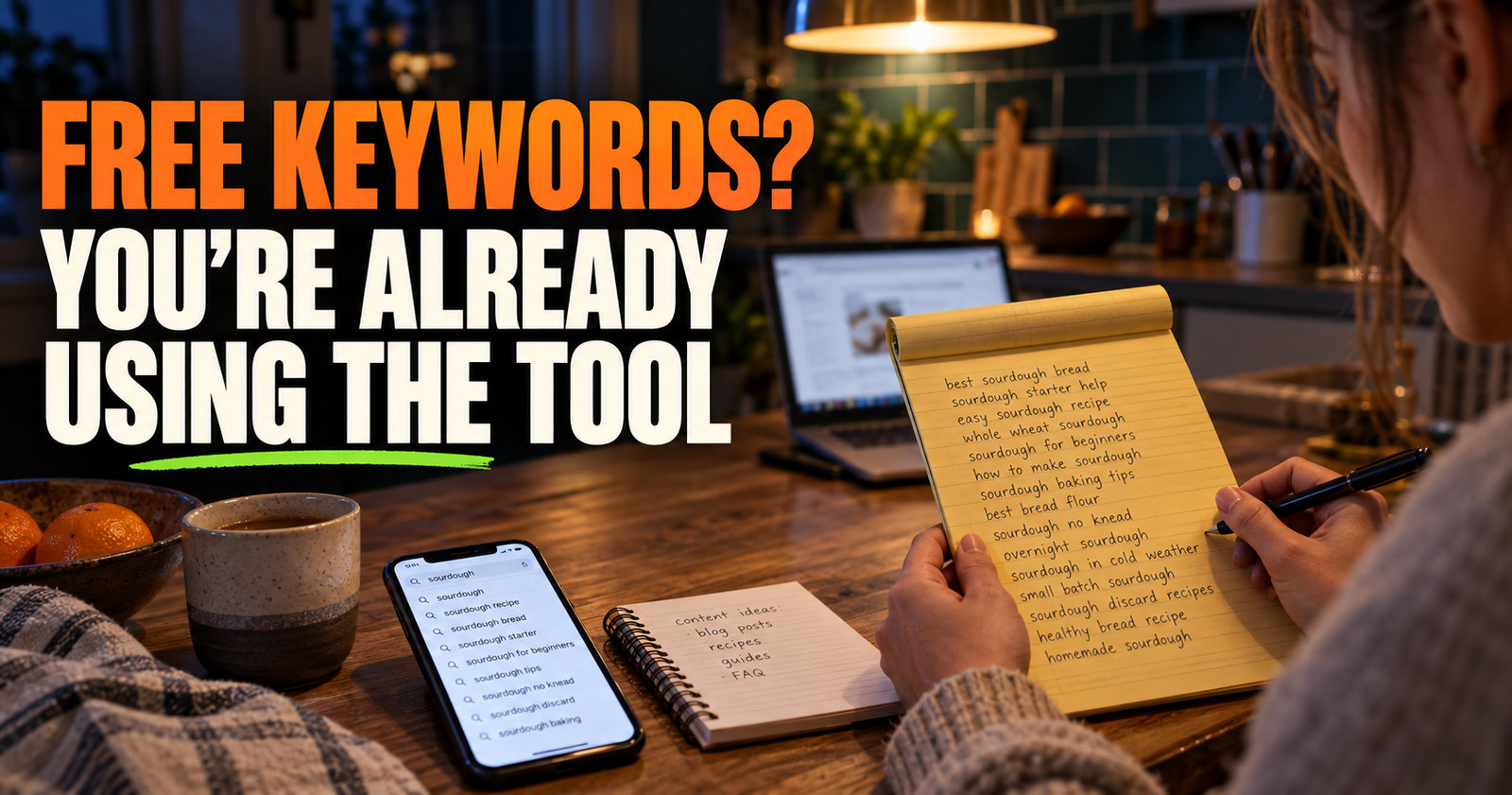
For example, an article titled “How to Find Keywords for a Small Website” may be worth updating if it still answers a useful question but needs newer examples, better headings, or a clearer explanation of search intent.
Updating is often smarter than creating another page that answers almost the same thing. That can create overlap and leave Google trying to figure out which page should rank.
Signs You Should Write a New Article Instead
Write a new article when the searcher has a different problem from the one the old post solves.
A page about “Why Is My New Website Not Showing Up on Google?” should not be stretched into a page about “Website Indexed but Not Ranking.” The subjects are related, but one is about discovery and indexing while the other is about visibility after indexing.
That difference matters.
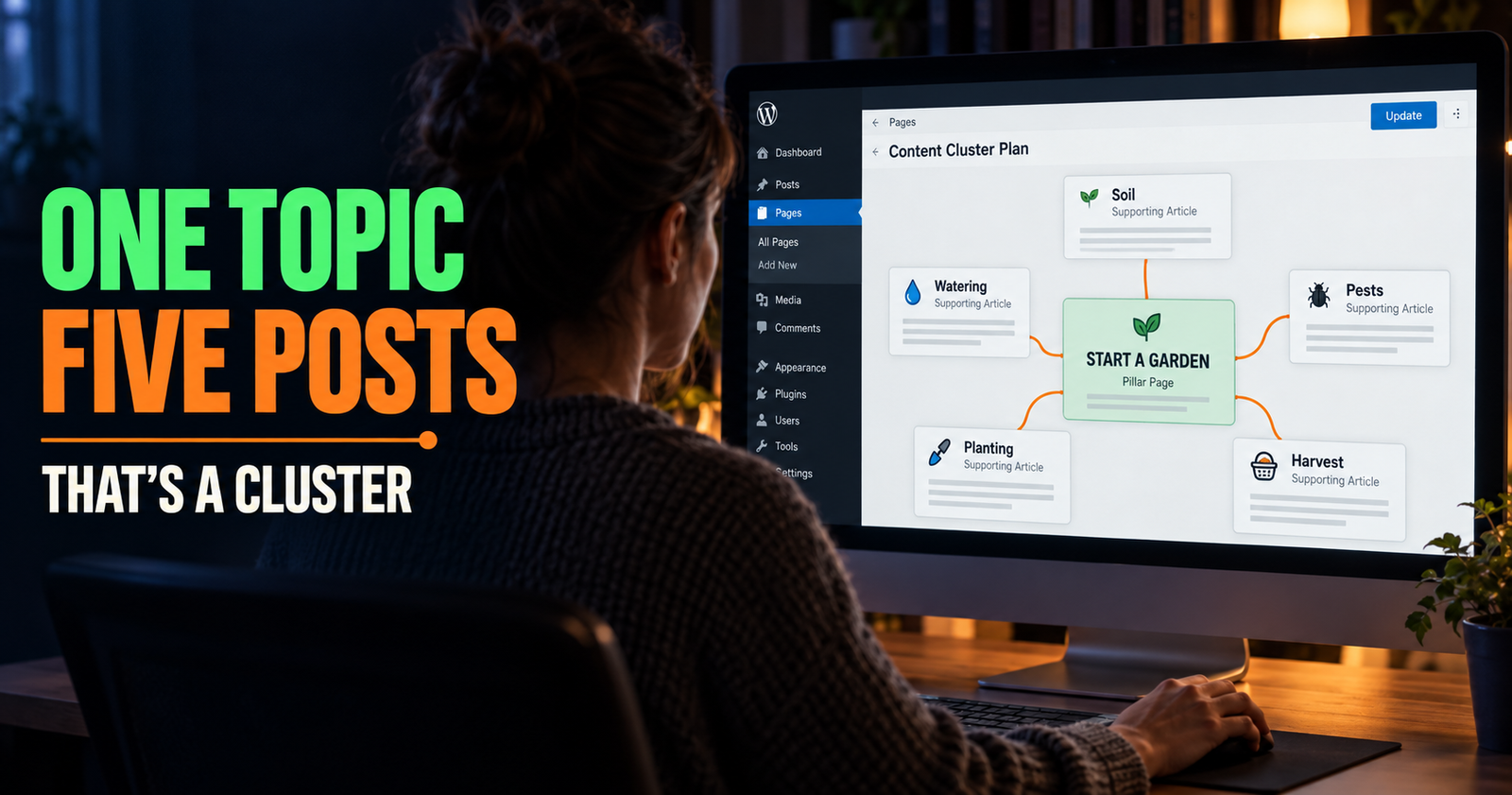
A new article may also make sense when the old post is too broad. You may have a general guide about SEO for beginners, but later add more focused articles about backlinks, keywords, search intent, and content updates. Those supporting pages help readers find the exact answer they need without forcing one giant article to carry every subject. A useful way to plan those focused supporting articles is to start with one broad topic and map the distinct questions readers ask around it.
Do Not Create a New Post Just to Change the Wording
This is where a lot of websites get messy.
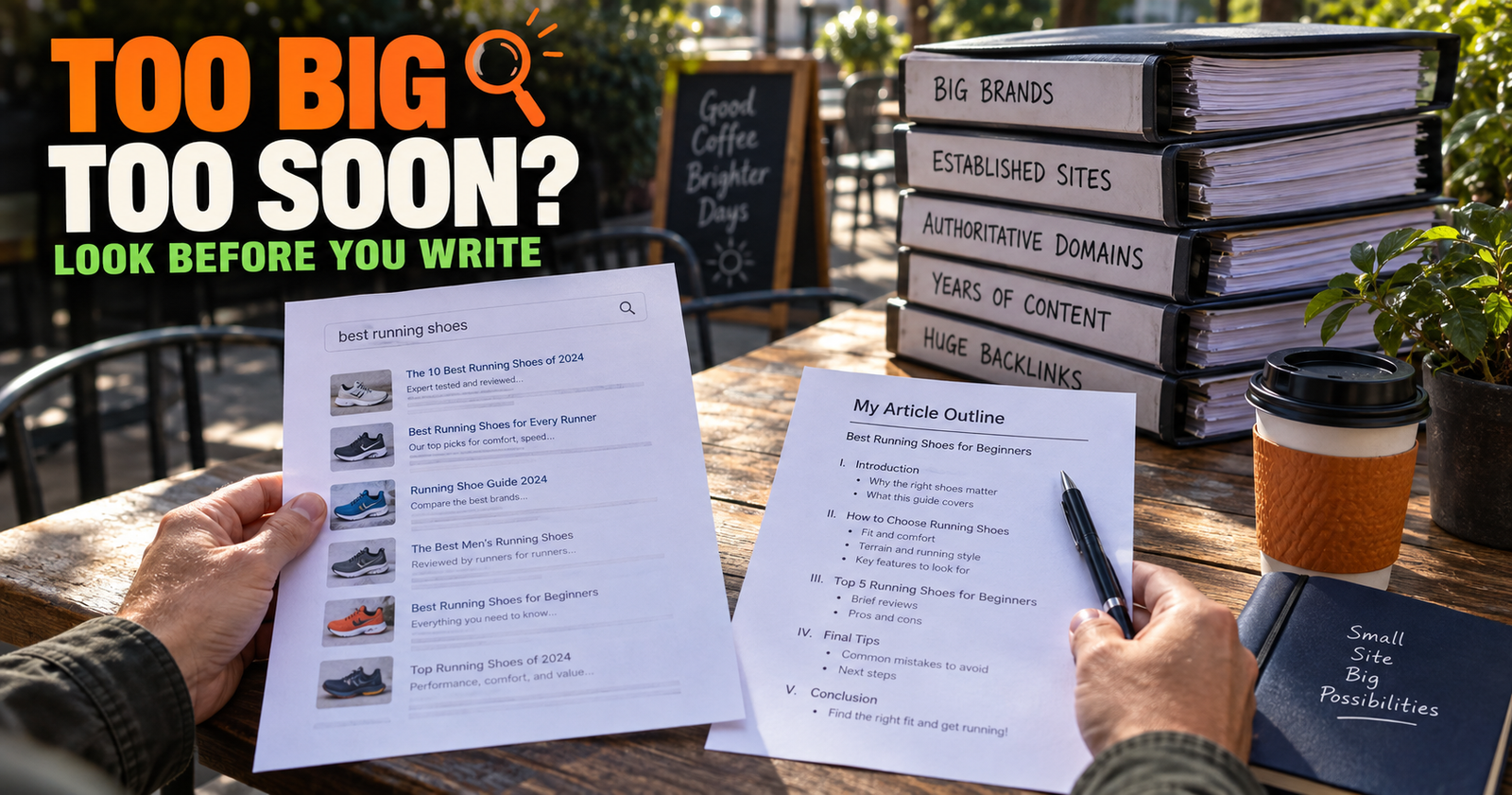
“Best SEO Tips for Beginners,” “Easy SEO Tips for New Websites,” and “How to Improve SEO for a New Site” may sound different enough to publish. But if they all give the same advice to the same person, they are probably competing for the same space. You can also use this guide for assessing competition before publishing when deciding whether a new angle is worth pursuing.
Before writing something new, ask one question: does this page have a different job?
If the answer is no, improve the existing page.
If the answer is yes, create the new page and make the difference clear in its title, opening, headings, and internal links.
Use Search Console to Help Decide
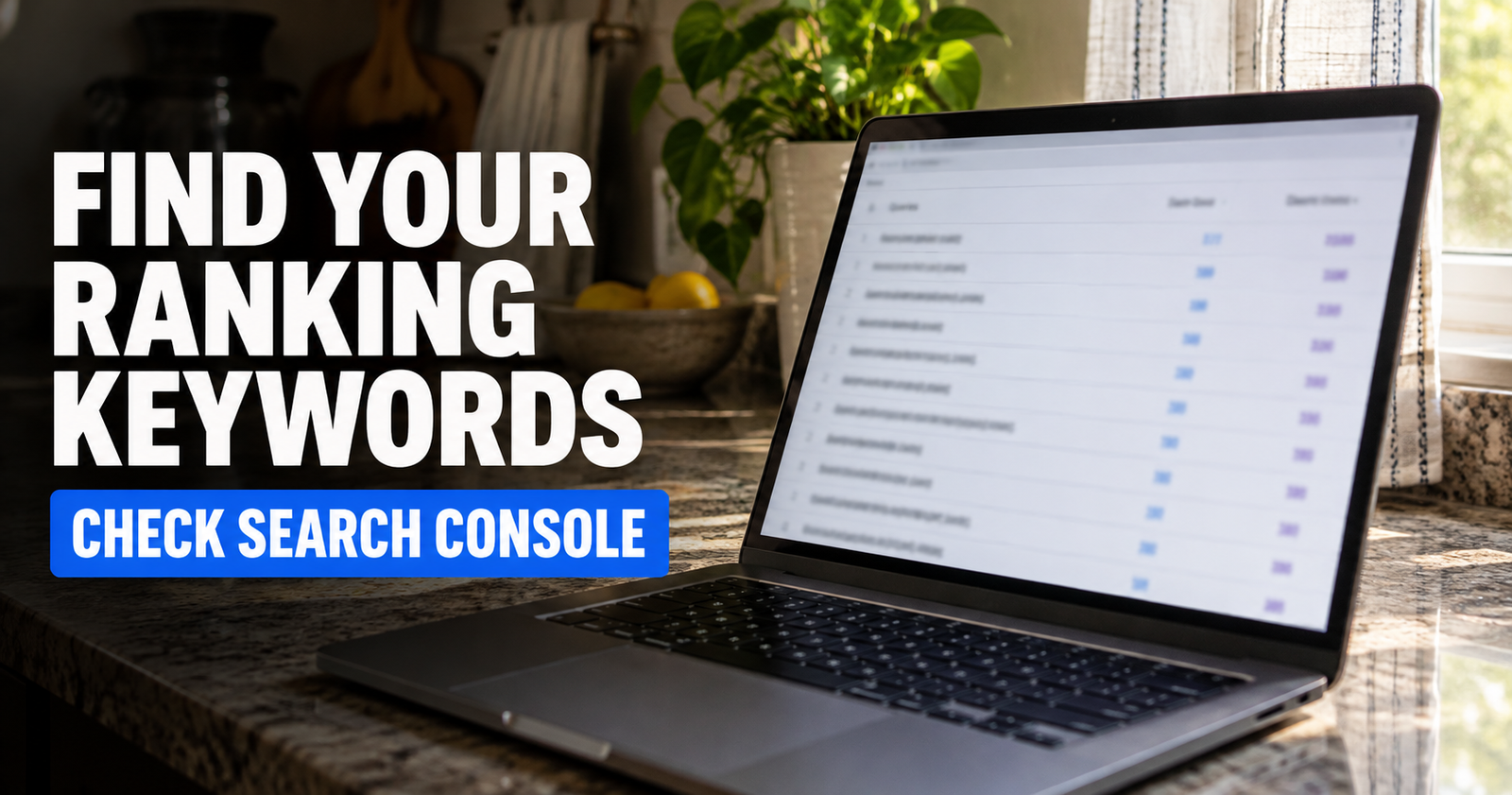
Google Search Console is one of the best places to look before updating or replacing a post.
Check whether the page has impressions, clicks, and queries that make sense for the topic.
A page with impressions but very few clicks may need a more descriptive title, a better opening, or a stronger match for the searcher’s intent.
A page getting impressions for questions it barely answers may need new sections or a supporting article.
A page with no impressions at all may need a closer look. It could have an indexing issue, be too thin, target a search nobody is making, or simply need more time. Do not assume every quiet post should be deleted.

Update the Parts That Matter Most
A real update is more than changing the publish date and swapping a few words.
Start with the reason the page needs work.
- Improve the opening if it does not answer the main question quickly.
- Update facts, recommendations, prices, policies, or instructions that have changed.
- Add missing explanations that would help the reader make a decision.
- Remove filler, repetition, and advice that no longer fits the page.
- Improve headings so the article is easier to scan.
- Add a relevant internal link where the reader needs the next step.
- Check the title and meta description to make sure they still match the page.
- Look at the mobile version and make sure the page is easy to use.
The best updates improve the experience for the next person who lands on the page. They do not just try to make Google notice that you touched it.
Keep the Same URL When the Page Still Has the Same Job
If you are improving the same topic for the same reader, keep the existing URL.
Changing a URL just because you rewrote the article can create unnecessary work. You may lose old links, need redirects, and make it harder to track what happened over time.
Keep the URL when the page’s main purpose stays the same.
Consider a new page or a more significant content cleanup when the old post has drifted into a completely different topic, answers the wrong intent, or overlaps heavily with a stronger page already on the site.
Sometimes the Best Fix Is Combining Two Weak Posts

If you have two articles that cover nearly the same question, the better move may be to combine them into one strong page.
Choose the version with the clearer URL, stronger content, or more useful search history. Move the best information into that page, then redirect the weaker duplicate URL to the stronger one.
This is not something to do casually. But it can be better than leaving readers and search engines with two pages that say almost the same thing.
One complete, focused article usually serves people better than two shallow versions of it.
Do Not Delete a Post Just Because It Has No Traffic
An article with no traffic may be young, poorly linked, too broad, badly targeted, or simply waiting for the rest of its topic cluster to grow.
Before deleting it, check whether the topic is still useful. See whether it has any impressions in Search Console. Look at whether it can be improved or connected to a stronger page.
Delete or redirect a page when it is outdated beyond repair, low quality, completely off-topic, duplicated, or no longer useful to anyone.
Do not delete a page just because it did not become popular fast enough.

The article on how long SEO takes for a new website is a helpful reminder here. Search visibility usually grows over time, not overnight.
A Simple Way to Choose
When you are deciding how to spend your next block of writing time, work through this order.
- Is there an old post with a clear problem I can fix?
- Is the topic still useful to the audience I want?
- Does the post have impressions, queries, or a search intent worth improving?
- Would a new article answer a genuinely different question?
- Would creating the new post make the site more organized or more overlapping?
- Which choice gives the reader the better answer?
If an update makes an existing page clearly better, update it.
If a new page fills a real missing gap, write the new page.
If neither option helps the reader much, choose a better topic.
Build Forward Without Forgetting What You Already Published
A website should grow in both directions. New articles help you cover new questions. Updates keep your older work accurate, useful, and connected.
The mistake is treating old posts like a graveyard and new posts like the only thing that matters.
A better site owner checks what has already been published, sees where readers still need help, and makes the next useful move. Sometimes that is a new article. Sometimes it is improving one that already has a good foundation.
Alden Whitaker writes practical, plain-English SEO guides for Make It Found that help small website owners make smarter content decisions instead of publishing more just to stay busy.