
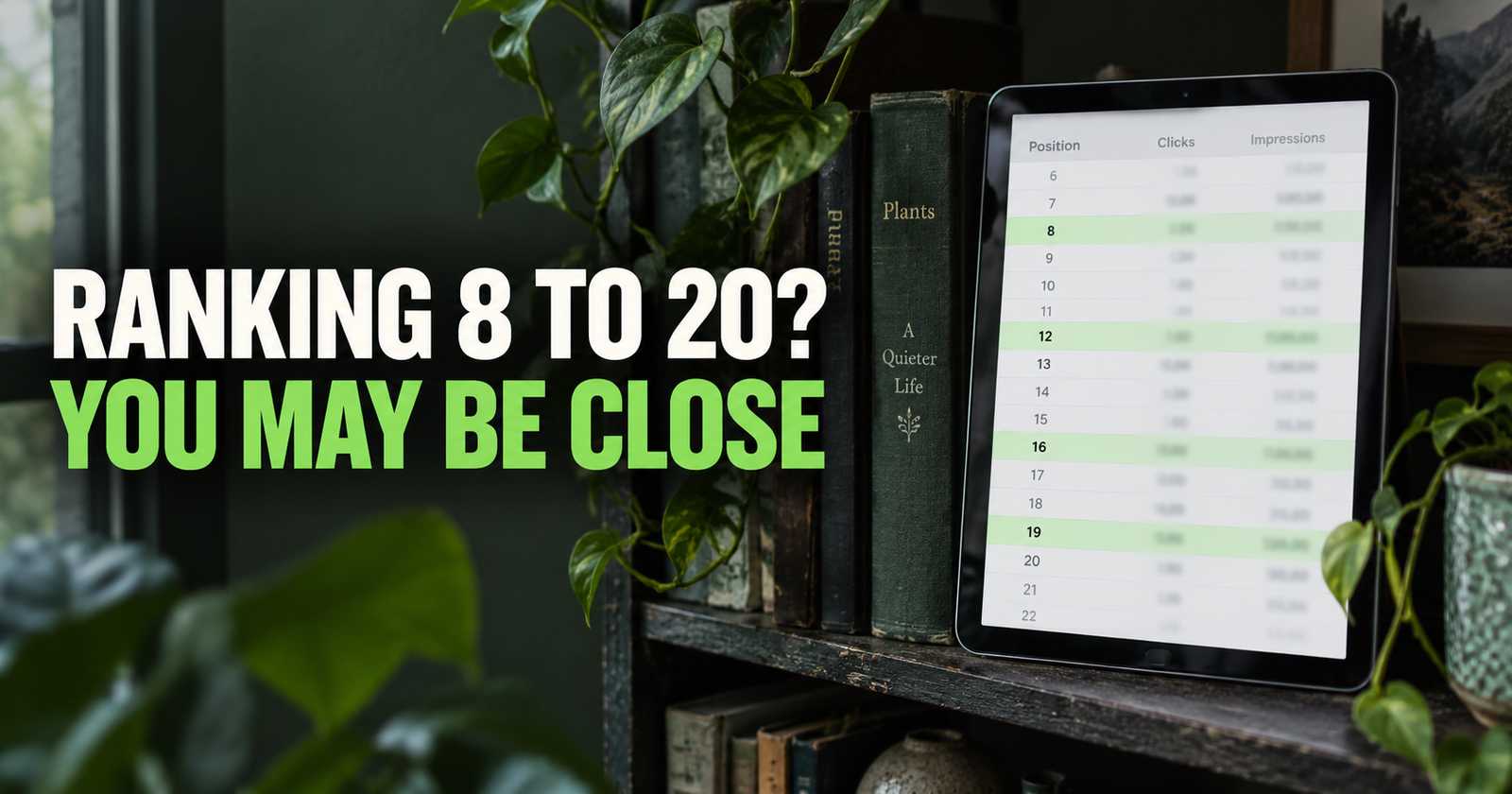
The easiest SEO opportunity is often not a brand-new article.
Sometimes it is a page you already wrote, Google already understands, and people are already seeing in search results. It is just sitting close enough to the finish line that a smart update could help it earn more clicks.
That is what people mean by a low-hanging-fruit keyword.
It does not mean a guaranteed ranking. It does not mean you can change one heading and wake up at number one tomorrow. It means Google has already given you a clue: “This page may be relevant for this search.” Readers can also review the editorial standards behind these recommendations to understand why these opportunities are presented cautiously.
I like these opportunities because they replace guessing with real evidence. Instead of staring at a blank keyword tool and wondering what to write next, you can look at searches your own website has already appeared for.
Google Search Console is the place to do that. Its Performance report lets you see clicks, impressions, click-through rate, average position, queries, and pages. Google’s overview of the Performance report explains how those measurements fit together, but you do not need to be an SEO expert to use them well.
What Is a Low-Hanging-Fruit Keyword?
A low-hanging-fruit keyword is a search phrase where your website already has some visibility but has not earned its full potential yet.
Usually, it looks something like this:
- Your page is already getting impressions for the query.
- The page is ranking somewhere close enough that a better result is realistic.
- The search is relevant to what the page already covers.
- You can improve the page without stretching it into something it is not.
- The opportunity has enough real interest to be worth your time.
The key phrase there is “already getting impressions.”
An impression means Google showed your page in a search result. The person may not have clicked it. They may not even have scrolled far enough to notice it. But Google decided your page was relevant enough to display.
That is a much better starting point than chasing a phrase where Google has never connected your site to the topic at all.

If you are still fuzzy on what impressions mean, read this straightforward explanation of Google Search Console impressions before you start digging through your data.
Why These Keywords Matter More Than Random Keyword Ideas
There is nothing wrong with planning fresh articles. New content is how a website expands.
But fresh articles come with more unknowns. You are guessing whether the keyword fits, whether you can compete, whether Google will understand the page, and whether the search is even worth targeting.
A low-hanging-fruit keyword removes a few of those unknowns.
Google has already connected a searcher’s query with your page. That does not mean you are guaranteed anything, but it gives you a real place to start asking better questions.
Maybe the title is too dull to earn clicks.
Maybe the page answers the question halfway but misses the part people really care about.
Maybe a competitor’s page is easier to scan.
Maybe your article needs a stronger introduction, a clearer example, or an internal link that helps a reader go one step deeper.
Maybe the query is a better fit for a different page you already have.
I would rather improve something Google is already testing than publish another vague article and hope it lands somewhere useful.
Start With a Long Enough Date Range
Open Google Search Console, select your website property, and go to Performance or Search Results.
At the top, choose a date range.
For most smaller sites, I would start with the last three months. A very new site may need all the data it has. An older site with steady traffic can also look at six months to smooth out a weird week or a holiday dip.
Do not use the last seven days unless you already have enough daily traffic to make it meaningful. Tiny data can make a page look like a winner or loser based on one click.
Google says the default Performance report view covers the past three months, and you can change the dates, metrics, and dimensions to study trends more closely. Google’s Search Console guidance is a good reminder that the newest data can still change as Google finishes processing it.
Turn on these four boxes above the chart:
- Total clicks
- Total impressions
- Average CTR
- Average position
You need the full picture.
Clicks tell you what people chose.
Impressions tell you what Google showed.
CTR tells you how often people clicked after seeing you.
Average position gives you a rough idea of where your best result appeared. It is useful, but it is not a permanent ranking number. It can change by location, device, time, and the specific search being made.
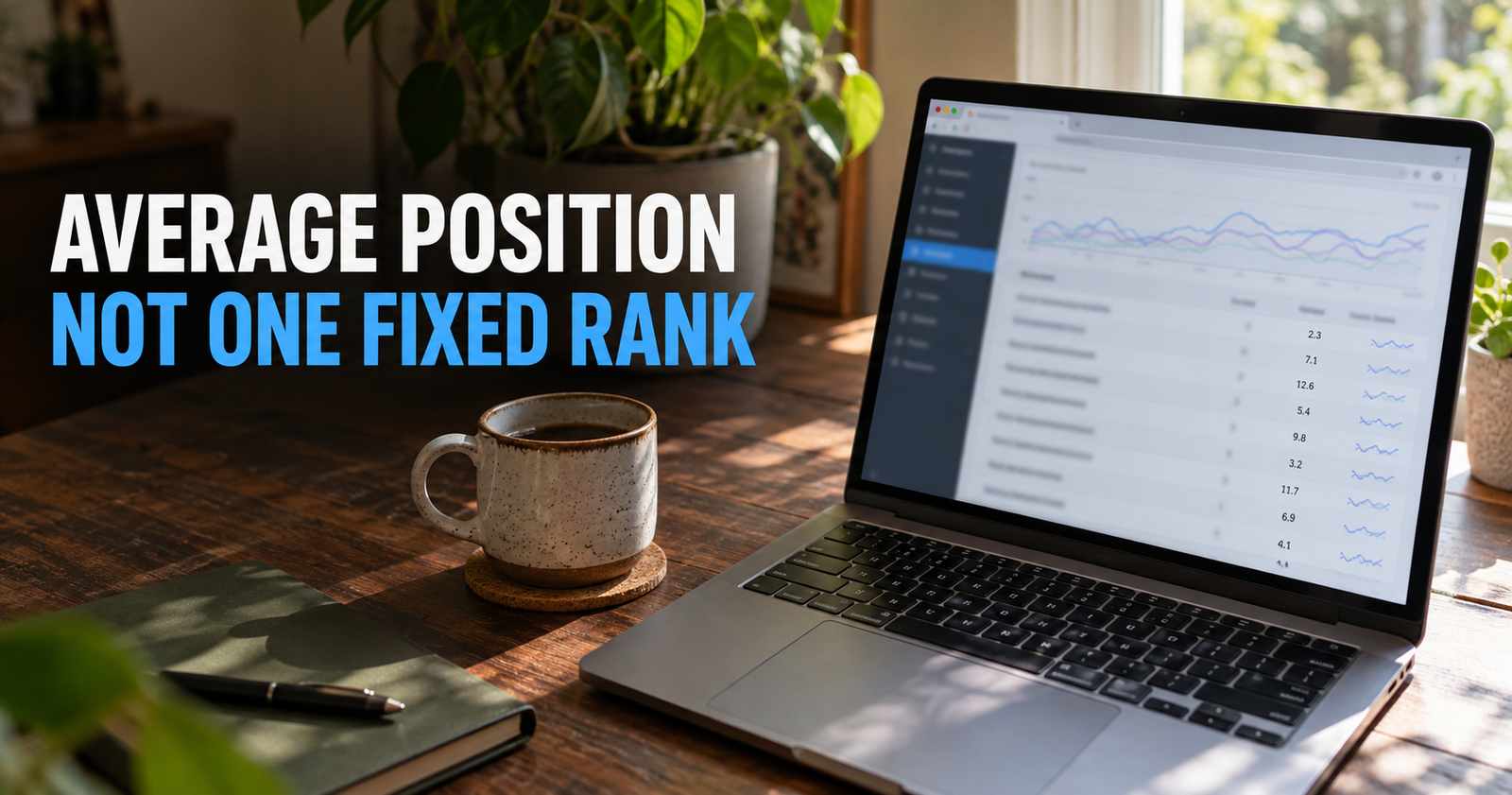
For a deeper explanation before you start sorting data, here is what average position really means.
Look for Queries With Real Impressions and a Reachable Position
Click the Queries tab below the chart.
This is where Search Console shows the actual searches that made your site appear.
Now sort by impressions. You are looking for phrases that have enough visibility to tell you something, but not necessarily hundreds of thousands of impressions. A small site can find a worthwhile opportunity with a modest number of impressions if the topic fits well and the page is close to improving.
I usually start looking at searches in a few groups.
Queries Ranking Around Positions 8 Through 20
These are often the most obvious opportunities.
A result around position 8, 11, 14, or 18 is not always close to the top in a practical sense, but it is much closer than position 80. Google has already found a reason to show your page.
Look for a query with a decent number of impressions and ask whether the page deserves to do better.
Maybe the answer is yes. Maybe your article is more helpful than the ranking page but has a weak title or does not make its main answer clear soon enough.
Maybe the answer is no. The top results may be product pages, local businesses, videos, or huge official sources, while your page is a basic blog post. That is useful information too. It tells you not to waste a day forcing a bad match.
Queries Ranking Between Positions 20 and 40
Do not ignore these.
People sometimes act like anything below page one is worthless. I do not see it that way. A page ranking around 25 for a highly relevant, specific search may be a better opportunity than a page at position 9 for a search that does not really fit your content.
The question is whether you can see a reasonable gap to close.
If the page is missing an important section, has a vague title, or only lightly touches the query, I would consider updating it.
If the page is already a strong answer and Google is still keeping it far below more established, better-known competitors, the right move may be patience and more supporting content instead of a huge rewrite.
Queries on Page One With a Weak Click-Through Rate
A page does not have to rank poorly to have room for improvement.
If a query is averaging somewhere on page one but earns a low CTR compared with its impressions, your title and search snippet may not be giving people a good reason to choose you.
The fix is not automatically clickbait.
I would look at the actual search results and compare the promise your title makes with the other choices on the page. Is yours too generic? Is it unclear? Does it sound like it was written for Google instead of a real person?
A person searching “how to fix a page not indexing” wants reassurance and steps. A title that says “Indexing SEO Strategies and Methods” may be technically related, but it does not feel like an answer.

This guide on why impressions sometimes do not turn into clicks will help you separate a title problem from a ranking or intent problem.
Always Check the Page Behind the Query
This is where people people get tripped up.
They find a promising query, immediately add it to an article, and accidentally make the page worse.
Before changing anything, click the query in Search Console. Then switch to the Pages tab. Search Console will show which page or pages earned impressions for that query.
Now open that page and read it honestly.
Ask yourself:
- Does this page already answer the query?
- Does it answer it clearly near the top?
- Is the query only mentioned once in passing?
- Would a first-time visitor feel like they landed on the right page?
- Is another page on my website actually a better match?
You are looking for a natural fit, not a phrase you can force into an existing article.
For example, a page about “how to get your first 100 Google visitors” may appear for a query about “why does my site have no Google traffic.” The two subjects are related, but they are not identical. That broader diagnosis is covered in why your site has no Google traffic.
The first searcher wants a diagnosis. The second wants a growth plan.
If the page is close but missing a short diagnosis section, an update may be enough. If the searcher clearly needs a different answer, you may need a new article instead.
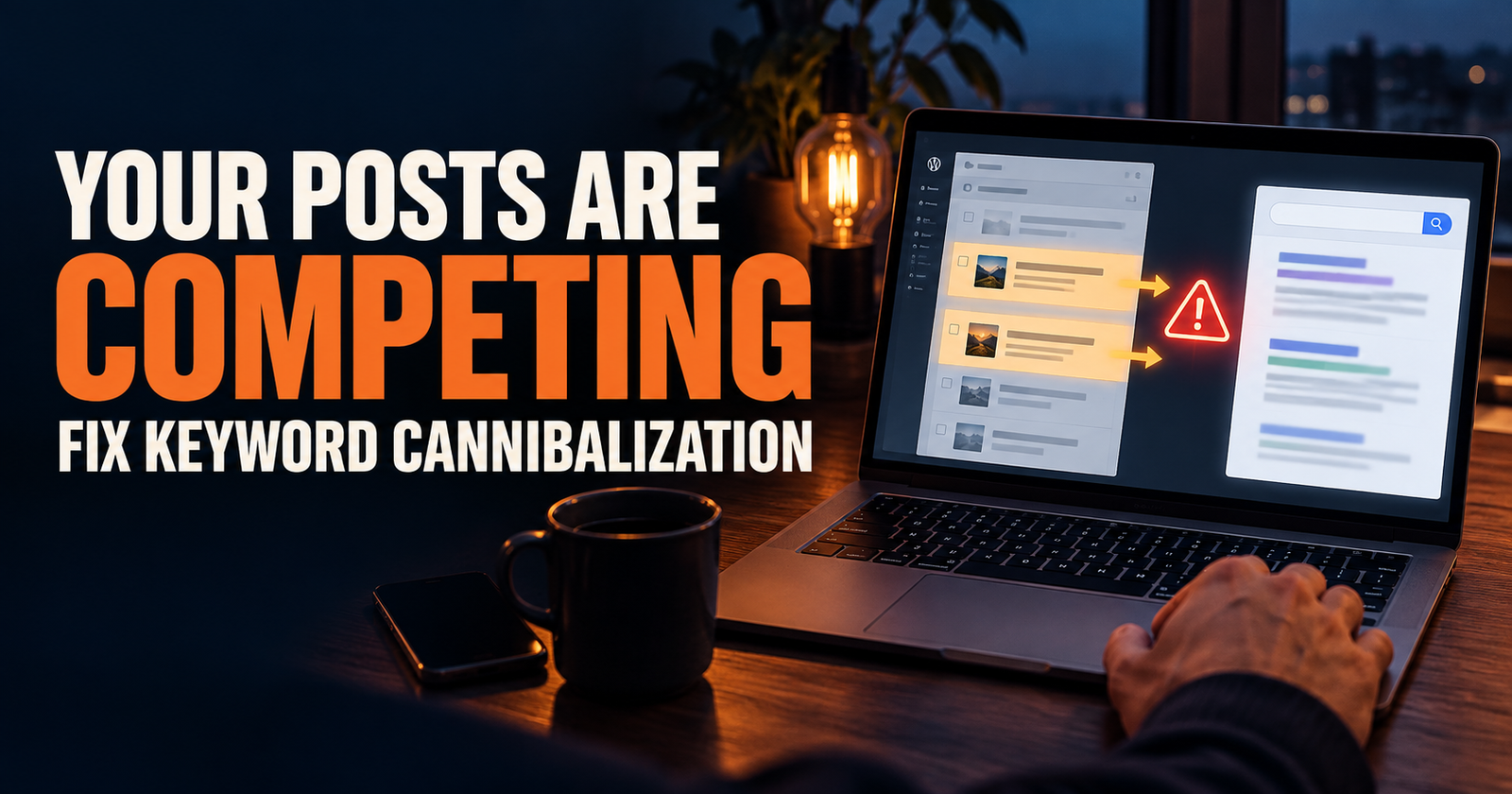
That distinction matters because publishing another nearly identical article can cause your pages to compete with each other. If you have ever wondered why two related posts seem to take turns ranking, read how keyword cannibalization happens and how to fix it.
Search the Keyword Yourself Before You Touch the Page
Search Console data tells you what Google has shown.
The live search results tell you what Google currently seems to prefer.
Search the exact query in Google, ideally in a private browser window if you can. You are not looking for a secret formula. You are looking for the shape of the results.
Pay attention to these things:
- Are the top results articles, product pages, videos, tools, local businesses, or official sources?
- Are they beginner-friendly or written for experts?
- Do most titles answer a question directly?
- Are there “People also ask” questions you missed?
- Do the ranking pages use a checklist, comparison, walkthrough, calculator, or quick answer?
- What do readers still need after they read those pages?
Do not copy the top result.
Instead, figure out why it may be satisfying the search. Then make your page clearer, more useful, more complete, or easier to trust.
Google’s own guidance focuses on content that is helpful, reliable, original, easy to read, and organized for people. It also says there is no magic word count that automatically ranks a page. Google’s SEO Starter Guide is right about that. Adding 1,000 filler words to an article is not an update. It is just more stuff for readers to scroll through.
Decide Whether to Update an Existing Page or Write a New One
This is the decision that saves you from creating overlap.
Update the existing page when the keyword is clearly part of the page’s original job.
Write a new page when the keyword represents a different question, a different search intent, or a different kind of reader.
Here is how I make the call.
Update the Existing Page When the Search Is a Natural Missing Piece
Say you have an article about what impressions mean in Search Console. You notice it is getting impressions for “does an impression mean someone clicked my website?”
That is a perfect update opportunity. The page already answers the subject. It may simply need a direct section that explains the answer in the words people are using.
Another example would be a page about internal linking that earns impressions for “how many internal links should a blog post have.” You could add a realistic section explaining that there is no universal magic number and that relevance matters more than cramming links into a page.
The page becomes more useful without changing its purpose.
Write a New Page When the Searcher Needs a Different Answer
Now imagine an article about average position starts appearing for “why did my rankings drop overnight.”
Those topics are connected, but the person who lost rankings needs a troubleshooting article. They may need to check indexing, manual actions, seasonality, technical changes, competitors, and search intent.
Trying to shove all of that into an average-position guide would make both pages less focused.
That is when I would write a new article and use a natural internal link between the two pages.

If you get stuck on this choice, updating old posts versus writing new ones gives you a simple way to think through it without turning every promising query into a new URL.
Improve the Page for the Reader First
Once you decide the query belongs on an existing page, do not just sprinkle the phrase into headings.
That kind of update rarely makes the page better.
I would start with the actual gap.
Maybe the page needs a better opening that answers the question directly.
Maybe it needs a short definition in plain English.
Maybe the steps are buried halfway down the article.
Maybe readers need an example.
Maybe the title sounds dry compared with the pages getting the clicks.
Maybe your headings are vague, so a reader cannot quickly tell where the answer is.
Maybe the page is helpful but has no internal links to the next logical question.
Here are the updates that usually make the most sense:
- Add a clear answer near the beginning.
- Write a heading that mirrors the real question naturally.
- Add the missing explanation or example.
- Cut parts that wander away from the topic.
- Improve the title so it makes a clear promise.
- Add one or two useful internal links where a reader would truly need them.
- Update outdated details, screenshots, steps, or recommendations.
- Make the page easier to scan with useful headings and short paragraphs.
I would not change everything at once unless the page is truly weak. If you overhaul the title, intent, structure, target keyword, and several sections all at the same time, it becomes hard to understand what helped later.


Keep a Small Opportunity List Instead of Chasing Every Query
Search Console can give you a lot of data, especially once your site starts growing.
You do not need to act on every query.
I keep a short list of opportunities that pass a basic common-sense test:
- The query is relevant to my site.
- The page is already getting enough impressions to be interesting.
- I can clearly see how the page would become more helpful.
- The search result is not completely dominated by a different kind of page.
- I can work on the update without creating a duplicate article.
That last part matters.
A keyword opportunity is not automatically a content opportunity. Sometimes it is simply proof that your existing page is being understood in a slightly broader way. That is good. You do not always need to build another post around it.

If you want to plan articles from data without repeating yourself, start by mapping the questions your current pages already answer. Then look for a truly missing next question. That is the same basic thinking behind planning your first 30 blog posts without overlap.
Compare Before and After Without Obsessing Over Daily Changes
After you update a page, give Google time.
Search Console data is not instant, and rankings can move around naturally. Google recommends checking the tool about once a month or after meaningful content changes instead of treating it like a minute-by-minute scoreboard. Google’s Search Console getting-started guide makes that point for a reason.
I would write down these basics before changing a page:
- The main query you are trying to improve.
- The page connected to it.
- Current impressions.
- Current clicks.
- Current CTR.
- Current average position.
- The exact changes you made.
- The date you made them.
Then compare a meaningful period after Google has had time to revisit the page.
Do not expect every good update to produce a dramatic jump. Sometimes the win is more impressions. Sometimes it is moving from position 31 to 18. Sometimes it is a title that earns more clicks from the same number of impressions.
Those smaller improvements can stack up across a site.
What Low-Hanging Fruit Is Not
I think this phrase gets abused because it sounds easy.
Low-hanging fruit is not:
- A keyword somebody says has low difficulty.
- A query with two impressions from one random day.
- A broad high-volume phrase your site has no real connection to.
- A reason to stuff extra phrases into a page.
- A reason to create duplicate articles.
- A promise that Google will reward an update.
- A substitute for creating genuinely helpful content.
It is a clue.
Treat it like a clue, study the page, and make the reader’s experience better. That is the part you control.
Frequently Asked Questions
What position counts as a low-hanging-fruit keyword?
There is no exact cutoff. I usually inspect relevant queries around positions 8 through 30 first, but a query at position 40 can still be worthwhile if it has good impressions, clearly fits the page, and you can see an obvious way to improve the answer.
Should I target keywords with no clicks?
Sometimes. A query with impressions but no clicks may be a great opportunity if your page is relevant and the search has enough volume to matter. Check whether the page ranks too low, has a weak title, or does not match what the searcher wants before you decide what to fix.
How many impressions are enough to act on?
There is no magic number. A small site should not ignore a useful query simply because it has fewer impressions than a giant website’s data. I look for patterns over a meaningful date range and give more attention to phrases that fit the site’s topic and could realistically bring the right kind of visitor.
Should I create a new blog post for every keyword in Search Console?
No. First check whether an existing page already answers that keyword’s question. Create a new post only when the searcher needs a clearly different answer. This protects your site from overlap and makes your content cluster stronger.
Why does my average position look different when I search the keyword myself?
Search results can change by location, device, time, language, search history, and other factors. Search Console reports an average across real searches, not one permanent spot that every person sees. That is why it is useful for trend-spotting, not for obsessing over a single manual search.
Can I find low-hanging-fruit keywords without paying for an SEO tool?
Yes. Google Search Console gives you the query, page, impression, click, CTR, and average-position data you need to find these opportunities. Paid tools can be useful later, but they are not required for this workflow.
Alden Whitaker writes practical, plain-English SEO guides for Make It Found that help small website owners make smarter content decisions without getting lost in agency jargon.