

A question can sound like a great new blog post idea and still be the wrong reason to publish a new page.
I see this happen when someone finds a keyword in Google Search Console, checks a keyword tool, or notices a question they forgot to answer. Their first instinct is usually, “I need an article for that.” Sometimes they do. Other times, that new article splits attention with a page that was already doing the job.
The better question is not, “Can I write a post about this?”
It is: “Would a person searching this need a complete new destination, or would they be happier finding the answer inside the page they already clicked?”
That one decision affects whether your site becomes easier to understand or slowly turns into a pile of almost-the-same articles.
When I plan content, I do not treat every keyword as a page request. I treat it as a clue about what the reader is trying to accomplish. Then I decide whether the existing page can honestly satisfy that person’s next question without becoming confusing or bloated.
Here is the practical way I make that call.
The short answer
Write a new blog post when the query has its own clear purpose, needs a different kind of answer, or would make an existing article lose focus.
Add a section to an existing post when the query is a natural follow-up question, a smaller step in the same process, or something a reader would reasonably expect to find on that page.
A separate URL is not automatically more SEO-friendly. In fact, publishing too many pages around one narrow idea can make it harder for Google and readers to tell which page you most want to rank.
Google’s own guidance is worth keeping in mind here. It encourages content that is genuinely useful, complete, original, and made for people rather than pages created mainly to capture search traffic. Google’s people-first content guidance is not telling you to make fewer pages. It is telling you that each page should have a real reason to exist.
Start with the reader’s next move
The cleanest way I know to make this decision is to picture what the searcher does after getting an answer.
Suppose someone searches “what do impressions mean in Google Search Console?”
They probably need a plain-English explanation. They may also need to know whether impressions are good, why they can rise without clicks, and how to view them. Those are all natural parts of the same beginner question.
But someone searching “why do I have impressions but no clicks?” has moved into a problem. They do not just need a definition. They want causes, diagnosis, examples, and possible fixes.
That deserves its own page because the reader’s job has changed.
This is why I do not decide based only on how similar two phrases look. Similar words can hide completely different needs.
A useful quick test is this:
- If I answered the new query in two or three solid paragraphs, would the reader feel finished?
- Would the answer need a different introduction, examples, and next steps from the existing article?
- Would a person searching this phrase be disappointed if they landed on the current page?
- Would combining both topics make the original article harder to title clearly?
If the answer to the last three questions is yes, I usually give the new query its own page.
A keyword can be a sub-question, not a topic
Many content decisions go wrong because people treat search queries like labels for articles. They are not. A query can be any of these things:
- The main subject of a page.
- A question that belongs under a main subject.
- A comparison that needs a separate decision guide.
- A troubleshooting problem.
- A step in a larger process.
- A phrase people use before they understand the more important question.
For example, “how often should I post on a new blog” is a complete topic. The person wants a recommendation and needs the reasoning behind it.
“Does publishing more often help SEO?” may fit inside that article as a section. It is tightly connected to the same decision.

“Should I update old blog posts or write new ones?” is different. It is not just about frequency. It is about where to invest limited time. It needs a separate framework, which is why it makes sense as its own guide: update old posts or write new ones for SEO.
The difference is not the number of words in the keyword. The difference is whether the person has started a new decision.
Use the “same promise” test
Every good article makes a promise, even if you never write the promise out loud.
An article titled “How to Find Keywords for a Small Website Without Paying for Tools” promises to help a small site owner find keyword opportunities without buying software. A section about using Google autocomplete, related searches, or Search Console fits that promise.
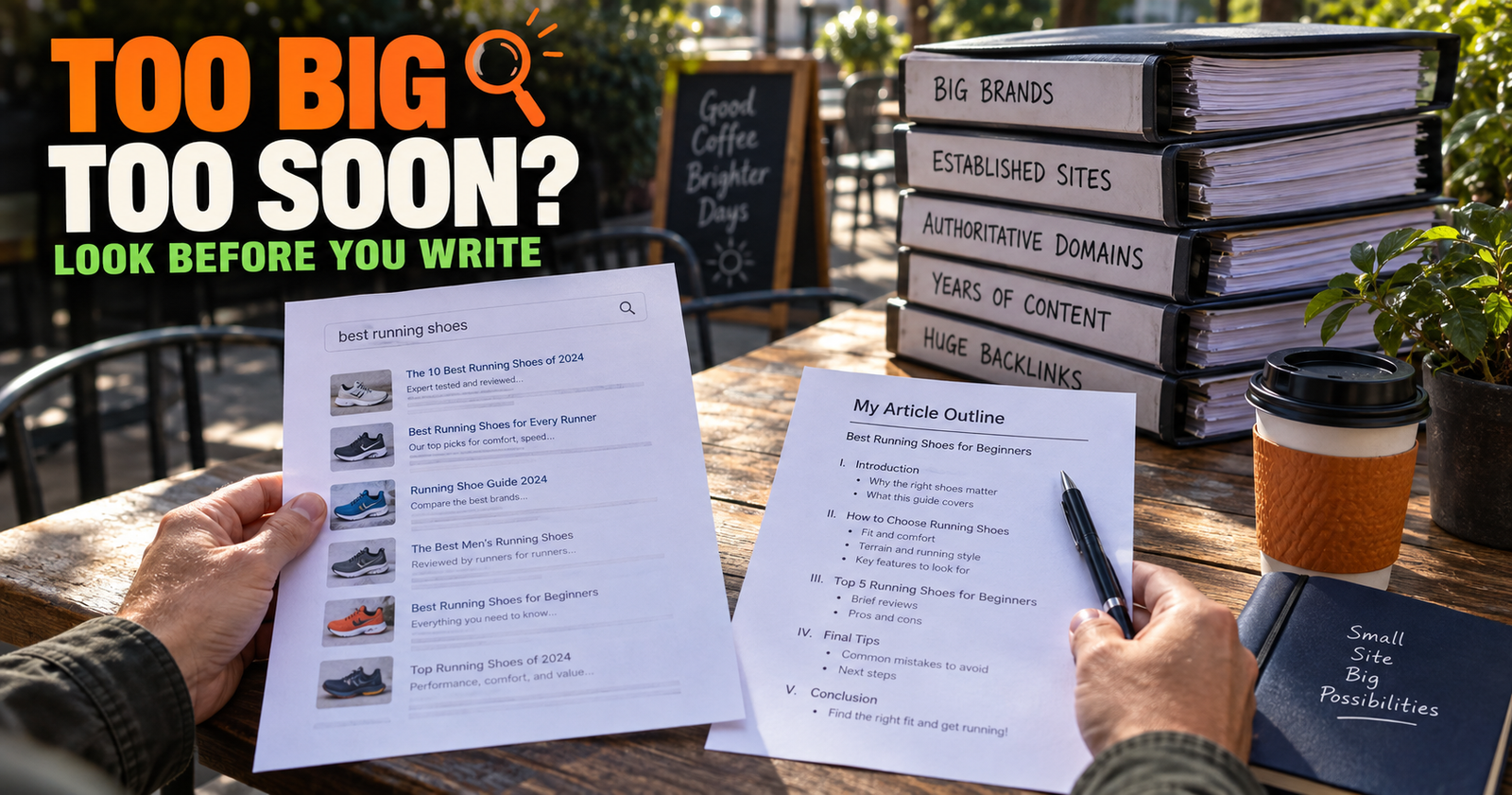
A long section explaining whether a keyword is too competitive for a new website starts drifting into a different promise. The reader may need that answer, but it is its own decision guide. It deserves a clear home, such as how to tell if a keyword is too competitive for a new website.
Before you create a page, write one plain sentence that starts with this:
“This page helps someone who wants to…”
Then do the same for the existing page.
If both sentences end up nearly identical, you probably need a new section, not a new article.
Here is what that looks like in practice.
Existing page: “This page helps someone who wants to understand search intent before choosing a keyword.”
Possible new page: “This page helps someone who wants to decide whether a keyword needs a new article or a new section.”
Those are related, but they are not the same promise. One explains how to understand the searcher. The other helps a publisher make a content-structure decision. Both can stand on their own and link to each other naturally. When the missing piece is a genuinely unanswered reader need, find meaningful content gaps can help you decide whether it deserves its own page.


When I add a section instead of creating a page
I add a section when the query answers a question that naturally comes up while reading the existing article.
The important part is that the section must make the current page more complete, not just longer.
The answer is a necessary step in the same process
A page about getting indexed should explain what indexing means, how to check it, and what to do when a page is not indexed. Those are parts of one process.
A page about why a page is “discovered but not indexed” is more specific. It is a troubleshooting situation with its own causes and next actions. That is a separate destination.
A simple rule helps here: if you would tell someone, “Read this part before you can do the main thing,” it likely belongs inside the existing article.
The answer is short but genuinely useful
Not every useful question needs 2,000 words.
A tight section can answer a smaller question beautifully when it includes the explanation, a practical example, and the next thing to do. Creating a thin article just so every heading becomes a URL is usually not helpful to anyone.
This matters because Google does not have a preferred word count. It explicitly says writing to a target word count because you think Google prefers one is the wrong way to approach content. What matters is whether the page actually gives the reader a satisfying answer. Google’s guidance on helpful content says the same thing in more official language.
The query uses different words for the same reader need
Sometimes two phrases look separate only because people explain the same problem differently.
“Why is my site not on Google?”
“Why can’t I find my new website on Google?”
“Why is my website not showing up in search?”
Those can often live together under one clear page if the underlying issue is the same. A strong article can use headings that meet those questions where they are without building three competing pages.
That is one reason I would rather improve a useful page than publish a close cousin of it.
When I create a new article
A new page is the right move when it gives the reader a better, cleaner answer than a section ever could.
The searcher has a different goal
This is the strongest sign.
A person searching “what does average position mean?” wants to understand a metric. A person searching “how to improve average position” wants a strategy. The first question may be a beginner explanation. The second requires diagnosis, prioritization, and realistic expectations.
Related subject, different goal.

The same thing happens with internal links. Someone searching for natural internal-link anchor text is working on the wording of links. Someone searching for a plan to build internal links on a small site needs a bigger site-structure workflow. They should not be forced into one giant page just because both articles use the words “internal links.”
The answer needs its own examples and mistakes
A page deserves to exist when it needs examples that would distract from the original article.
Take keyword cannibalization. It is tempting to add a small section about it to any article that discusses content planning. But a person trying to fix competing pages needs to recognize the warning signs, compare URLs, choose a primary page, decide what to merge or redirect, and avoid creating the problem again.
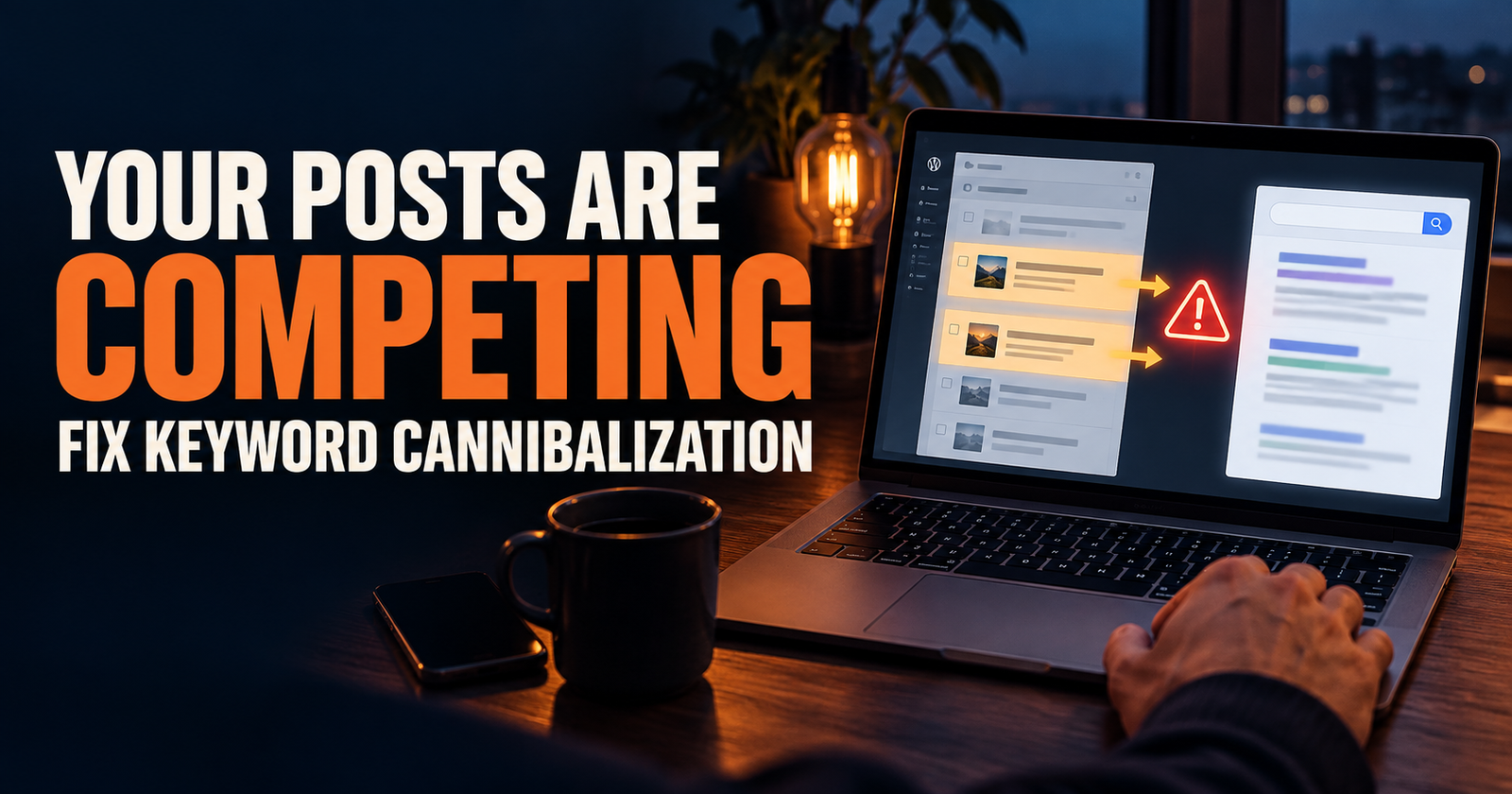
That is a complete task. It is why what is keyword cannibalization and how do you fix it? needs more room than a single section.
The topic has a different result page in Google
This is a simple real-world check that I like because it gets you out of your own head.
Search the original topic and the possible new topic in Google. Do not obsess over every ranking. Just look at the types of pages that appear.
If the results are largely answering the same question in the same format, that is evidence the topics may belong together.
If one search shows beginner explainers and the other shows checklists, tools, comparisons, or troubleshooting guides, the searcher likely expects a different page.
Search results are personalized by location, device, time, and search history, so they are not a perfect command from Google. Google says that clearly in its Search Console Performance report documentation. Still, the results can help you spot a difference in intent that keyword volume alone will miss.
The section would weaken the page’s title
This is my favorite practical test.
Could you still give the existing article a clear, honest title if you added the new topic?
Imagine adding a full section about finding orphan pages to an article about internal-link anchor text. The page title might still say “How to Write Natural Internal Link Anchor Text,” but a large chunk of the article would now be about a different task. That creates a less focused experience.
A new page is usually better when the new material changes what the article is fundamentally about.
A simple decision process I use before publishing
When I have a possible topic, I go through this in order.
1. Find the closest existing page
Do not start in a blank WordPress editor.
Search your own site, use your spreadsheet, and check your categories. Look for a page that already addresses the central problem, not just a page that shares a keyword.
This is especially important on a growing blog. It is easy to forget an older page that could be improved instead.

If you are unsure how to spot overlap before it becomes a problem, start with how to plan your first 30 blog posts without overlap.
2. Write the new query in plain English
Strip away the SEO language.
Instead of “low competition keyword with informational intent,” write, “This person wants to know whether their small site has a realistic shot at this phrase.”
Instead of “search console pages query segmentation,” write, “This person wants to know which of their pages Google is showing for a search.”
If you cannot explain the person’s job in one sentence, you are not ready to create the page yet.
3. Compare the reader’s starting point and finish line
Ask where the reader begins and what they should be able to do by the end.
For example:
A “what is search intent?” reader begins with confusion about the term and should finish able to recognize common intent types.
A “should I write a new post or add a section?” reader begins with a content idea and should finish able to choose the right home for it.
Those finish lines are different enough for separate articles.
4. Outline the new page in six headings
This is where weak ideas reveal themselves.
If your six headings are just reworded versions of the existing article’s headings, you probably have a section.
If the outline naturally becomes a different process with different examples, you likely have a new page.
I do not mean six headings as a magic number. I mean enough structure to prove there is a complete answer there.
5. Decide the relationship between the two pages
A new article should not be an abandoned island.
Decide where the new page will link to the existing one and where the older page will link back. Give each link a reason.

For example, an article about finding blog-topic ideas can point readers to a decision guide when they discover a phrase and are unsure whether it needs a new URL. This article can point back to how I find blog topic ideas in Google Search Console for the earlier stage of finding those ideas.
That is not a link for the sake of a link. It reflects the actual order of work.
How Search Console can help you make the choice
Search Console is especially useful when the question comes from your own site’s data instead of a random keyword list.
Its Performance report lets you look at queries and pages, which helps you see what people searched and which URLs received impressions or clicks. Google documents those dimensions and metrics in its Performance report overview.
Here is how I would use it.
First, open the existing page in the Pages report.
Then look at the Queries report for that page.
Now ask:
- Is the new query already showing for this page?
- Is it getting impressions but no clicks because the page barely covers the subject?
- Does the page already rank for several versions of the question?
- Would improving one section make the page a better result for those searchers?
If the existing page is already appearing for the query, that is often a strong argument for expanding it first. Google has already connected the page with that subject in some way.
But do not turn that into a rule. A page can appear for a query and still be the wrong answer. If the new query has a distinct purpose, a dedicated page may serve the reader better. In that case, the existing page can link to it clearly, and you can make the division between them obvious.

Three examples that make the difference clearer
Example one: Add a section
Existing article: “What Does Average Position Mean in Google Search?”
New idea: “Why did my average position drop one spot?”
I would probably add a section explaining that a small movement is not automatically a crisis. It is part of understanding the metric, and it helps the reader interpret what they are already looking at.
Example two: Create a new article
Existing article: “Why Does My Website Have Impressions but No Clicks?”
New idea: “What is a good click-through rate in Google Search?”
I would make that a separate article because one is a troubleshooting page and the other is a benchmark question. The reader has a different concern and needs a different kind of answer.
Example three: Pause before doing either
Existing article: “How to Use Internal Links on a Small Website for SEO.”
New idea: “How many internal links should a blog post have?”
At first, this may look like a separate article. But I would pause and inspect the current page. If it already covers link placement, relevance, and page purpose, a good section may be more useful than a thin article built around an exact number that has no universal answer.
Sometimes the best content decision is not “new page” or “new section.” Sometimes it is “do not make a promise around a bad question.”
Do not create pages just because a keyword tool makes them look easy
A keyword tool can show a phrase with low competition and make it feel like free traffic.
That is where I slow down.
Low competition can mean the phrase is new, vague, poorly measured, barely searched, or already answered well by a broader page. It does not automatically mean your site needs a page for it.
The same goes for People Also Ask questions. They are excellent clues about what readers wonder next. They are not a command to publish one URL per question.
If five related questions all fit naturally beneath one clear answer, a strong section with useful headings may be better for the reader and easier for you to maintain.
If one question opens a real new decision, process, or problem, then build the page and let it earn its place.
The mistake that causes the most overlap
The biggest mistake is creating a new article because the old one feels imperfect.
An imperfect article can often be improved.
Maybe it needs a better opening. Maybe it needs an example. Maybe it answers the obvious question but skips the question people ask next. Maybe the title does not match what the page actually teaches.
Before you create another URL, ask whether you are trying to solve a content-quality problem with a content-quantity solution.
Those are not the same thing.

You can use how to tell if an SEO update is working after you improve an existing page so you are not guessing whether the change helped.
A practical rule for small websites
If your site is still small, let every page carry a clear job.
You do not need an article for every possible variation of a question. You need a set of useful pages that work together without stepping on each other.
That usually means:
- One page for the broad beginner question.
- Separate pages for major decisions or troubleshooting problems.
- Short sections for natural follow-up questions.
- Internal links that guide readers to the next job they need to do.
- Periodic checks to make sure two pages have not quietly started competing for the same purpose.
A smaller site gets stronger when its content is organized with intention. It does not need to imitate a giant publisher with hundreds of near-duplicate pages.
Frequently asked questions
Should every keyword get its own blog post?
No. A keyword deserves its own post only when it represents a clear, complete reader need that is meaningfully different from the page you already have.
Can I add a new section to an old post instead of writing a new one?
Yes. It is often the smarter move when the new question is part of the same process and makes the existing page more complete.
Will adding a section help an old article rank for more keywords?
It can help the page better answer related questions, but there is no automatic ranking guarantee. Add the section because it improves the answer first.
How do I keep two articles from competing in Google?
Give them different promises, different reader goals, and different examples. Then use internal links to explain their relationship instead of making both pages try to answer the same question.
What if I already published two very similar posts?
Compare the two pages honestly. Keep the stronger page as the main answer, then improve, combine, redirect, or reposition the other page based on what is best for readers. Keyword cannibalization is fixable, but it is easier to prevent with better planning.
Alden Whitaker writes practical, plain-English SEO guides for Make It Found that help small website owners make smarter content decisions without getting lost in agency jargon.