
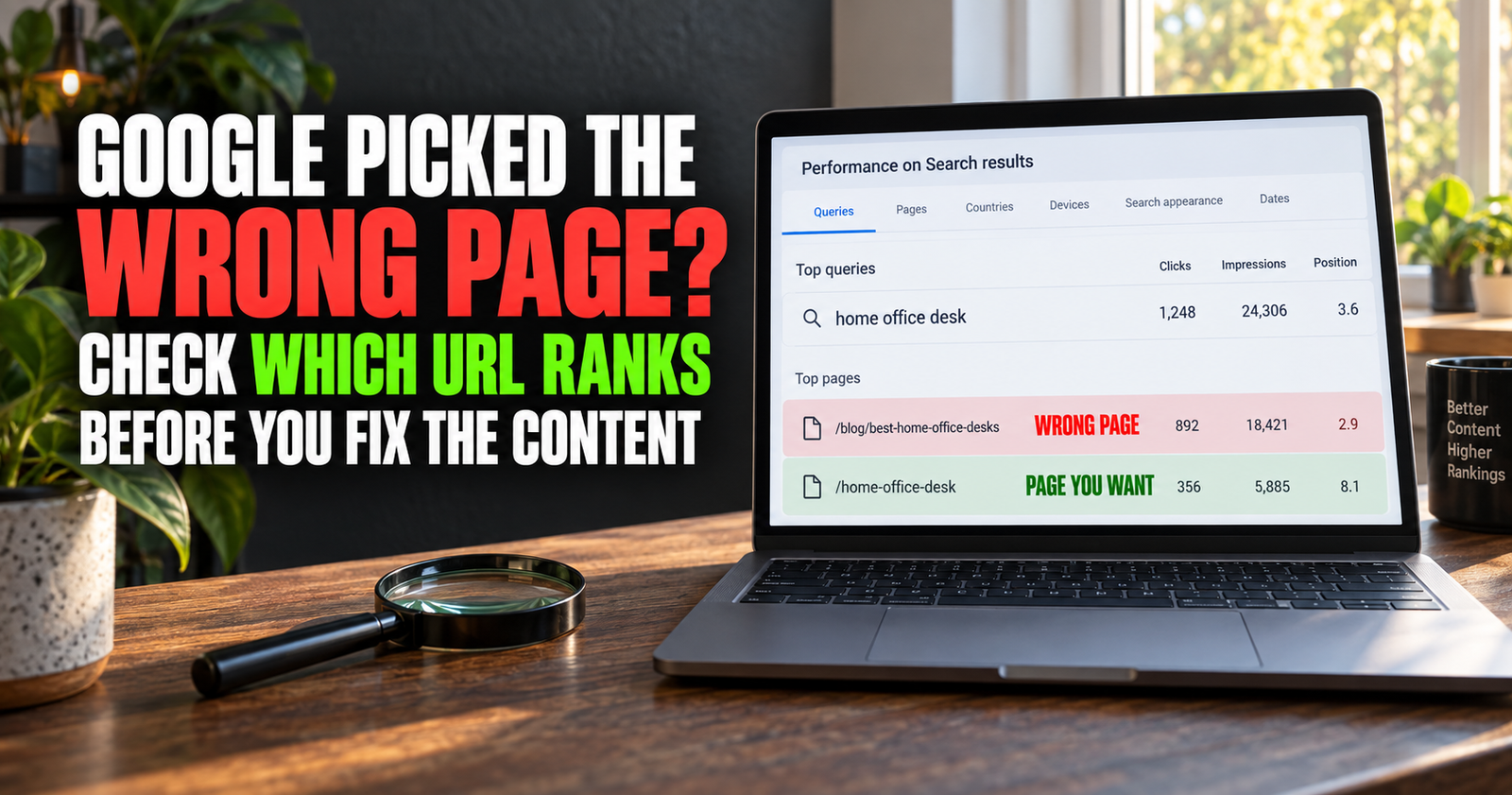
Sometimes Google gives you a ranking, but it is not the ranking you actually wanted.
You may have a detailed guide built to answer a keyword, but Search Console shows a short older post appearing instead. Or a category page shows up when your article would be far more useful. Or Google sends impressions to a product page that barely mentions the question a searcher is asking.
This can be frustrating because, on the surface, it looks like your site is relevant. Google is clearly connecting your website with the keyword. It just seems to be choosing the wrong door for people to walk through.
That is a real problem worth checking, but it is not always a problem you should “fix” with a redirect, a canonical tag, or a pile of extra internal links.
First, you need to figure out whether Google truly picked the wrong page, whether the two pages answer different versions of the same question, or whether the data is simply being misunderstood.
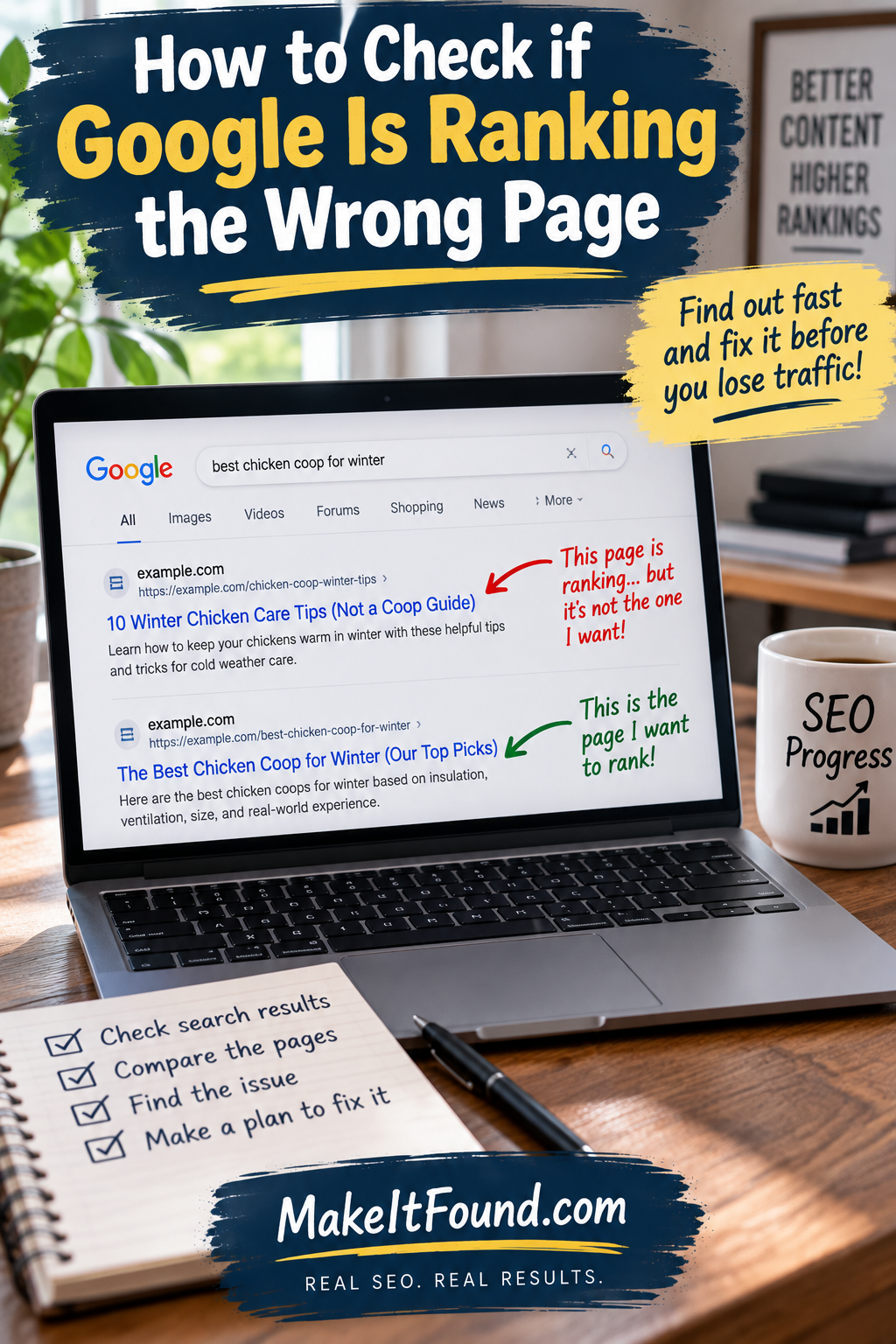
What Does It Mean When Google Ranks the Wrong Page?
It means a page on your website is appearing for a search, but another page on your site would be a more useful and accurate result for that same searcher.
Here is a simple example.
Imagine you have two pages:
- A beginner guide explaining what internal links are.
- A detailed article explaining how to write natural internal-link anchor text.
A person searches “how to write internal link anchor text.”
If Google keeps showing the broad beginner guide instead of the detailed anchor-text article, the broad guide may be the wrong page for that query.
The searcher needs a specific answer. The detailed article is built for that job.
But there are also cases where the page you think is wrong is actually fine.
Maybe Google is showing an article about “what does average position mean” for a question about “why is my average position changing.” Those are related, and the searcher may still find a useful answer. Google may be testing the page until it has more confidence about which page fits best.
That is why I do not make changes based on one query or one day of data. I look for a repeated pattern and then check the actual pages involved.
Why Google Sometimes Chooses an Unexpected Page
Google is not reading your content plan or your notes about which post you hoped would rank.
It is looking at the content, titles, headings, links, page structure, user relevance, and many other signals to decide what page seems most helpful for a search.
Sometimes it chooses the unexpected page because that page is actually clearer.
Sometimes it chooses it because the page has existed longer, has stronger internal links, or has accumulated more signals over time.
Sometimes two pages are so similar that Google has no obvious reason to favor one over the other.
And sometimes Google is not choosing a page at all in the permanent sense. It may simply be testing different pages for different versions of the query.
Google Search Console can show the queries and pages connected to your search visibility, but results can change based on the person searching, their location, device, time, and recent search history. Google’s Performance report documentation explains why a query in Search Console may not look exactly the same when you search it yourself.
That is normal.
The problem is not that Google ever shows a different page. The problem is when it repeatedly favors a page that gives the searcher a weaker answer than another page you already have.
Start in Search Console, Not by Googling Yourself
A normal Google search is useful for checking the live results, but I would not start there.
Personalized results, location, browsing history, device type, and timing can all affect what you see. Search Console gives you a wider view of actual Google Search performance.
Open Search Console and go to Performance or Search Results.
Choose a meaningful date range. For most smaller sites, I would start with the last three months. Then turn on clicks, impressions, CTR, and average position.
Go to the Queries tab and find the keyword you are checking.
Click that query.
Next, open the Pages tab.
Search Console will show the pages from your site that earned visibility for that search. This is the point where the situation becomes clearer.
You may see:
- One page receiving nearly all the impressions.
- Two pages both appearing for the same query.
- A broad page showing up instead of a focused page.
- A category, tag, attachment page, or old post receiving visibility.
- A page you did not realize was connected to the keyword at all.
Do not rush into a fix yet. Open the pages and read them like a first-time visitor.
Ask one simple question: if I searched this phrase, which page would honestly help me more?
How I Tell Whether the Page Is Actually Wrong
I look at the searcher’s job first.
The same keyword can mean different things, but most searches have a clear need behind them. Someone may want a definition, a step-by-step fix, a comparison, a product, a local service, or an explanation of why something happened.
The page that should rank is the one that best handles that job.
Here are the questions I use.
Does the Ranking Page Answer the Search Early?
A page may be related to the keyword but still bury the answer too far down.
If someone searches “how to find keywords your website ranks for,” they should not have to read ten paragraphs about why keywords matter before getting the steps. A broad SEO guide may mention the subject, but the focused keyword-ranking guide is probably the stronger page.
The right page usually gives the visitor confidence quickly: “Yes, this is the exact problem I searched for.”
Is the Other Page Actually More Specific?
A focused page is not automatically the better page.
Sometimes the supposedly “better” page is thin, outdated, or too narrow to fully answer the question. The broader ranking page may be doing a better job because it gives more context.
I would compare the two pages honestly.
Which one has the clearer title?
Which one answers more of the likely follow-up questions?
Which one matches the format people expect from the live search results?
Which one would you feel comfortable sharing with someone who asked the question directly?
The better page is the page worth strengthening.
Do the Two Pages Have Different Search Intent?
This is where many websites create trouble.
Two articles may use some of the same words but serve different readers.
For example, “what is search intent” and “how do I find search intent for a keyword” overlap in language, but they have different jobs. One explains the concept. The other gives someone a method to use.
Those pages can live together.
But “how to find keywords for a small website” and “how to find website keywords for free” may be trying to serve nearly the same person with nearly the same answer. If Google picks one over the other, that may not mean it chose the wrong page. It may mean the site gave it two pages that are too similar.
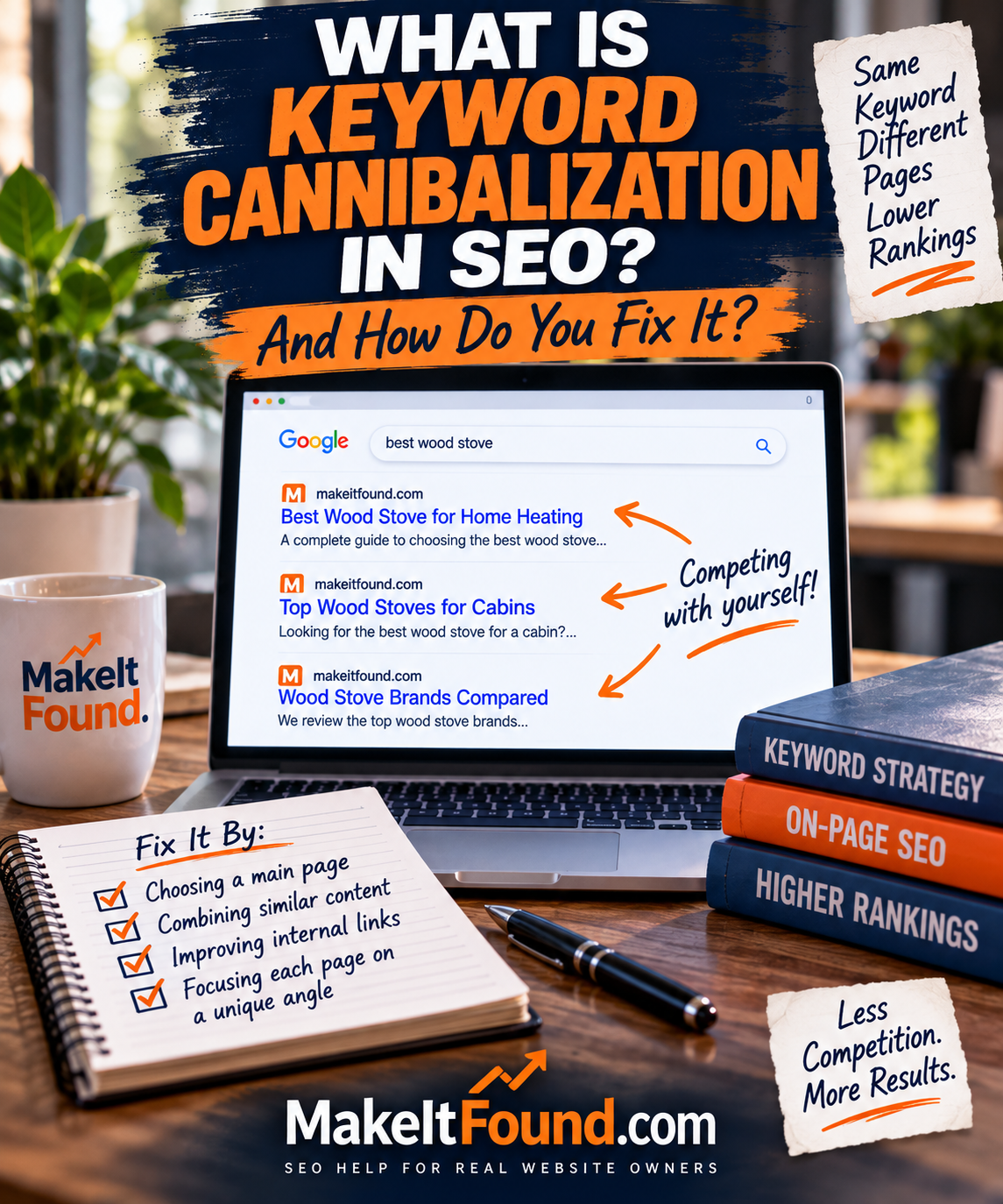
Before changing anything, use this guide on keyword cannibalization to make sure you are solving the right problem.
The Four Most Common Wrong-Page Situations
I keep seeing the same patterns.
An Older, Broader Article Beats the New Focused One
This is common on a growing site.
You publish a broad guide first. Later, you write a detailed supporting article that deserves to own a specific query. But Google keeps showing the old guide because it has been around longer and already has more internal links pointing to it.
Do not delete the old guide.
Make the relationship between the two pages clearer. Add a natural internal link from the broad guide to the focused page when you mention the specific subject. Use anchor text that tells readers and Google what the detailed page covers.
Then make sure the focused article has a clear title, clear opening, useful headings, and enough depth to deserve the job.
A Category or Tag Page Appears Instead of an Article
This can happen on WordPress sites that use broad categories, lots of tags, or thin archive pages.
A category page may collect relevant words from many posts, while your detailed article is not strongly linked or clearly optimized for the same topic.
First, make sure the article is stronger than the archive page for the searcher’s question. Then link to the article from related content and keep the category page organized around a real purpose instead of treating it like a keyword bucket.
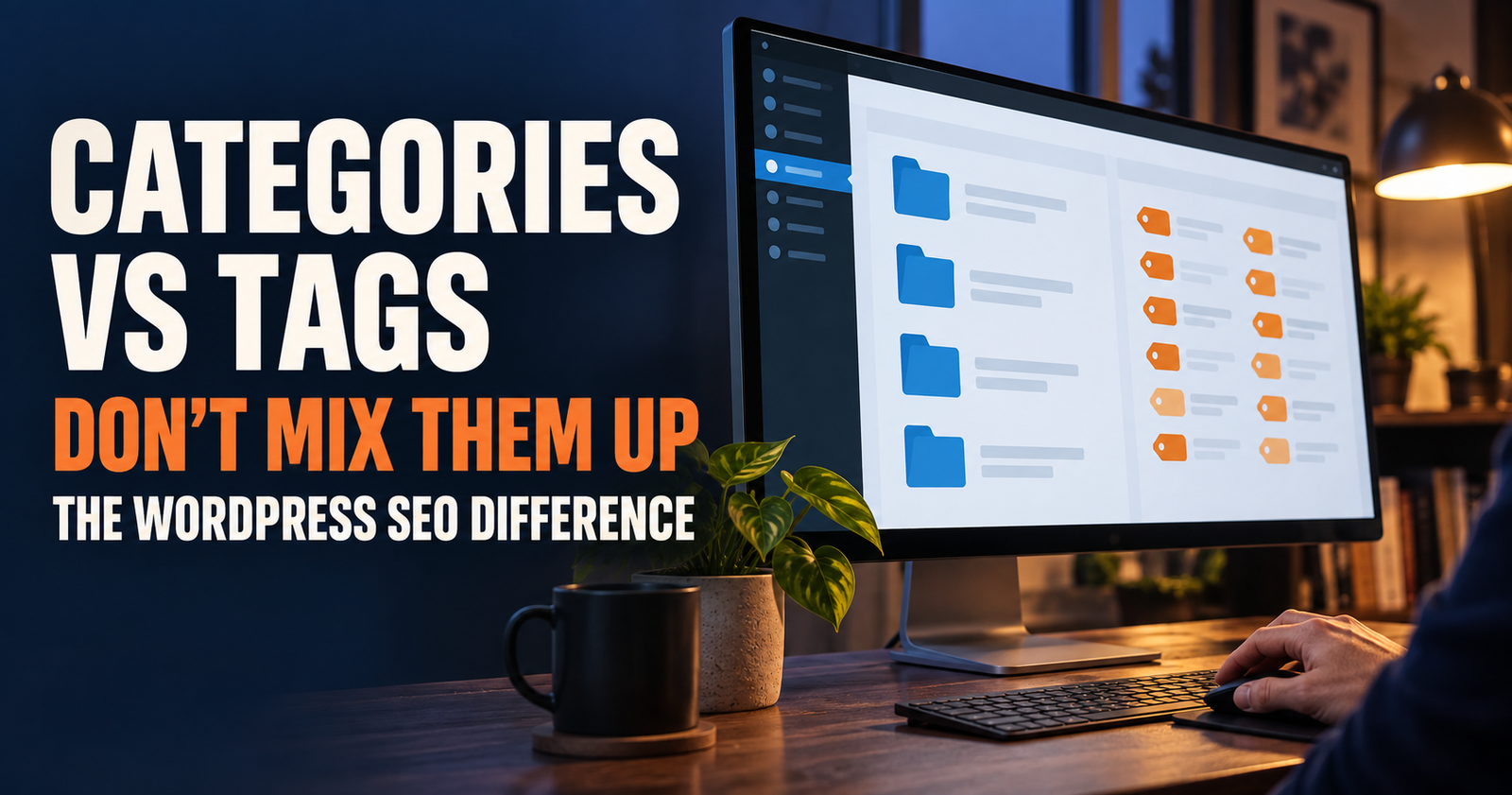
If categories and tags have started creating clutter, this explanation of categories versus tags for SEO can help you clean up the structure without overreacting.
A Product or Service Page Appears for an Informational Search
A product page may contain the right words, but that does not make it the best answer to every related question.
For example, someone searching “how to use internal links on a small website” wants guidance. If Google keeps showing a product page that sells a linking tool, the visitor may not get the answer they came for.
The best fix is often to build or improve the information page, then link naturally to the product only where it helps. Do not try to turn every product page into a giant guide.
Likewise, do not hide the product page from Google simply because it ranks for a few informational phrases. The goal is not to make pages invisible. The goal is to make the right page the clearest answer for the right search.
Two Similar Blog Posts Keep Trading Places
This is the classic warning sign.
One week, Page A earns impressions for the keyword. The next week, Page B does. Neither page gains much traction. Google is seeing both as possible matches but may not see one as a clear winner.
The temptation is to add the exact keyword to both pages more often. I would not do that.
Instead, decide what each page should own.
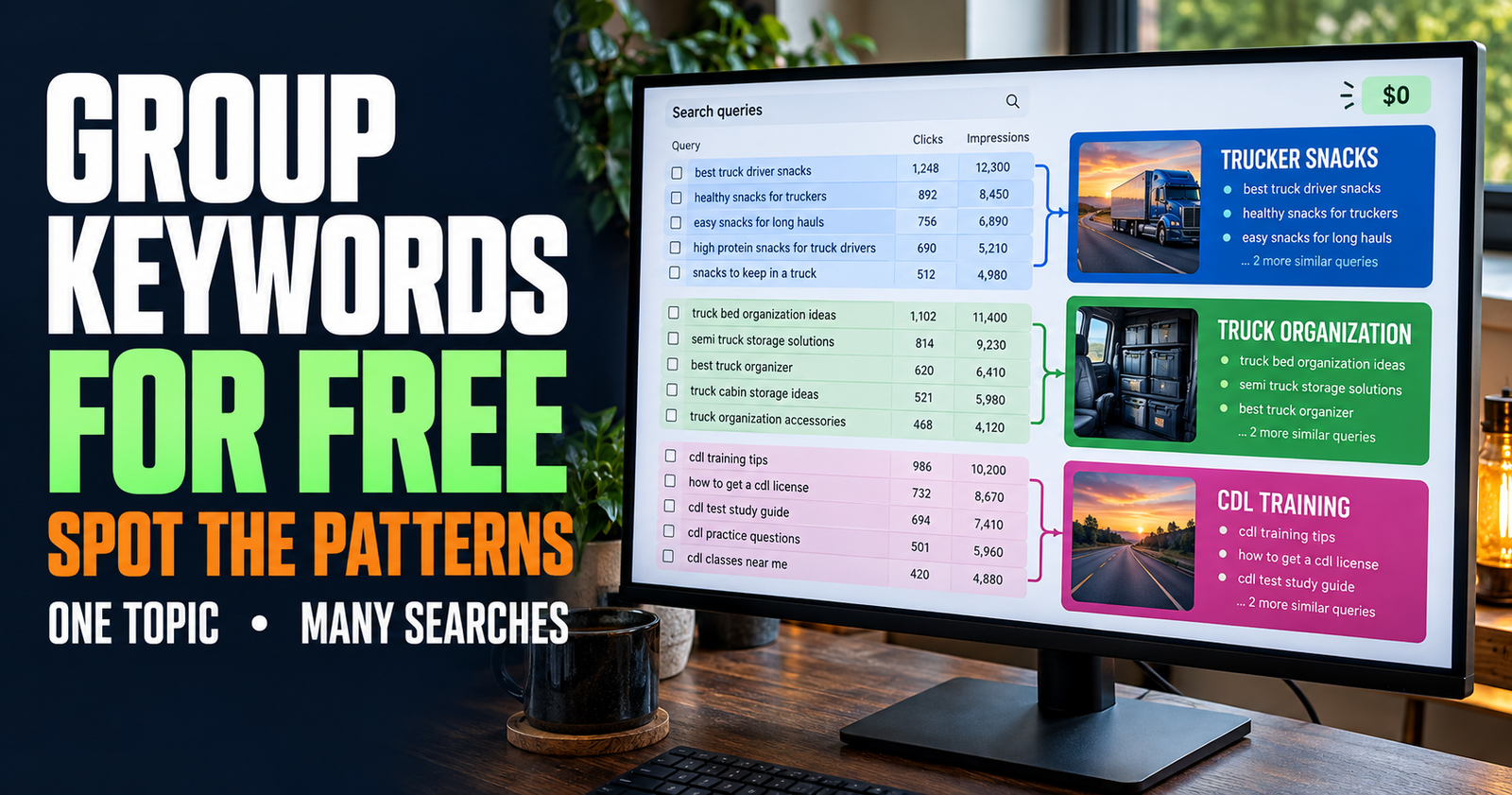
One page may need to become the main guide. The other may need a tighter supporting angle. Or you may realize the second article adds nothing unique and should be combined into the stronger page.
This is where a content plan matters. It is much easier to prevent overlap than to untangle it after publishing ten similar posts.
Check the Search Results Before You Pick a Winner
Search Console tells you what page Google is showing.
The live search results help you understand what Google is trying to satisfy.
Search the query in Google and look at the top results. Do not copy them. Just study the pattern.
Are the strongest results short answers, long guides, product pages, local businesses, tools, videos, or comparison posts?
Do they all answer a similar question?
Are they written for beginners or people who already know the basics?
Does your preferred page look like it belongs beside them?
This is where I sometimes realize my first instinct was wrong.
A page can be more specific but still be the wrong format for the search. Maybe the searcher wants a quick definition, while your long guide is built for a full tutorial. Or maybe the searcher wants a step-by-step fix, while your short article only explains the background.
The right page is not always the page with the most exact keyword use. It is the page that gives the searcher the most satisfying answer.

If you need help sorting that out, search intent is the lens I would use before touching titles, headings, or links.
How to Help Google Understand Which Page Should Own the Query
Once you are confident about the better page, make that page easier to understand.
You do not need tricks. You need clearer signals and a genuinely stronger answer.
Give the Preferred Page a Clearer Title
The title should say what the page helps with.
If your preferred page is about how to use internal links, the title should not sound like a generic post about website navigation. It should tell people exactly what they will get.
Google can use several sources when creating title links in search results, including the title element and headings on the page. That is why a clear, accurate title and on-page heading matter. Google’s SEO guidance on titles and snippets is worth following here.
Do not stuff the title with every keyword variation. Make it accurate and useful.
Make the First Part of the Page Match the Search
A visitor should not have to guess whether they landed in the right place.
Put the direct answer or clear promise near the top. Then explain the details underneath it.
A focused article should not open with a long personal speech, a generic definition, or a history lesson that delays the answer. The reader can get context after they know they are in the right place.
Strengthen Helpful Internal Links
Internal links are one of the cleanest ways to show how pages relate.
From broader articles, link naturally to the focused page when you mention the detailed subject. From the focused page, link back to the broad guide where a reader would need more context.
Google says links help it discover pages and understand how content relates. Clear anchor text also helps people know what they will find before clicking. Google’s link best practices support that common-sense approach.
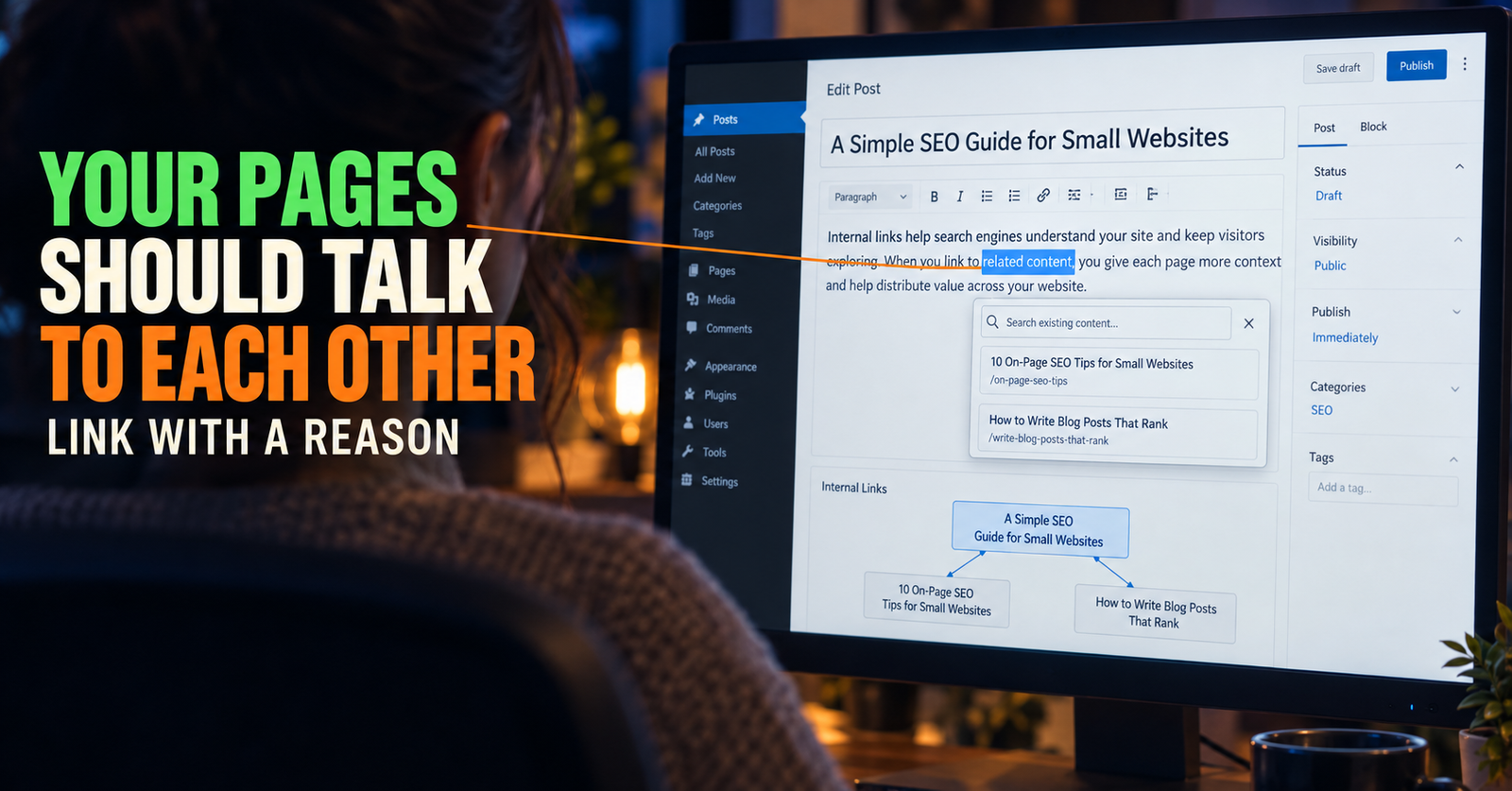
For a hands-on method, using internal links on a small website will help you avoid the mistake of stacking links everywhere.
Reduce Confusing Overlap
If two pages are too similar, decide what makes each one different.
You may need to move one page toward a narrower question, combine two weak posts into one stronger guide, or add a clear section explaining the distinction.
Do not keep two pages alive just because deleting or merging feels scary. A smaller group of pages with clear jobs is often easier for readers and search engines to understand than several interchangeable articles.
When Canonical Tags Are Relevant and When They Are Not
This is where technical advice can get dangerous if it is oversimplified.
A canonical tag is mainly for duplicate or very similar versions of the same content. It tells Google which URL you prefer as the representative version.
It is not a general command for telling Google which related article should rank for a keyword.
Google explains that canonicalization is about choosing the representative URL from a set of duplicate or very similar pages. It also says a canonical preference is a hint, not a rule. Google’s canonicalization documentation is clear on both points.
So if you have:
- A print version and standard version of the same page.
- HTTP and HTTPS versions.
- Filtered category URLs showing the same content.
- Accidental duplicate pages.
- Two URLs with essentially the same article.
Then canonicalization may be part of the solution.
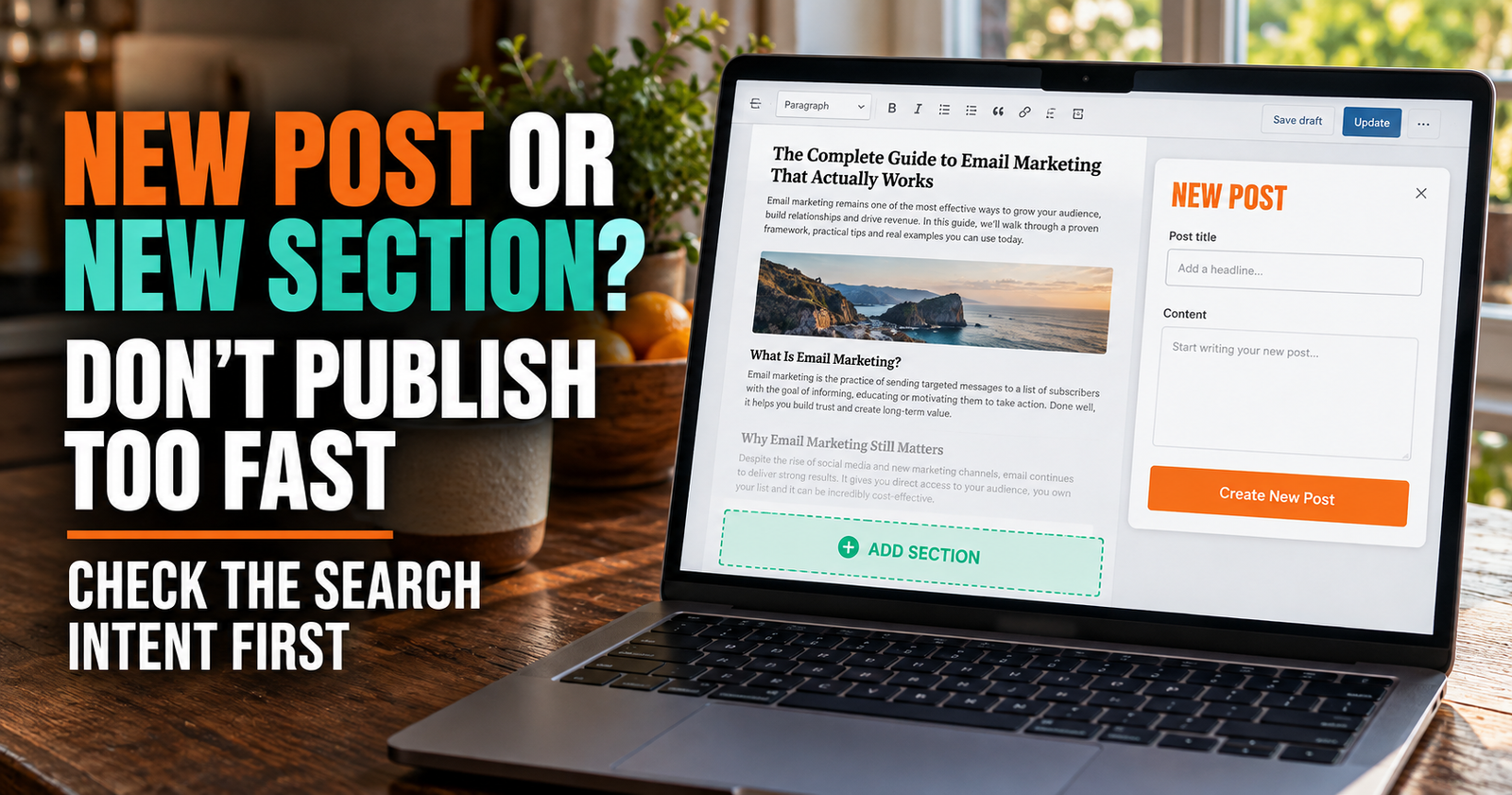
But if you have two different articles that cover related questions, do not slap a canonical tag on one just because it is not ranking for your favorite keyword. First decide whether the pages need clearer differentiation, consolidation, stronger internal links, or better intent matching.
What Not to Do
Do not redirect a page without checking whether it has its own useful purpose.
Do not add the same keyword to every related post.
Do not change canonical tags on unrelated articles.
Do not delete an older page that still answers a different question.
Do not assume a manual Google search is the whole truth.
Do not create another new article before you know whether the better page already exists.
The best fix is usually less dramatic than people expect. It is often one clearer page, a better title, a stronger answer near the top, and a few natural internal links that explain the relationship.
A Simple Monthly Wrong-Page Check
Once a month, pick a few important keywords from Search Console and check which pages are receiving the impressions.
I would focus first on pages that:
- Have impressions but few clicks.
- Seem to rank for a query that another page answers better.
- Have a newer detailed guide that is not getting visibility.
- Share similar subjects with another older post.
- Appear to be taking turns for the same important query.
You do not need to fix every odd result.
You are looking for repeated patterns where the wrong page keeps appearing and a better answer is already sitting on your site waiting to be understood.
Frequently Asked Questions
Why is Google ranking an old page instead of my new article?
The old page may have stronger internal links, clearer relevance, more history, or a closer match to the search than the new article. Compare both pages honestly before assuming the newer page should win.
Can two pages from my website rank for the same keyword?
Yes. Google can show different pages from the same site for related searches, especially when the pages have distinct purposes. It becomes a problem when the pages are so similar that they compete and neither one clearly serves the searcher best.
Should I add a canonical tag to the page I want Google to rank?
Not unless the pages are duplicates or extremely similar versions of the same content. Canonical tags are not a general ranking control for related blog posts.
Can internal links help Google choose the right page?
They can help show the relationship between pages and guide readers toward the more detailed answer. Use natural, descriptive anchor text and link when it genuinely helps the reader.
How long does it take Google to switch to a different page?
There is no fixed timeline. Google needs to recrawl and reevaluate the pages, and results can change over time. Make a clear improvement, request indexing if appropriate, then compare performance over several weeks instead of judging it the next day.
What if the wrong page is getting more clicks than the page I prefer?
That may be a clue that the supposedly wrong page is actually answering the search better. Look at the search intent, page content, and live results before moving traffic away from a page that visitors are choosing.
Alden Whitaker writes practical, plain-English SEO guides for Make It Found that help small website owners make smarter content decisions without getting lost in agency jargon.