
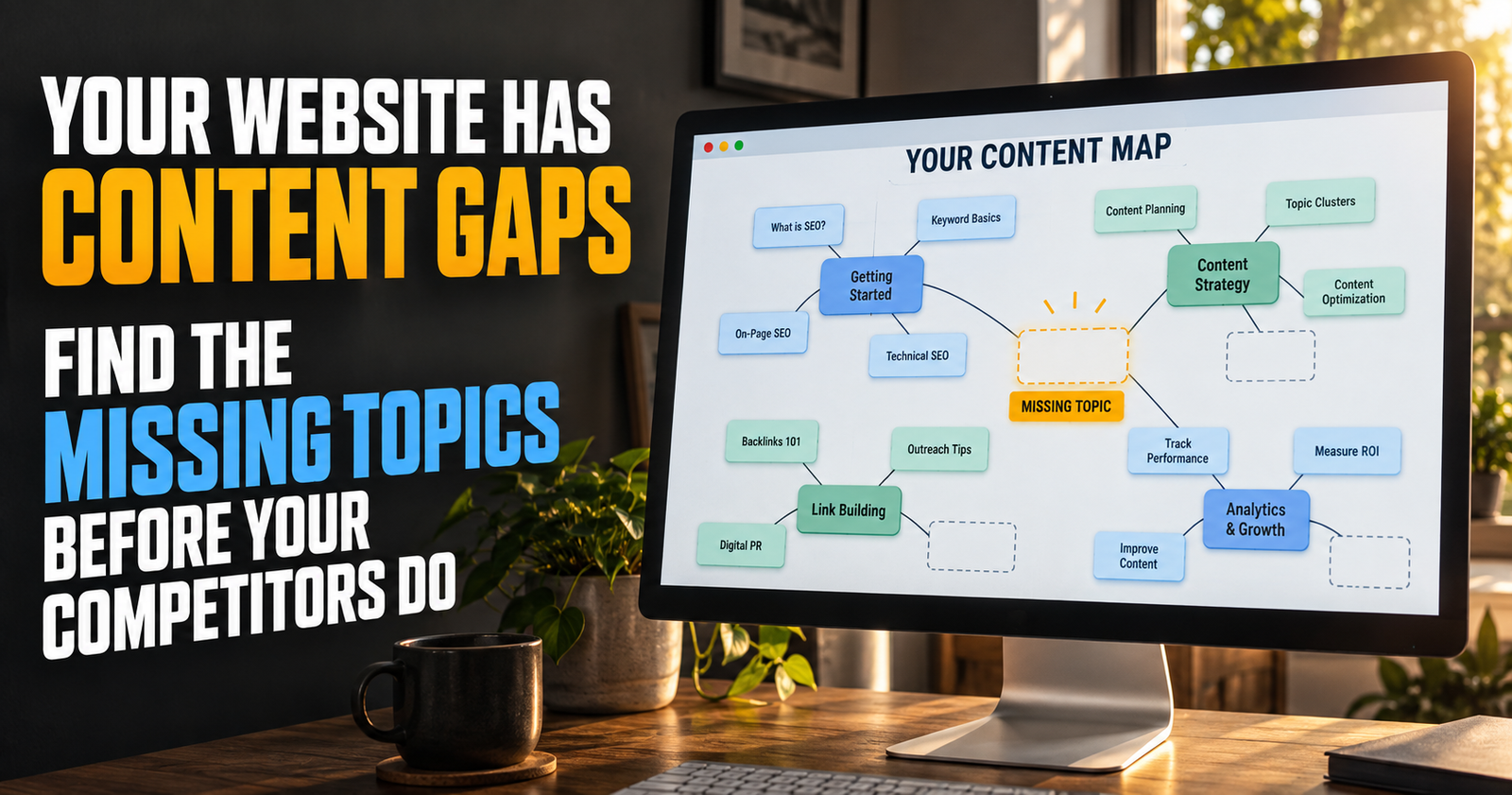
A content gap is not simply a topic you have not written about yet.
It is a useful question, decision, or problem your reader reaches naturally after reading what you already published, but your website does not yet answer well.
That difference matters.
A website can have 200 missing topics and still not have a single meaningful content gap. Nobody needs every imaginable page. What people need is help getting from the question they typed into Google to the next thing they need to know.
When I look for content gaps, I am not trying to make a longer publishing list. I am looking for spots where a reader could reasonably say, “Okay, but what do I do now?” or “That explains it, but what does it mean for my situation?”
That is where some of the strongest articles come from.
What a real content gap looks like
A real content gap usually sits between pages you already have.
For example, imagine a website has articles explaining:
- What impressions mean in Google Search Console.
- Why impressions can rise without clicks.
- What a good click-through rate looks like.
That is a useful group of pages. But a reader may still be staring at Search Console and wondering, “Which impressions should I actually care about first?”
That question is not just another definition. It is a decision. It may be the missing bridge between understanding the numbers and knowing where to spend time.
A weak content gap is “I found a keyword I do not cover.”
A strong content gap is “My current articles get a reader to this point, then leave them without the answer they need to move forward.”
That is why I start with the reader’s path rather than a keyword spreadsheet.
Content gaps are not the same as keyword gaps
Keyword gaps can be useful. They show phrases your site does not rank for or topics competitors cover.
But keyword tools do not know your reader. They do not know whether a phrase deserves a new page, belongs in an existing section, or has nothing to do with the kind of help your site is built to provide.
A small website can get itself in trouble by chasing every low-competition phrase it finds. Soon it has pages that are technically different but practically repetitive.
Google’s guidance is clear that helpful content should serve a real audience and leave people feeling their goal was met. It also warns against making lots of pages on unrelated subjects just in hopes that some will perform in search. Google’s people-first content guidance is a good reminder that more URLs are not automatically more useful.
The goal is not to cover every keyword.
The goal is to cover the important next questions better than the sites that stop at a basic answer.
Start by looking at what your existing pages promise
Every article makes a promise to the reader.
A page titled “Why Is My New Website Not Showing Up on Google?” promises an explanation for a frustrating problem. The reader expects causes and practical checks.
A page titled “How Long Does SEO Take for a New Website?” promises a realistic timeline and a better understanding of what progress looks like.
Those pages are related. But they help people at different moments.
Before looking for a gap, write down the plain-English promise of each article in a cluster. Do not write the keyword. Write what the article actually helps someone do.
For example:
- “This page helps a new site owner understand why Google may not be showing their site yet.”
- “This page helps a new site owner set reasonable expectations while their SEO work has time to take hold.”
- “This page helps a new site owner figure out whether Google has indexed a page but simply is not ranking it.”
Now look at the spaces between those promises.
A possible gap might be a page for someone asking, “How do I know whether Google is making progress before I have traffic?” That page would not repeat indexing, rankings, or SEO timelines. It would help readers interpret early signs of movement. Readers looking for the reasons traffic has not arrived yet can use whether Google is making progress before you have traffic as a related diagnosis.
That is the kind of gap worth exploring.
The best place to find gaps is inside your own site
I would always check my own published content before doing competitor research.
Go to one category or cluster and open the articles you already have. Read the headings, not just the titles. You are looking for places where an article introduces a subject but cannot fully explain it without losing focus.
A good gap often appears in a sentence like this:
“You may also need to check…”
“That is a separate problem…”
“This matters because…”
“If that is happening, do this next…”
Those phrases are not bad writing. They are clues. They tell you the article has reached the edge of its assigned job.
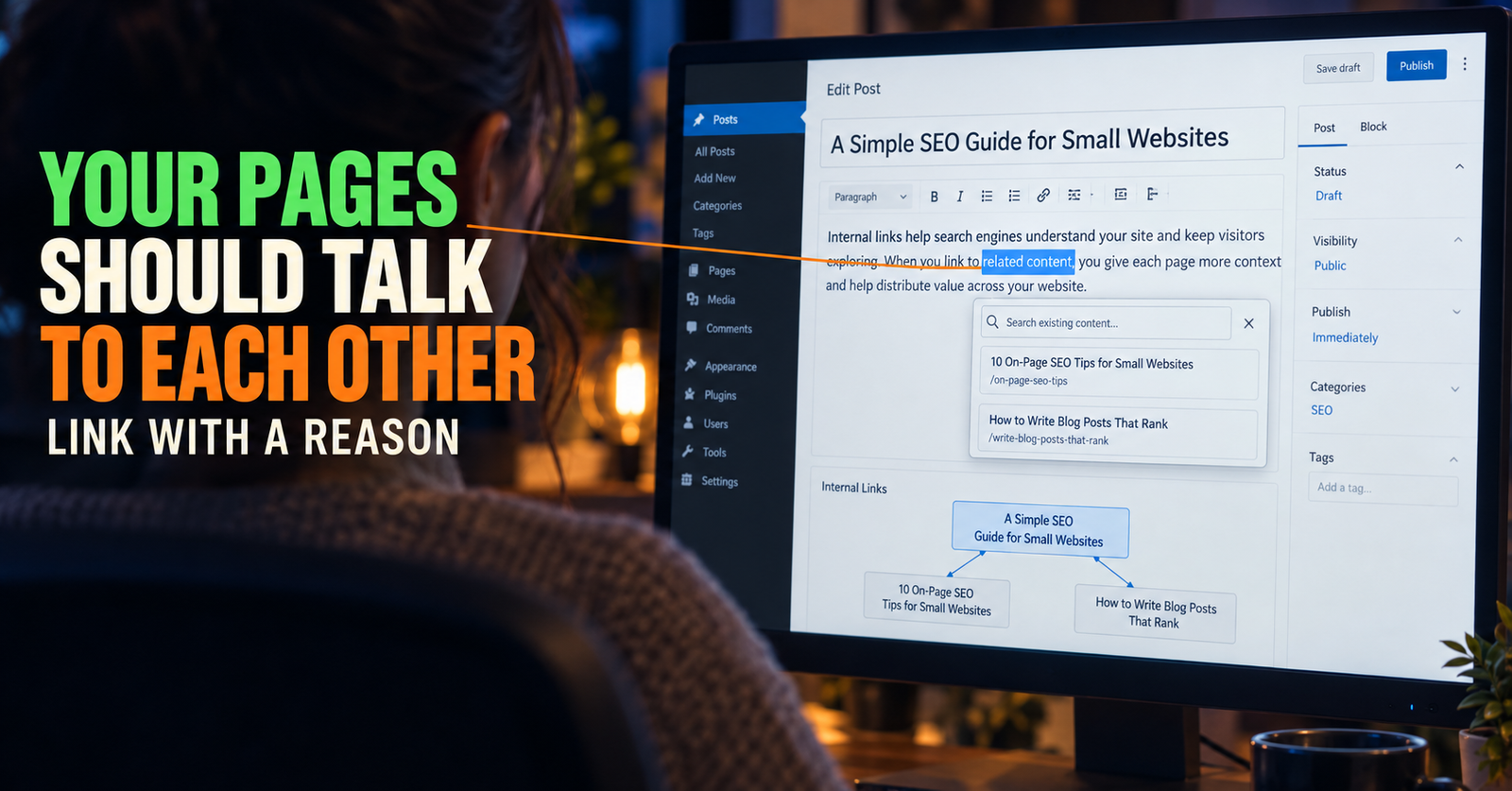
For example, a guide about how to use internal links on a small website may explain why internal links matter, where to place them, and how to keep the links helpful.
But it might briefly mention orphan pages without turning into a full guide on finding them. That creates a natural connection to a dedicated page about what orphan pages are and how to find them.
The first article is not incomplete because it does not cover every detail. It is focused. The second article exists because the reader has started a different job.
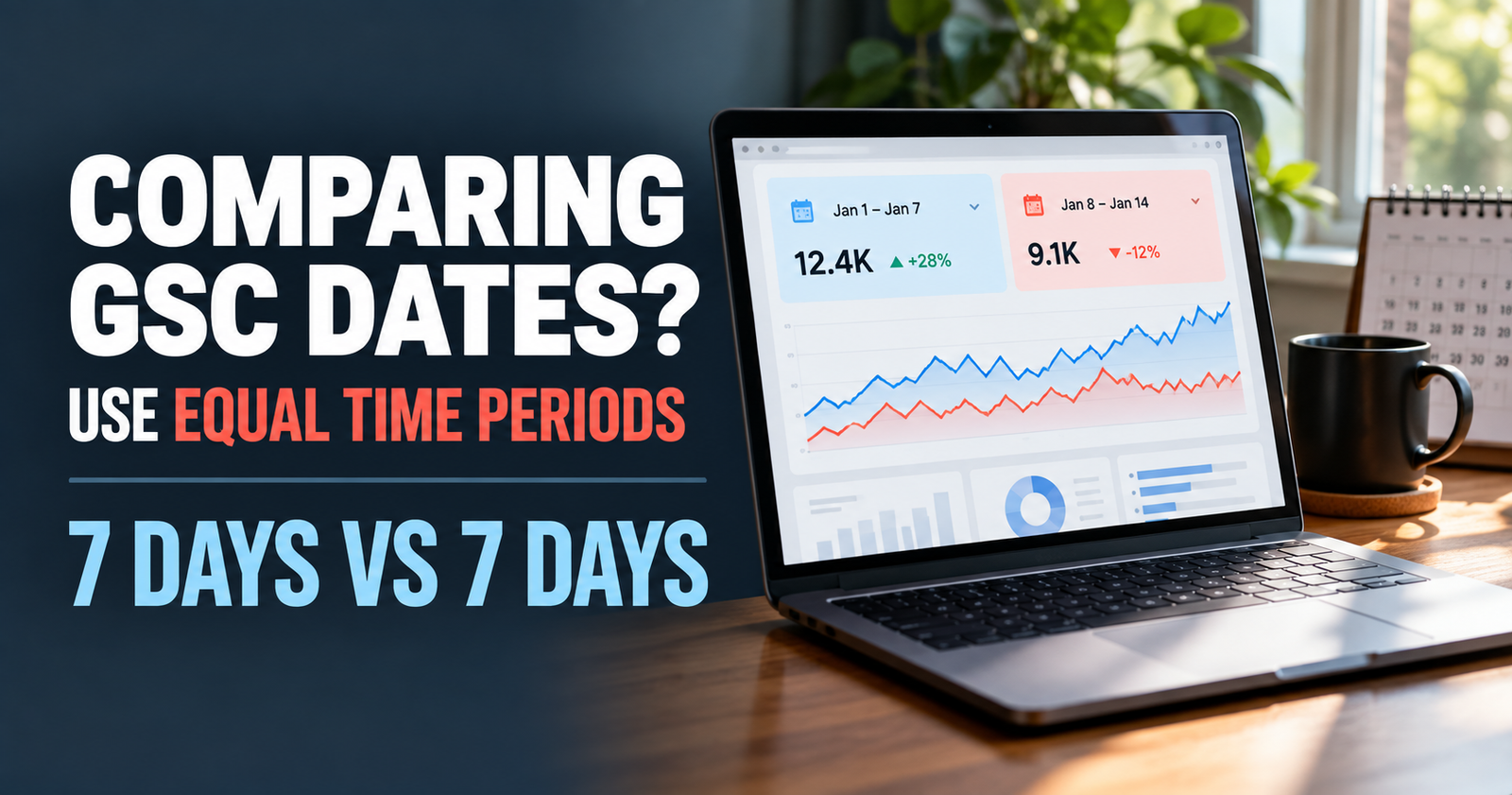


Read your headings like a reader would
This is a surprisingly simple exercise.
Open a cluster of related articles and read only the titles and headings in order. Pretend you know nothing about the subject.
Ask yourself:
- What would I understand after reading these pages?
- What decision would I still be unable to make?
- Where would I need to search Google again because the site did not answer my next question?
- Do two pages appear to promise the same thing?
The third question is the most important one.
If readers have to leave your site and search again after getting a basic answer, there may be a content gap. If two of your pages seem like they would answer the same next question, you may have overlap instead.
Those are two different problems. A gap means you may need more helpful content. Overlap means you may need a clearer division between pages.
Use Search Console to find questions you barely answer
Search Console is one of the best sources for content gaps because it shows the phrases where Google already sees some connection between your pages and a search.
The Performance report lets you view queries and pages, then compare impressions, clicks, click-through rate, and average position. Google explains those measurements and report dimensions in its Search Console Performance report overview.
Here is the process I would use.
Start with one page, not your whole website
Open the Performance report and filter to a single page.
This is important. If you start with your entire site, the data can become a pile of unrelated phrases. A page filter lets you see the questions connected to that specific piece of content.
Choose a page that already has some impressions. It does not need huge traffic. You are looking for clues, not a victory lap.
Look for question-shaped searches
Question-shaped searches are often the easiest place to spot a missing explanation.
You might see phrases beginning with:
- Why
- How
- What does
- Can I
- Should I
- When
- Is it normal
These searches can tell you what part of the reader’s thought process your current article touches but does not completely satisfy.
Suppose an article about Google impressions shows for searches about impressions but also starts getting impressions for “why did my impressions suddenly drop?” That does not necessarily mean you should add one sentence about traffic drops to the current article.

It may point to a new troubleshooting need. That subject needs different examples, a different starting point, and a different action plan. A separate guide such as why Google search traffic can drop is a better destination for that reader.
Do not let one impression create a whole article
This is where patience matters.
A query with one or two impressions is not proof that readers are begging for a new article. Search data can be messy, and Google’s results vary based on location, device, time, and a searcher’s own history.
I look for patterns instead.
A query becomes more interesting when it appears alongside several related phrases, when a page keeps receiving impressions for it over time, or when the phrase clearly exposes a missing decision the current article does not answer.
That is a much stronger signal than one random keyword.
Look for “almost answered” questions
The best gaps are often questions your site nearly answers.
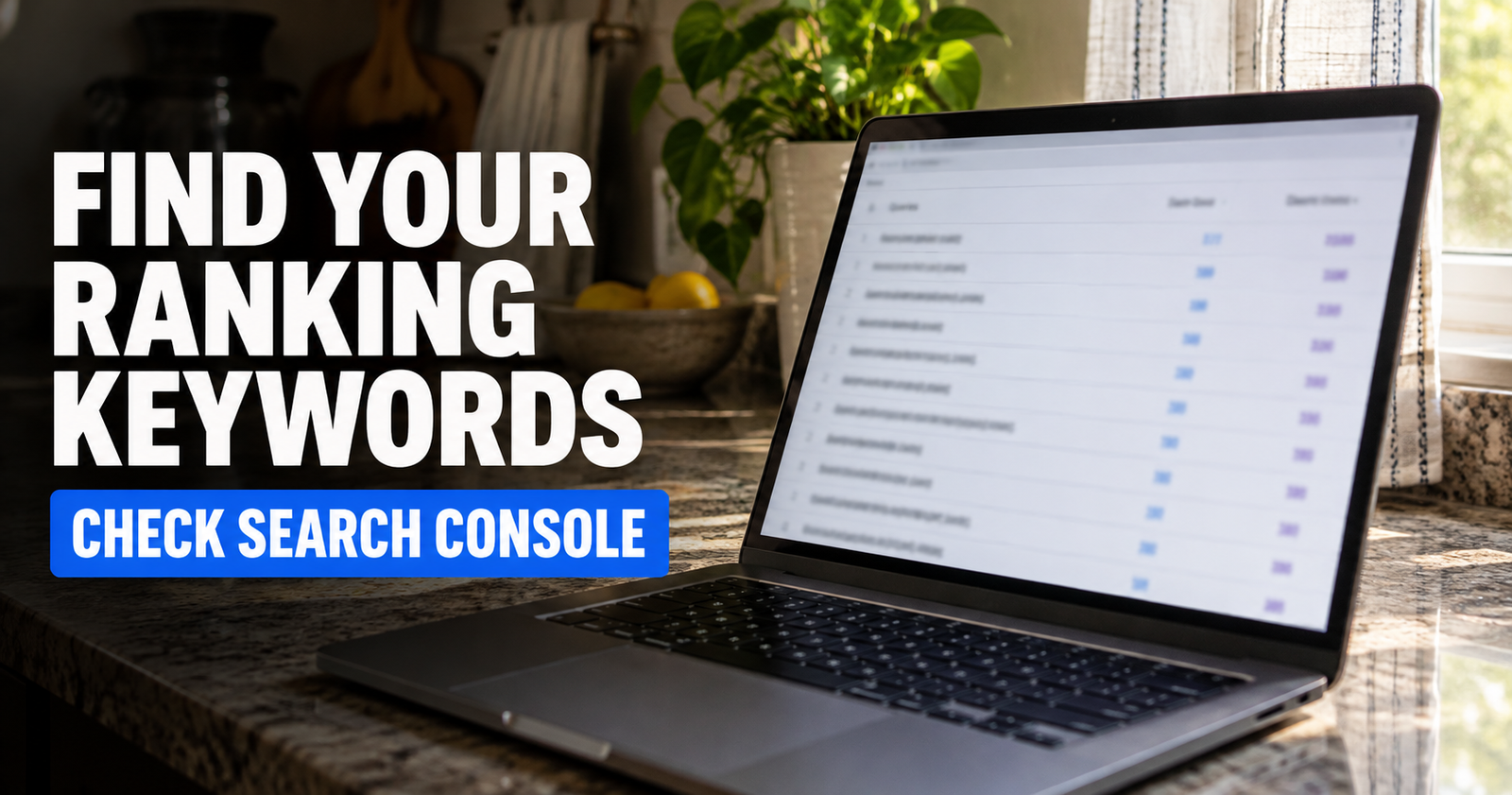
Let’s say you have an article explaining how to find keywords your website ranks for.
A reader may understand how to view their ranking keywords. But then they may want to know which ones deserve attention first.
That next question is not necessarily part of finding the data. It is about making a judgment from the data.
This is where many beginner SEO sites leave people stranded. They explain where to click, then act like the data will explain itself.
It will not.
A useful content gap may be a guide about choosing the best keyword opportunity based on topic fit, current impressions, ranking position, search intent, and what the reader can honestly add to the subject.
That kind of article helps someone use information instead of just collect it.
Pay attention to the middle of a process
Most websites cover the beginning and the end of a process better than the messy middle.
The beginning is easy because people search broad beginner questions.
The end is easy because people search obvious problems.
The middle is where readers make decisions, run into uncertainty, and need somebody to explain what matters next.
Think about a new website owner’s path:
- They build a site.
- They wait for Google to find it.
- They learn about indexing.
- They start seeing impressions.
- They wonder why there are no clicks.
- They try improving content.
- They need to know whether the change worked.
Each step can lead to a useful article. But the strongest content often sits between those obvious steps.
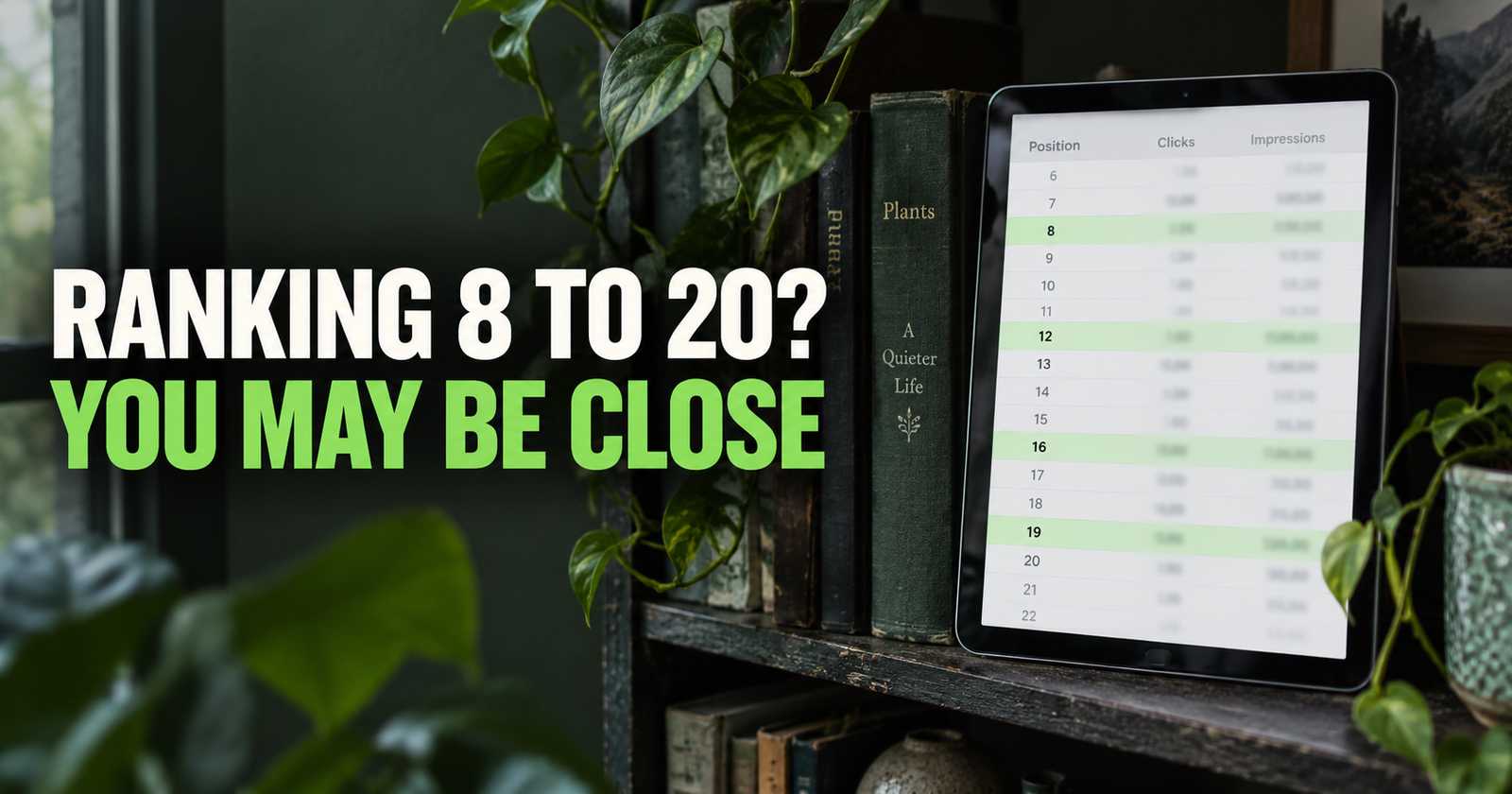
For example, a reader who knows what impressions are may not know how to find the pages with the most realistic chance to grow. That is why a practical article on finding low-hanging-fruit keywords in Search Console can be more useful than another generic post about keyword research.
It solves the middle problem: deciding where to start.

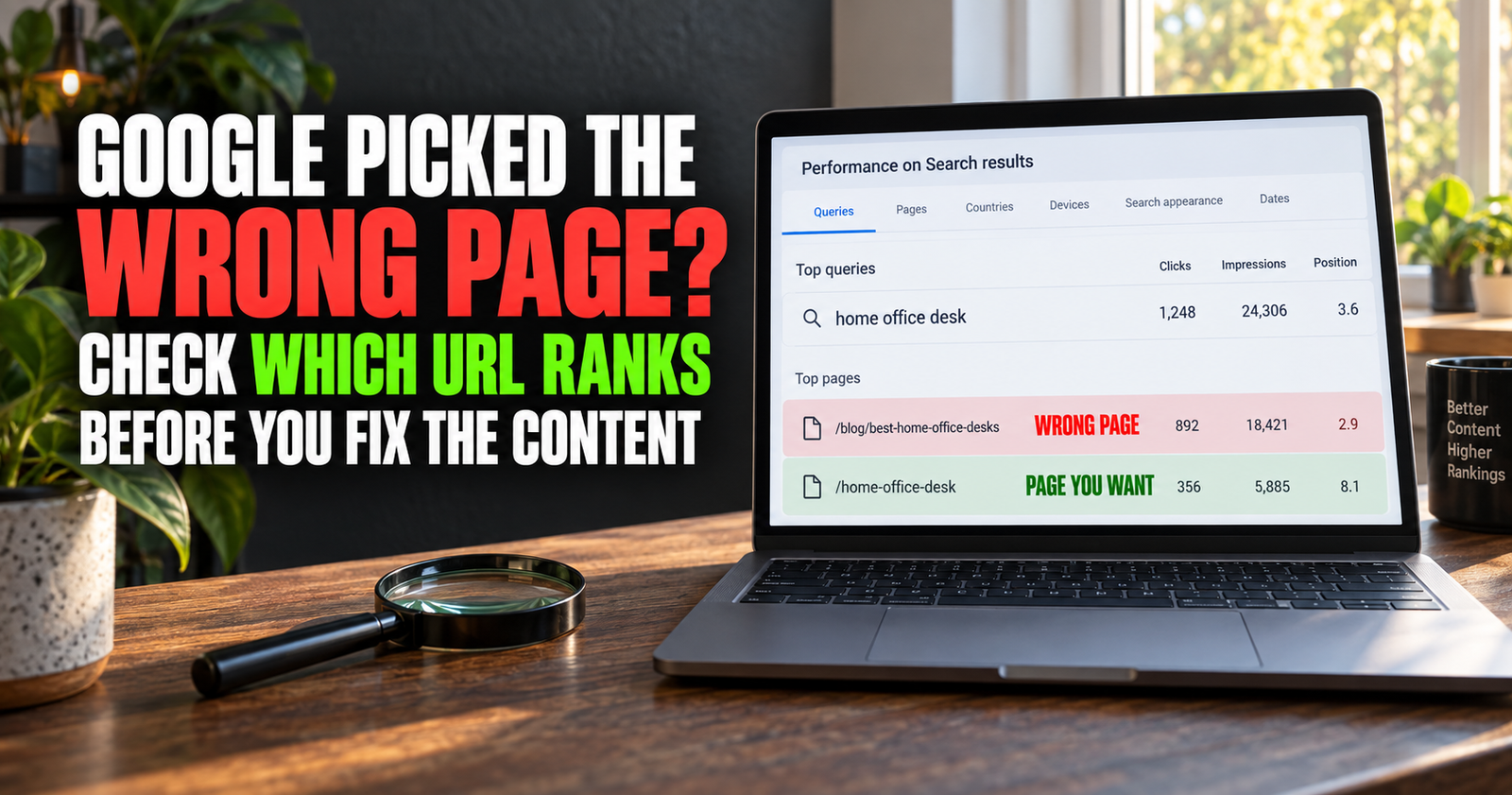

Compare the questions, not just the wording
Two phrases can look different while asking the same thing.
“Why is my website not on Google?”
“Why can’t I find my site in search?”
“Why is my new website invisible?”
Those may all belong to one well-built article if the reader’s real problem is the same.
On the other hand, two phrases can use nearly the same words while asking different things.
“Why is my page indexed but not ranking?” is a diagnosis question.
“How long does it take for a page to rank after indexing?” is a timeline question.
The words overlap, but the reader has a different need. One wants to find a cause. The other wants to set expectations.
This is why you should never create or combine pages based only on keyword similarity. The searcher’s goal should decide the page structure.
The “would this need its own examples?” test
A simple test helps me separate a new article from a missing section.
Ask: “Would this topic need its own examples, mistakes, and next steps to be truly useful?”
If the answer is no, it may belong as a section inside an existing page.
If the answer is yes, it probably deserves its own article.
For example, a page about search intent can include a short explanation of informational, commercial, navigational, and transactional searches. Those are necessary parts of the topic.
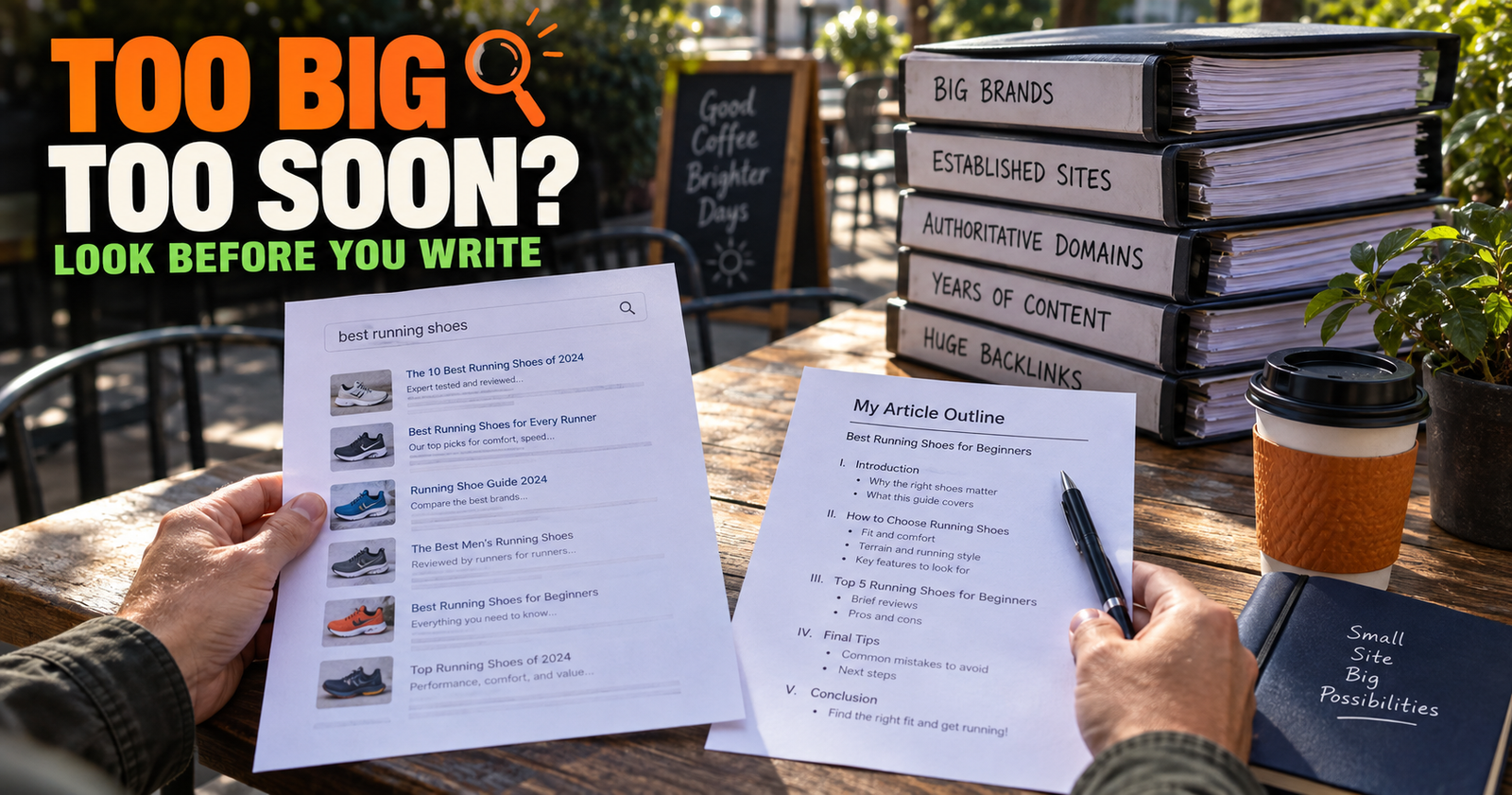
But “how to tell if a keyword is too competitive” needs its own examples of search results, different types of competitors, realistic small-site expectations, and a decision process. It is not a small side note. That is why it works better as a separate guide on whether a keyword is too competitive for a new website.
The number of words is not the deciding factor. The completeness of the answer is.
Find gaps by listening to your own writing
I often find future articles while editing a current one.
When you find yourself writing a paragraph that says, “There is more to this,” pay attention.
Maybe you have introduced a subject that deserves a dedicated page later. Maybe it is only a footnote. Either way, write it down while you still understand why it came up.
Keep a simple running list with three columns:
- The question readers may ask next.
- The article where that question came up.
- Whether it needs a section, a new article, or more research.
This gives your site a content plan built from actual reader journeys instead of a random list of phrases.
It also makes internal linking easier later because you know exactly how the future article connects to the page that revealed the gap.
Check competitor pages for missing usefulness, not just missing headings
Competitor research can be useful if you use it the right way.
Do not open a top-ranking page and copy its headings into your own outline. That usually creates a watered-down version of what is already ranking.
Instead, ask:
- What does this page explain clearly?
- What does it assume the reader already knows?
- What decision does it avoid making?
- What part feels vague, generic, or outdated?
- What would a beginner still need after reading it?
The goal is not to outnumber a competitor’s headings. It is to give someone the answer they could not get there.
Google asks publishers to consider whether their content offers original information, analysis, or insight beyond the obvious. That is a better content-gap standard than “my competitor has seven headings and I need nine.” Google’s content-quality questions are a good filter before you publish.
Do not confuse a content gap with a lack of detail
Sometimes the article is not missing a separate topic. It is simply not good enough yet.
Maybe the opening is vague.
Maybe it does not show the reader what to click.
Maybe it skips the real decision.
Maybe it tells them to “create quality content” without explaining what quality looks like for that topic.
Do not create a whole new URL when a current page just needs to be clearer, deeper, or more practical.
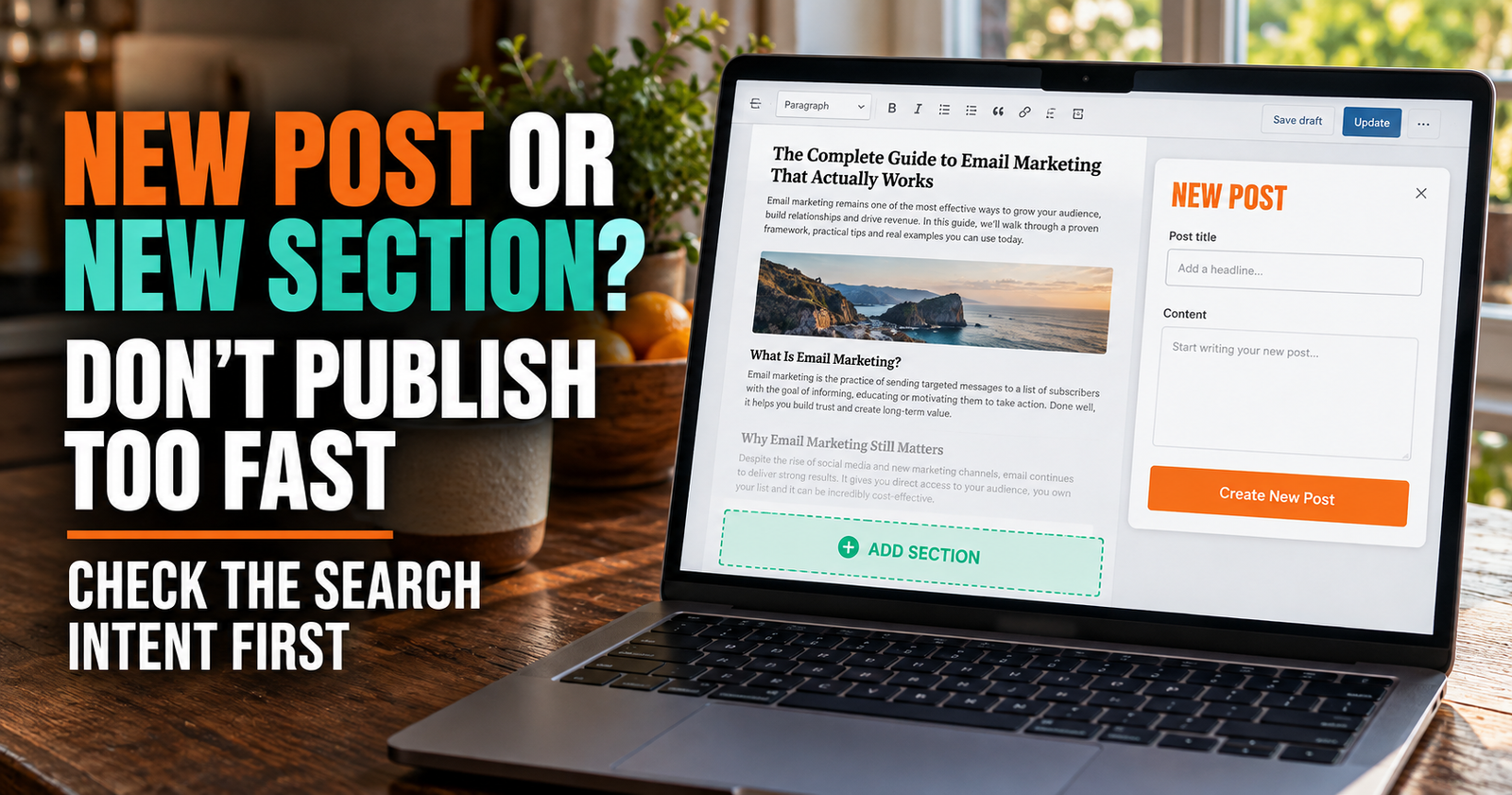
Before creating a new article, ask whether a stronger section could honestly solve the problem. The decision is covered in more detail in new blog post or new section, but the basic idea is simple: create a new page only when it gives the reader a clearly better destination.
A content gap should strengthen a cluster
A good new article should make your existing articles more useful.
That is the difference between building a cluster and filling a blog archive.
A cluster works when each page has a different job:
- One page explains the broad subject.
- Another handles a major problem.
- Another answers a decision question.
- Another gives a practical method.
- Internal links help readers move to the page that fits their next step.
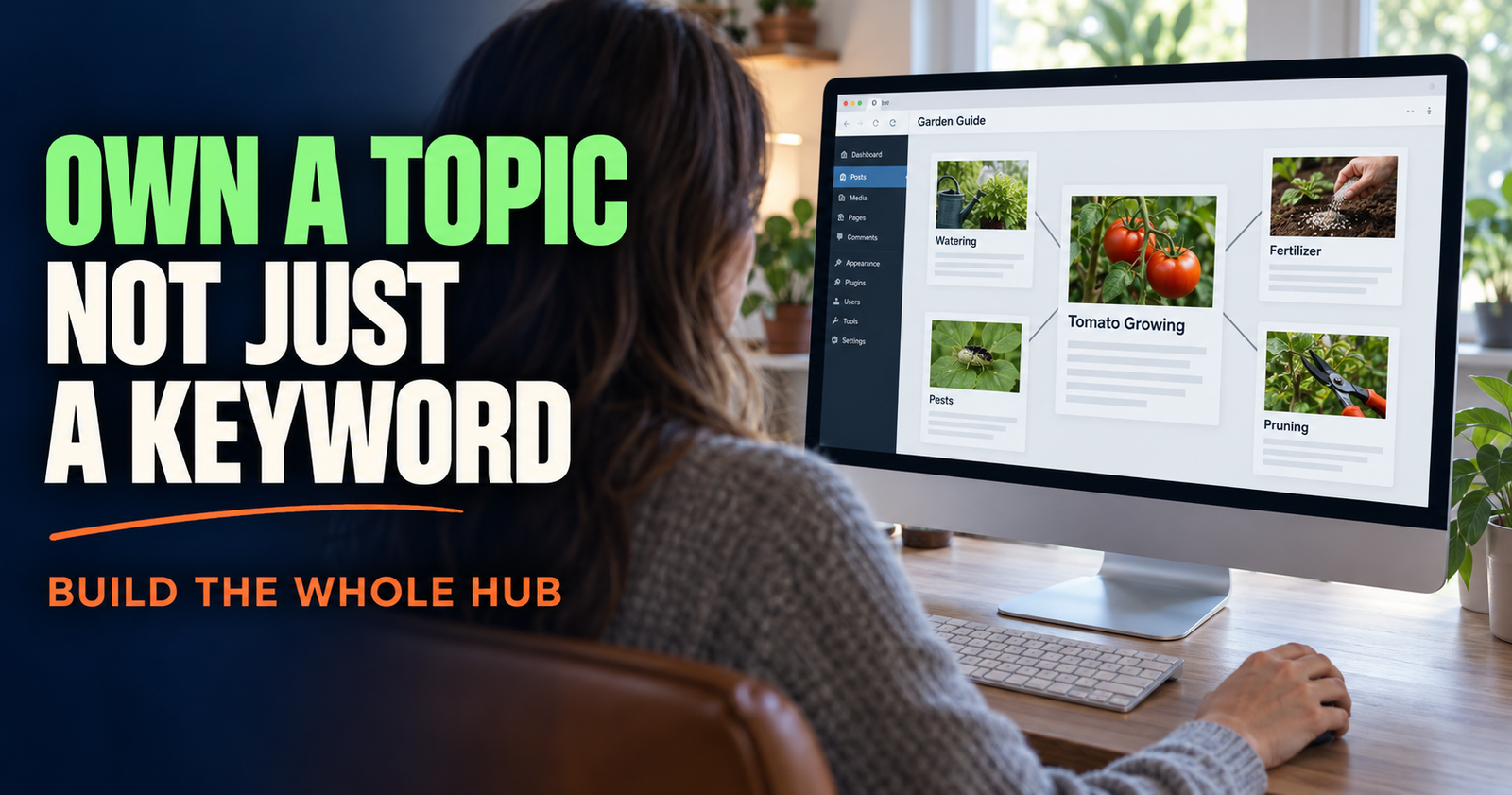
For example, a broad article about topical authority and how to build it can help someone understand why connected coverage matters.
A supporting article about finding content gaps gives that person a way to decide what the next connected page should be.
Those pages work together because they are not both trying to answer the same search.
Watch for gaps created by updates
A content gap can appear after you improve an article.
Maybe you update an old post with a new section and it begins getting impressions for a related but distinct search. That does not mean you made a mistake. It may mean you uncovered a topic worth building out.
Watch what happens after meaningful changes.

Look for new related queries, changes in impressions, and pages that start appearing for subjects they only mention briefly. Search Console is useful here, but do not judge a change too quickly. How to tell if an SEO update is working can help you look at the evidence without overreacting to a few days of movement.
A useful rule is to treat new impressions as a conversation starter, not a command. They tell you what Google may be testing your page for. You still need to decide whether your page is actually the right answer.
The simple question I keep coming back to
When I am not sure whether I found a real gap, I ask this:
“If someone read every article I currently have on this subject, what would they still have to search for somewhere else?”
The answer should not be a tiny detail.
It should be something that blocks the reader from making progress.
That might be a missing decision guide. It might be a troubleshooting step. It might be the bridge between a beginner explanation and a practical action.
When the answer is meaningful, useful, and clearly different from your current pages, you found a content gap worth building.
Can a small website have topical authority with only a few articles?
Yes. A small site does not need hundreds of articles. It needs a useful set of pages that answer the most important questions around its subject without repeating themselves.
Should I make an article for every question in Search Console?
No. Use queries as clues. Create a new page only when the question represents a real reader need that your current content does not fully answer.
How often should I look for content gaps?
A check every month or two is enough for most small websites, especially after you publish a group of related articles or update an important page.
What is the difference between a content gap and keyword cannibalization?
A content gap is a missing helpful answer. Keyword cannibalization happens when two or more of your pages compete to answer too much of the same question. Both are content-structure issues, but they need opposite solutions.
Can I find content gaps without paid SEO tools?
Yes. Your existing articles, Google Search Console, Google search results, customer questions, comments, and your own editing notes can reveal plenty of useful gaps without a paid tool.
Alden Whitaker writes practical, plain-English SEO guides for Make It Found that help small website owners make smarter content decisions without getting lost in agency jargon.