
A website can be beautiful, published, and completely invisible on Google.
I see people get stuck here because they think launching the site was the finish line. It was really the starting line. Google has to find your pages, crawl them, understand what they are about, decide they deserve a place in search results, and then choose them over other pages trying to answer the same search.
That sounds like a lot, but you do not need an agency, a pile of expensive tools, or a secret SEO trick. You need to handle the parts that actually give Google and real visitors a reason to take your site seriously. These core tasks are explained in DIY SEO fundamentals, which offers a practical starting point for handling SEO yourself.
Here are the nine things I would work through if I wanted a new or struggling website to finally have a real shot at showing up on Google.
1. Make sure Google can actually find your website
Before worrying about rankings, check whether Google has discovered your site at all.
Type this into Google:
site:yourwebsite.com
Replace “yourwebsite.com” with your actual domain. If pages from your site appear, Google has at least some of your website in its index. If nothing appears, that does not mean your site is bad. It means you need to investigate discovery and indexing before you start changing titles or writing more articles.
Google says most sites are found automatically through crawling, but links and a sitemap can help Google discover pages you care about. Google also makes clear that following its technical requirements does not guarantee a ranking, but it removes basic barriers that can keep a site out of results altogether. Google’s SEO Starter Guide is worth keeping bookmarked because it cuts through a lot of bad advice.
The fastest place to check a specific page is Google Search Console. Use the URL Inspection tool, paste in the page address, and see whether Google says the URL is indexed.
If your site is new, give yourself some breathing room. A page may be published today, found later, crawled later still, and only then considered for search results. That delay is frustrating, but it is normal. I would not call a page a failure because it has not shown up after a few days.
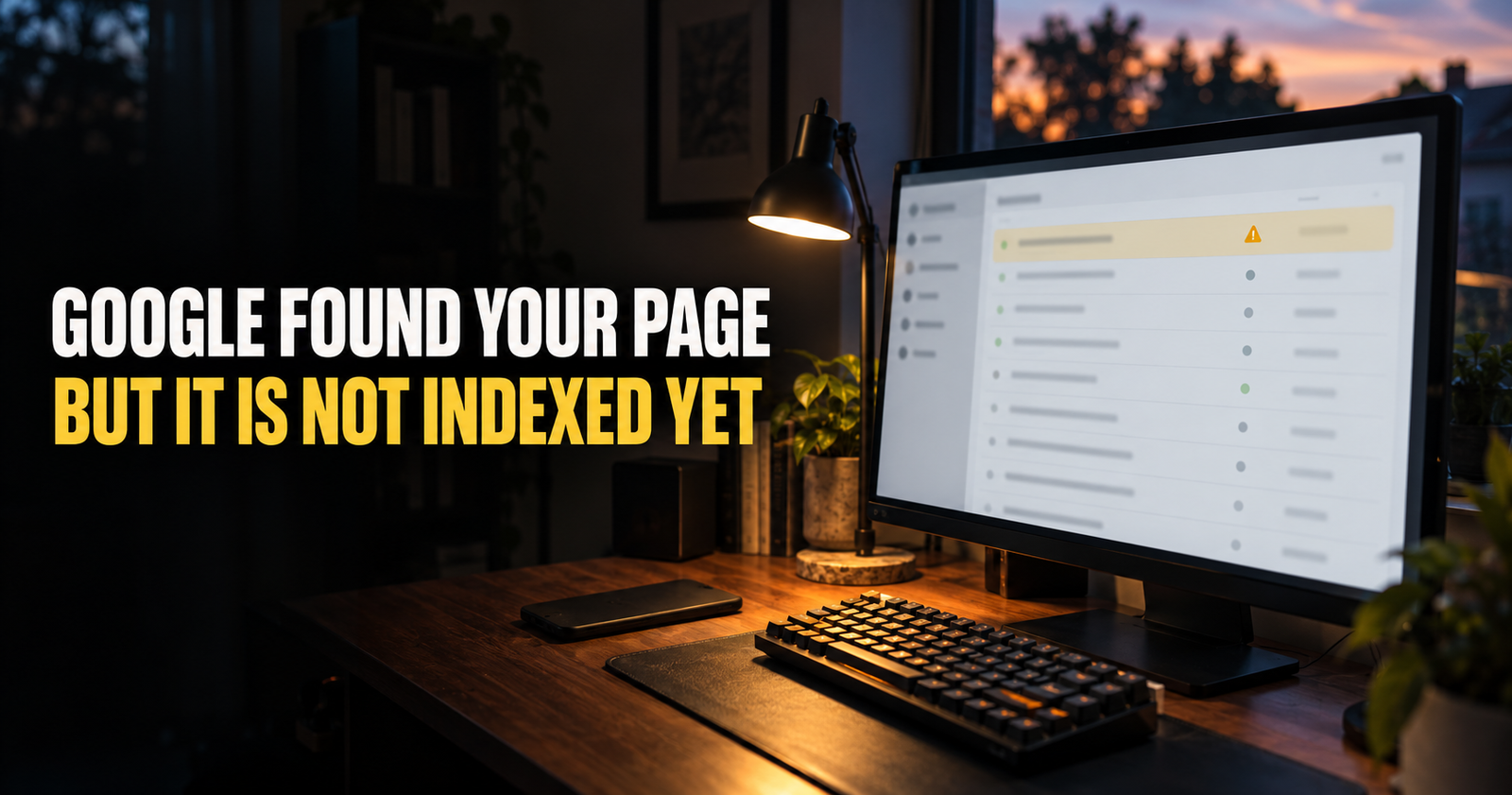
If Search Console says “Discovered, currently not indexed,” do not panic and start publishing duplicate versions of the same page. Start with the actual causes and fixes in this guide on why a page can be discovered but not indexed.
2. Give every important page one clear job
Google is not trying to reward the website that repeats a keyword the most. It is trying to show a useful answer to a person with a specific need.
That means every important page on your site needs a clear job.
One page may answer “how long does SEO take for a new website.” Another may answer “why is my website not showing up on Google.” They are related, but the person searching each phrase has a different problem in their head.
A weak page tries to cover five different jobs at once. It starts as a beginner SEO guide, turns into a list of WordPress plugins, wanders into backlink advice, and ends with a few Search Console tips. That kind of page can be hard for a reader to follow and hard for Google to match with a specific search.
Before writing or updating a page, ask yourself:
- What would someone type into Google right before landing here?
- What are they honestly trying to solve?
- What answer would make them feel like they found the right page?
- Does another page on my site already answer this same thing?
You do not need to use the exact keyword in every sentence. In fact, forcing it everywhere makes the writing worse. Google’s own guidance says its systems can understand how a page relates to many searches, even when you do not use every exact wording a searcher might use. What matters is that your content answers the topic clearly and naturally. Google’s people-first content guidance is built around that idea.
When you understand the searcher’s real goal, your writing becomes easier. You stop trying to impress Google and start helping the person who landed on the page.

3. Write pages that answer the question better than a quick paragraph can
Thin content is one of the biggest reasons websites stay invisible.
I am not talking about a page that is short because the topic only needs a short answer. A page explaining how to change one WordPress setting does not need 4,000 words. I am talking about a page that promises to solve a real problem, then gives the reader two vague paragraphs and sends them away.
A helpful page usually does a few things well:
- It answers the main question early.
- It explains why the answer is true.
- It shows the reader what to do next.
- It covers the follow-up questions they are likely to have.
- It does not make them hunt through filler to find the useful part.
For example, somebody searching “why is my new website not showing up on Google” needs more than “SEO takes time.” They need to know the difference between a site that is not indexed, a page that is indexed but weak, a site with no internal links, a site targeting impossible keywords, and a site that simply has not earned enough history yet.
That is what makes a page useful. Not a magic word count.
Google specifically recommends content that is easy to read, well organized, unique, current, and helpful to people. It also says there is no magic minimum or maximum word count that makes a page rank. So I would write until the real question is fully answered, then stop. Google’s SEO guidance says the same thing in less dramatic language.
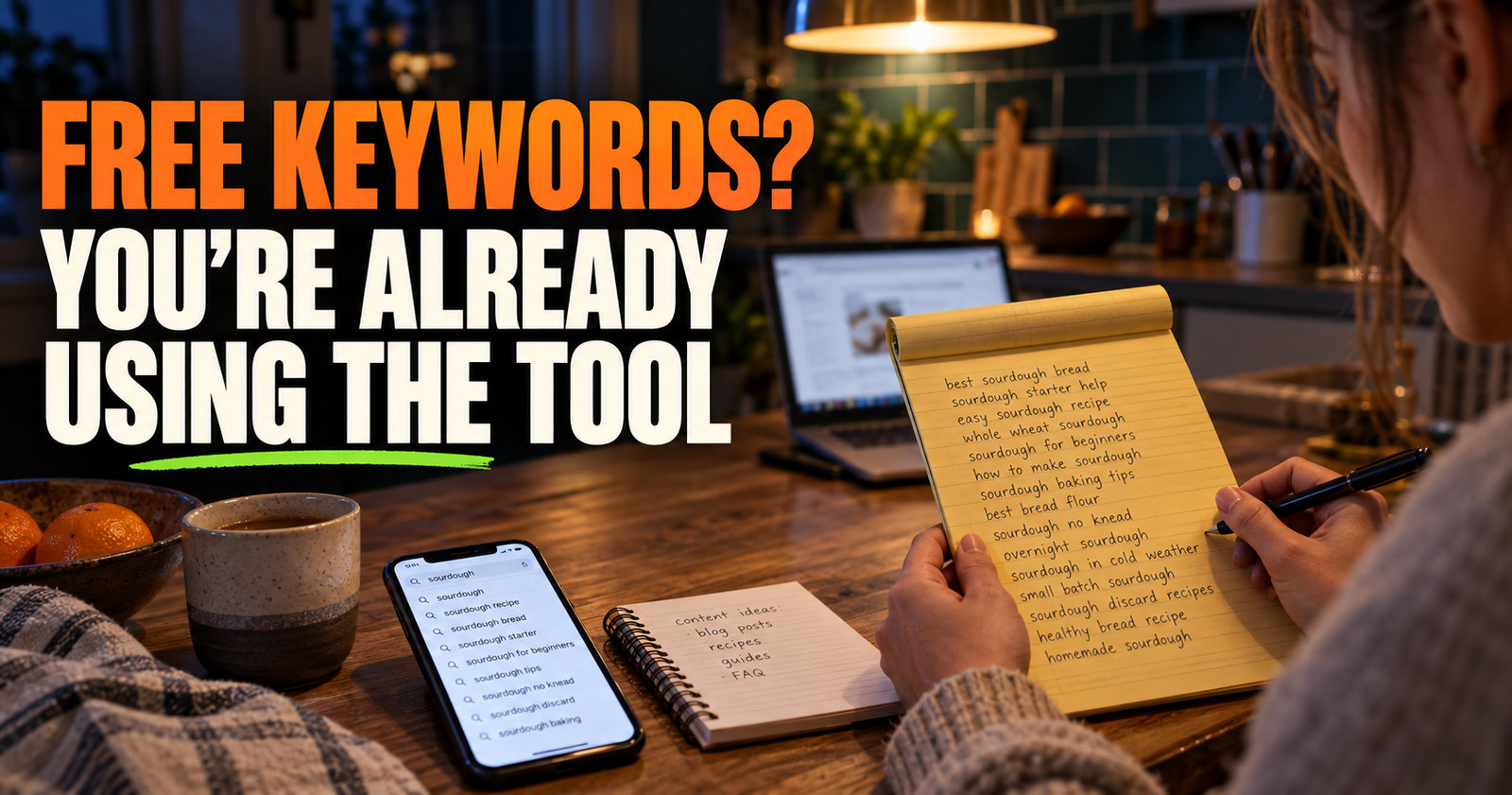
If you are still figuring out what your site should cover, start with practical keyword research instead of guessing. This guide on finding keywords without paying for tools will help you find the kinds of questions a smaller site can realistically build around.
4. Use titles that tell people exactly why they should click
A page title is not just a place to squeeze in a keyword.
It is often the first thing a person sees in Google. If the title sounds vague, copied, overpromising, or confusing, they have no reason to choose your result over the ten others around it.
I like titles that make a clear promise and then keep it.
“SEO Tips for Beginners” is not wrong, but it gives a person almost nothing to go on.
“Why Your New Website Is Not Showing Up on Google Yet” tells the searcher that the page understands their exact problem. It also leaves room for a real answer rather than a generic list.
Here is what I check before I publish a title:
- Does it match the actual page?
- Is it specific enough that the right person would recognize it?
- Does it sound like a human wrote it?
- Is it clearly different from other titles on my own site?
- Would I personally click it if I were frustrated and looking for help?
Do not write “shocking,” “ultimate,” or “secret” just because you think that is what SEO titles are supposed to sound like. Sometimes a strong title is direct. Sometimes it is a little curious. It should never trick somebody into clicking a page that does not deliver.
Your meta description deserves attention too, even though Google may choose different text from the page for the search snippet. A good description gives the person one more reason to choose you. Google notes that snippets often come from the page itself, so your opening paragraphs need to be clear too, not just your metadata. Google’s title and snippet guidance explains why both matter.
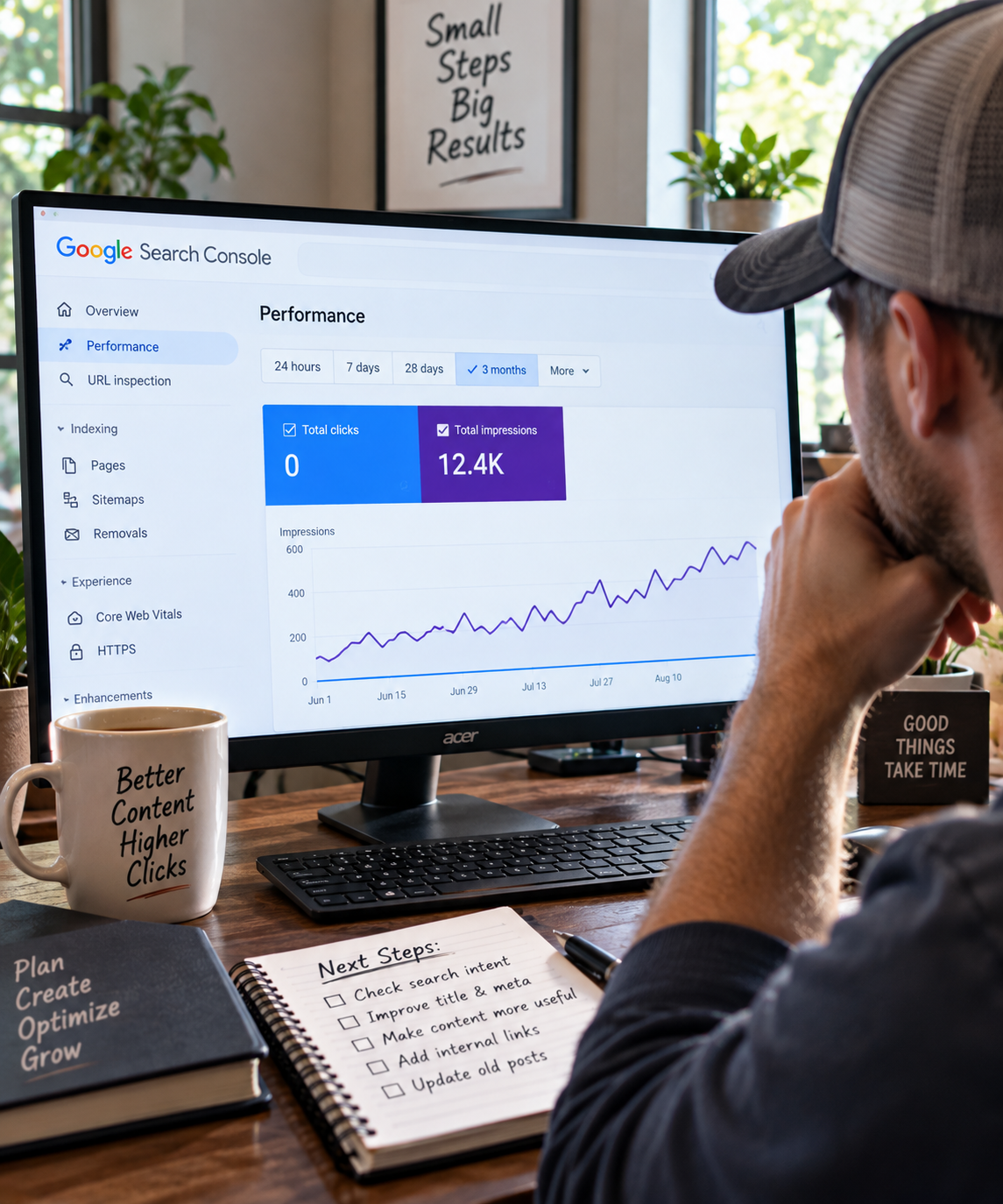
If people are seeing your page but not choosing it, that is a different problem than being invisible. This breakdown of why a website can have impressions but no clicks helps you separate the two.

5. Link your pages together like you actually want people to find them
A website with lonely pages is harder for people to use and harder for search engines to understand.
Internal links are simply links from one page on your site to another. They help visitors continue learning, but they also show Google how pages relate to each other. Google says links are a crucial way new pages are discovered and that useful anchor text helps people and search engines understand the destination before they click. Google’s link best practices are refreshingly simple on this point.
That does not mean you should jam five links into every paragraph.
I look for natural moments where a reader would genuinely benefit from a deeper page. If I mention that a page can be indexed but still not rank, linking to a full explanation makes sense. If I mention picking a more realistic topic, a guide about judging keyword competition makes sense.
Good internal links feel like a helpful handoff, not a trapdoor.
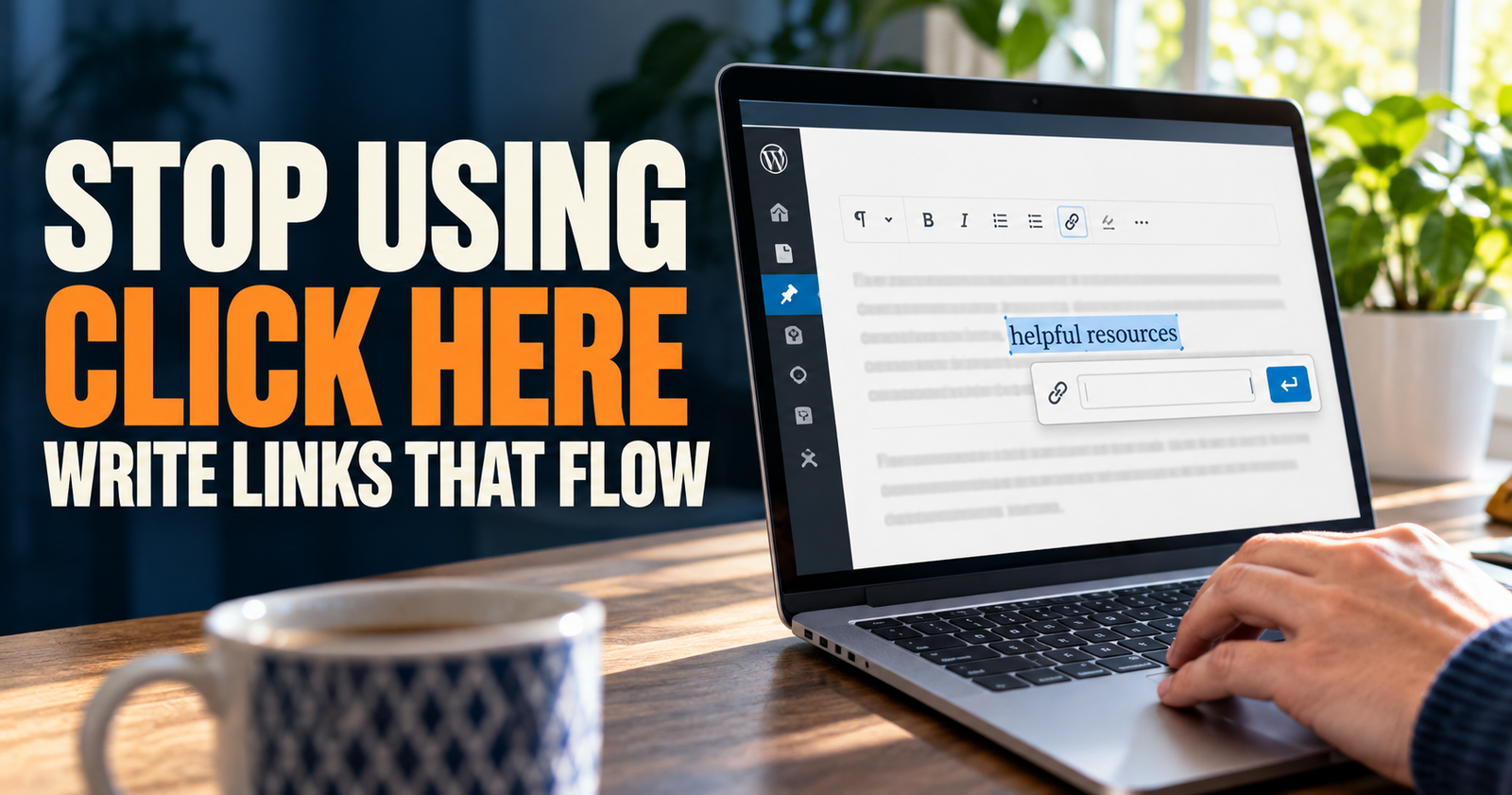
Use anchor text that tells the reader what is on the other side. “How to check whether a keyword is too competitive” is much better than “click here.” It is also better than turning every internal link into the exact same keyword phrase.
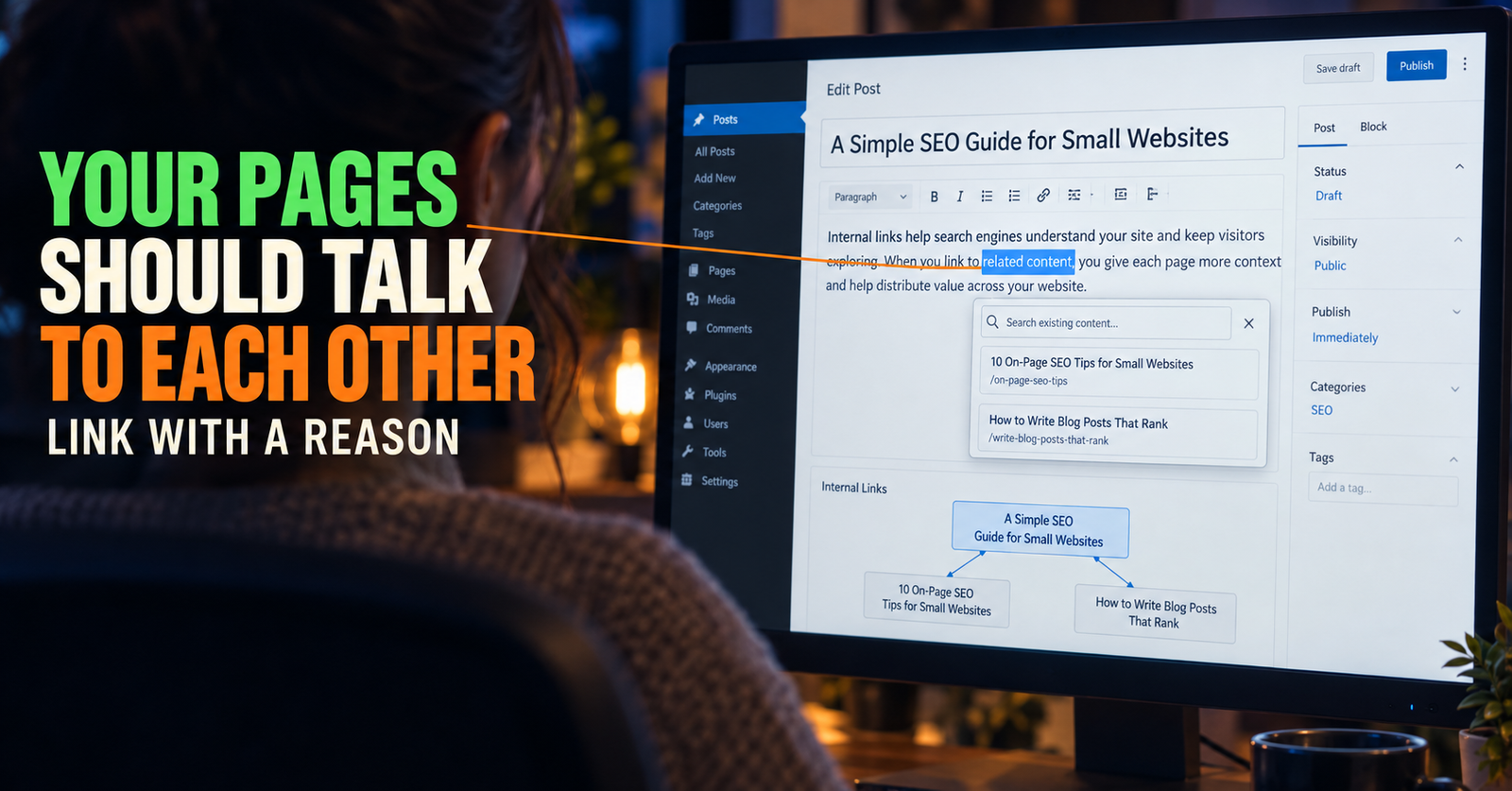
A small site does not need a complicated link map. It needs every important page to be reachable through normal navigation or relevant links from other pages. If you want a clean way to work through it, use this guide on internal linking for a small website.
6. Build topics, not a random pile of blog posts
Publishing more articles can help, but only if they are connected by a real subject.
A random site might have one post about SEO, one post about coffee makers, one post about productivity, and one post about how to train a dog. There is nothing wrong with writing about more than one interest, but it makes it harder for a new site to become a useful destination for any one type of searcher.
A stronger approach is to build a topic one good page at a time.
For a beginner SEO site, the main guide might explain DIY SEO. Supporting pages can answer the questions that naturally come next:
- How long does SEO take?
- Why is a site not showing up on Google?
- What does search intent mean?
- How do I find keywords?
- What should I fix first when a page is indexed but not ranking?
- How should I use internal links?
Now you are not publishing random pages. You are building a shelf of answers for the same person at different stages of the same problem.
This does not create a special Google badge called “topical authority.” It does make your website more useful, more connected, and easier for a visitor to keep exploring. That is a much healthier thing to aim for.
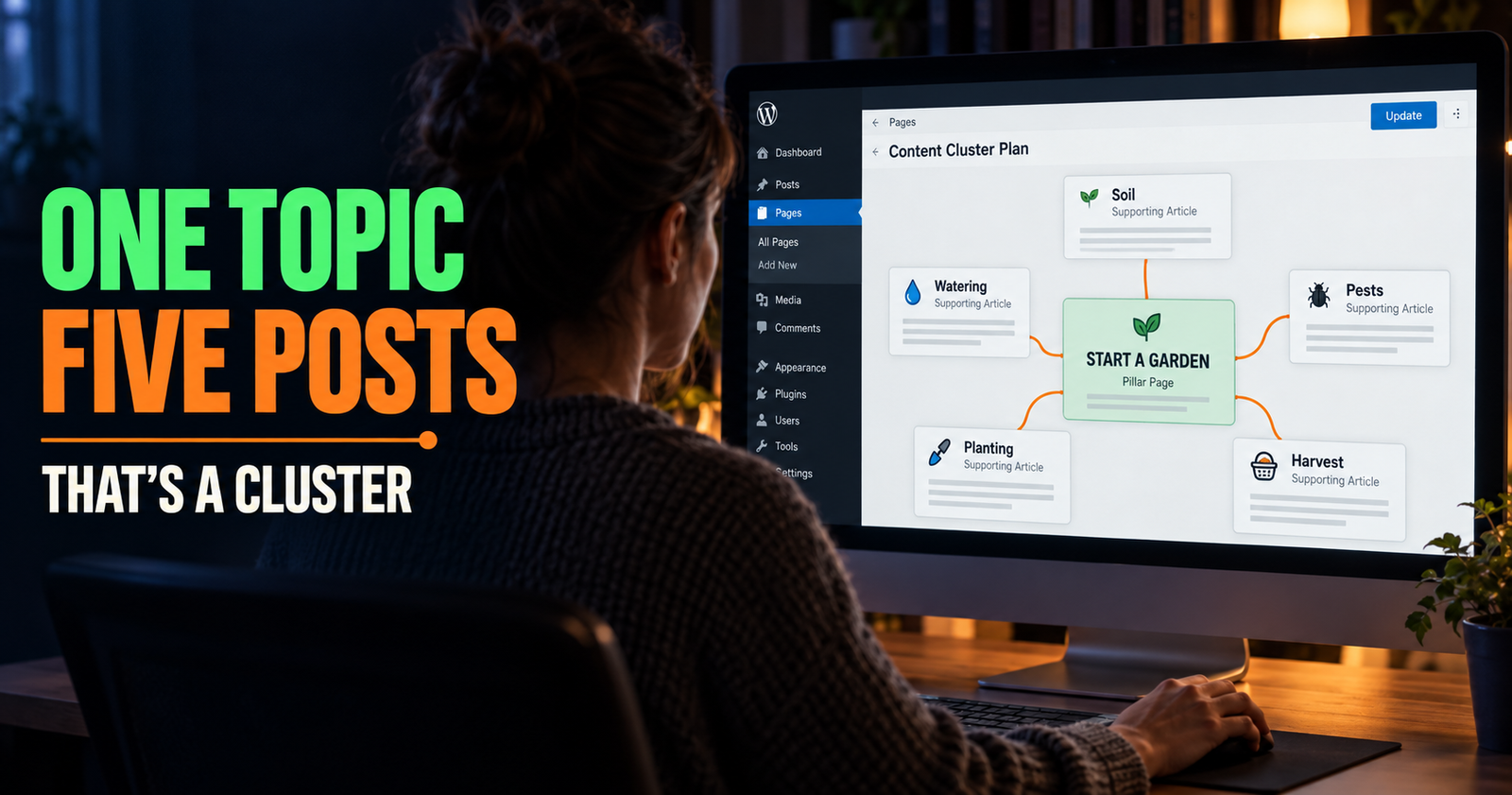
If you want to map this out without creating ten overlapping articles, this guide on building an SEO content cluster for a new website shows the practical version.
7. Make your website comfortable to use on a phone
Most people will meet your site on a phone, not a big desktop monitor.
That means the basics matter more than people think. Can they read the text? Can they tap the menu? Can they close the pop-up? Does the main answer appear before they have to scroll past a giant image, an ad, and three newsletter boxes?
A mobile-friendly website is not about making everything tiny so it fits. It is about making the page easy to use on a small screen.
Here is what I would check:
- Open your own site on your phone, not just your desktop browser.
- Read a full article without pinching or zooming.
- Check whether buttons are easy to tap.
- Make sure menus work.
- Watch for pop-ups that cover the content.
- Check that images fit the screen and do not shove text around while loading.
- Make sure forms, search boxes, and checkout buttons work if you use them.
This is one place where a little honesty helps. If your site is hard for you to use on your own phone, it is hard for your visitors too. No SEO trick fixes a page people immediately leave because it feels aggravating.
8. Fix the stuff that makes your site feel slow, broken, or unfinished
You do not need to obsess over every speed score or spend three weeks chasing a perfect number.
You do need to notice the obvious problems.
A page that takes forever to load, has broken images, throws errors, or shifts all over the screen makes people lose trust. It can also make it harder for search engines to crawl and understand the page properly.
Start with the boring fixes because they are usually the ones people skip:
- Remove plugins you no longer use.
- Resize huge images before uploading them.
- Fix broken internal links.
- Replace missing images.
- Keep your WordPress theme and plugins updated.
- Check that important pages are not blocked by mistake.
- Make sure your site uses HTTPS.
- Avoid putting a giant video, slider, or pop-up ahead of the actual page content.
Do not confuse “fast website” with “plain website.” Your site can still have personality, good images, and helpful features. The goal is simply to keep visitors from waiting around or fighting with the page.
Google’s own SEO guide points out that Google needs access to the same essential page resources a visitor uses. If important content or resources are blocked, Google may not understand the page well enough to show or rank it properly. Google explains that crawlability issue here.

9. Watch what happens, then improve the pages that are already close
This is the part that separates real SEO work from publishing and hoping.
Set up Google Search Console. Then check it regularly, not every fifteen minutes, but often enough to notice patterns.
Search Console can show you which queries create impressions, which pages are getting clicks, and where Google is beginning to test your site in results. It will not tell you everything, but it gives you real clues instead of gut feelings.
Here is the simple routine I would use:
- Look for pages earning impressions but very few clicks.
- Look for pages that are close to page one but not quite there.
- Read the queries connected to those pages.
- Search the important query yourself and study what the current results are doing.
- Improve the existing page if it is a close match.
- Create a separate page only if the searcher clearly needs a different answer.
- Give Google time to recrawl and reassess the page.
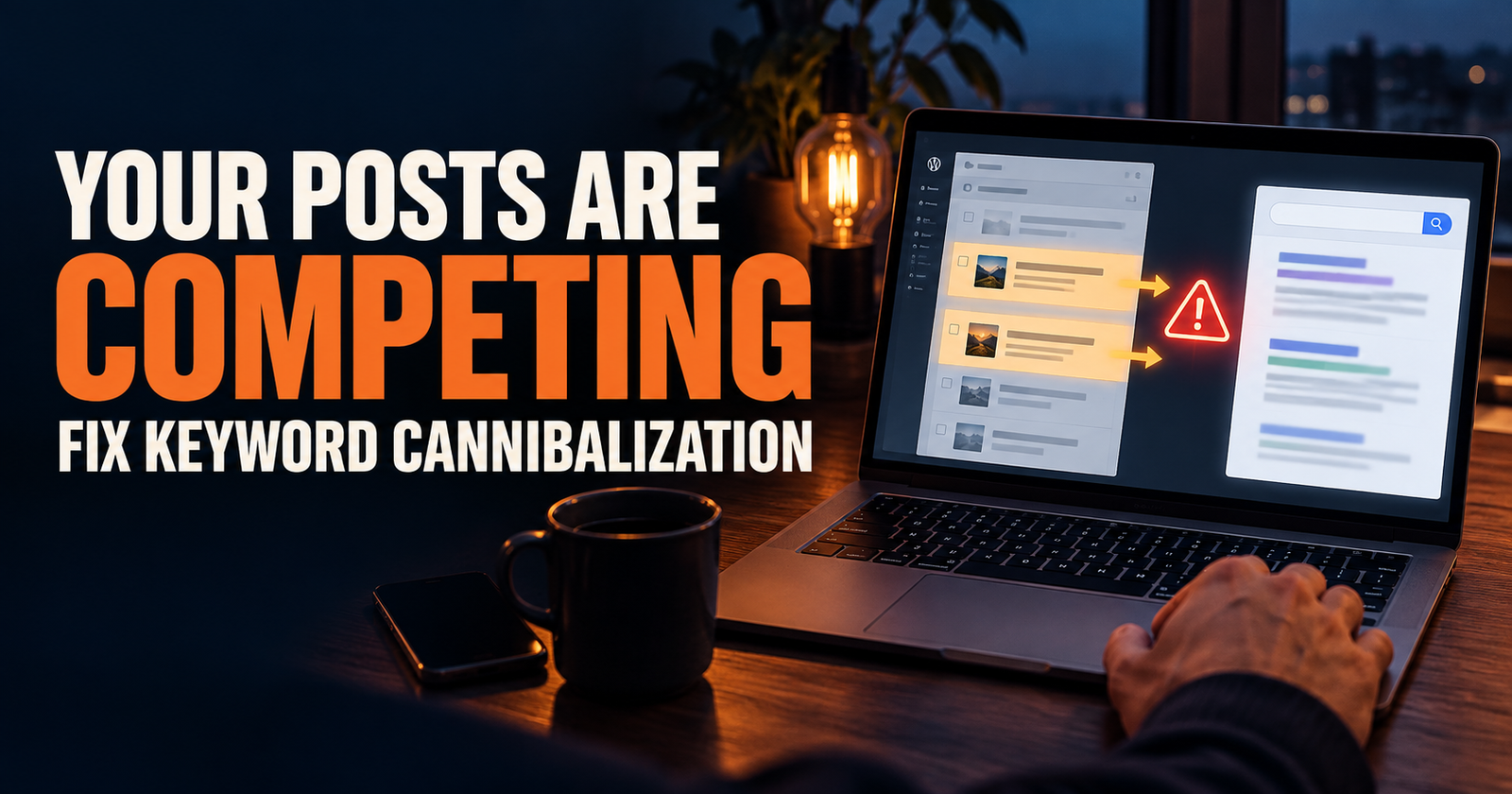
Do not make a new article every time you see a related keyword. That is one of the easiest ways to accidentally compete with yourself. If two pages are trying to answer nearly the same question, Google may not know which one to show. This guide on keyword cannibalization and how to fix it will help you spot that before it turns into a mess.
Also, do not treat average position like a report card. It is an average across searches, locations, devices, and queries. It can be useful for direction, but it is not a promise that you rank in one exact spot for every person. For a plain-English explanation, see what average position means in Google Search.
The best early wins often come from improving pages Google has already started to understand. A clearer title, a better introduction, a missing section that answers the follow-up question, and a few useful internal links can sometimes do more than rushing out five brand-new posts.
What not to do if you want your website to show up on Google
There are plenty of things I would not waste time doing.
Do not buy a bundle of random backlinks from somebody promising page-one rankings. Do not stuff the same phrase into every heading. Do not publish ten versions of the same article with slightly different titles. Do not copy the top-ranking page and swap out a few words.
Most of all, do not give up because your new site did not show up immediately.
Google itself says changes can take anywhere from hours to months to be reflected in Search, and it recommends waiting a few weeks before judging whether a change helped. That can feel slow, especially when you have put real work into a site. But slow is not the same as broken. Google’s guidance on waiting and measuring changes is a good reality check.
Keep publishing useful pages. Keep your site organized. Keep fixing the obvious issues. Then use your data to make the next improvement smarter than the last one.
Frequently Asked Questions
How long does it take for a website to show up on Google?
A new website can be discovered quickly, but meaningful rankings usually take longer. Google needs time to crawl the site, understand the pages, and decide where they fit against existing results. The exact timing depends on the site, topic, competition, quality of the page, and whether Google can properly access it.
Do I need backlinks for my website to show up on Google?
No. A page can be found, indexed, and sometimes rank without backlinks. Useful links from other sites can help over time, but they are not a substitute for a crawlable website, helpful pages, clear topics, and good internal linking. This guide explains whether a new website can rank without backlinks without the usual hype.
Why is my website indexed but not ranking?
Indexing means Google knows the page exists. Ranking means Google thinks it is a strong result for a particular search. A page can be indexed and still need a clearer search intent match, more useful information, better internal links, stronger title wording, or more time.
Should I submit every new page to Google?
You can request indexing through Search Console after publishing an important page, but that is not a guarantee and it should not become a ritual for every tiny update. A good sitemap and useful internal links help Google discover your content naturally.
How many blog posts do I need before Google shows my site?
There is no magic number. A small site with a handful of excellent, connected pages can begin showing up for relevant searches. A large site full of thin, repetitive articles may struggle. Focus on building a useful body of content around a topic instead of chasing a post count.
Can I do SEO myself?
Yes. Most small site owners can handle the basics themselves: creating helpful pages, checking Search Console, improving titles, fixing technical problems, organizing content, and adding natural internal links. You do not need to understand every corner of SEO to make meaningful progress. Readers handling these basics themselves may also find answers to SEO questions for small site owners useful.
Alden Whitaker writes practical, plain-English SEO guides for Make It Found that help small website owners make smarter content decisions without getting lost in agency jargon.