

SEO does not have to mean paying an agency thousands of dollars every month or learning a bunch of confusing technical words. For most small websites, blogs, and local businesses, getting started is much more straightforward than that.
DIY SEO means making your website easier for the right people to find when they search for something you can genuinely help with. It starts with useful pages, clear wording, a site that works well, and enough patience to give search engines time to understand what you published.
You do not need to buy backlinks, stuff a keyword into every sentence, or chase the latest “secret” trick. In fact, those shortcuts can waste money or cause bigger problems later. The better approach is to make your site clear, helpful, and easy for both visitors and Google to understand. The guide to how a new website can rank without buying backlinks explains how to apply that principle without relying on artificial link building.
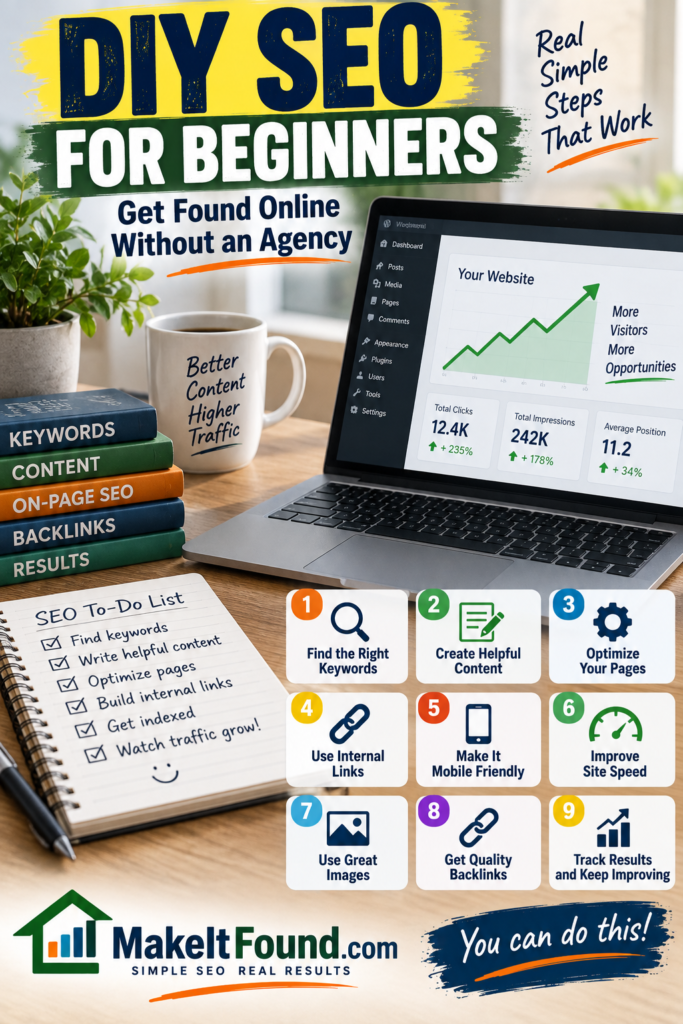
What SEO Actually Means
SEO stands for search engine optimization. It simply means improving your website so it has a better chance of appearing when people search on Google and other search engines.
That does not mean you can force Google to rank a page first. Nobody can honestly promise that. Search results depend on the search itself, the competition, the quality and usefulness of available pages, the searcher’s location, and many other factors. You can also see how Make It Found handles honest SEO advice before relying on recommendations about search visibility.
What you can control is whether your website gives search engines a clear reason to show it.
For example, imagine someone searches “how to stop a well pump from turning on every few minutes.” A helpful page would explain the likely causes, help the reader check the easiest things first, warn them when a repair may be needed, and use a title that clearly tells them what the page covers.
That is useful SEO. The page matches a real question and makes the answer easy to find.
Google describes its goal as showing helpful, reliable, people-first content. You can read its guidance on people-first content if you want the official version, but the everyday takeaway is simple: make the page useful for the person searching, not just for a ranking system.
The Three Things SEO Helps With
People often use “ranking” to describe every part of SEO, but there are really three different things that need to happen.
Google needs to find your page
Before a page can appear in search, Google needs a way to discover it. This can happen through links from other pages on your site, your sitemap, or links from other websites.
A sitemap can help Google find pages, especially on a newer site, but it is not a magic ranking button. It is more like giving Google a clean list of pages you want it to know about.
Google needs to understand your page
Once Google finds a page, it tries to understand what the page is about. A clear title, helpful headings, normal language, descriptive links, and focused content all make that easier.
A page that jumps between five unrelated subjects can be harder to understand than one that answers one main question well.
Google needs a reason to show your page
Being indexed means Google knows a page exists. It does not guarantee the page will rank well. Your page still needs to be a useful result for the search being made.
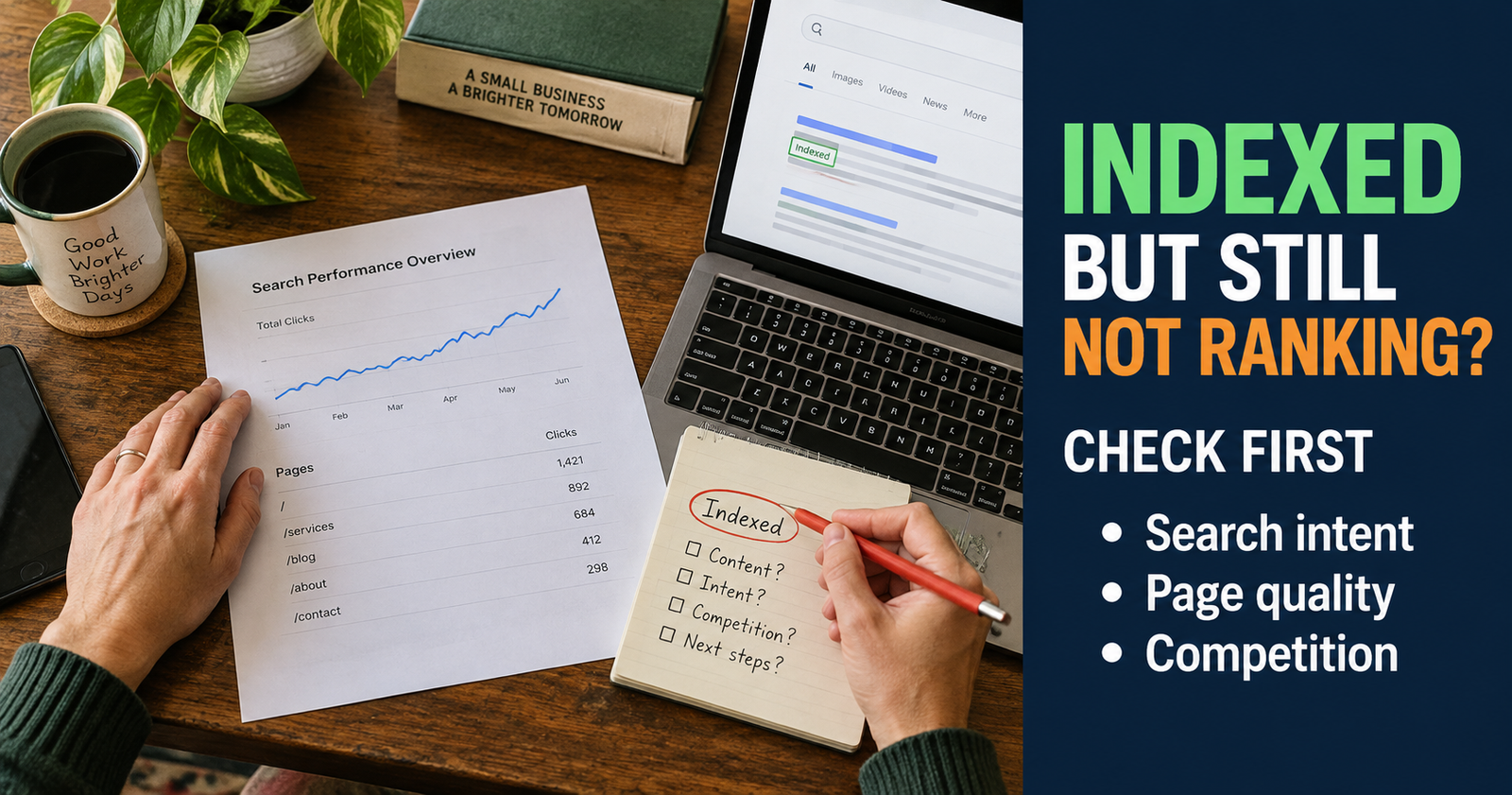
That is why a new website can have pages on Google but receive little traffic at first. The site may be indexed, but Google has not yet found enough reason to show it ahead of established pages for competitive searches.
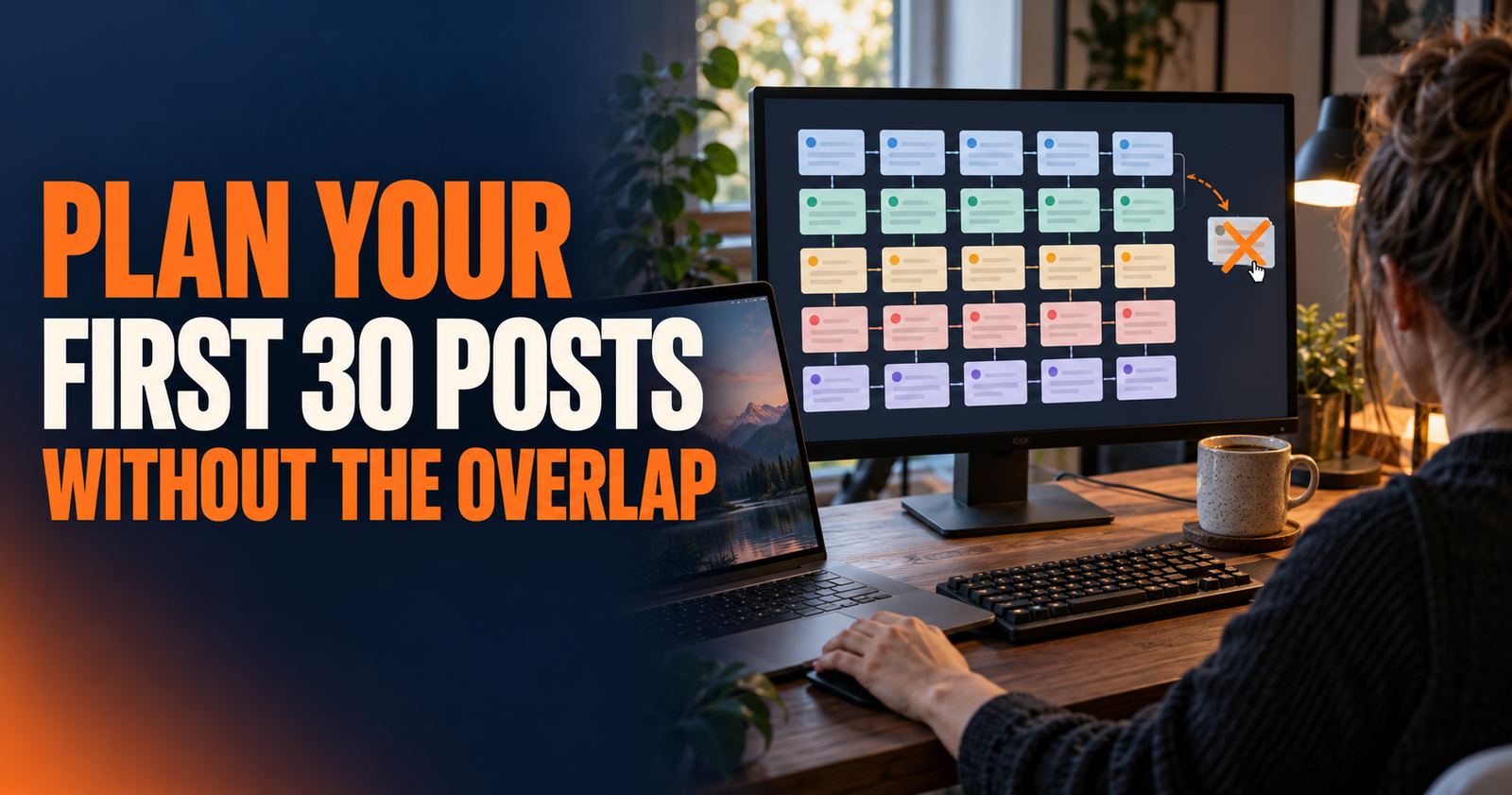
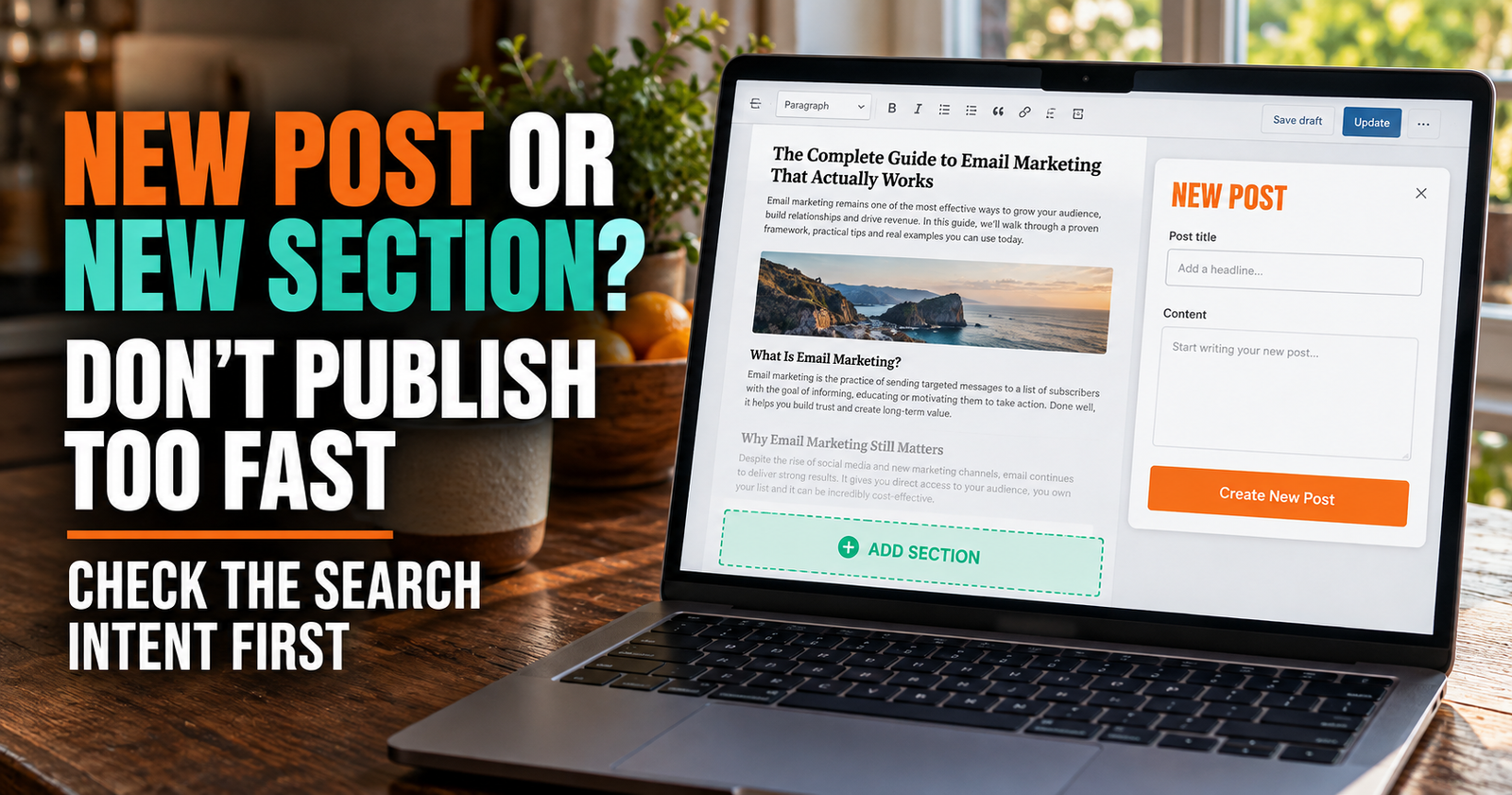
Start With the Searcher, Not the Keyword Tool
The best DIY SEO habit is learning to think about what a real person needs when they type something into Google.
A keyword is just the phrase someone searches. Search intent is what they are actually trying to accomplish.
Someone searching “best lawn mower for hills” probably wants buying advice. Someone searching “why does my lawn mower smoke” needs troubleshooting help. Someone searching “lawn mower repair near me” is likely trying to hire someone.
Those are all lawn mower searches, but they need completely different pages.
Before you write a page, ask yourself these questions.
- What exact question is this person trying to answer?
- Are they looking for information, a product, a service, or a local business?
- What would make them feel like they found the right answer quickly?
- What confusion, mistake, or next step should the page help them with?
- Can I give them something more useful than a vague definition or a copied list?
When you can answer those questions, choosing a keyword becomes much easier.
How to Find Topics Without Paying for Expensive Tools
You can build a strong content plan without subscribing to every SEO tool on the market. Paid tools can be useful later, but they are not required when you are getting started.
Google itself gives you clues about what people are looking for.
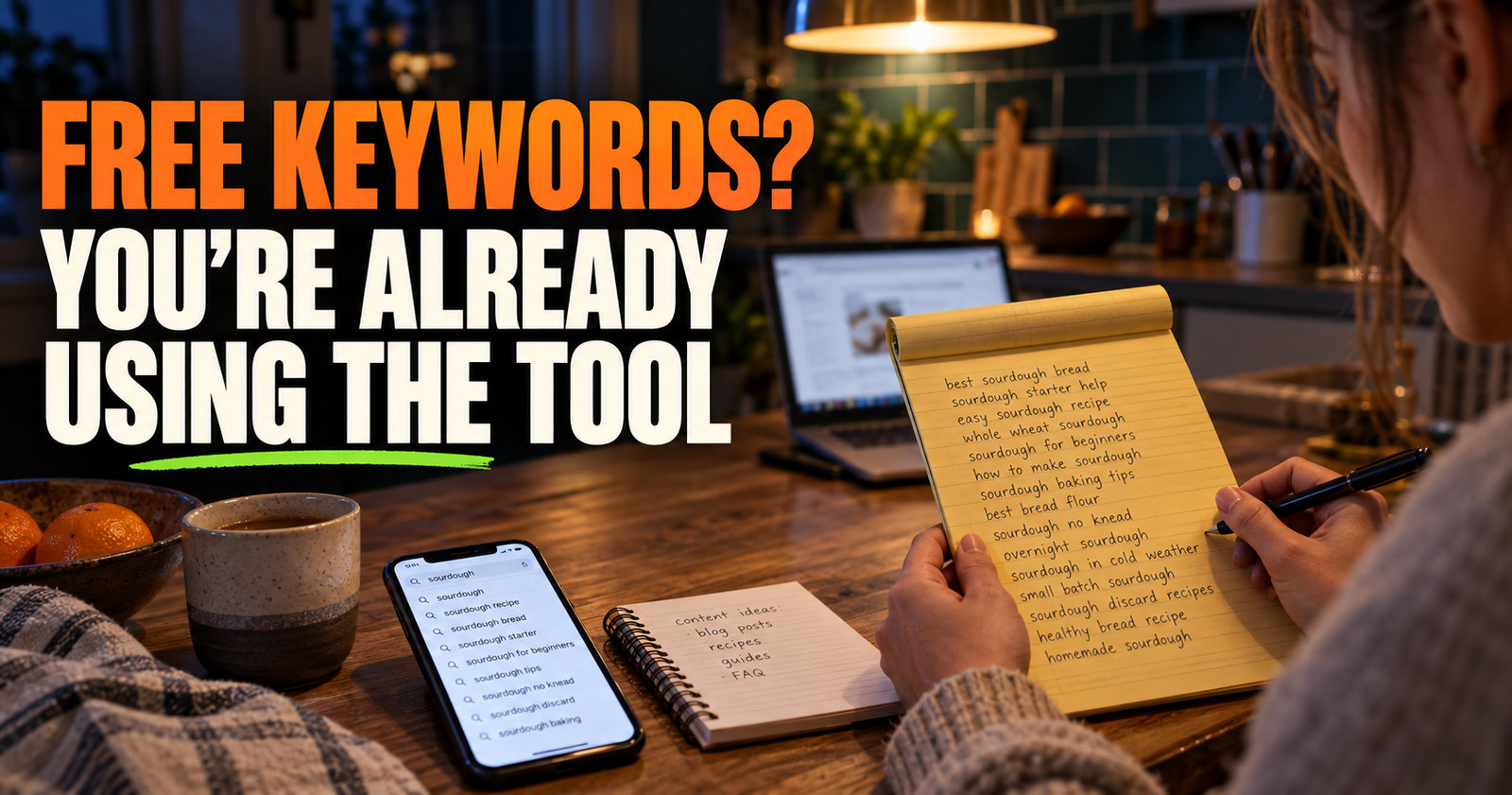
Start by typing a basic phrase related to your business, website, or audience into Google. Pay attention to the suggested searches that appear as you type. Then look at the related searches near the bottom of the results page.
If you run a local cleaning business, you might start with “how to remove hard water stains.” Google may suggest more specific phrases about shower doors, toilets, faucets, tile, or glass. Those suggestions can lead to separate pages if each one has a distinct question behind it. Before creating one of those pages, use this guide to choosing a more specific keyword for a new site.
You can also look at the questions people ask in the search results. They often show the worries and follow-up questions readers have before they choose a solution.
Do not copy other sites word for word. Instead, use the search results to understand what people need, then create your own clear answer with useful steps, real explanations, and details that fit your audience.
If you already have a website, Google Search Console becomes one of the best free tools you can use. It shows the searches that already cause your pages to appear, even when people are not clicking yet. Google’s Search Console beginner guide explains how to set it up and use the main reports.


Build Pages Around Problems You Can Actually Help Solve
Many small sites struggle because their pages are too broad or too generic.
A page called “Home Improvement Tips” does not give Google or the reader much to work with. A page called “Why Is My Well Pressure Tank Clicking On and Off?” has a much clearer purpose.
Specific pages often do better because they are closer to the question a person actually searched.
That does not mean every title has to be long and awkward. It means each page should have one main job.
Here is the difference.
- Broad topic: “Dog Training”
- Better topic: “How to Stop a Puppy From Biting Hands During Play”
- Broad topic: “Gardening”
- Better topic: “Why Are Tomato Leaves Curling Up?”
- Broad topic: “Website Help”
- Better topic: “Why Is My New Website Not Showing Up on Google?”
The more clearly a page matches a real problem, the easier it is to write something useful and the easier it is for the right reader to recognize that the page is for them.
Make Every Important Page Easy to Understand
You do not need to write like a textbook to be taken seriously. Clear writing usually helps more than fancy writing.
Start with a title that says what the page is about. Then give the reader a direct answer early instead of making them scroll through a long personal introduction.
Use headings that help a person scan the page. If the page explains why a website is not getting traffic, headings might cover indexing, search intent, page quality, competition, and what to check next.
Keep paragraphs fairly short. A visitor reading on a phone should be able to find the part they need without getting lost in a wall of text.
Use examples when they make a complicated idea easier to understand. A fictional example is completely fine. You do not need to invent clients, traffic numbers, or big ranking wins to explain a point.
A local roofer’s page could explain a service, the signs a homeowner may need that service, what affects cost, the areas served, and how to contact the business. That is more useful than repeating “best roofing company” all over the page.
Use Keywords Naturally
Keywords still matter, but not in the old way many people were taught.
Google needs words on a page to understand what it is about. The goal is to use the same kind of words a normal person would use when discussing the subject, not to repeat one exact phrase until the page sounds strange.
If your page is about fixing a leaking kitchen faucet, it is normal to use phrases like “leaking faucet,” “kitchen sink,” “dripping water,” “faucet handle,” and “replace the washer.” Those terms belong in the explanation because they are part of the topic.
You do not need to force “how to fix a leaking kitchen faucet” into every heading and paragraph.
A good check is to read a paragraph out loud. If it sounds like a normal person explaining something clearly, you are probably on the right track. If it sounds repetitive or awkward, simplify it.
Use your main topic naturally in the page title, the opening section, at least one helpful heading when it fits, and the places where it is genuinely needed. Then focus on answering the question well.
Create a Simple Site Structure
A website should not feel like a pile of unrelated pages. It should give visitors a clear path to more helpful information.
Think of your site like a well-organized hardware store. The person who comes in for a paintbrush should be able to find the paint section, the rollers, the drop cloths, and the advice they need without wandering through every aisle.
Your website works the same way.
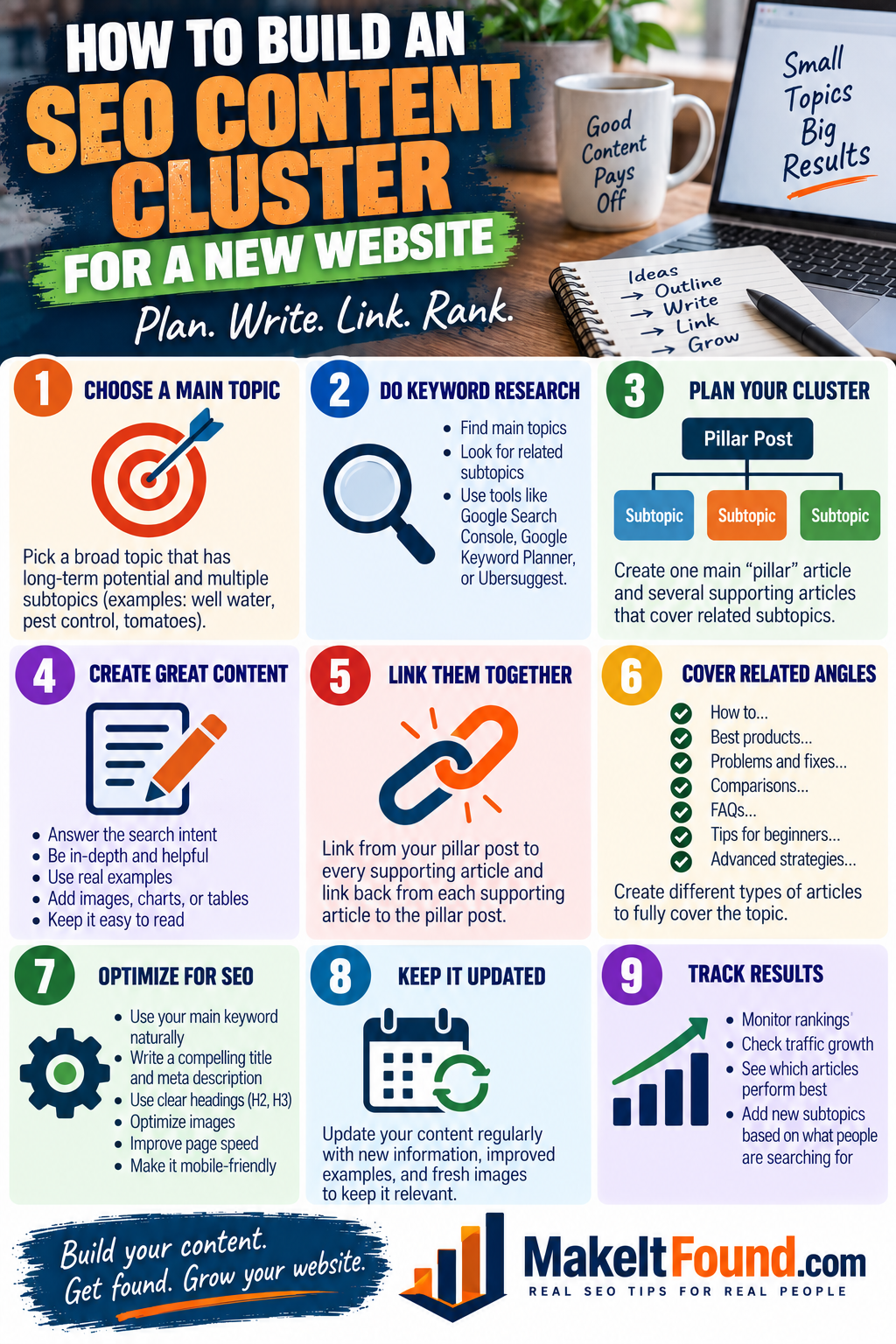
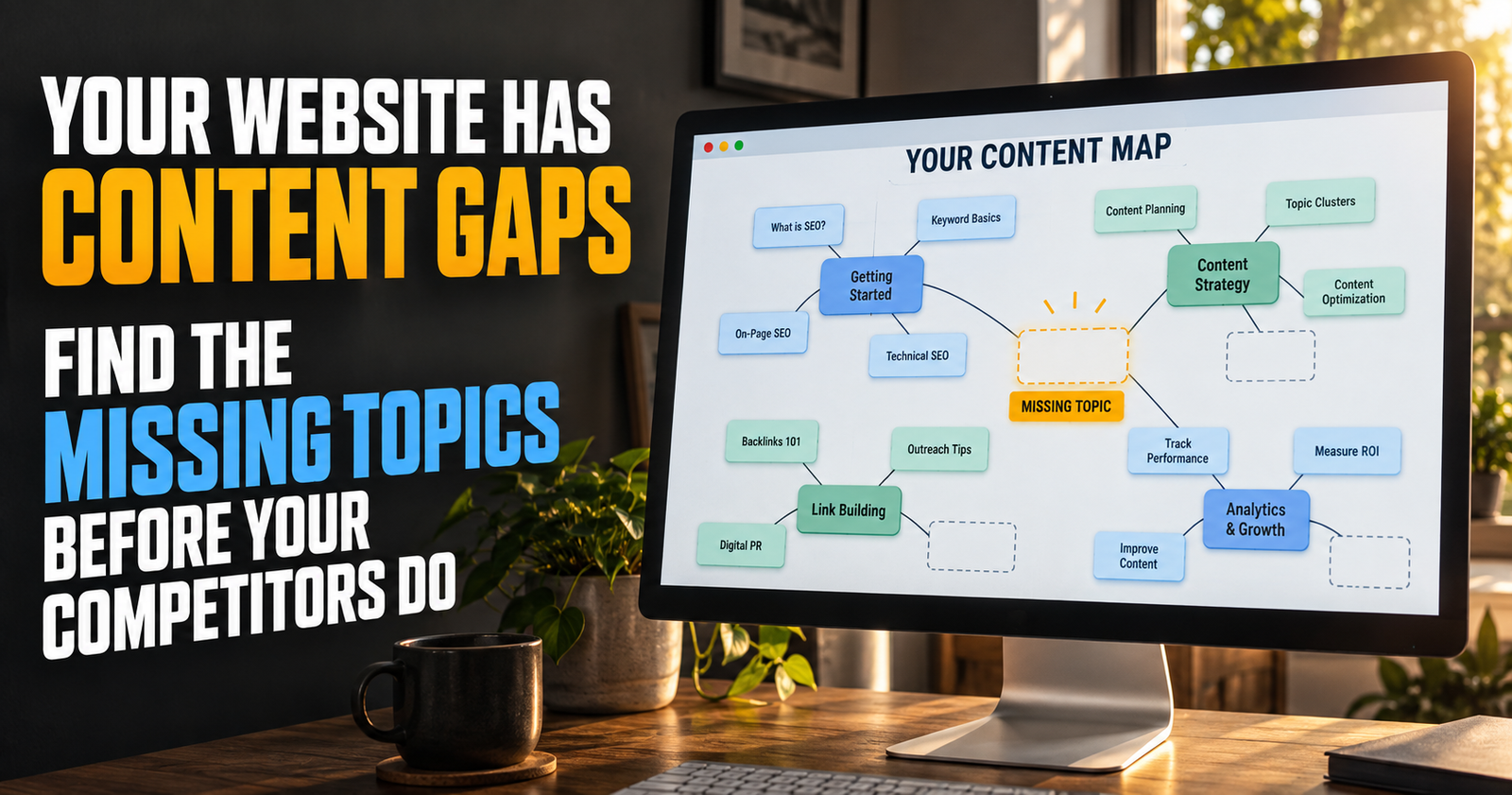
Start with a few clear categories that match the biggest subjects you cover. A small gardening website might organize content around vegetables, fruit, pests, tools, and garden problems. A local service business might organize pages around each core service and the service areas it covers. Those categories can become the starting point for clear content categories.
Then create helpful connections between related pages.
If one page explains how to grow tomatoes from seed, it can naturally point readers to a page about transplanting tomato seedlings or diagnosing leaf problems. If one page explains what an RV converter does, it can point to a related troubleshooting guide when readers need help with a battery that is not charging.
These connections are called internal links. They help visitors discover useful next steps, and they help Google find and understand the relationship between your pages.
Do not add links just to add them. A good internal link belongs where a reader may naturally need the next piece of information.

Write Fewer Pages That Are Actually Worth Reading
It can be tempting to publish a huge batch of short articles because it feels productive. But a site full of thin, repetitive pages usually does not give readers much reason to trust it or return to it.
One genuinely helpful page is more valuable than several rushed pages that barely answer the question.
A strong article should explain the answer, the likely reasons behind the problem, what to do first, what not to do, and when the reader may need a different solution. It should leave the person better off than before they found it.
That does not mean every page needs to be thousands of words. Some questions have a short, direct answer. The right length is the amount needed to fully help the reader without padding it out.
Before publishing, ask yourself, “Would this page still be useful if it never ranked?” If the answer is yes, you are probably creating something worth keeping.
Make Your Website Easy to Use
SEO is not only about words. A page also needs to work well enough that people can actually use it.
Check your own website from a phone, not just a desktop computer. Make sure the text is readable, menus work, buttons are easy to tap, and important information is not buried under popups or ads.
Use descriptive page titles and headings. Add useful alt text to important images when the image helps explain the page. Keep images reasonably sized so they do not slow the page down more than necessary.
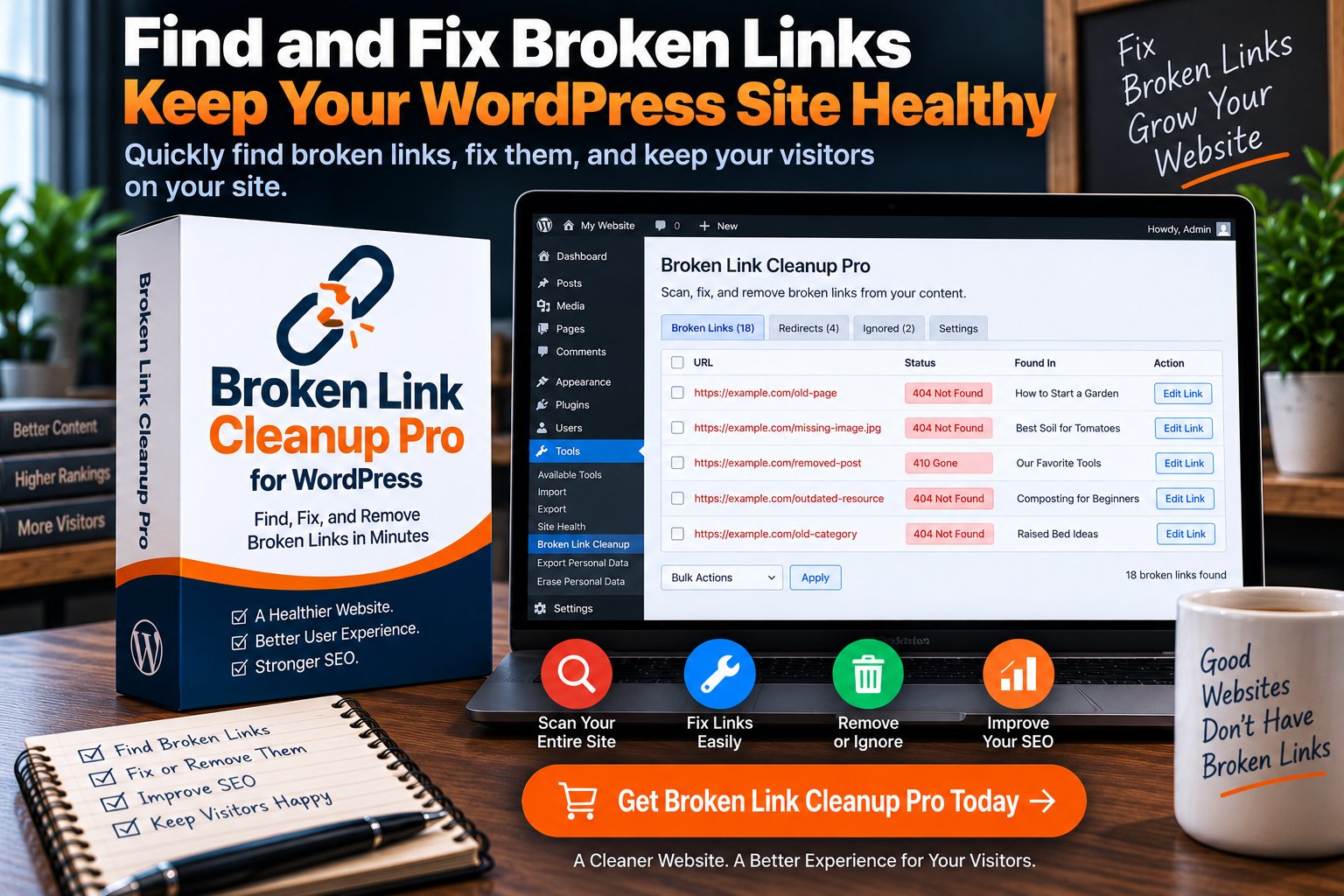
Make sure every important page can be reached through normal links on your site. A page that only exists in your WordPress dashboard or sitemap may be harder for visitors and search engines to discover. If maintaining those site connections has become a recurring task, Broken Link Cleanup Pro for WordPress is a relevant tool to review.
If a page has a clear purpose and works well for a visitor, you have already done a lot of the technical SEO that matters most for a small site.
Set Up Google Search Console Early
Google Search Console is free and worth setting up even before you have much traffic. It helps you see whether Google can find your site, which pages are indexed, what searches are bringing impressions, and whether Google reports any major issues.
An impression means your page appeared in Google Search results for a search. A click means someone selected your result. Early on, you may see impressions before you see many clicks. That is normal. It can mean Google is beginning to test your page for relevant searches.
You do not need to check Search Console every day. The data changes over time, and daily checking can make a new site feel more discouraging than it needs to be.
A better habit is to review it about once a month and after meaningful changes. Look for pages that are getting impressions but have weak titles, pages that are starting to receive clicks, and technical issues that need attention.
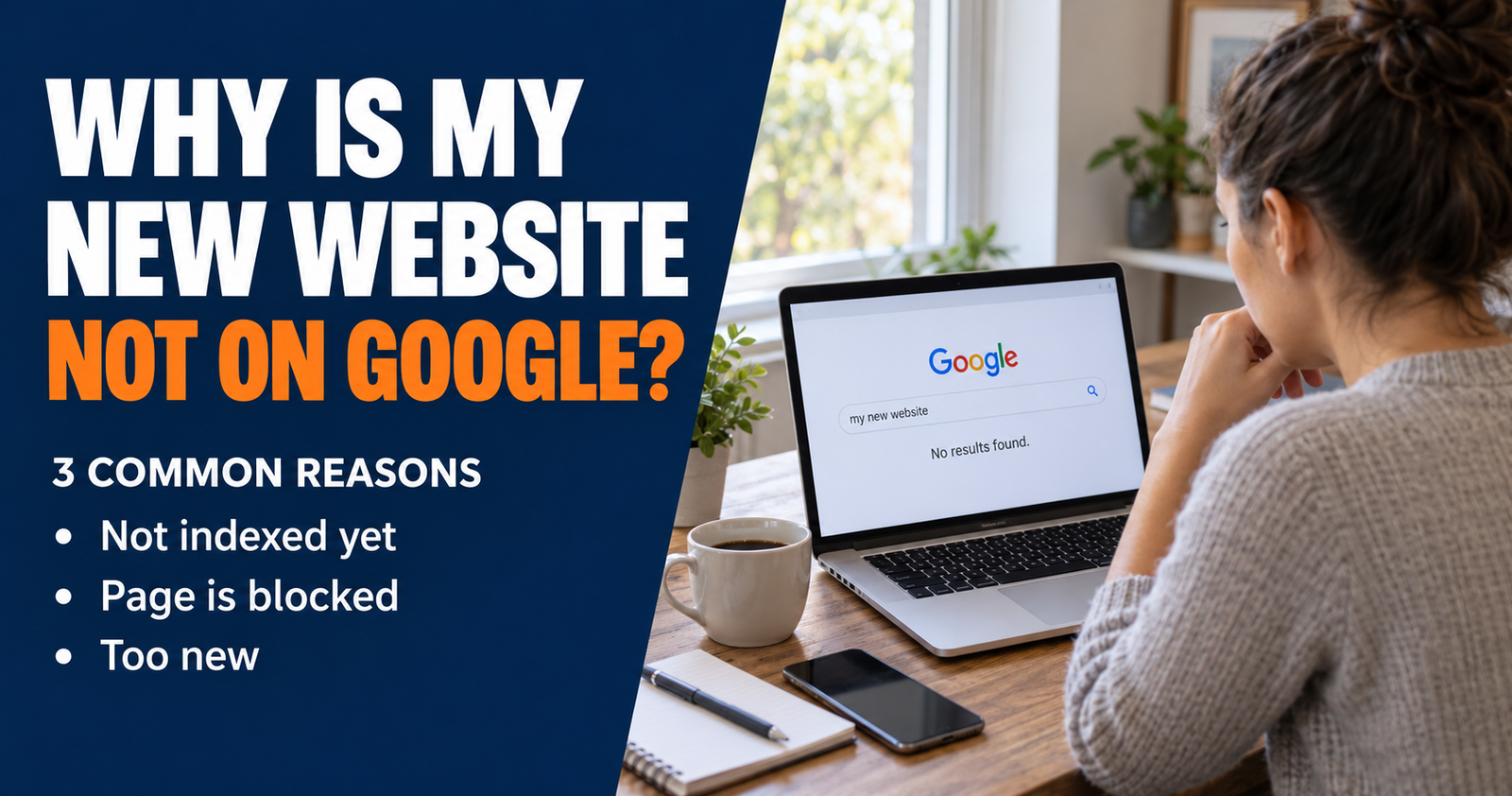
If you want to check one specific page, the URL Inspection tool can show whether Google has indexed it and whether there is an obvious indexing issue. Requesting indexing can alert Google after you publish or fix a page, but it does not guarantee crawling or rankings. Google makes clear that pages are not guaranteed to be crawled, indexed, or shown just because they were submitted.
Be Patient With New Content

SEO usually takes longer than people want it to take. A page may need time to be discovered, crawled, indexed, tested for different searches, and compared with other pages.
That is frustrating when you have put real work into a site. Still, it is better to think in months than days.
A new site often needs time to build a useful collection of pages and show that it can answer questions consistently. A page may get little activity at first, then gradually start receiving impressions and clicks as Google learns where it fits.
The answer is not to panic and rewrite everything after a week.
Give good content time. Watch for patterns in Search Console. Improve pages when you have a real reason to improve them, such as a clearer answer, better examples, updated information, or a title that does not match the searcher’s intent.
Patience does not mean doing nothing. It means making steady, sensible improvements instead of chasing every rumor online.
Avoid the SEO Shortcuts That Cause Trouble
Some SEO offers sound appealing because they promise fast results. Usually, they are selling something you do not need.
Be careful with services that promise hundreds of backlinks, thousands of visitors, guaranteed first-page rankings, or “secret” methods they cannot explain clearly.
Buying random backlinks can leave you with low-quality links that do not help your site. Fake traffic does not create real customers, readers, or viewers. Keyword stuffing makes a page harder to read. Bulk AI publishing can create a lot of content without creating much value.
There is no honest shortcut around making useful pages for real people.
If you ever hire help, make sure the person can clearly explain what they plan to change, why it matters, and how they will measure progress. Google specifically warns business owners to be careful with anyone who guarantees a top ranking.
You are allowed to use AI for brainstorming, organizing, outlining, editing, and repetitive tasks. Just do not let it replace judgment. Review everything. Add useful insight. Fix errors. Make sure the finished page actually answers the question someone searched.
A Practical DIY SEO Routine
You do not need to do everything at once. A simple routine makes it much easier to keep moving.
- Choose one clear topic your audience is likely to search for.
- Look at the search results to understand what the person needs.
- Write a page that gives a direct answer early and explains the next steps.
- Use a clear title and headings that match the topic naturally.
- Add a few helpful internal links to related pages when they exist.
- Check that the page works well on a phone.
- Publish it, make sure it is not blocked from search, and give Google a way to discover it.
- Review your Search Console data later instead of judging the page too quickly.
- Improve the page when you can make it more useful, clearer, or more current.
- Repeat with another distinct question in the same general topic area.
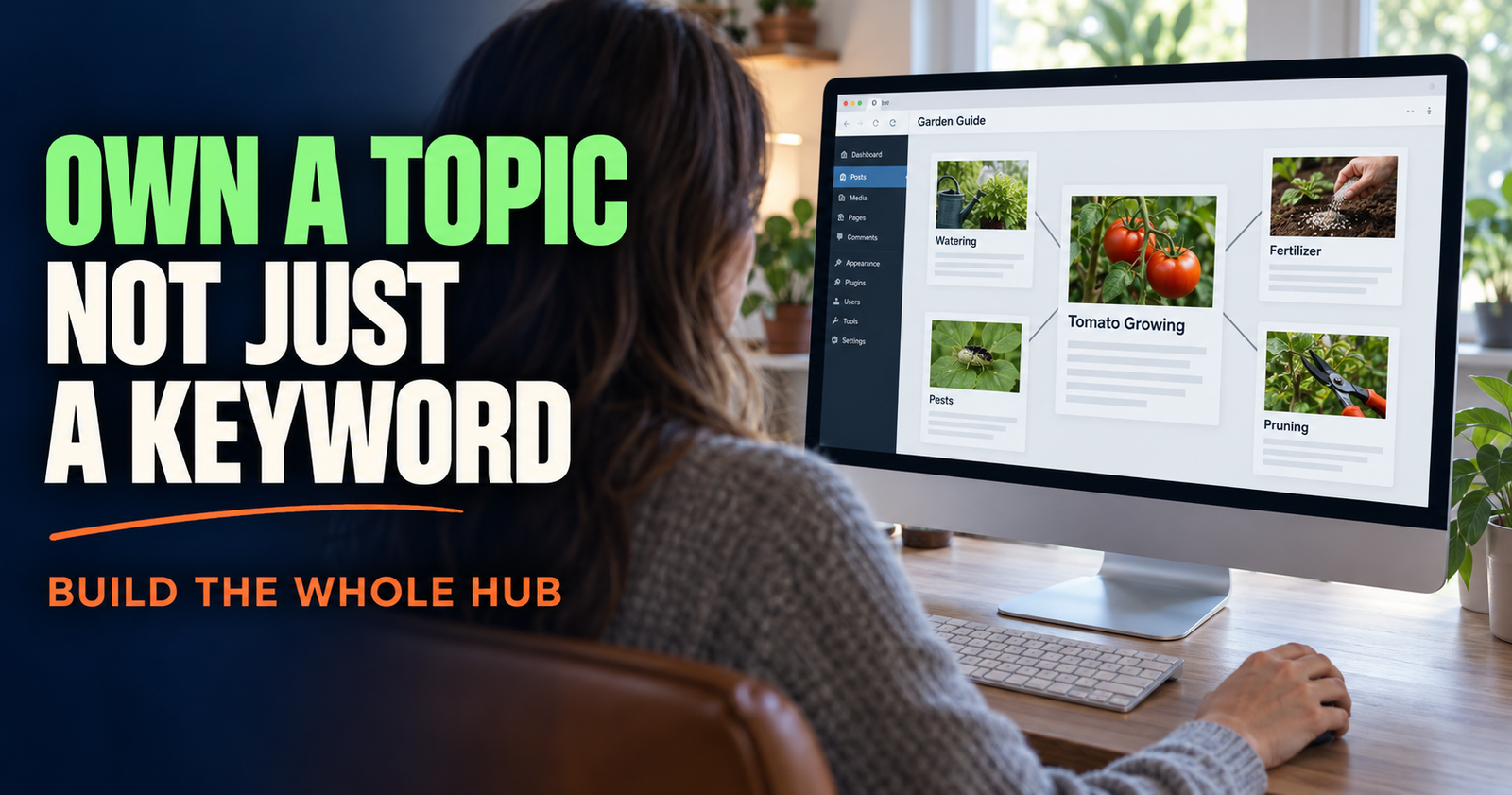
Over time, this creates a site with depth. Instead of one vague page about a subject, you build a group of useful pages that help people at different stages of the same problem. That connected approach is the foundation of building topical authority.
When It May Be Worth Hiring Help
DIY SEO is a good fit for many bloggers, small business owners, creators, and website owners. You can handle a great deal of the foundational work yourself.
There are times when professional help may be worth considering. A site redesign, a serious technical problem, a hacked site, a large online store with thousands of pages, or a competitive local market can be situations where experienced help saves time.
Even then, knowing the basics helps you ask better questions and avoid bad advice.
A good SEO professional should be interested in your business, your audience, and what makes your website useful. They should explain their recommendations in plain language and avoid guarantees.
The foundation stays the same whether you do the work yourself or get help: create useful pages, organize them clearly, make the site easy to use, and keep improving based on real information instead of hype. Those principles reflect the people this site helps, from small business owners to bloggers and creators.
Dax Weaver is an independent publisher who writes practical, plain-English guides to help website owners, creators, and small businesses get found online.