
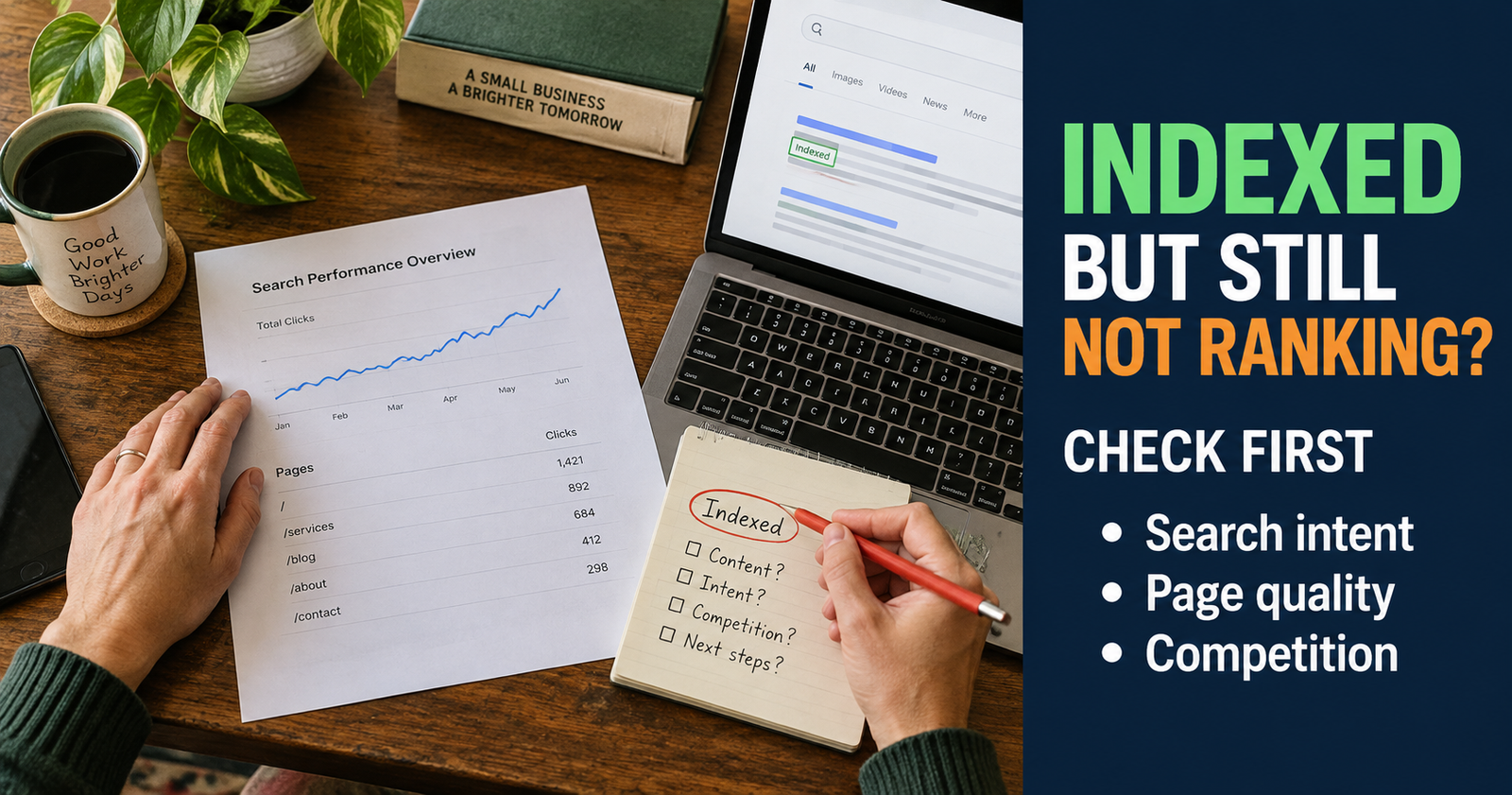
When your website is indexed but not ranking, it can feel like you did all the hard parts only to be told, “Yep, Google sees it,” followed by complete silence.
Your page is on Google, but it is not bringing in visitors. It may be buried on page five, page 20, or shown only for searches nobody would think to make. That is frustrating, but it is also an important step forward. Google has found the page. Now the question is why it is not choosing your page more often or placing it higher for the searches that matter.
The answer usually is not one magic setting, one missing keyword, or one bad score in an SEO tool. Most ranking problems come down to a mismatch between the page, the searcher, and the other options Google has available.
What “Indexed but Not Ranking” Really Means
Indexing means Google has processed your page and added it to its index, which is the enormous database it uses to build search results.
Ranking is what happens next. When someone searches, Google has to decide which pages are likely to be the most helpful match for that exact search.
Your page can be indexed without ranking well because Google may see another page as clearer, more complete, more directly useful, easier to use, or simply a better fit for the wording and purpose behind that search.
That distinction is important because it changes what you should do next.
If your site is not indexed, you look for access, crawl, noindex, or technical problems. If it is indexed but getting no real visibility, you need to look at the page itself and the search it is trying to win.
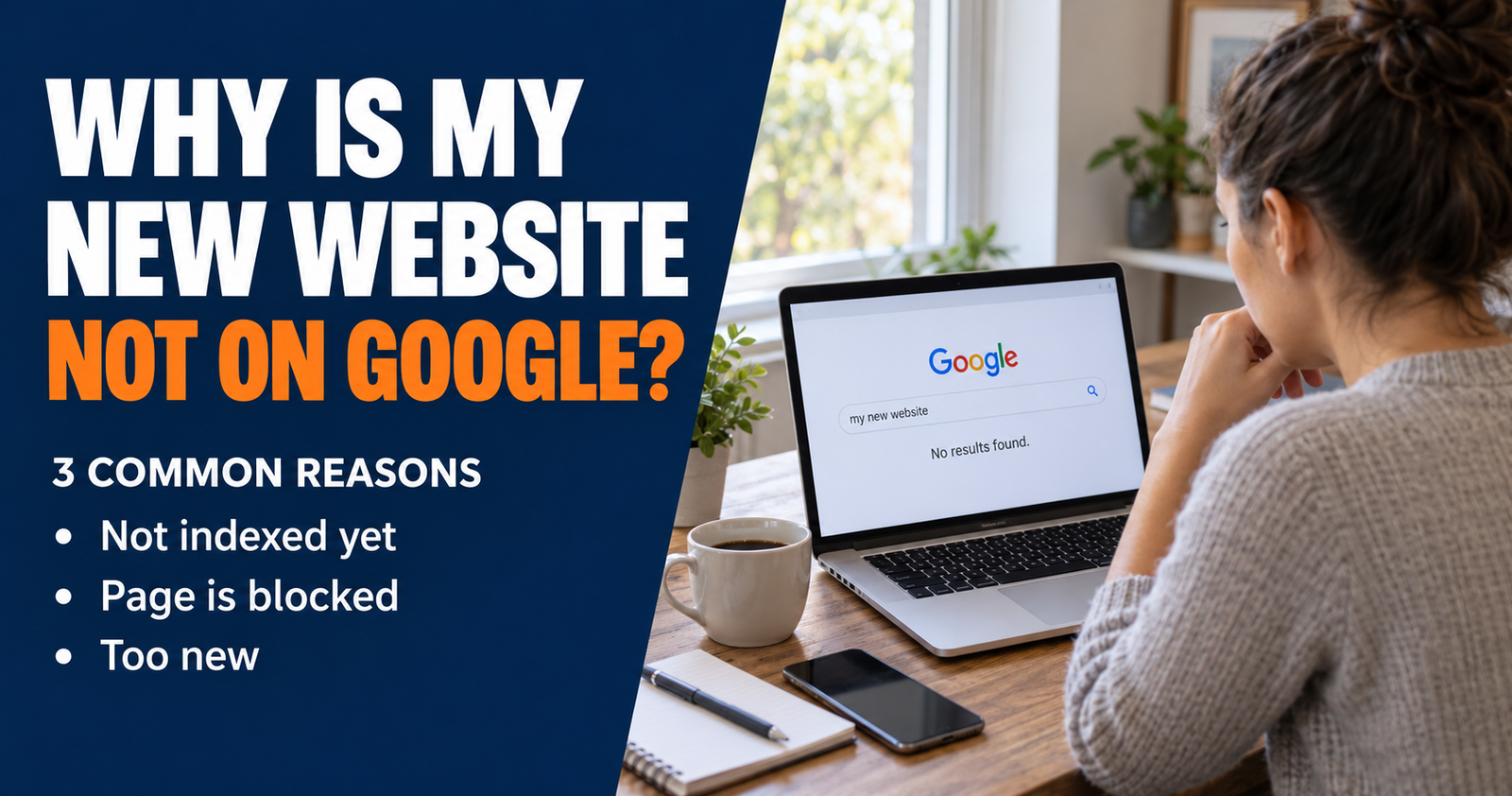
The article on why a new website may not show up on Google is the right place to start if you are not sure whether Google has actually indexed the page yet.
Do Not Judge Rankings by One Search
The first instinct is to search your target keyword, scroll until you give up, and decide the page does not rank.
That does not always tell the full story.
Search results can change based on location, device, wording, and other factors. More importantly, your page may be appearing for related searches you never thought to try.
Google Search Console gives a clearer picture. Open the Performance report, choose the page you want to review, and look at the queries connected to it.
You may discover that your page is getting impressions for a slightly different phrase than the one you targeted. That is not necessarily bad. It can show you how Google understands the page and what searchers are finding it relevant for.
Sometimes the opportunity is not to force the original keyword harder. It is to improve the page around the real searches it is already beginning to earn impressions for.

Check Whether You Are Solving the Right Problem
A page can be well written and still rank poorly if it answers the wrong question.
This is search intent. It is the reason behind the search, not just the words typed into Google.
For example, a person searching “best email marketing service for a small business” probably wants a comparison and help choosing. They may care about price, ease of use, features, and who each option fits.
A person searching “how to start an email newsletter” probably wants a step-by-step guide. They may not be ready to compare software yet.
Those searches are related, but they need different pages.
Before changing your article, search the main phrase yourself. Look at the pages Google already shows.
Are they how-to guides, product pages, local service pages, videos, tools, definitions, or comparisons? Are searchers looking for a quick answer, or are they trying to make a bigger decision?
If your article is a long beginner guide but the results are mostly short checklists, that is a clue. If your article is a quick answer but the results are detailed tutorials, that is another clue.
Do not copy the top-ranking pages. Use them to understand what the searcher expects to find.
Your Page May Be Too Broad
Broad topics are attractive because they sound like they have a lot of traffic. They are also where new websites often disappear.
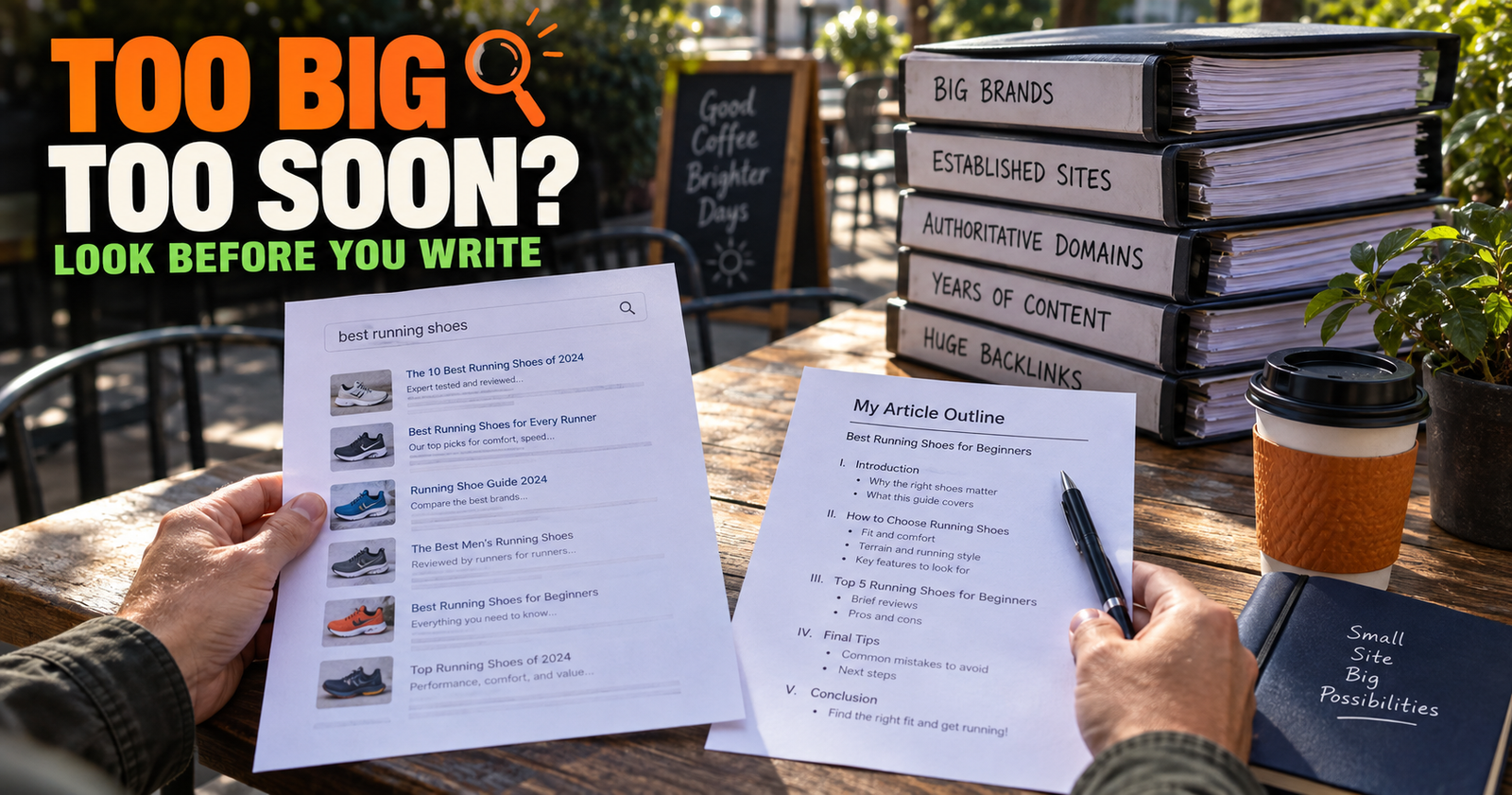
A page targeting “SEO tips” is competing with giant marketing sites, software companies, agencies, publishers, and pages that have been built up for years. It may be a good topic to cover someday, but it is a hard place to expect early results. For a fuller way to evaluate that choice, see judging whether a keyword is too competitive before making a broad phrase the focus of a new site.
A more focused page gives a newer site a clearer chance.
Instead of “SEO tips,” a newer site might publish “How to Find Keywords for a Small Website Without Paying for Tools.”
Instead of “grow a blog,” it might publish “Should I Update Old Blog Posts or Write New Ones?”
Instead of “small business marketing,” it might publish “What Pages Should a One-Person Service Business Website Have?”
Specific pages are not lesser pages. They are usually more useful because they meet a person at the exact moment they need help.
A strong site eventually has both broad guides and specific supporting articles. The broad guide gives people an overview. The specific articles solve the individual problems that broad guides cannot fully cover.

A Page Can Be Helpful but Still Be Incomplete
One of the most common reasons a page stays buried is that it answers the question, but not enough of the question.

A person searching “why is my website indexed but not ranking” does not only need to hear, “Your content might not be good enough.” They need to know what that actually means, how to tell whether the page matches search intent, what to look for in Search Console, what changes are worth making, and which things are not worth worrying about.
A useful article should remove uncertainty.
Look at your page with fresh eyes and ask these questions.
- Does the opening answer the main question immediately?
- Does the page explain why the issue happens instead of only listing tips?
- Does it give the reader a clear order for checking things?
- Does it cover the mistakes a person is likely to make?
- Does it explain when they should wait instead of making unnecessary changes?
- Does it include useful details that generic articles leave out?
- Could a beginner actually take the next step after reading it?
If the page only says what to do without explaining why, it may feel thin. If it explains everything but never gives practical next steps, it may feel frustrating. Strong content does both.
Improve the Page’s Main Promise
A page title is a promise. The main heading and opening section should deliver on that promise quickly.
If the title says “How to Fix a Slow WordPress Website,” a reader expects help diagnosing speed problems and choosing fixes. They do not want a long history of WordPress, a generic definition of hosting, or five paragraphs about why website speed matters before the article finally gets useful.
Google also uses multiple clues to understand a title link, including the page title, prominent headings, on-page text, and links pointing to the page. A clear, unique title helps both searchers and Google understand what your page is offering.
That does not mean cramming every variation of a keyword into the title. It means being descriptive.
Weak: “Website Help and SEO Tips”
Better: “Why Is My Website Indexed but Not Ranking? What to Check First”
The second title gives a frustrated search searcher a clear reason to click because it describes the actual problem and promises a practical next step.
Look at the Top Results for Missing Angles
One of the best ways to improve a page is not by asking, “What keywords did the other articles use?”
Ask, “What concern would still be left unanswered after someone reads these pages?”
Maybe every result explains the basics but skips the order in which someone should check things. Maybe they all say “create better content” without explaining how to identify an intent mismatch. Maybe they forget to explain the difference between a page getting zero impressions and a page getting impressions without clicks.
That gap is where a smaller website can become genuinely more useful.
Readers do not need another article that says, “Write high-quality content.” They need help recognizing whether their own page is too broad, too vague, too thin, too late to answer the question, or aimed at the wrong kind of search.
Specificity is what makes a page worth saving, sharing, and returning to.
Internal Links Should Help the Reader Continue
Internal links do not work because you add a certain number. They work when they give a reader the next helpful piece of information.
If someone lands on an article about ranking, they may need to understand indexing first. A natural link to a page about why a new site is not showing on Google can help.
Someone who is frustrated by slow progress may benefit from a link about realistic SEO timelines. That gives them context without telling them to give up.
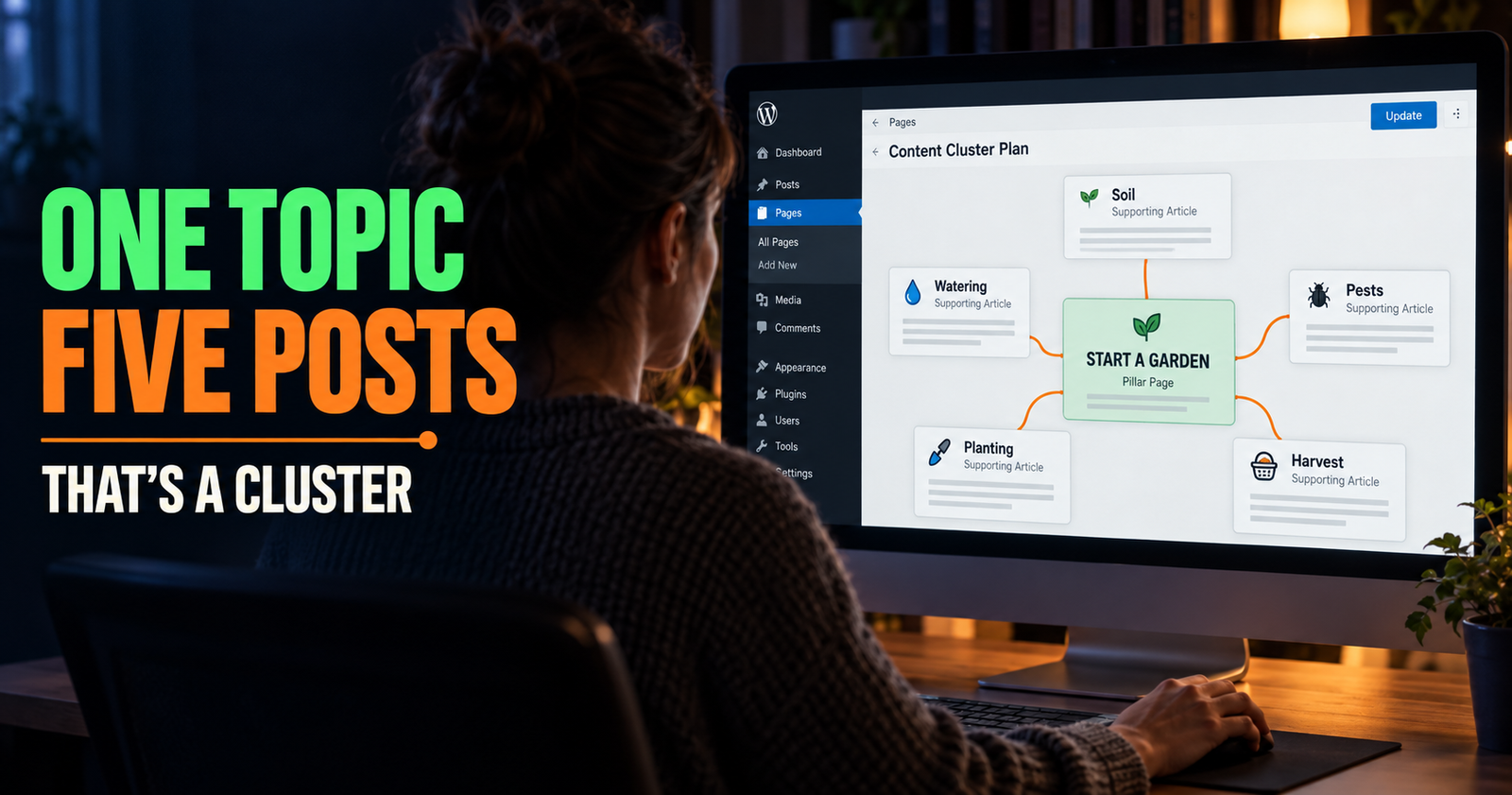
This is also how you build a better site structure. Instead of publishing isolated posts, you create a path.

The DIY SEO guide for beginners is the larger starting point for this cluster. A reader who needs the big picture can use it, while this page stays focused on the specific problem of indexed pages that are still not earning visibility.


Your Content Needs a Reason to Exist
This sounds harsh, but it is a useful question to ask before publishing or updating a page.
Why should a searcher choose your page over the other results?
“Because I used the keyword” is not an answer.
“Because I wrote more words” is not an answer either.
Your page may be the better choice because it explains the problem in plain English, gives a more practical order of operations, includes a useful example, helps a beginner avoid wasting money, or covers an overlooked part of the decision. Readers evaluating whether links are necessary can also see how to avoid wasting money on backlinks on a new site.
Google’s people-first content guidance is built around this same idea. The goal is not to make a page that looks optimized. The goal is to make one that helps the person searching. That reader-first approach is also reflected in Make It Found’s approach to useful content.
A page that exists only because a keyword tool said there are searches for it often feels like it. A page written to solve a real problem feels different.
Check for Overlapping Pages on Your Own Website
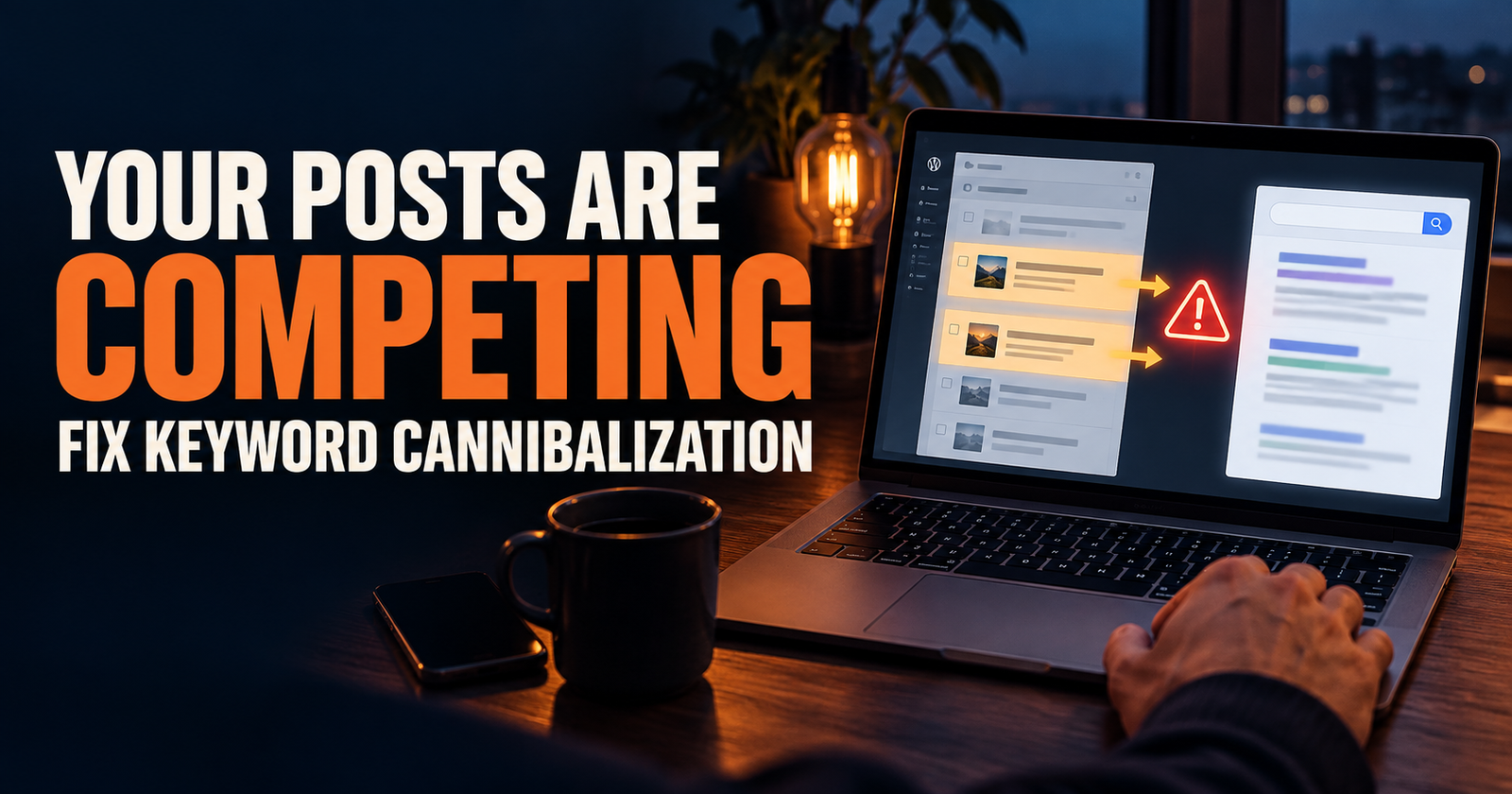
Sometimes a page is not ranking because your own website has several pages that are all trying to answer nearly the same question.
For example, a site might publish all of these.
- How to Improve Website Rankings
- Why Is My Website Not Ranking?
- How to Rank Higher on Google
- Easy SEO Tips to Rank Better
Those can become four pages that all blur together. Google may have a hard time deciding which one is the best page to show, and readers may not have a reason to choose one over another.
The solution is not always deleting pages. It is often clarifying their jobs.
One page can be the broad guide. One can focus on pages that are indexed but buried. One can focus on choosing keywords. One can focus on improving title and search-result appeal.
Each page needs its own search intent and its own promise.
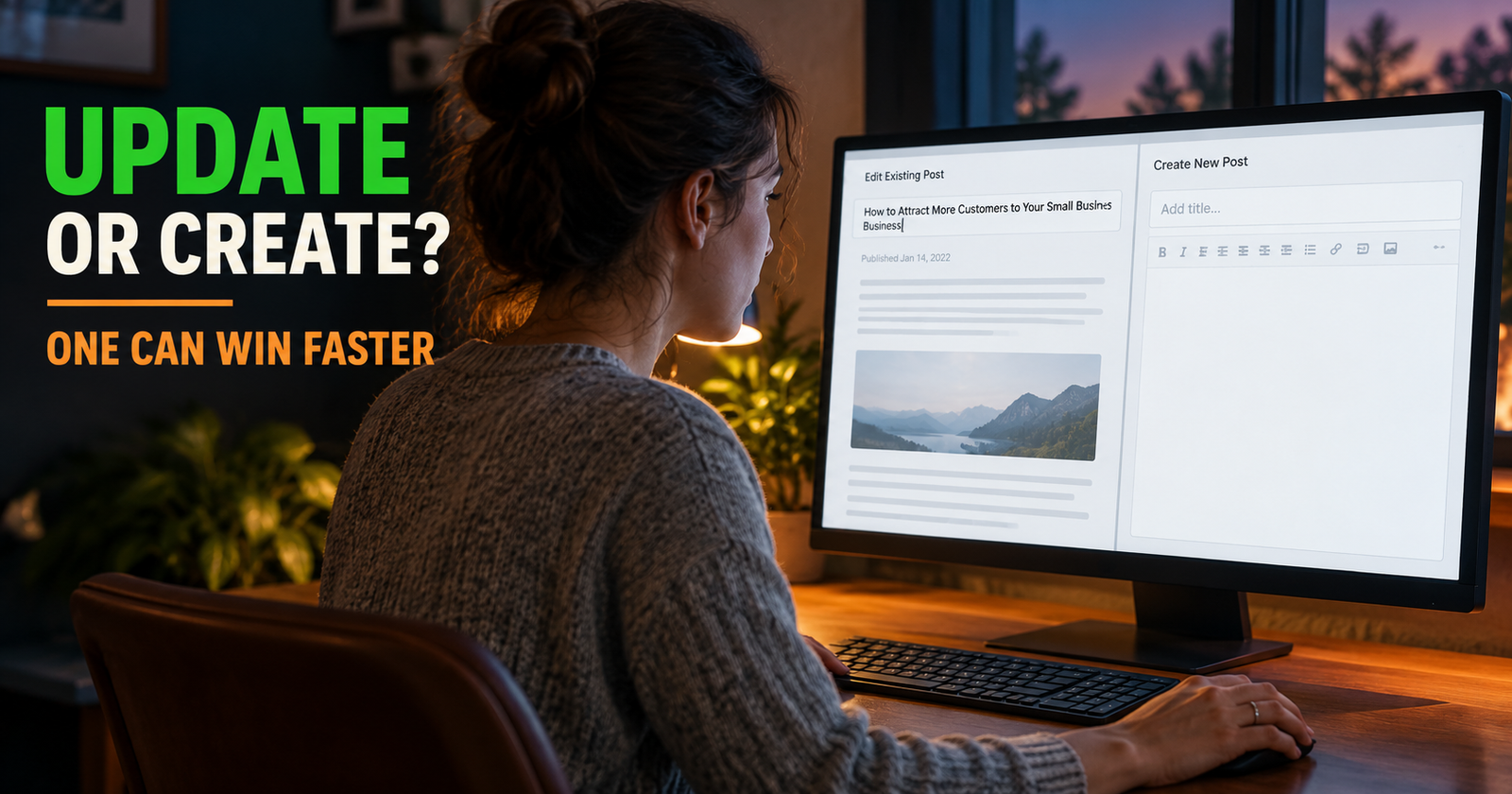
Before publishing a new article, ask whether it solves a problem your current pages do not already solve. If it does not, improving the existing page may be smarter than creating another near-duplicate. That decision is easier with a framework for improving the existing page.
Titles and Snippets Affect Whether Searchers Click
Ranking is not the only part of earning traffic. Even a page that appears in search can get ignored if the title is vague or the snippet does not make the page sound useful.
Google may create the snippet from the content on your page, and sometimes it uses the meta description you provide. That means the opening of the article matters as much as the metadata box in your SEO plugin.
Make the page’s purpose obvious early.
If someone is comparing choices, let them know the page will help them choose. If they are troubleshooting, tell them the checks they should start with. If they are trying to learn something, explain what they will understand by the end.
Do not use fake urgency or wild clickbait. A good title gets clicked because it matches the exact problem a person already has.
Check the Mobile Version Before You Blame the Content
Google uses the mobile version of your site for indexing and ranking. If the mobile page hides important text, has broken menus, loads poorly, or looks completely different from the desktop version, that can hurt the experience Google is evaluating.
Open the page on your phone and be honest about it.
Can you find the answer quickly? Is the text readable? Does the page jump around while loading? Are ads or popups getting in the way? Is important content missing until someone clicks, swipes, or does something that Google may not do while processing the page?
A polished desktop page does not make up for a frustrating mobile one.
Do Not Rewrite a Page Every Time It Fails to Move
This is where people accidentally make SEO harder than it needs to be.
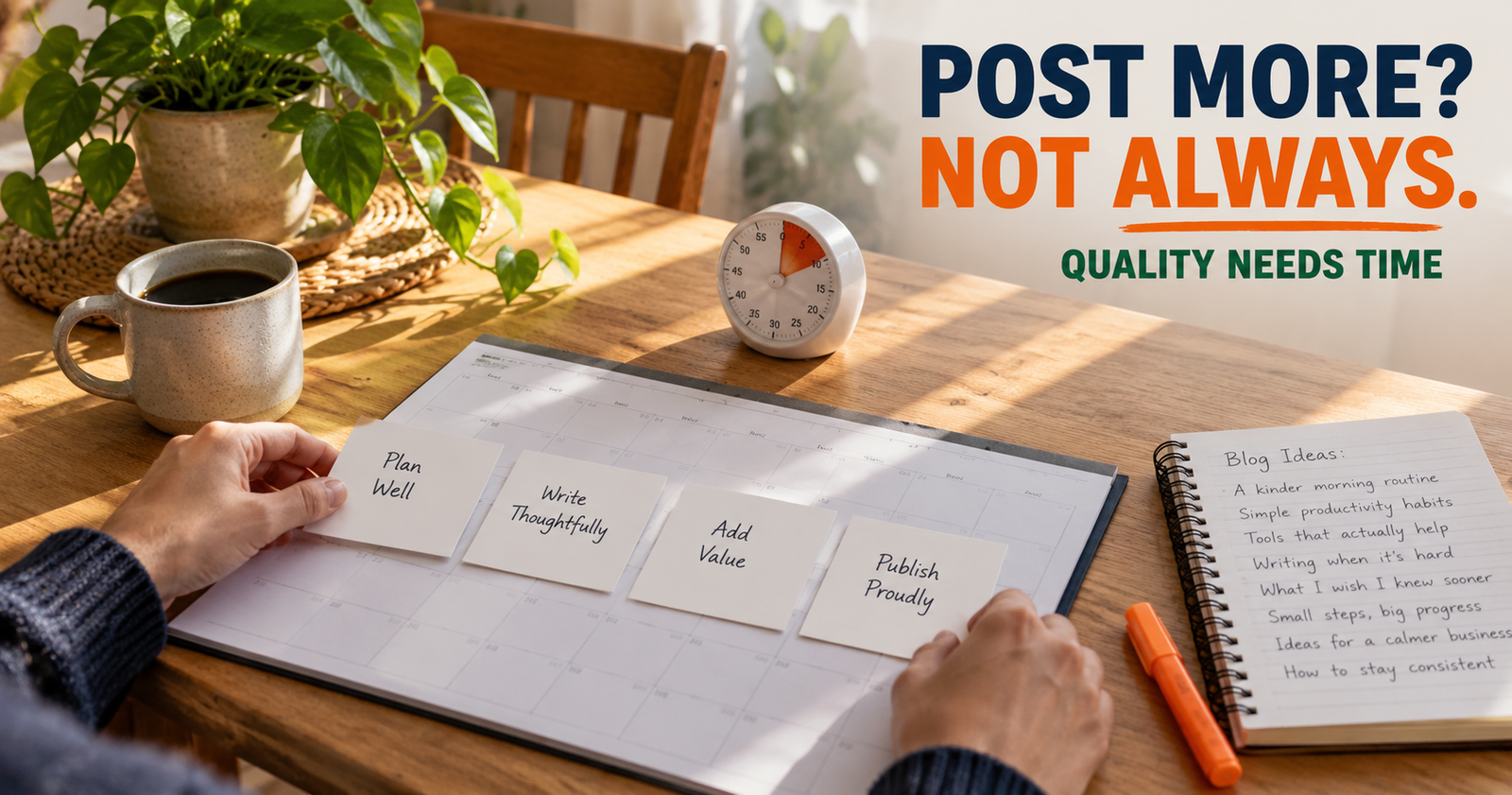
A new page may need time to be crawled, processed, tested for different searches, and compared with other results. If you completely rewrite it every few days, you make it harder to see what is actually improving.
Make changes when you have a reason.
Maybe Search Console shows that the page is getting impressions for a phrase you did not fully answer. Maybe the opening takes too long to get to the point. Maybe the top results reveal an intent mismatch. Maybe you have a real-world example or clearer explanation that would make the page better.
Those are solid reasons to update.
Changing headings, titles, and paragraphs because a ranking tracker moved from 42 to 47 is usually not.

The article on how long SEO takes for a new website can help you decide when patience is the smarter move.
What Not to Do When a Page Is Indexed but Stuck
A slow-ranking page can make bad shortcuts look tempting. They are still bad shortcuts.
Do not buy a package of random backlinks.
Do not stuff the exact keyword into every heading.
Do not add a pile of unrelated internal links.
Do not copy a competitor’s article and reword it.
Do not publish five almost-identical versions of the same article.
Do not assume that a paid SEO tool score tells you whether the page will rank.
Do not mistake activity for progress. A frantic list of tiny changes can feel productive while doing nothing to make the page better for a reader.
A Better Way to Diagnose the Page
When a page is indexed but not ranking, work through this order.
- Confirm the page is actually indexed in Search Console.
- Check the page’s queries and impressions in the Performance report.
- Search the main phrase and identify what searchers appear to want.
- Compare your page’s purpose with the purpose of the results already ranking.
- Improve the answer, clarity, examples, or structure where your page falls short.
- Make sure the title and opening promise match the exact page content.
- Check the mobile version for frustrating design or hidden content.
- Add a relevant internal link from a page where a reader would naturally need this next step.
- Give the update enough time to be crawled and evaluated.
- Keep building other useful pages in the same topic group.
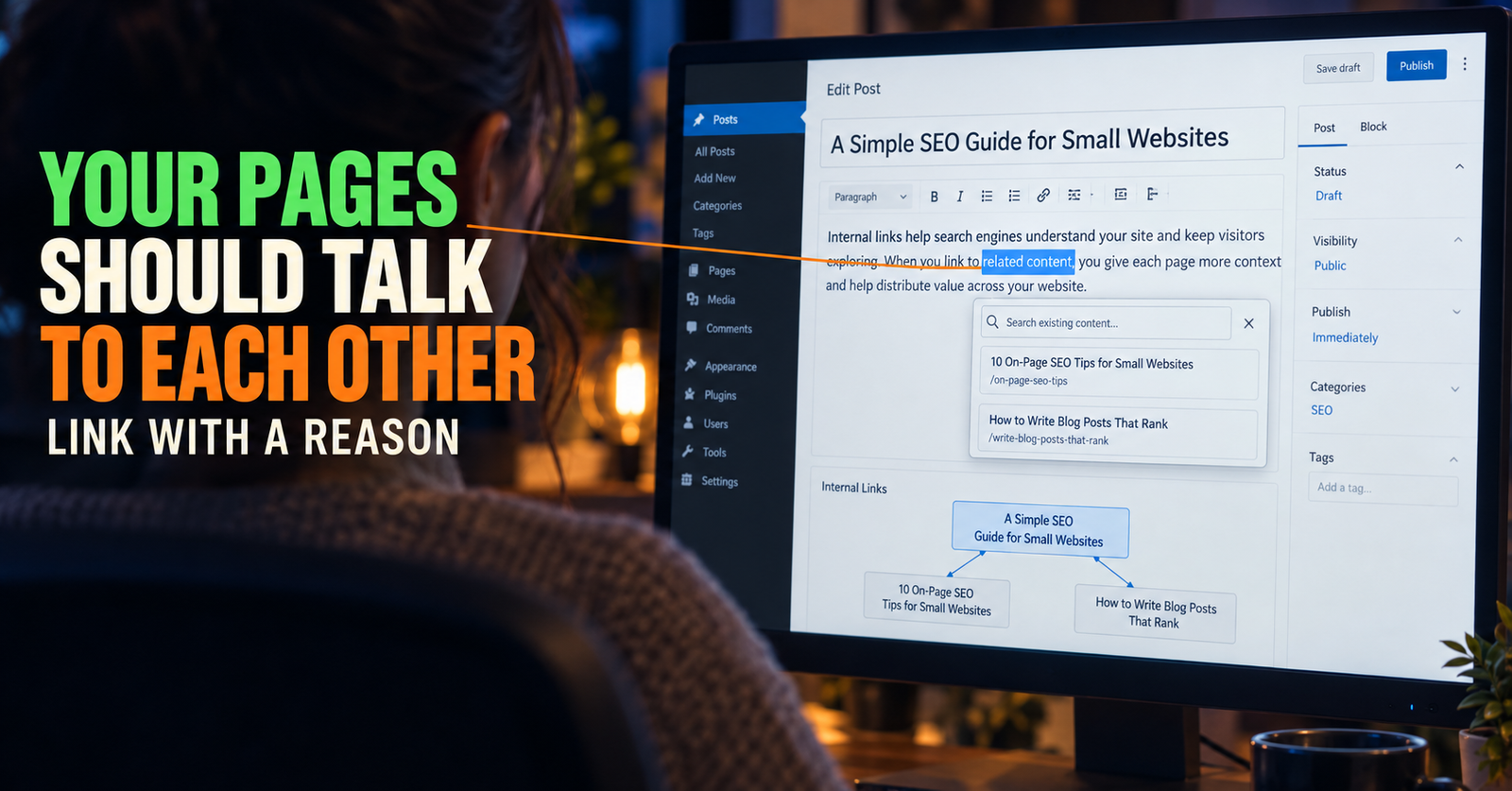
That last step matters. One page does not have to carry an entire website. The more useful, closely related content you build, the more clearly your site can show what it helps people with. Thoughtful internal links are one way to connect that closely related content and give readers a clearer path through the site.
Being Indexed Is a Door Opening, Not a Finish Line
It is easy to see indexed-but-not-ranking pages as proof that SEO is not working. I see them differently.
They are proof that Google can find the page. Now you have something real to improve, measure, link to, and build around.
The next step is not to chase a trick. It is to make the page a better match for the person searching and a more useful part of the larger site.
Alden Whitaker writes practical, plain-English SEO guides for Make It Found that help small website owners spot what is actually holding a page back, then fix the parts that matter.