
Writing a blog post with ChatGPT can either save you time or leave you with a generic pile of words you do not even want your name on. The difference usually is not the AI tool. It is the information you give it and the job you ask it to do.
I use ChatGPT prompts for blog posts as a working tool, not a replacement for knowing my subject. It helps me get organized, find weak spots in an outline, turn my own notes into a usable first draft, and edit a piece when I have been staring at it too long. It does not know my business, my reader, or what I have personally seen unless I tell it. That same balance between assistance and personal judgment is explained in use ChatGPT without replacing your judgment.
That is the part people skip when they say AI-written content all sounds the same. They ask for “a blog post about SEO” and get the same broad advice everybody else asked for. A better prompt starts with your real details, your reader’s real problem, and a clear outcome for the post.
What ChatGPT is actually useful for when writing blog posts
ChatGPT is strongest when you give it a narrow job.
I do not tell it to write ten finished articles in one sitting. That usually creates repetitive introductions, made-up examples, and paragraphs that sound polished without saying much.
Instead, I break the process into smaller steps:
- Choose a topic with a real purpose.
- Decide exactly who the post is for.
- Build an outline before drafting.
- Add my own observations, examples, screenshots, stories, or product details.
- Use ChatGPT to improve structure and clarity.
- Review every claim before publishing.
That approach gives you more control. It also keeps your article from becoming a bland summary of information your reader can find on twenty other pages.

A blog post should answer the reason a person searched in the first place. If you are not sure what that reason is, start with search intent and why it matters for SEO. A useful prompt cannot rescue a post built around the wrong question.
The prompt formula I use before asking ChatGPT to write anything
A useful blogging prompt usually includes five pieces:
- Who you are writing for.
- The problem they are trying to solve.
- The goal of the post.
- The real details only you can provide.
- The format and tone you want back.
Here is the basic version I come back to:
I am writing a blog post for [describe the reader]. They are trying to [solve this problem]. The post needs to help them [specific outcome]. Use these real details from my experience, product, service, or notes: [paste details]. Do not invent examples, statistics, results, or personal experience. Create a clear outline with practical sections, short paragraphs, and a plain-English tone. Point out any information I still need to add myself.
That final instruction matters. I would rather ChatGPT admit it needs more information than confidently fill the gap with something false.
Prompt for finding blog topics from problems your audience already has
Most weak blog ideas are too broad.
“Tips for small businesses” is not really a topic. It is a category with a thousand possible directions. “Why does my new website have impressions but no clicks?” is a problem someone can recognize immediately.
When I need ideas, I do not ask for a giant random list. I give ChatGPT context about my audience and ask it to separate broad topics from specific questions worth answering.
My website helps [audience] with [main subject]. They are usually beginners who struggle with [three to five real problems]. Give me 25 blog-post ideas based on specific questions, mistakes, comparisons, and next steps they may search for. Avoid vague ideas such as “ultimate guide” or “top tips.” For each idea, explain the reader’s likely question in one sentence and identify whether it is a beginner, comparison, troubleshooting, or decision-making post.
Then I look through the ideas manually. I keep the ones that match what people genuinely ask me, what I see in comments, what customers get stuck on, or what my site already has evidence it can cover well.

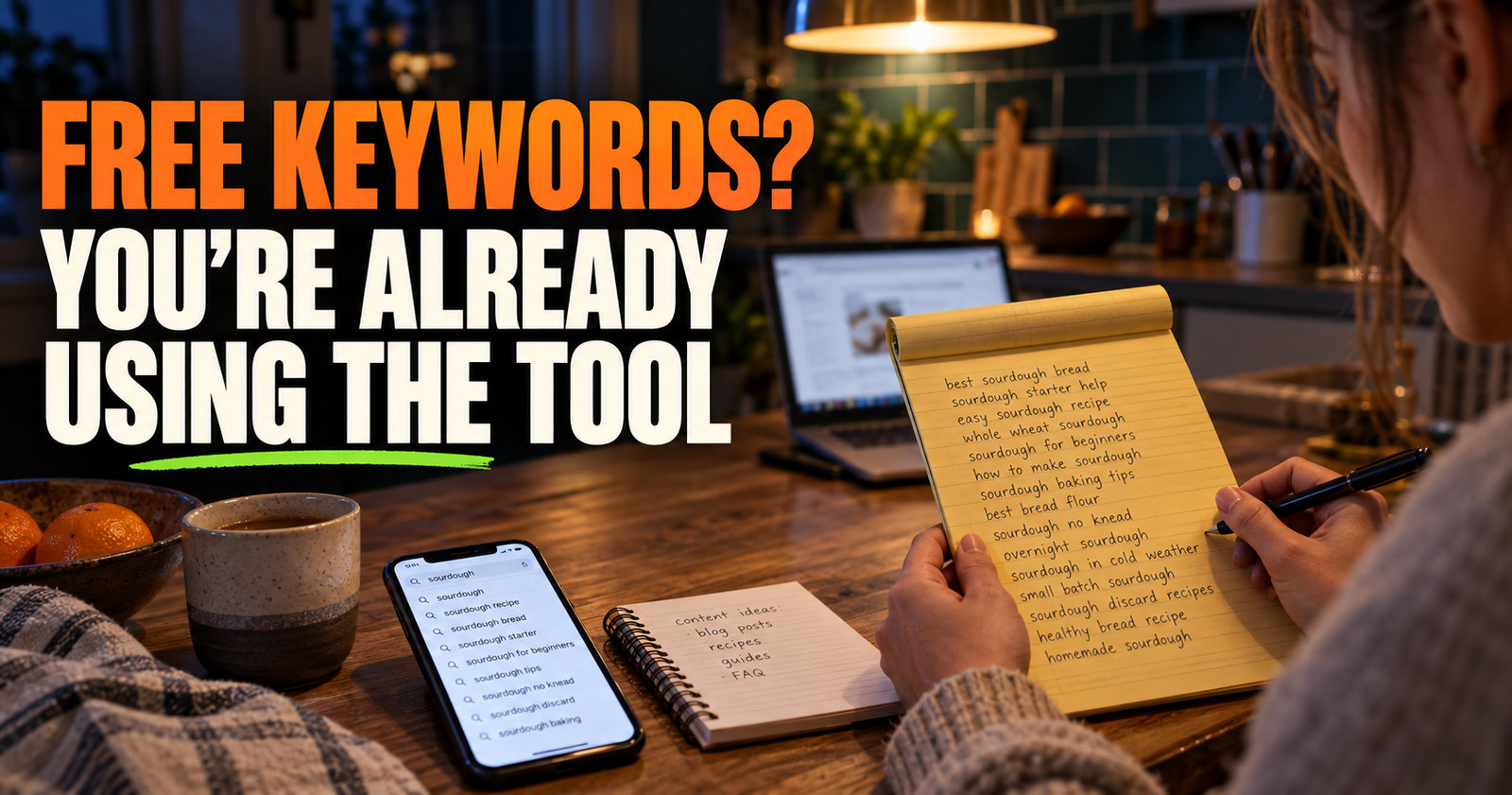
For a website with some Search Console data, the best topics often come from phrases your pages already appear for. My guide on finding blog topic ideas in Google Search Console shows how I use those early impressions without paying for a keyword tool.
Prompt for turning a loose idea into a blog outline
An outline is where I save the most time.
It is much easier to fix a weak outline than to rewrite 1,800 words after the fact. Before I draft, I want to know whether the post answers the main question early, covers the likely follow-up questions, and gives the reader an actual next step.
Create an outline for a blog post titled “[working title].” The reader is [describe reader and experience level]. Their main question is “[question].” The post should help them [result]. Include an opening that directly answers the question, then logical H2 sections that move from understanding the issue to taking action. Under each heading, add 2 to 4 notes explaining what that section must cover. Do not pad the outline with generic sections. Include places where I should add my own example, screenshot, result, or opinion.
Notice that I ask for places where I need to add something myself. That is where the article becomes yours.
If every heading could appear on any competitor’s page, the outline is not ready yet.


Prompt for checking whether your outline overlaps with an existing article
Publishing two articles that answer nearly the same question can confuse your readers and make it harder for Google to understand which page should rank. This is commonly called keyword cannibalization, but the bigger issue is usually unclear planning.
Use this prompt before you write a new article:
I have an existing blog post called “[existing post title],” which covers [brief summary]. I am considering a new article called “[new post title],” which would cover [brief summary]. Compare the two topics. Tell me where they overlap, what should remain on the existing post, and whether the new idea deserves its own article, should become a section of the existing article, or needs a different angle. Do not assume both should exist.
That last line keeps the tool from treating every idea as a good idea just because you asked about it.
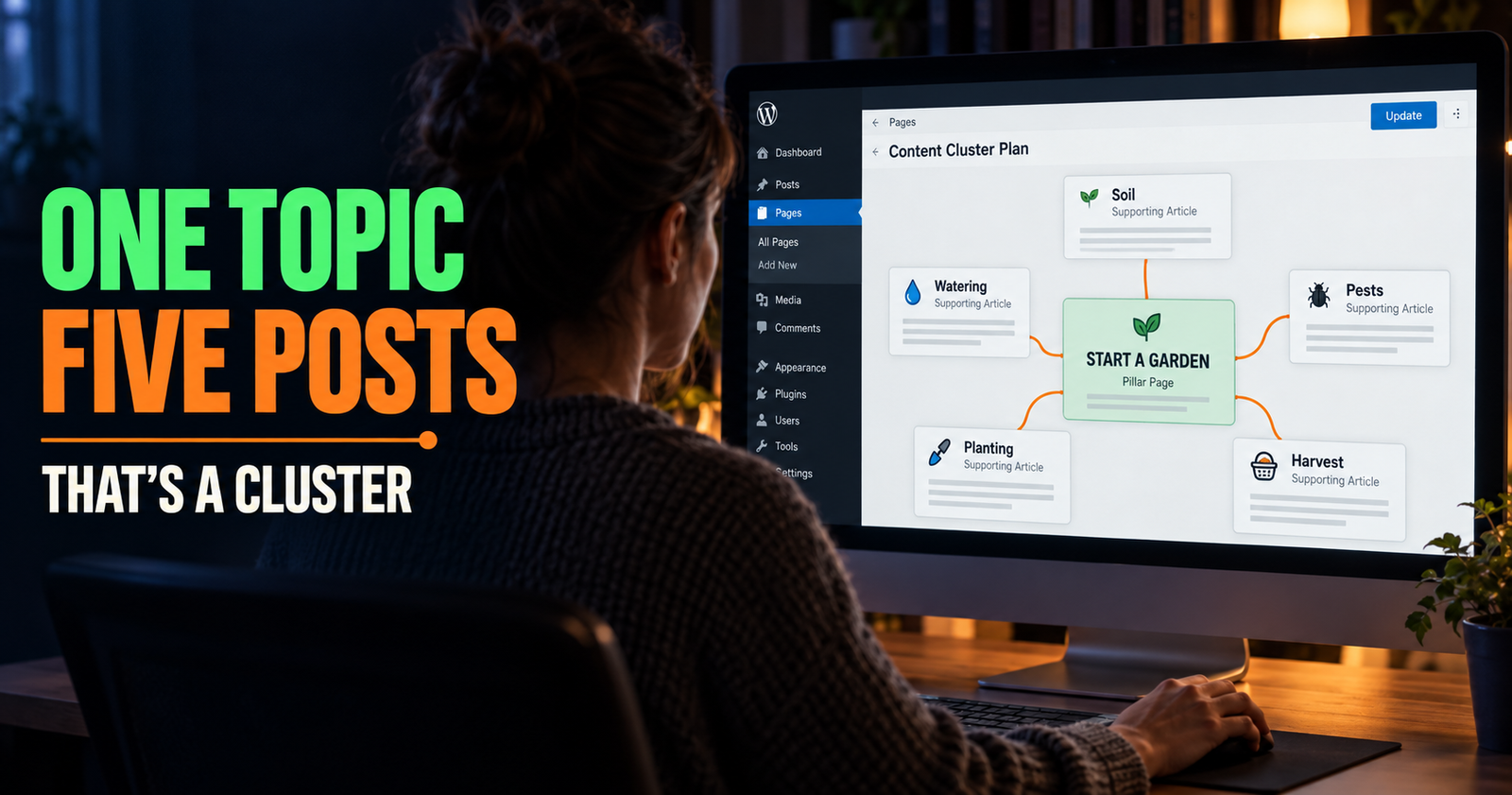
When you are building out a newer site, this kind of decision is part of a clean content plan. I explain the bigger structure in how to build an SEO content cluster for a new website.
Prompt for writing an introduction that gets to the point
I often use ChatGPT for introductions, but I never publish the first version without reading it aloud.
A good introduction should make the reader feel like they landed in the right place. It should not spend four paragraphs explaining that the internet is important or that blogging takes time.
Write three possible introductions for a blog post about “[topic].” The reader searched because they are dealing with [specific problem]. Start each version by acknowledging that problem in plain language. In the first 100 words, clearly explain what the article will help them do. Avoid clichés, fake urgency, broad claims, rhetorical questions, and phrases like “in today’s digital world.” Keep the tone practical and human.
I usually take a line or two from one version, combine it with my own opening thought, and move on.
The goal is not to get the perfect introduction from AI. The goal is to get past the blank page without making the reader wait for the answer.
Prompt for drafting a section from your real notes
This is one of the best ways to use ChatGPT without letting it take over the article.
Write down the actual facts first. That may be a rough list of steps, a customer question, a product detail, a mistake you made, or notes from doing the task yourself. Then ask ChatGPT to organize those notes.
Turn the notes below into a blog section for people who are new to [topic]. Keep every fact limited to the notes I provide. Do not add statistics, tools, personal stories, claims, or steps that are not in my notes. Use short paragraphs and explain why each step matters. If anything is unclear or missing, list questions for me instead of guessing.
My notes: [paste your notes]
That prompt does something important: it gives ChatGPT permission to say “I do not know.”
You are not trying to make the tool sound certain. You are trying to create a post your reader can trust.
Prompt for adding useful examples without making things up
Examples make a post easier to follow, but invented success stories are not a good trade. If you do not have a true story to share, use a clearly labeled hypothetical scenario based on ordinary facts.
I am writing about [topic] for [audience]. Create three simple hypothetical examples that illustrate the point “[point].” Label them as examples, not real case studies. Keep the situations realistic and easy to understand. Do not use made-up revenue, traffic, customer counts, testimonials, or claims of success.
For example, a post about updating an old blog article might use a fictional dog groomer or local plumber to show how a vague headline becomes a more helpful one. The reader gets the idea without being misled into thinking the business is a real client.


Prompt for making a rough draft clearer and less robotic
Sometimes the problem is not that the article is wrong. It is that it sounds like a brochure, a textbook, or a thousand other AI posts.
Paste a section at a time. Do not throw a 3,000-word article into ChatGPT and accept whatever comes back.
Rewrite the section below for a reader who is new to [topic]. Keep the meaning and all factual details the same. Make the language clearer, more direct, and more natural. Use short paragraphs where helpful. Remove repetition, vague filler, and stiff wording. Do not add new facts or claims. After the rewrite, list any sentences that still need a real example or specific detail from me.
Section: [paste section]
I like this prompt because it does not ask ChatGPT to make my writing “better” in some vague way. It asks for a specific improvement and keeps my facts intact.
Prompt for adding your actual voice back into an AI-assisted draft
Your voice is not a setting you switch on with the phrase “write conversationally.” It comes from your word choices, the details you notice, the examples you use, and the opinions you are willing to stand behind.
Before you edit, give ChatGPT a small sample of writing you like. It could be a few paragraphs from an older article you wrote yourself. Then be clear that it should borrow the qualities, not copy the wording.
Here is a short sample of my writing: [paste sample]. Here is a draft section I need to revise: [paste draft]. Edit the draft so it has a similar level of plain language, sentence length, and directness as my sample. Do not copy phrases from the sample. Do not add humor, claims, stories, or opinions that are not already supported by the draft.
Then read it with your own eyes. If you would not say a sentence out loud, change it.
Prompt for turning one blog post into a practical content series
A solid blog article can lead to more helpful content without becoming repetitive.
You might turn one detailed post into a checklist, an FAQ-style follow-up, a social post, an email, or a companion article that answers a narrower question. The key is to give each piece a separate purpose.
I have a blog post about “[topic].” Its main takeaway is “[takeaway].” Based only on the information below, suggest 10 follow-up content ideas that would help the same audience from a different angle. Separate the ideas into: social media posts, email topics, short videos, and future blog posts. For each idea, explain what new question it answers so I do not repeat the original article.
Article summary: [paste summary]
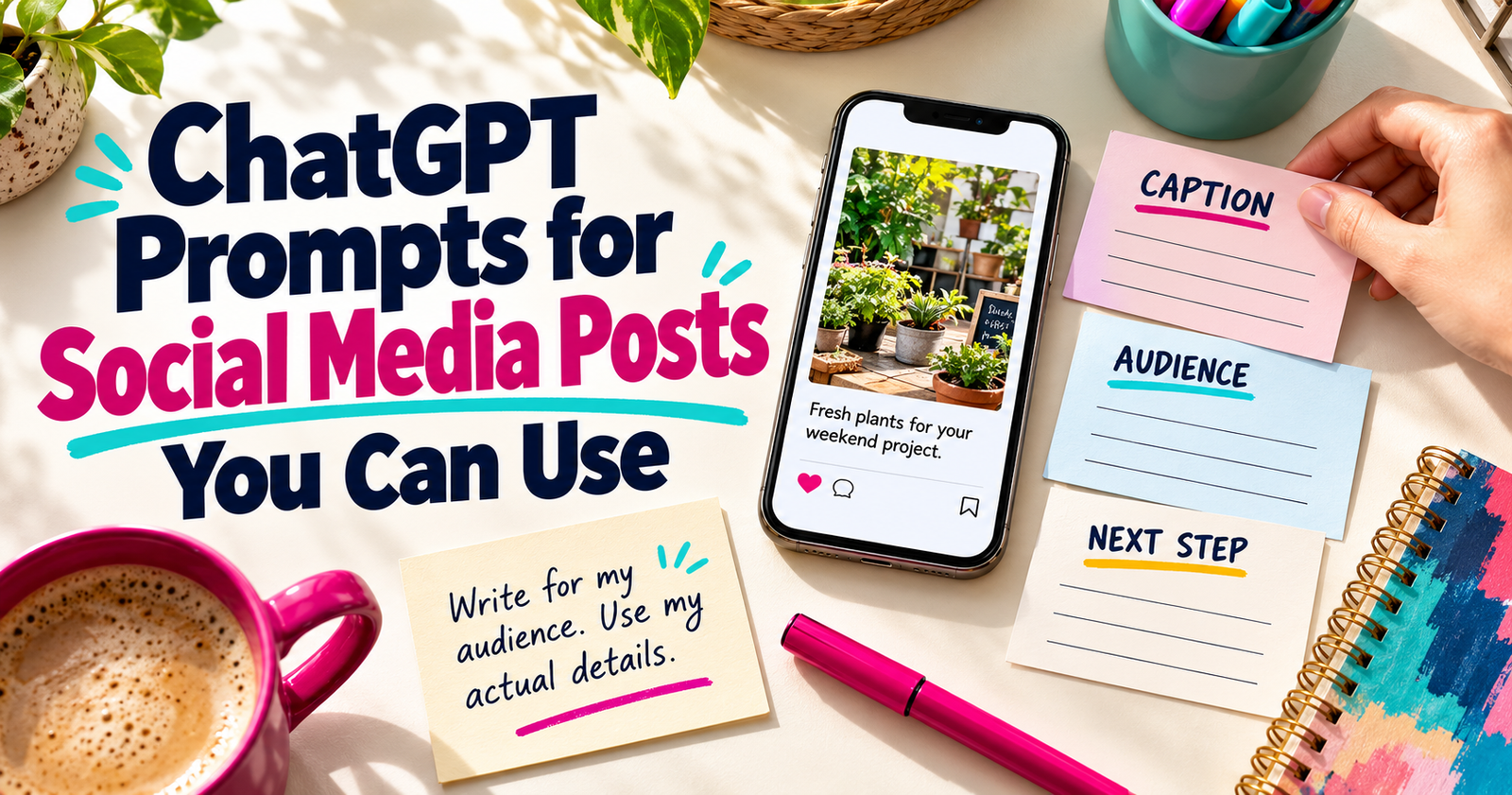
A finished post can also become several thoughtful social updates. Use the ChatGPT prompts for social media posts guide when you want to turn an article into promotion that still sounds like a real person wrote it.
Prompt for finding thin sections before you publish
I use AI best as a second pair of eyes.
It can quickly point out where an article jumps over a step, repeats itself, assumes knowledge a beginner does not have, or makes a promise it does not fully explain.
Review this blog draft for a beginner reader who wants to [goal]. Do not rewrite it yet. First, identify:
- Questions the reader may still have
- Steps that are too vague to follow
- Repeated points
- Claims that need proof, an example, or softer wording
- Places where I should add my own experience, screenshot, or specific detail
Then give me a short revision plan in order of importance.
Draft: [paste draft]
This is often more valuable than asking for a total rewrite. You stay in charge of the article instead of handing the whole thing back to the machine.
Prompt for editing a post for helpfulness, not just grammar
Grammar checks are fine, but a clean article can still be unhelpful.
Before publishing, I want to know whether the post gives the answer early, uses understandable language, and leaves the reader knowing what to do next.
Edit this article for helpfulness and clarity. The intended reader is [reader]. Their problem is [problem]. Check whether the article answers the main question near the beginning, explains each important step clearly, uses unnecessary jargon, repeats itself, or ends without a useful next action. Keep my voice and do not add information I have not provided. Return:
- A list of the five most important improvements
- Suggested edits for only the affected sections
- Any claims I need to verify before publishing
That gives you a real editing plan instead of a shiny rewrite that may quietly introduce mistakes.
What I would never let ChatGPT decide for me
There are parts of a blog post I do not hand over blindly:
- Personal experience.
- Customer stories and testimonials.
- Prices, product details, policies, or legal information.
- Search Console data or traffic results.
- Statistics and research claims.
- Advice that could cost someone time, money, or trust.
- The final decision about what belongs on my website.
ChatGPT can help shape an idea. It cannot verify your business facts unless you provide them, and even then, you still need to check the output.
If it gives you a statistic, ask where it came from. If it writes about a product, compare it to the real product page. If it describes your own experience better than you could, that is usually a sign it may be inventing the details.
A simple workflow that keeps AI-assisted posts honest
My simplest blog workflow looks like this:
- Start with a real question from the audience.
- Decide what the reader should understand or do by the end.
- Build an outline with ChatGPT.
- Add my own notes, examples, proof, and opinions.
- Use ChatGPT to help organize or tighten individual sections.
- Check every fact, link, instruction, and claim.
- Read the final post like the person it is meant to help.
That is a slower process than clicking “generate article,” but it produces a better page. More importantly, it gives your website something real to say.
ChatGPT should make the hard parts of writing feel more manageable. It should not make your blog sound like it could belong to anybody.
Dax Weaver is an independent publisher who writes practical, plain-English guides for Make It Found to help website owners, creators, and small businesses get found online.