
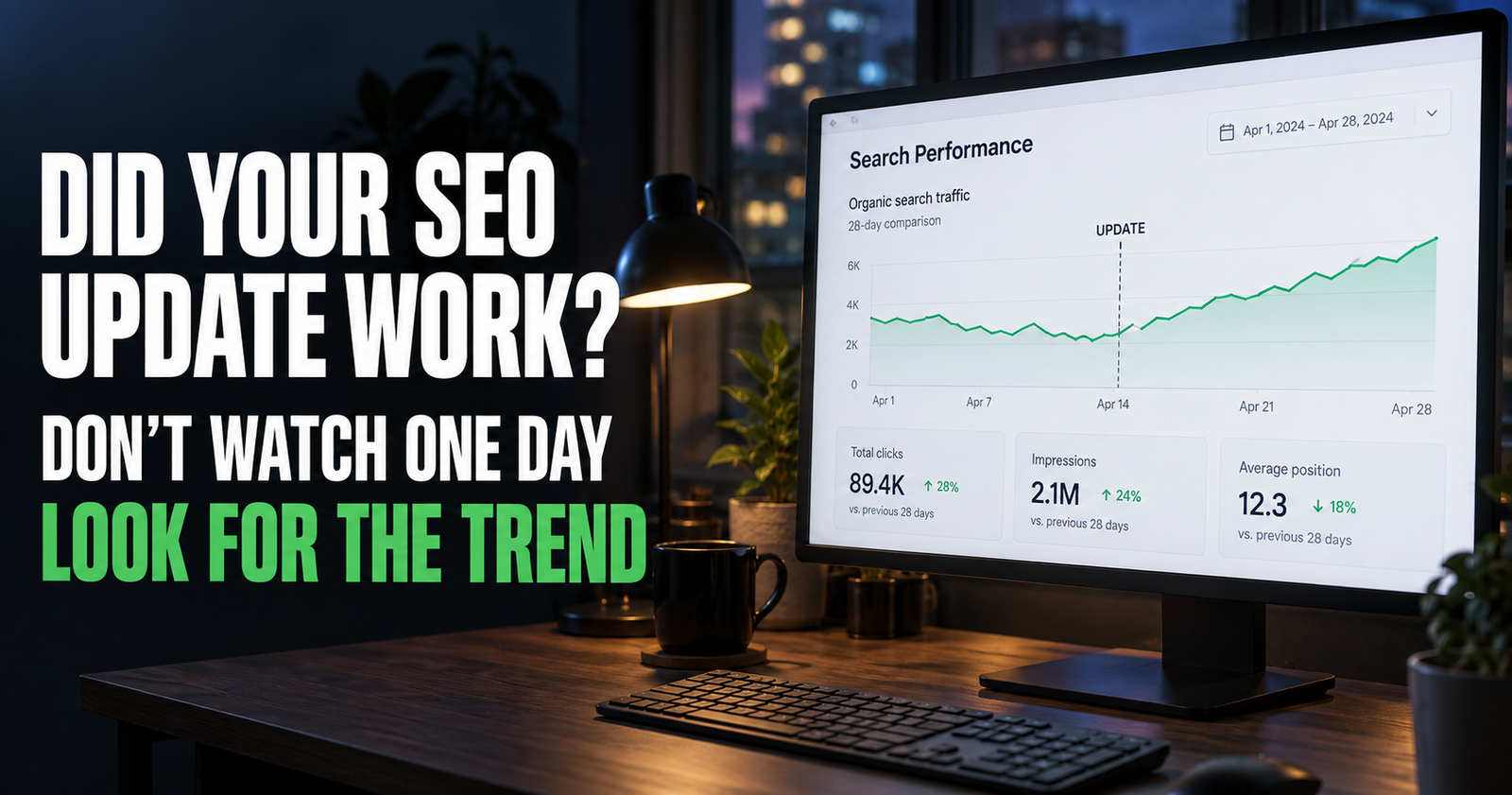
Updating an old post feels productive right away.
You improve the title, add better information, clean up the headings, answer a missing question, and maybe strengthen a few internal links. Then comes the hard part: waiting to see whether any of it actually helped.
I have seen people check Search Console the next morning, see one extra click, and decide the update worked. A few days later, they see a dip and decide they ruined the page.
Neither conclusion is very reliable.
Google Search traffic moves around for a lot of reasons. Search demand changes. Rankings change. Google may not have fully recrawled the page yet. A weekend may be quieter than a weekday. One query may briefly rise while another falls.
The goal is not to stare at every daily wiggle. The goal is to compare the right data over a meaningful period and figure out whether the page is becoming more visible, more clickable, or more useful for the searches it is meant to answer.
First, Know What Counts as an SEO Update
Not every edit deserves a full before-and-after review.
Fixing a spelling mistake, changing one image, or updating a date is fine, but it may not move search performance in any noticeable way.
The updates I pay closest attention to are changes that improve the page’s usefulness or its match with a searcher’s question.
That could include:
- Adding the answer readers were missing.
- Reworking a weak title to make the promise clearer.
- Improving the first few paragraphs so the answer appears sooner.
- Adding a useful example, comparison, checklist, or step-by-step section.
- Removing outdated information.
- Reorganizing a messy article so people can find what they need.
- Adding natural internal links to help visitors continue.
- Updating the page after Google Search Console shows a repeated query the article does not fully answer.
That is the kind of work worth measuring.
Google’s own guidance says changes can take anywhere from hours to several months to show up in Search. It recommends waiting a few weeks before deciding whether a change helped. Google’s SEO Starter Guide is clear about that, and it is a good reason not to tear apart a page every couple of days.
Write Down What You Changed Before You Forget
This sounds boring, but it is one of the most useful habits I know.
Before changing a page, write down the date and the actual change you made.
Do not write “improved SEO.”
Write something like this:
- Rewrote the title to answer the searcher’s question more clearly.
- Added a section explaining why impressions can rise before clicks do.
- Replaced an outdated WordPress instruction.
- Added a table comparing two options.
- Added two internal links to deeper pages.
- Removed a long section that did not match the page’s topic.
You do not need a complicated spreadsheet. A note on your phone works.
The point is to keep the update tied to a reason. A month later, you want to know whether you improved the title, changed the intent, added new information, or did all four at once.
If you make ten major changes at the same time, it is harder to tell what helped. That does not mean you should avoid a big overhaul when a page needs one. It just means you should record what you did so you can read the result with some common sense.
Give Google Time to Revisit the Page
Search Console does not report instant results from the moment you press Update.
Google needs to crawl the page again, process the changes, and decide whether the page is a better result for relevant searches. That can happen quickly or take a while.
You can use the URL Inspection tool in Search Console to request indexing after a meaningful update, especially if the page is important. But requesting indexing is not a ranking button. It is simply a way to let Google know the page changed.
The biggest mistake is assuming that no immediate movement means nothing happened.
A good update may first show up as a few more impressions. Then average position may improve. Then clicks might follow later. Some changes improve click-through rate while impressions stay about the same. Others bring in new queries that were not visible before.
Google recommends checking Search Console around once a month or after meaningful content changes, rather than treating it like a daily scoreboard. Google’s guide to getting started with Search Console explains that the tool is meant for monitoring trends and making better decisions, not for minute-by-minute panic.
Use the Right Date Comparison
To see whether an update is working, open Search Console and go to Performance or Search Results.
Choose the page you updated by adding a Page filter. This is important. Looking only at sitewide traffic can hide what is happening with one article.
Then use the date filter and compare two matching periods.
For a normal update, I would compare the 28 days after the update with the 28 days before it. If the topic is seasonal or the page gets very little traffic, I would use a longer period, such as 90 days.
Matching time periods matter.
Comparing three days this week with three random days last month is not useful. Comparing a holiday week with a normal work week can make a healthy page look broken. Comparing a short weekend period with a full month can create fake excitement.
I like the 28-day comparison because it includes four full weeks. It smooths out some daily noise without making you wait forever.
Turn on these four measurements:
- Total clicks
- Total impressions
- Average CTR
- Average position
Each number tells a different part of the story.

If you need a refresher on the basic terms before comparing anything, what impressions mean in Search Console is the place to start.
What More Impressions Usually Mean
More impressions usually mean Google is showing your page more often in search results.
That can be a good sign. Your page may be appearing for more queries, showing more often for a relevant query, or moving high enough in results to be seen more frequently.
But impressions alone do not prove an update worked.
A page can gain impressions because Google is testing it for a broader set of searches that are not a perfect fit. It can also gain impressions during a seasonal rise in interest.
That is why I do not stop at the chart.
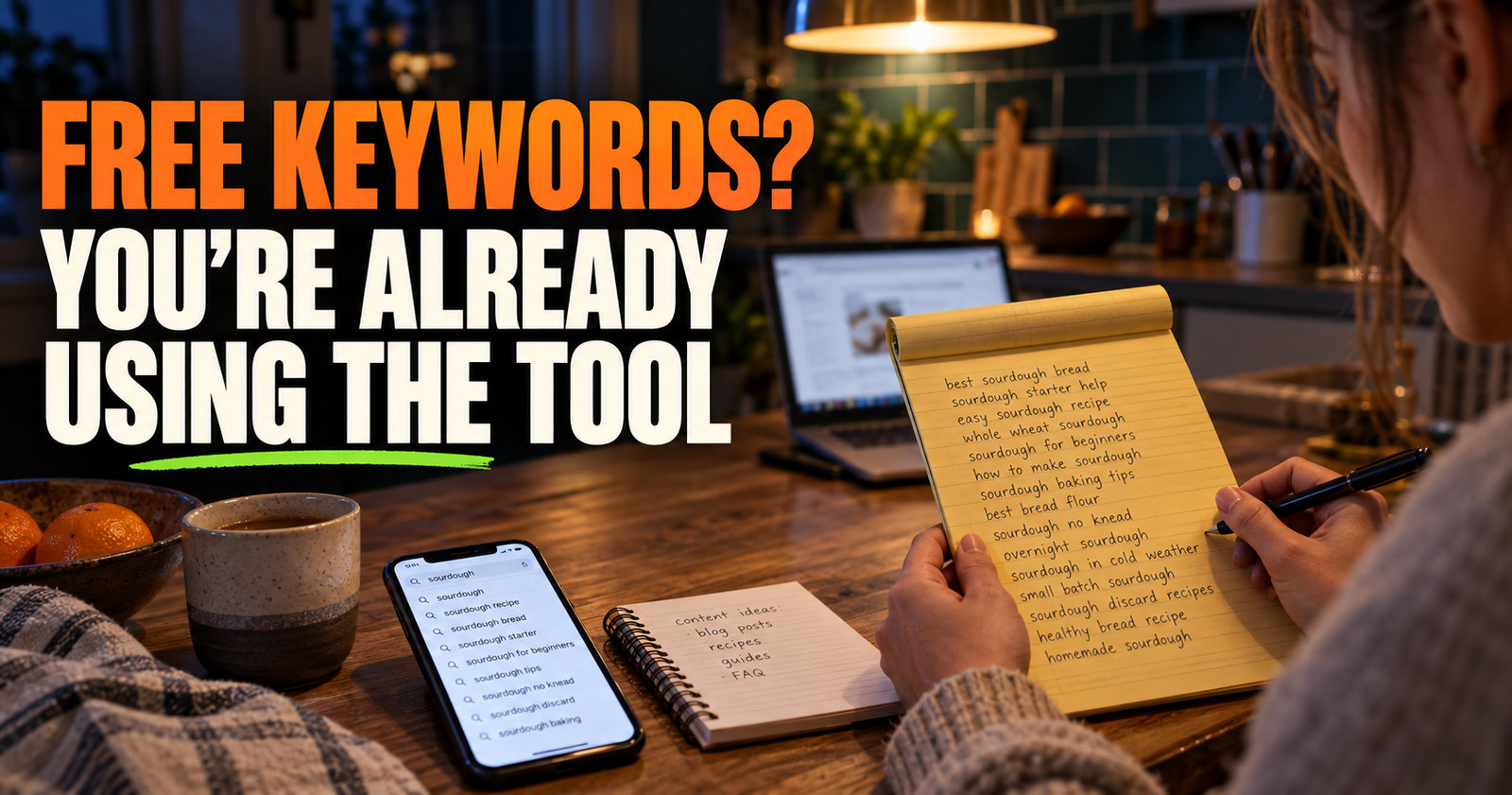
I click into the Queries tab and look for the reason behind the increase.
Ask yourself:
- Are the same important queries getting more impressions?
- Are new queries relevant to the page?
- Did the page start appearing for a useful follow-up question?
- Are the new impressions coming from a search you would actually want to win?
- Did position improve for the searches that matter?
An increase in impressions is much more meaningful when it comes from the right kind of searcher.
For example, if a post about internal links starts appearing more often for questions about natural anchor text, that is a useful sign. If it starts appearing for unrelated phrases that have nothing to do with the page, I would not call that a win.
What More Clicks Actually Tell You
Clicks are simple on the surface. Someone saw your site in Google and clicked it.
But a click increase can happen for several reasons:
- The page ranked higher.
- The title became clearer or more appealing.
- The snippet matched the search better.
- Search demand increased.
- The page began appearing for more useful queries.
- A competitor dropped out of the result temporarily.
That is why I look at clicks with impressions and CTR.
If clicks rise while impressions stay about the same, your updated title or snippet may be convincing more people to choose your result.
If clicks and impressions both rise, the page may be getting broader or stronger visibility.
If impressions rise sharply but clicks barely move, the page may need a better title, a better match to the search, or more time to climb in position.
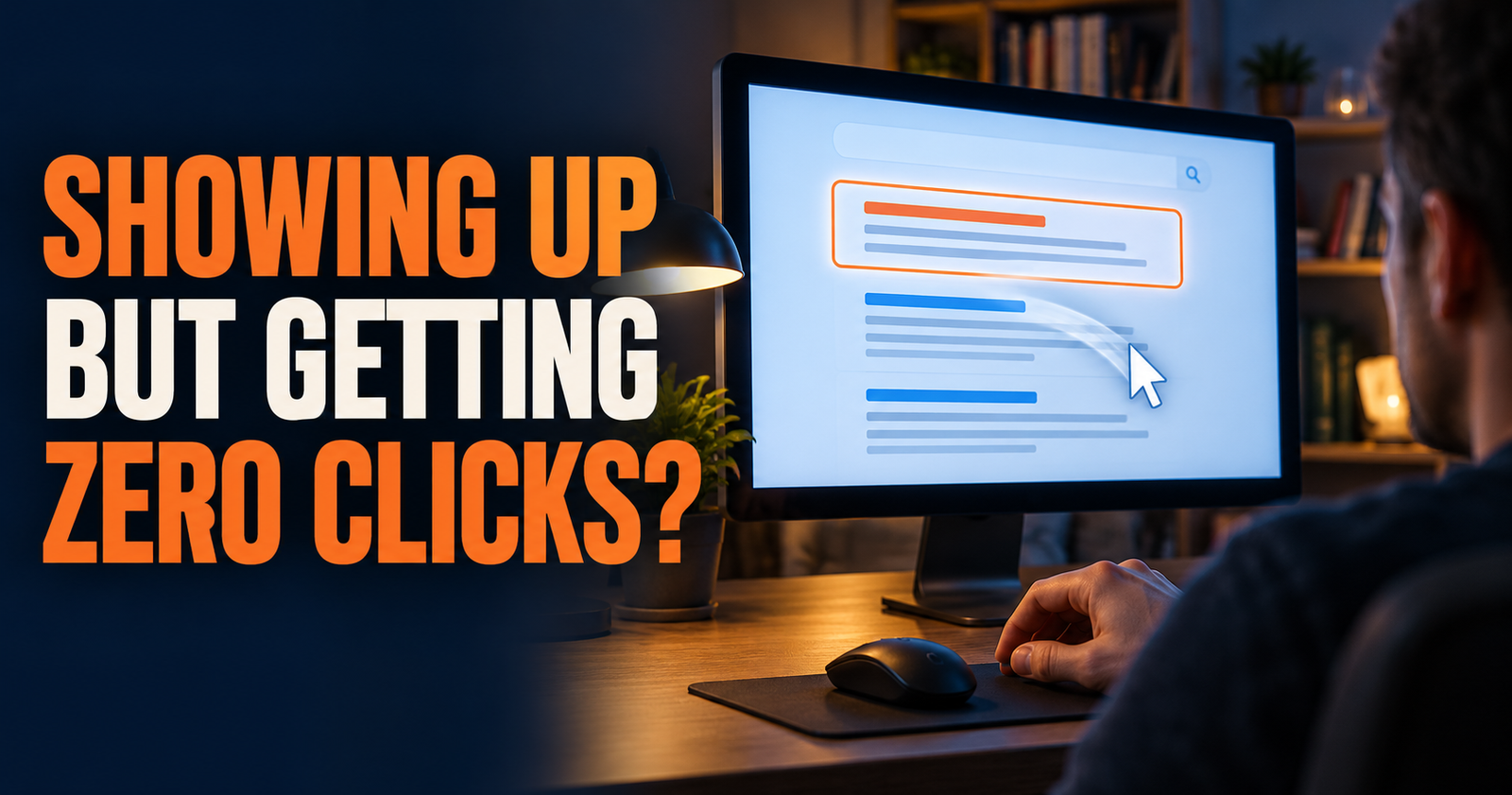
This is exactly why an article can have plenty of visibility and still feel disappointing. If that is what you are seeing, read why a website can have impressions but no clicks before changing everything at once.
How to Read CTR Without Fooling Yourself
CTR means click-through rate. It is the percentage of people who clicked after your page appeared in search results.
A higher CTR is usually nice to see, but it is not a universal scorecard.
A page ranking in position 2 will normally have a very different CTR than a page ranking in position 11. A page shown for a branded search may have a much higher CTR than a page shown for a broad question with ads, videos, shopping boxes, and “People also ask” sections above it.
Instead of asking, “Is this CTR good?” I ask, “Did this page become more clickable for the same kind of search?”
That is a much better question.
If average position stays about the same while CTR rises, the update may be helping people choose your result more often.
If CTR falls while impressions rise, do not immediately assume you did something wrong. Google may simply be showing the page for more searches or lower positions. Check the Queries tab before changing your title again.
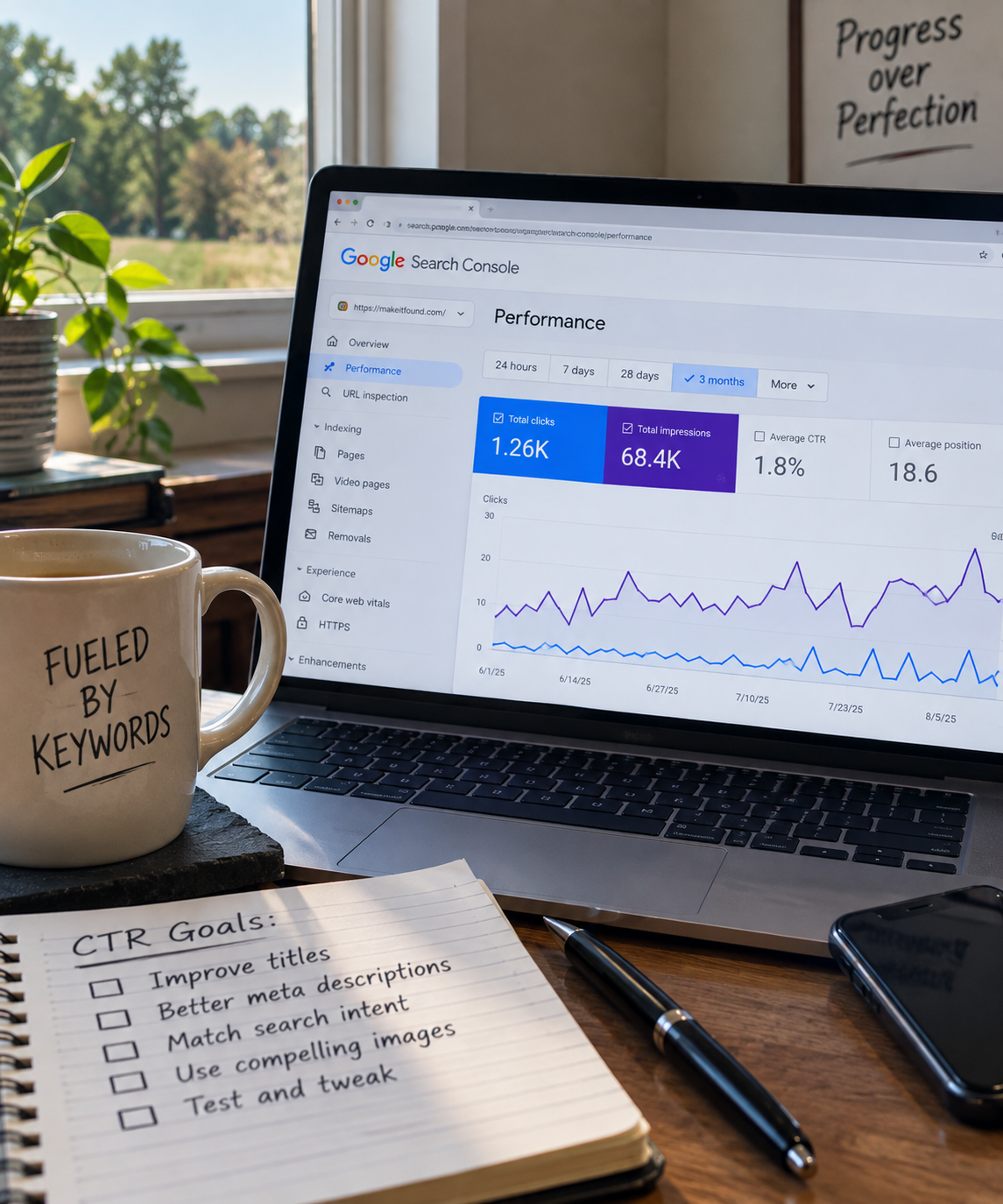
For a fuller breakdown of what CTR can and cannot tell you, see what a good Google Search click-through rate looks like.
Treat Average Position as a Direction, Not a Promise
Average position is useful, but it makes people nervous because it looks more precise than it is.
It is an average across different searches, devices, locations, and times. Your page might show at position 7 for one person, position 18 for another, and not appear at all for someone else. Search Console combines that activity into one average.
I use average position to look for direction.
If a key query moves from an average position of 29 to 17 over a meaningful comparison period, that is encouraging.
If it moves from 11 to 12, I do not panic.
If it jumps from 42 to 8 for two days and then falls back, I wait before drawing a conclusion.
Also remember that a lower number is better. Position 5 is stronger than position 15.
The most useful approach is to filter for the page, click the Queries tab, and look at the exact searches you cared about before the update. That gives you a much clearer picture than one sitewide average.
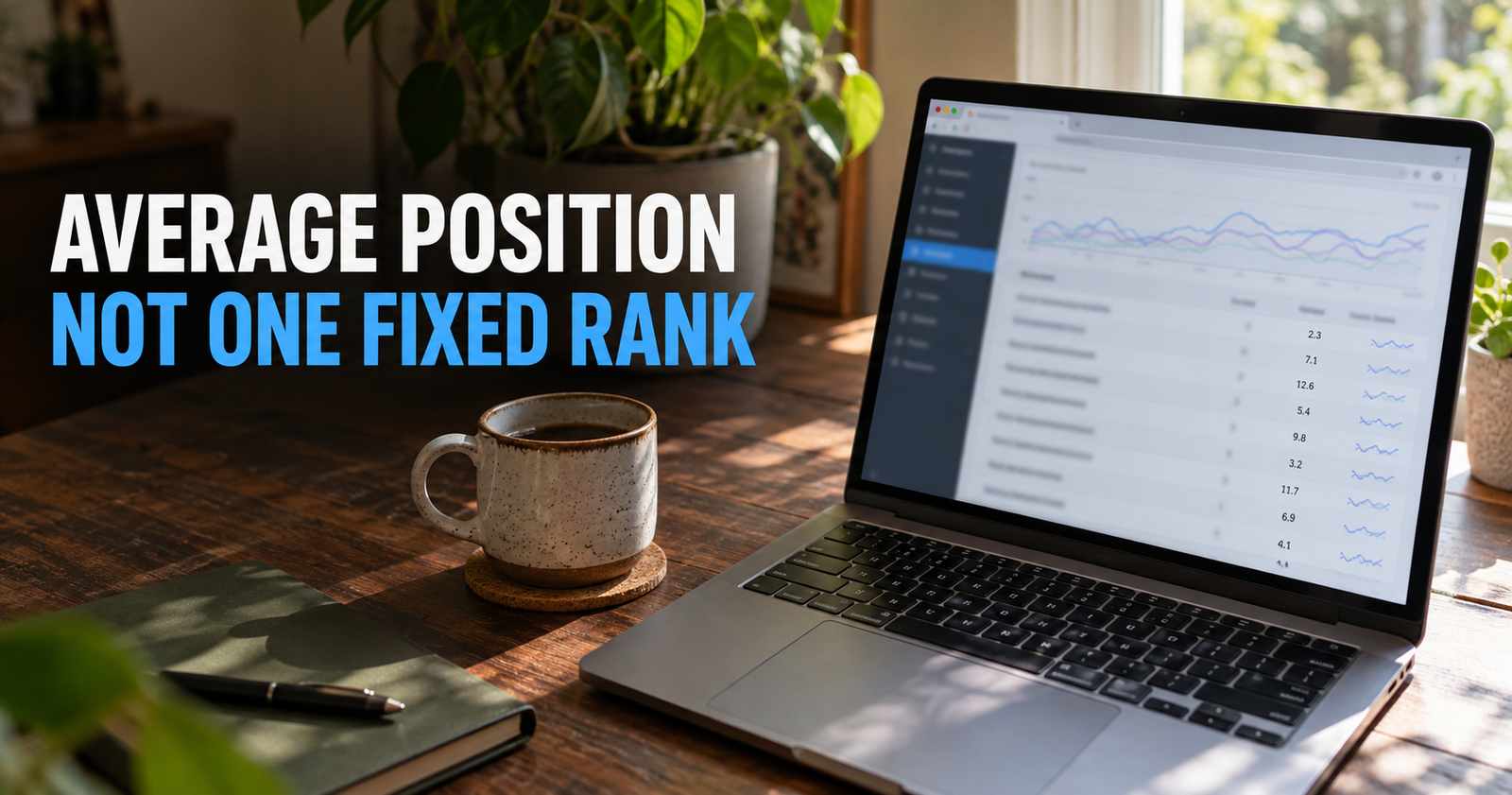
If average position still feels confusing, this explanation of how Google calculates it will keep you from treating it like a permanent rank tracker.
Check the Queries, Not Just the Big Numbers
The total chart can look good while the page is drifting away from its actual purpose.
That is why the Queries tab matters so much.
After an update, I look for three things.
The Main Query Is Improving
If you updated a page to better answer a specific question, check whether that question is gaining impressions, clicks, or a better average position.
It may not move right away. But over time, you want to see signs that Google is connecting the page more strongly with that topic.
Related Queries Are Growing Naturally
A helpful page often begins appearing for related wording without you needing to force every variation into the text.
That is a good sign when the new queries are truly connected to the page.
For example, an article about finding ranking keywords may also begin earning visibility for phrases about seeing what people search to find your site. That is the same basic need expressed in normal human language.
The Page Is Not Drifting Into the Wrong Searches
Sometimes an update accidentally broadens a page too much.
A page about updating blog posts might begin appearing for unrelated searches about publishing schedules, content calendars, or writing tools. Those searches may add impressions, but they do not help if the visitor is unlikely to find the answer they wanted.
A good update makes the page more useful for its intended reader. It does not just make it show up more often anywhere Google can squeeze it in.
Look for More Than One Kind of Improvement
SEO progress does not always arrive as a big jump in traffic.
Sometimes the earliest signs are quieter:
- A page starts earning impressions for more relevant queries.
- One important query moves from page four to page two.
- CTR improves after you clarify the title.
- The page earns its first few clicks from Google.
- Google begins showing the page for a valuable long-tail question.
- Readers stay longer or continue through internal links once they arrive.
- The page stops losing visibility after you refresh outdated information.
These are all useful signals.
The goal is to make better decisions over time, not to demand that every edit creates a dramatic graph.
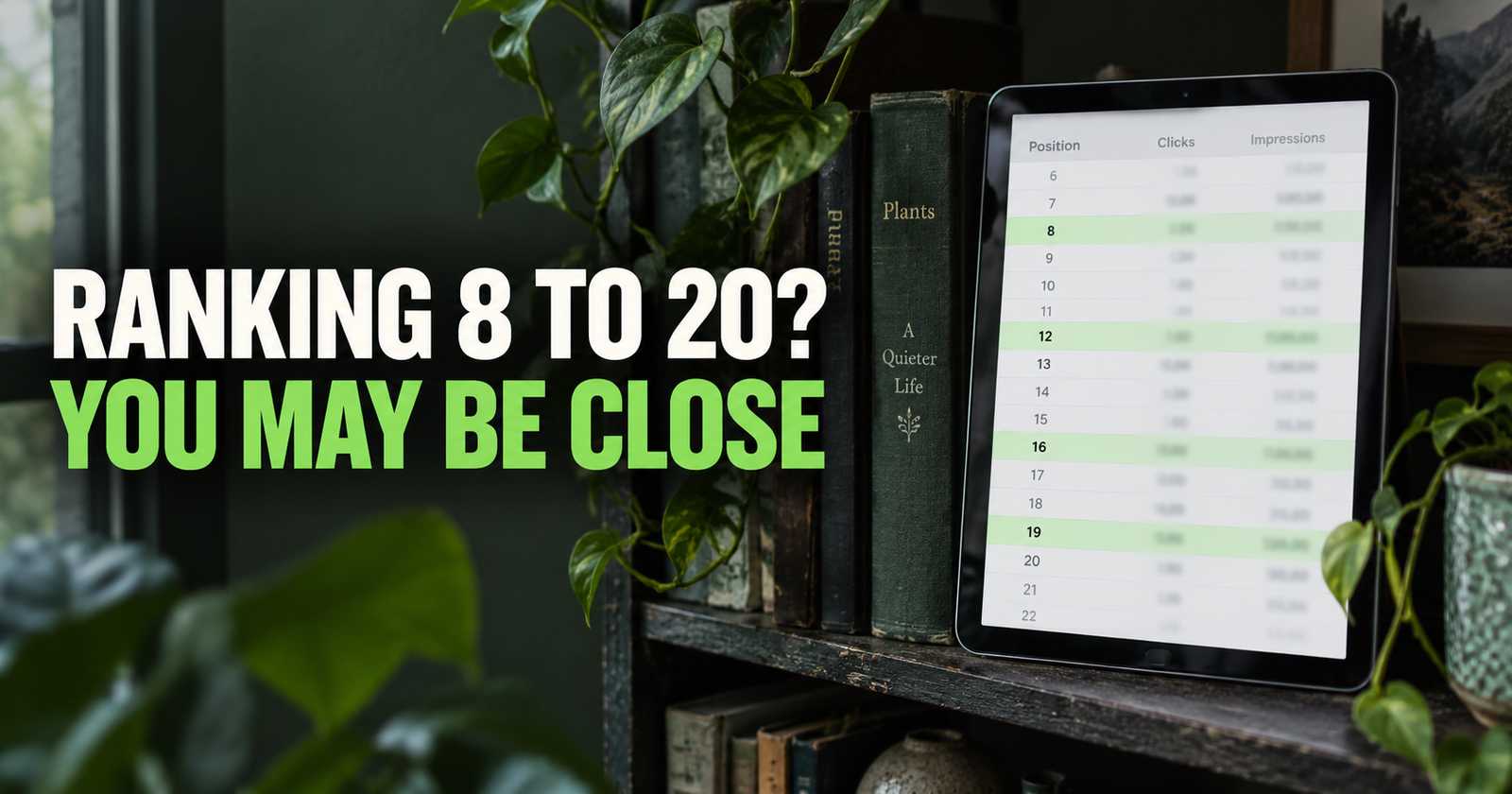
That is one reason I like working on pages that already have some visibility. If Google has started testing a page for relevant searches, you have something real to improve. Low-hanging-fruit keyword opportunities can help you find those pages without guessing.
Be Careful With Seasonal Topics and Small Data
Some pages move because the world changed, not because your update was brilliant or terrible.
Holiday content can rise and fall fast. Gardening topics change with the season. Local event pages may spike around a date. Product searches can change when a model goes out of stock, gets featured somewhere, or drops in price.
Even evergreen topics have normal week-to-week movement.
If a page gets only a few impressions or clicks, the data can look dramatic without meaning much. Going from one click to four clicks is a 300 percent increase, but it is still only three additional clicks.
That does not make the progress unimportant. It just means you should be careful about the story you tell yourself from a small sample.
I would use longer comparison windows, look for recurring patterns, and avoid making a major change because of one short stretch of data.
What to Do When an Update Does Not Help
Sometimes you improve a page and nothing changes.
That does not automatically mean the work was wasted.
The page may not have been crawled again yet. The topic may be more competitive than you thought. The update may have made the page better for readers without changing its search position. Or Google may still see another page as a better match for the query.
When that happens, I would work through these questions:
- Did the page actually answer the searcher’s question better than before?
- Did I update the right page, or does another page on my site fit the query better?
- Is the page competing with a similar article I published?
- Did I check the current search results before deciding what to improve?
- Is the topic too broad or competitive for the site right now?
- Is there a technical issue keeping Google from seeing the page properly?
- Have I waited long enough to judge the change fairly?
Do not keep changing a page just to feel busy.
Make the next update because you found a real gap, not because you are frustrated with the graph.
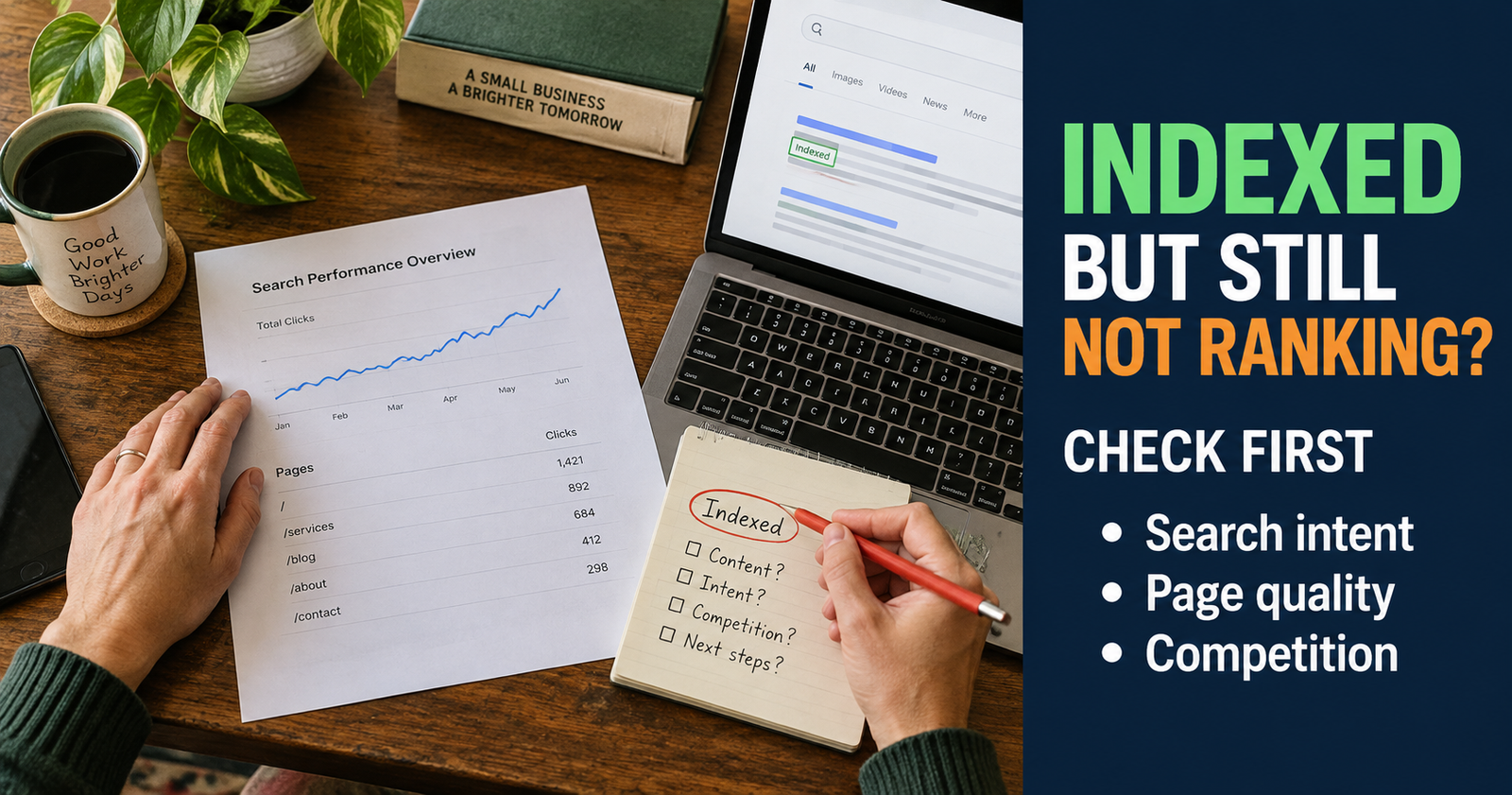
If the page is indexed but still not gaining traction, this first-check guide for indexed pages that do not rank can help you narrow down what deserves attention next.
A Simple Monthly Review Routine
You do not need to make Search Console a daily stress habit.
A calm monthly review works well for many small websites.
Choose a few pages you updated or care about. Check their performance against the previous matching period. Review the important queries. Write down anything that improved, anything that slipped, and any new question Google appears to be testing.
Then decide what deserves your next hour of work.
Maybe you update one page.
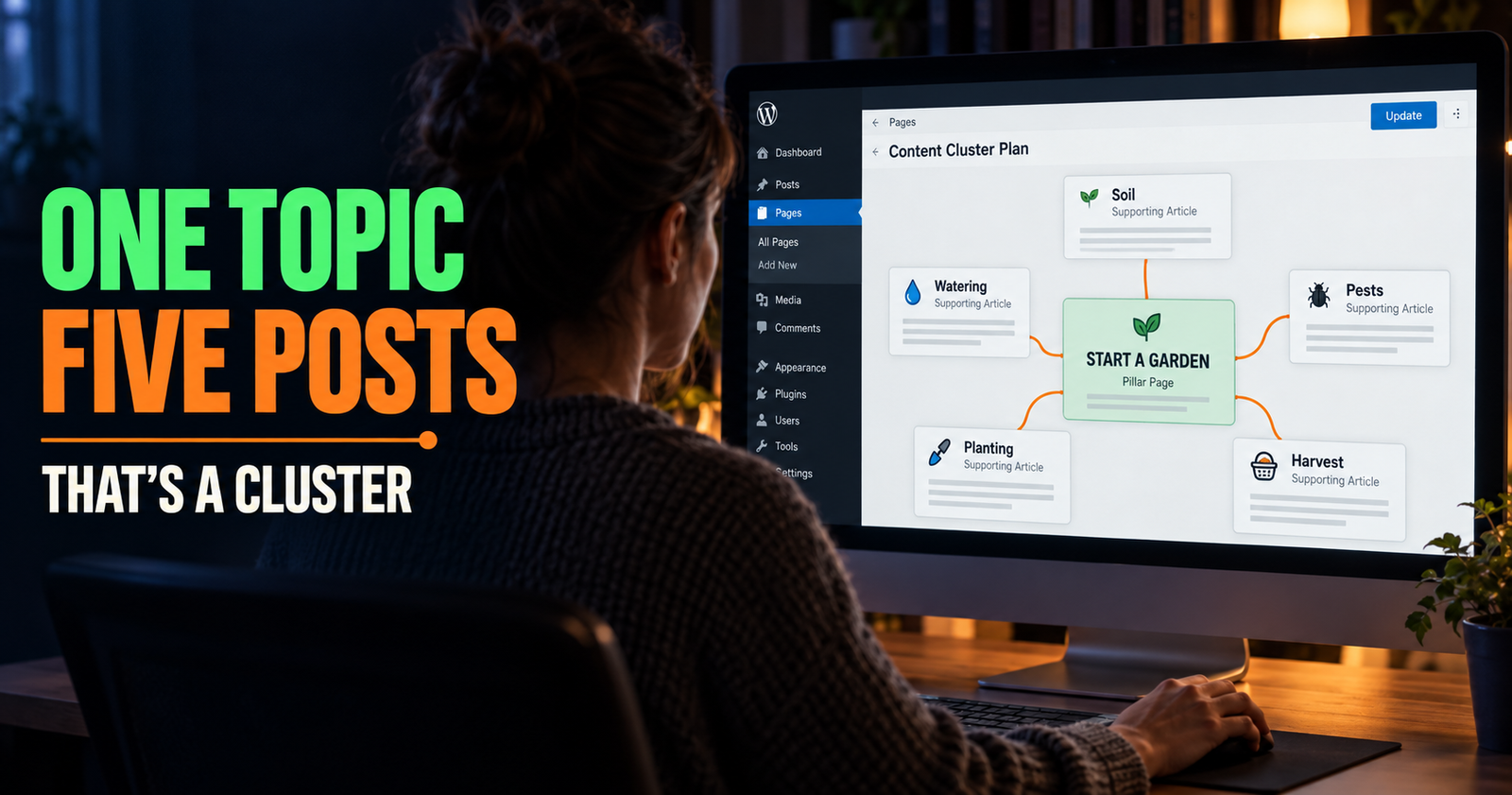
Maybe you create a genuinely new supporting article.
Maybe you leave a page alone because it is slowly moving in the right direction.
Maybe you find an indexing issue that deserves attention before more content does.
That is what Search Console is best for. It helps you replace random SEO chores with a better next decision.
Frequently Asked Questions
How long should I wait to see if an SEO update worked?
Give Google at least a few weeks for a meaningful update, then compare a matching date range. Some changes appear faster, while others can take months. Avoid judging the result from the first day or two.
Should I request indexing after updating a blog post?
You can request indexing through Search Console after a meaningful update to an important page. It may help Google notice the change sooner, but it does not guarantee the page will rank better.
What is the best metric to check after an SEO update?
There is no single best metric. Check clicks, impressions, CTR, average position, and the specific queries connected to the page. Together, they show whether the page is becoming more visible, more clickable, or more relevant.
Why did my impressions rise but traffic stay the same?
Google may be showing the page more often without ranking it high enough for many clicks, or it may be testing the page for searches that are only loosely related. Check the Queries tab and compare CTR and average position before making another change.
Can an SEO update make rankings drop temporarily?
Yes. Search results move naturally, and Google may reevaluate the page after it is recrawled. A short-term dip does not automatically mean the update hurt. Wait for enough data and look at the actual queries before deciding what happened.
How often should I update old blog posts?
Update a post when you have a real reason: outdated facts, a missing answer, poor organization, new Search Console data, changed search intent, or a clear opportunity to help readers more. Updating pages just to make them seem fresh is not a useful strategy.
Alden Whitaker writes practical, plain-English SEO guides for Make It Found that help small website owners make smarter content decisions without getting lost in agency jargon.