
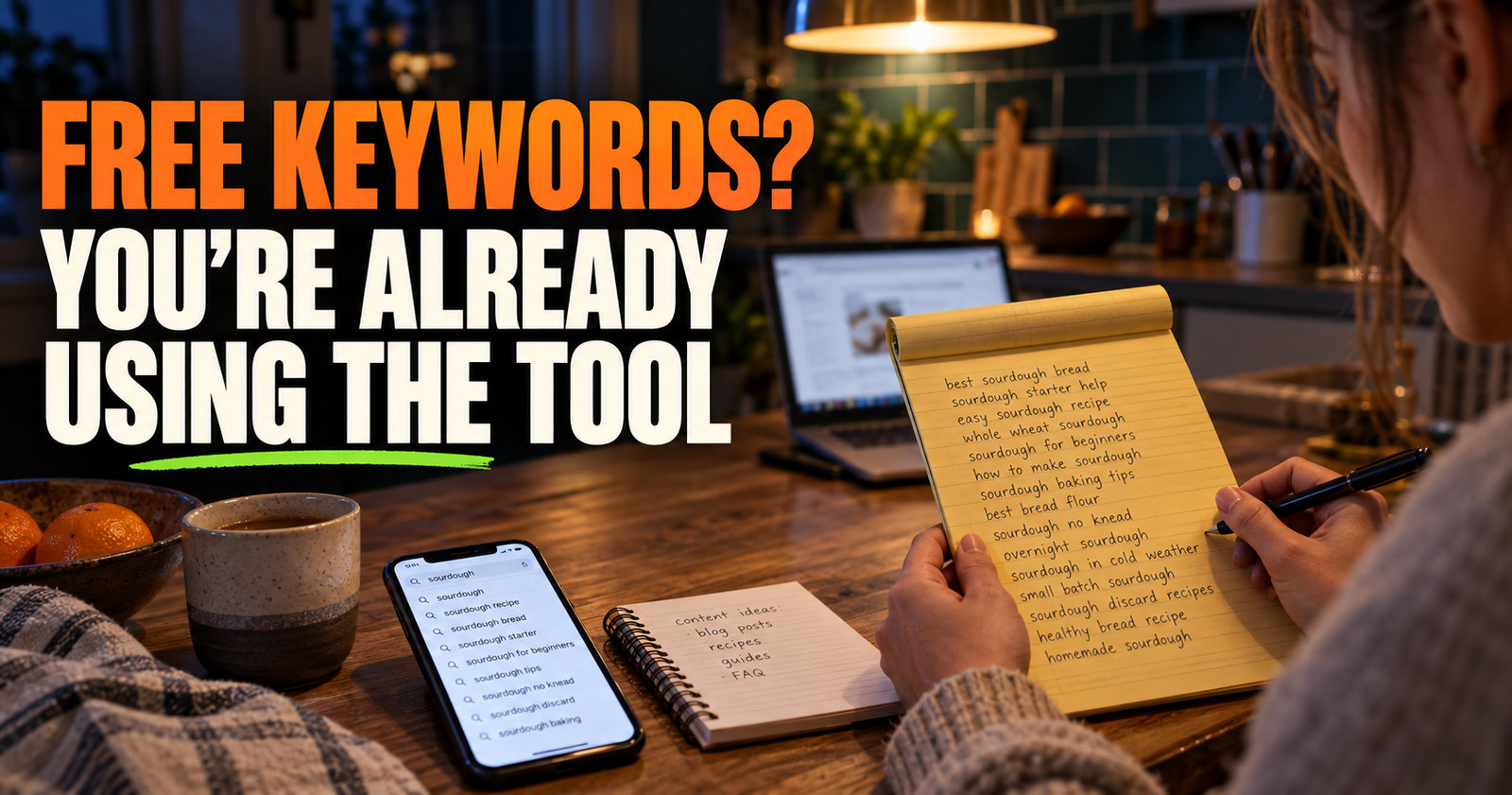
You do not need an expensive SEO subscription before you can find good keywords for a small website.
In fact, I think buying a keyword tool too early can make this harder. A giant spreadsheet of search terms is not a content plan. It is just a pile of possibilities. The useful part is figuring out which searches match your audience, which questions you can answer well, and which pages make sense for the site you are actually building. Readers who want to connect that keyword judgment to the rest of their site can use this DIY SEO content planning.
Keyword research is simply listening for the words people use when they are trying to solve a problem. Once you start looking at it that way, free research gets a whole lot more useful.
Start With What You Actually Help People With
Do not begin with a keyword tool. Begin with a blank page and a simple question: what problems can this website genuinely help people solve?
A local plumber might help with leaking faucets, water heaters, clogged drains, sewer smells, and frozen pipes.
A backyard gardening site might help with tomato problems, seed starting, raised beds, pests, watering, and harvesting.
A small business that makes engraved gifts might help people choose gifts for weddings, retirements, teachers, birthdays, hunters, and new homeowners.
Write down the real subjects first. Then break each subject into the questions, worries, mistakes, comparisons, and decisions that come with it.
For example, “tomato plants” is not a useful keyword plan by itself. It becomes useful when you turn it into real searches such as “why are my tomato leaves curling,” “how often should I water tomatoes in hot weather,” or “can tomato plants recover from frost.” The example search about why tomato leaves curl leads to a focused gardening answer.
That is where practical content begins.
A Good Keyword Is More Than a Popular Phrase
A keyword is a word or phrase someone types into Google. But the phrase alone does not tell you whether it is a good topic for your site.
A good keyword should pass four simple tests.
- It fits what your website is actually about.
- It matches a problem or question your audience really has.
- You can create a page that gives a better or clearer answer than a generic result.
- The searcher is likely to be the kind of person you want to reach.
This matters because high search volume can be misleading.
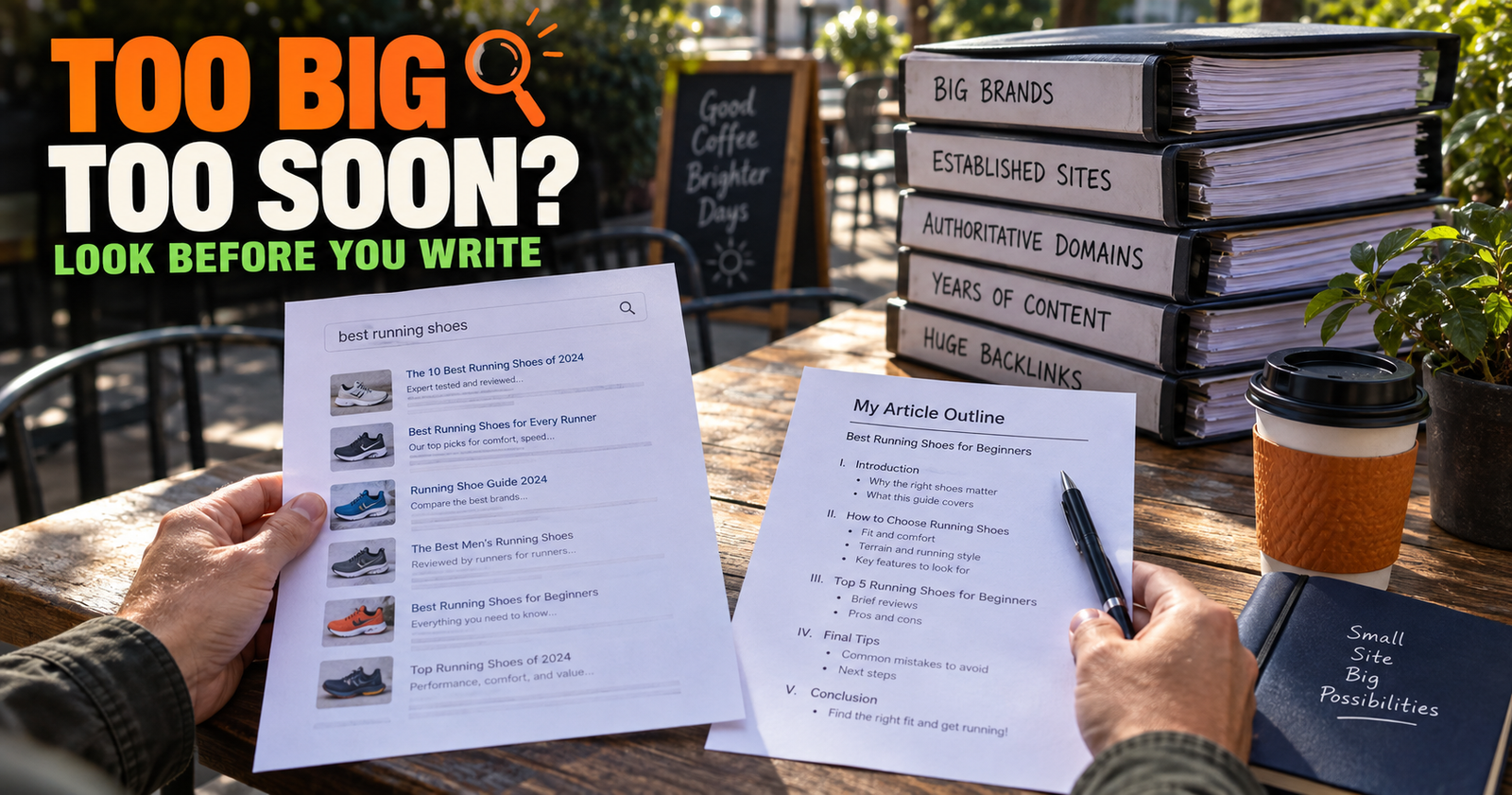
A search may get thousands of monthly searches but be too broad to help you. Someone searching “SEO” could want a definition, an agency, a course, a job, a tool, or a news update. That is a hard page to satisfy because the searcher’s goal is not clear. Before committing to a broad term, whether a keyword is too competitive explains how to judge whether a new site has a realistic opening.
A search like “how to find keywords for a small website without paying for tools” is smaller, but the person behind it has a clear problem. They want a practical method and they do not want another expensive subscription pushed on them.
Specific searches are often where smaller websites can be most useful.
Use Google Search Suggestions Like a Free Question List
One of the easiest keyword research tools is Google’s own search box.
Start typing a broad phrase related to your site, but do not press Enter yet. Google will show suggestions based on common searches.
If you run a cleaning website and type “how to clean,” you may see suggestions for ovens, grout, shower doors, carpet stains, stainless steel, and other specific problems.
Those suggestions are not a complete list of every search people make. They are still valuable because they show the language people commonly use.
Try adding common question words before or after the subject.
- How do I…
- Why is my…
- Can you…
- What causes…
- Best way to…
- Is it safe to…
- How often should…
- Do I need…
Then notice how the suggestions change.
I also like adding a situation to the phrase. Instead of only searching “garden watering,” try “garden watering after transplanting,” “garden watering in 90 degree weather,” or “garden watering when leaves are drooping.”
That is how you move from a general topic to a page with a real job.
Read the Related Searches at the Bottom of Google
After you search a phrase, scroll to the bottom of the results page and look at the related searches.
These are especially helpful when you have a decent topic but need to know what should come next.
A page about “why is my new website not showing up on Google” can lead naturally into related questions about indexing, sitemaps, ranking, crawling, and Search Console.
A page about “how to grow blueberries” may lead to questions about acidic soil, fertilizer, winter damage, sun requirements, and whether two bushes are needed for fruit.
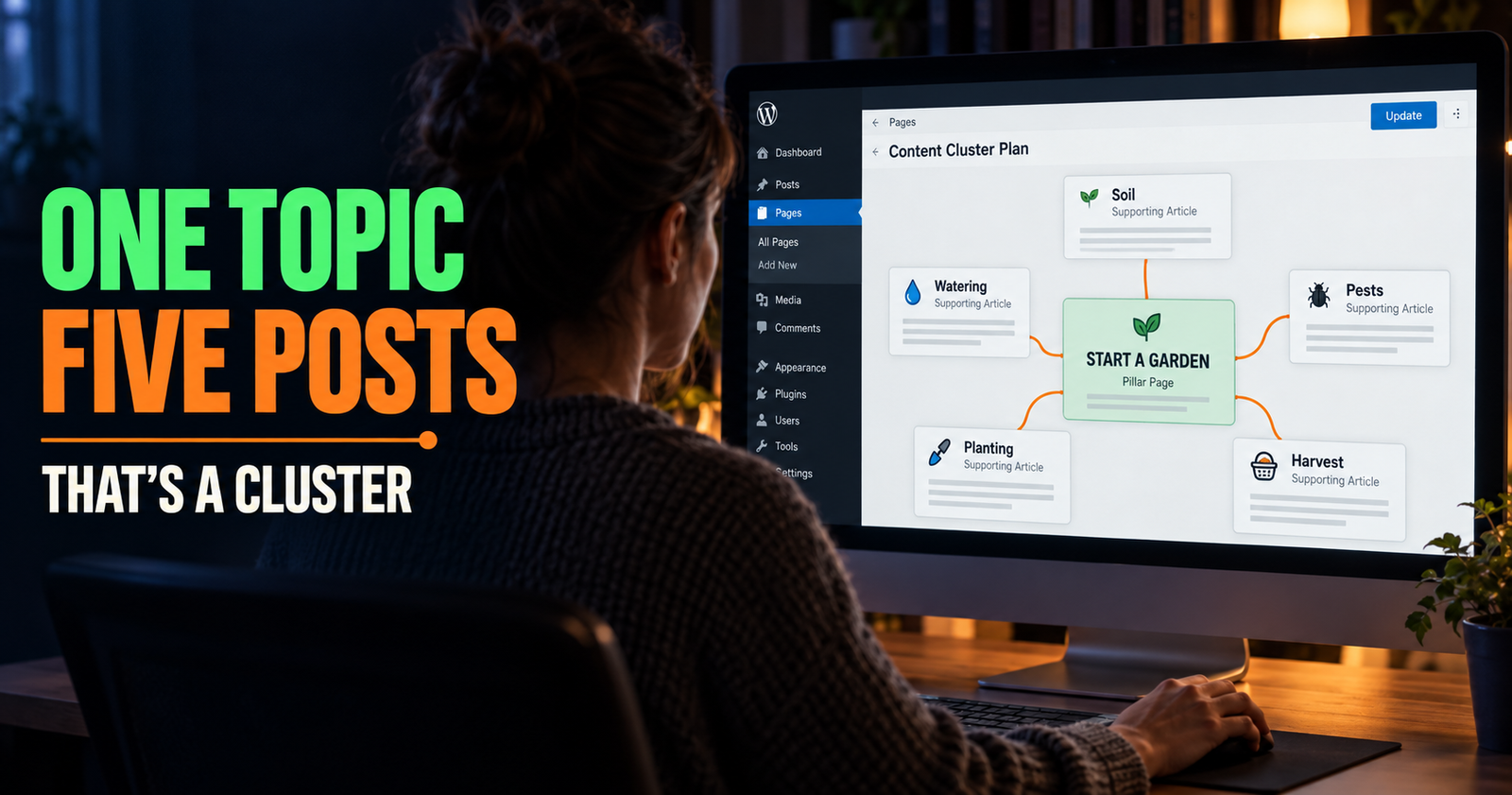
Related searches help you see the edges of a topic. That makes them useful for planning a cluster instead of writing one broad article and hoping it covers everything.
Do not turn every related search into its own article automatically. Some are too close together and belong in the same section. The goal is to identify distinct questions, not create duplicate pages with slightly different titles.

Look at the Actual Search Results Before Choosing a Topic
This step gets skipped all the time, and it is one of the most important.
Before you commit to a keyword, search it and study what Google is already showing. You are not looking to copy the articles. You are trying to understand the searcher.
Ask yourself what kind of result dominates the page.
Are the results mostly how-to articles? Product category pages? Videos? Local businesses? Forums? Big national brands? Short answers? Long guides?

If someone searches “best paint for kitchen cabinets” and the results are mostly product comparisons, the searcher is probably shopping. A general article about how to paint cabinets may not match what they want. This is an example of why pages need to match the searcher’s goal, not just mention the same subject.
If someone searches “why is my basement wall wet after rain” and the results are troubleshooting guides, a product page for waterproofing paint is probably not the best answer.
The search result is a clue about intent. It tells you what Google has learned people usually want from that search.
Pay Attention to the Questions People Keep Asking
Keyword research is not only a Google exercise. It is a listening exercise.
Look at the questions people ask in customer emails, Facebook groups, YouTube comments, product reviews, local community groups, Reddit discussions, and conversations you have in real life.
A question that comes up over and over is often a better content idea than a keyword with an impressive-looking number beside it.
For example, a dog breeder may hear, “How big will this puppy get?” more than any other question. A useful page answering that clearly can help future puppy buyers, even if no tool says it has massive search volume.
A small business should pay special attention to the questions customers ask right before making a purchase. Those questions often lead to pages with practical value because they help a person make a decision.
The same goes for questions people ask after buying. Those can become helpful setup, care, troubleshooting, or maintenance content.
Use “People Also Ask” for Follow-Up Questions
Google often shows a “People Also Ask” section beneath the main results. These questions can show the follow-up worries a searcher has after the main question.

If you are planning a page about “can a new website rank without backlinks,” the follow-up questions may reveal concerns about link building, domain authority, buying backlinks, or how long rankings take.
Some questions belong as headings in the same article. Others are different enough to become future supporting articles.
A good rule is to ask whether the reader would expect the answer as part of the original page.
“Do backlinks still matter for SEO?” belongs naturally in a backlink article.
“How do I find pages with no internal links?” is a separate problem and deserves its own page later.
This keeps your site organized and helps prevent keyword cannibalization, which is what can happen when several pages compete to answer the same search.
Use Google Search Console When You Have Data
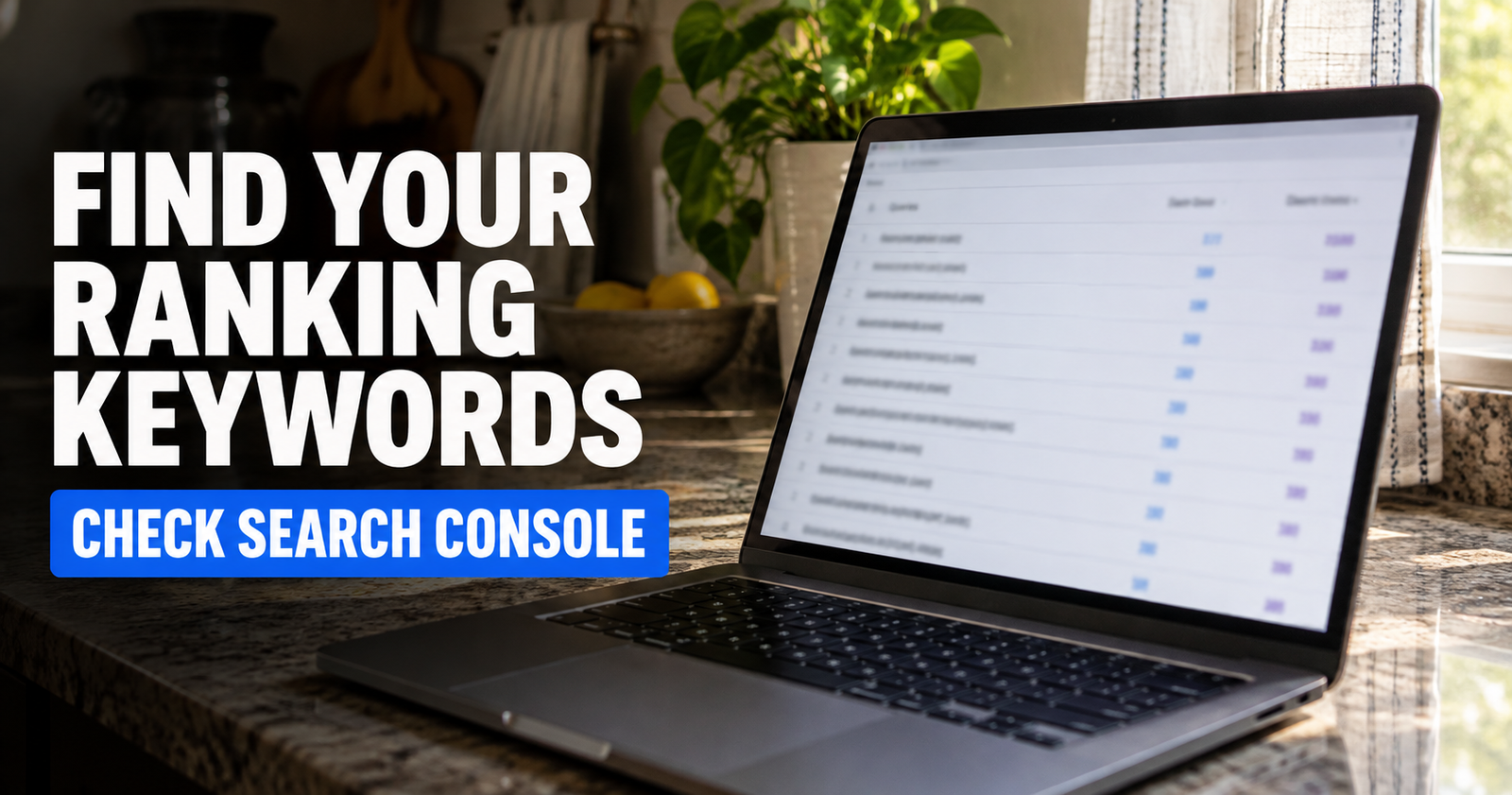
Once your site has been live long enough to gather impressions, Google Search Console becomes one of the best free keyword tools you can have.
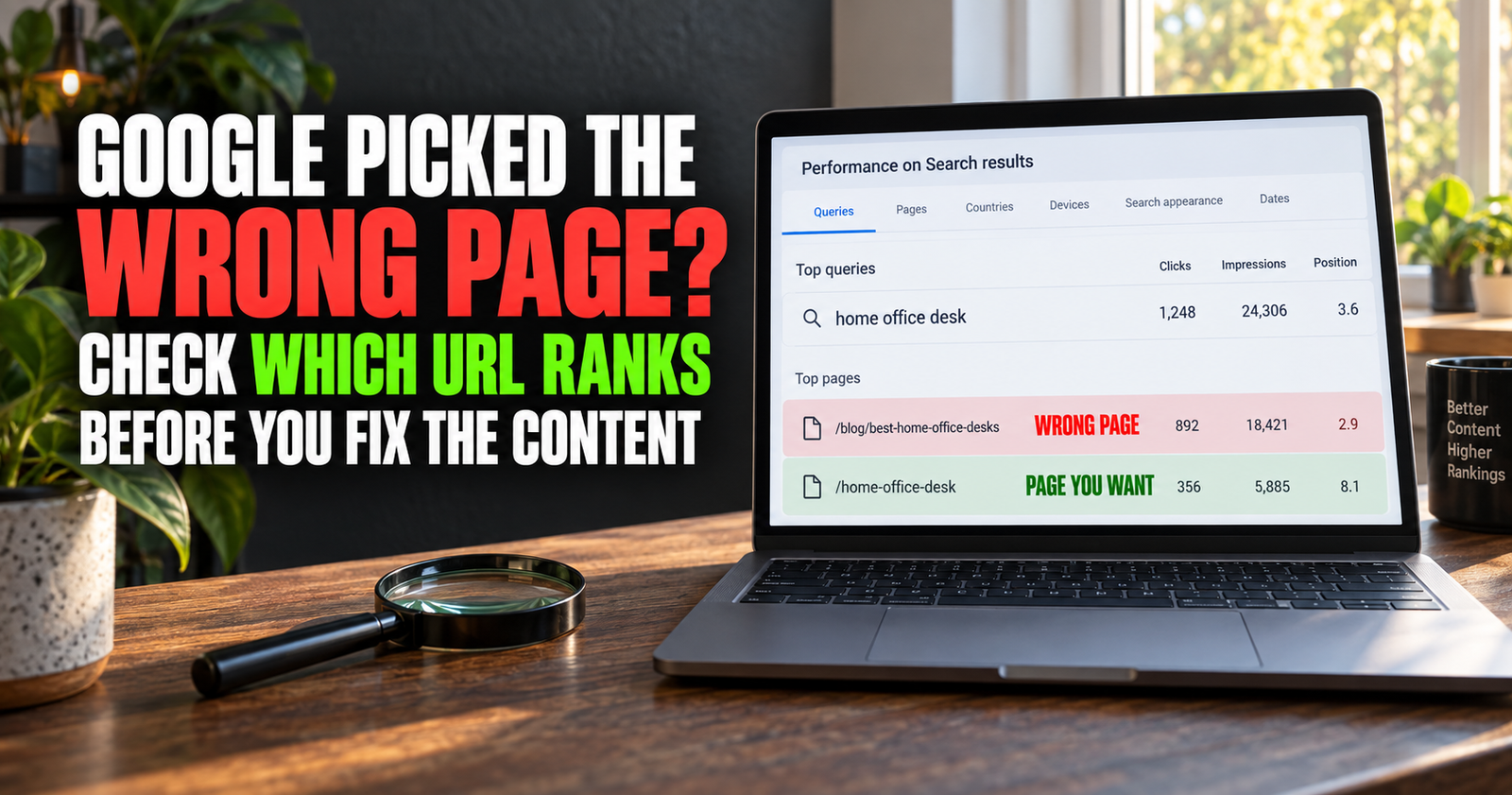
The Performance report shows the queries, or search terms, that cause your pages to appear in Google Search. It also shows impressions, clicks, average position, and the pages connected to those searches.
That gives you something a generic keyword tool cannot: information about how real people are already finding your specific website.

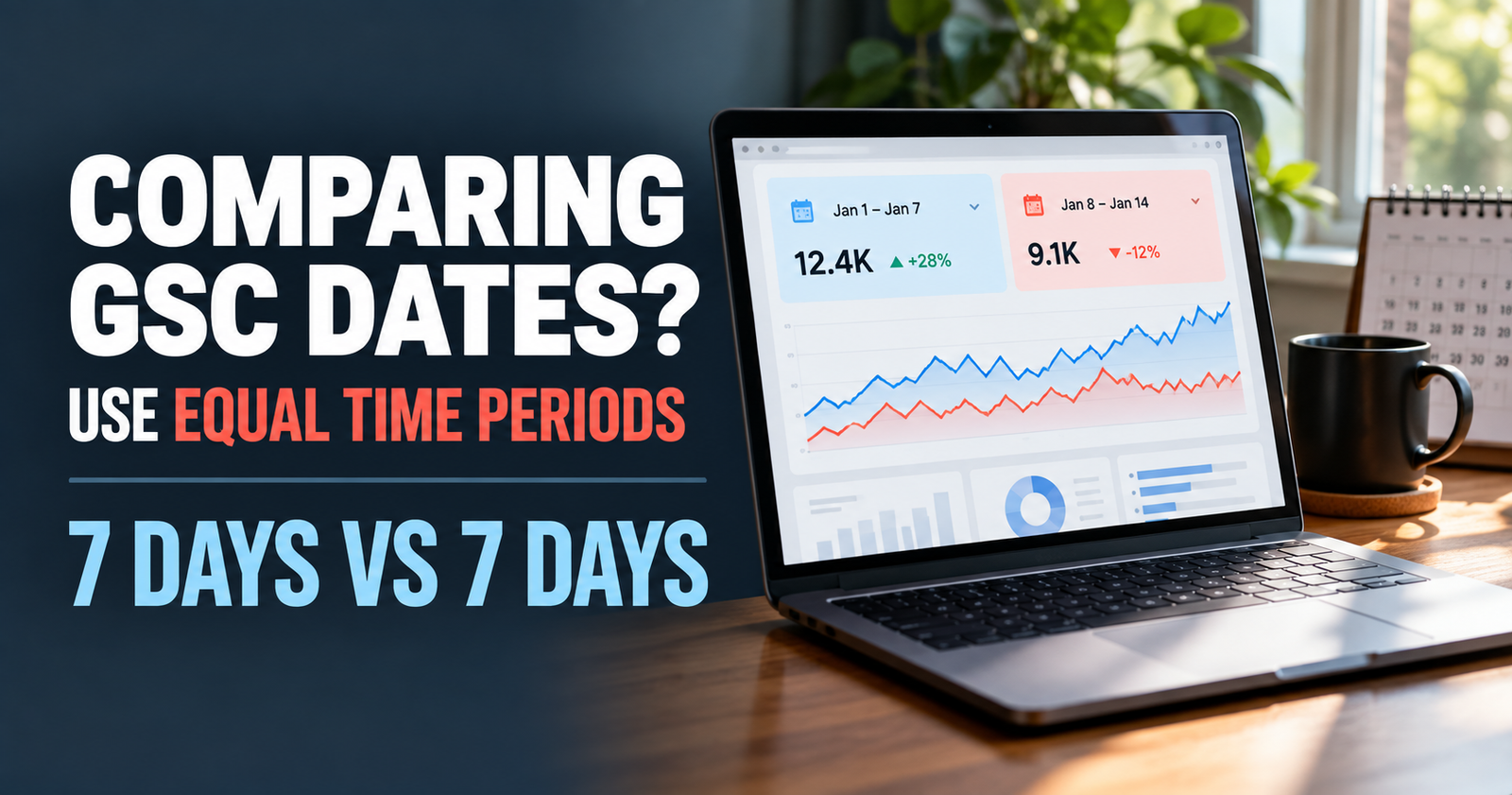
You may find that a page about one topic is getting impressions for a related question you barely covered. That can be a reason to expand the article or write a distinct supporting page. The choice between those two options is explained in this guide to expand the article or write a distinct supporting page.
You may also see a page getting impressions for searches that do not match the article well. That is a clue that the title, introduction, or content may need to be clearer.
Google recommends using the words people would use to look for your content in prominent places such as the title, main heading, and link text. The important part is to use those words naturally because they belong in the answer, not because you are trying to repeat a phrase as many times as possible. The same reader-first approach applies when choosing descriptive link text between related pages.

Do Not Overreact to Search Volume
Search volume estimates can be useful later, but they are not a truth machine.
Different tools estimate search demand differently. Many specific searches have little or no reported volume even though real people search for them. Search behavior also changes by season, location, and the wording someone happens to use that day.
A page does not need to rank for one exact keyword to be worthwhile. It may earn traffic from dozens or hundreds of related searches.
That is why I would rather see a small website publish a clear, useful page for a real problem than chase a broad phrase because a tool claims it gets 10,000 searches a month.
A page that answers one honest question well can often attract people searching several versions of that question.
Build Keyword Groups Instead of a Giant Random List
A random list of 100 keywords is overwhelming. A group of related questions is a content plan.
For example, a small website about RV batteries might create a group around “RV battery not charging.”
- Why is my RV battery not charging when plugged in?
- Does an RV converter charge the battery?
- How do I know if an RV converter is bad?
- Why does my RV battery die overnight?
- Can a bad battery keep an RV converter from working?
Those are related, but each has a different purpose. One is a broad diagnosis. One explains how the system works. One helps identify a failed part. One focuses on an overnight problem. One covers the relationship between two components.
This is how you build authority without writing the same article five times.
Your keyword research should always end with a simple decision: is this a new article, a section in an existing article, or a topic I should skip for now?
Watch for Keywords That Are Too Broad for a New Site
There is nothing wrong with writing a broad guide, especially when it becomes a cornerstone page. But most new sites should not rely on broad keywords as their early traffic plan.
When I evaluate a topic for a smaller site, I look for signs that the search is too crowded.
- Every result comes from a giant brand, major publisher, or government site.
- The search phrase is vague enough to mean several different things.
- The results cover different search intents with no clear pattern.
- The phrase is so broad that a reader could need an entire book to answer it well.
- I cannot explain why my page would deserve to be shown ahead of the results already there.
A broad term can still guide your content. Just use it as the main topic and build more specific articles underneath it.
A Simple Free Keyword Research Routine
You do not need to make this a three-hour ordeal every time you want to write an article.
Start with one broad subject that fits your site. Use Google suggestions, related searches, and People Also Ask to write down specific questions. Search the best candidates and see what the results show. Compare the question with what your audience actually needs.
Then choose one topic with a clear intent and write the page that would genuinely help that person.
That is enough.
Do not wait until you have the perfect keyword spreadsheet before publishing. You learn more from a useful article and the Search Console data it eventually earns than you do from another week of staring at search-volume estimates.
The goal is not to predict every search. The goal is to make it easier for the right people to find helpful work.
Alden Whitaker writes practical, plain-English SEO guides for Make It Found that help small website owners turn real audience questions into useful pages people can find.