
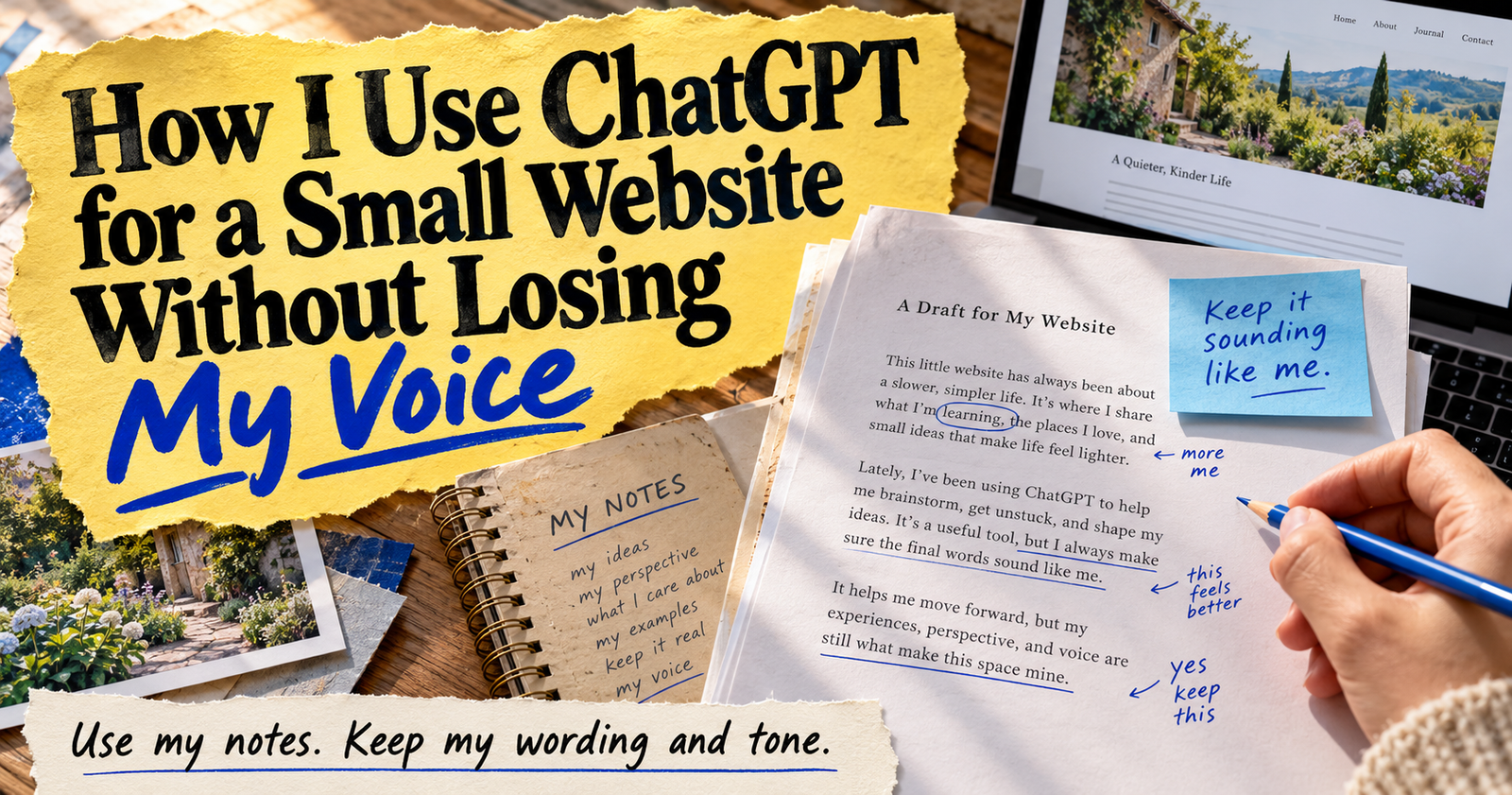
I use ChatGPT on my websites, but I do not let it run them.
That may sound like a small difference, but it changes the kind of content you end up publishing. A small website does not need dozens of generic articles that say the same thing as every other page online. It needs useful pages that answer real questions, make sense to regular people, and give them a reason to trust the person behind the site.
ChatGPT helps me move faster when I am stuck, organize an idea that is still messy, improve a section that feels clunky, or spot something I forgot to explain. It does not know what I have personally seen, what I sell, what my readers struggle with, or what is true about my business unless I give it that information.
That is why I use it as a helper, not an author I blindly trust.
The biggest mistake small website owners make with ChatGPT
The fastest way to make a website feel forgettable is asking ChatGPT to write everything from scratch.
You can type, “Write an article about SEO,” and it will give you an article. It may have proper headings. It may have an introduction, a list of tips, and a tidy ending. It may even sound polished at first.
But if you look closely, it often says very little.
The article may use broad phrases, repeat the same point in different words, and include advice that could fit any person, business, or website. Worse, it may confidently add a fact, example, or recommendation that you never gave it.
I do not want my websites filled with content that could belong to anybody. I want a reader to feel like a real person sat down and explained the problem clearly.
What I let ChatGPT help me do
There are plenty of jobs ChatGPT can help with when I am building or improving a site.
I use it to help brainstorm article angles when I already know the audience and problem I want to cover. I use it to turn rough notes into an outline. I use it to find repetition in a draft, simplify a confusing sentence, and create a short list of unanswered questions a reader may still have.
It also helps me repurpose useful work. One good article can become a few social posts, a product-page update, an email idea, or a related post that answers a narrower question.
The point is that I bring the real information first.
I start with the question, not the prompt
Before I ask ChatGPT anything, I ask myself one thing: what is the reader actually trying to figure out?
That question keeps the work grounded.
If someone searches “why is my new website not showing up on Google,” they do not need a long history lesson about search engines. They want to know what might be wrong, what they can check first, and how long they should reasonably wait.
If someone searches for a product on Etsy, they need to understand whether the item fits their need, what they get, and whether they can trust the listing.
A clear question gives ChatGPT a useful job. A vague topic gives it room to wander into generic filler.

When I am still trying to understand the reader’s reason for searching, I go back to how search intent shapes a helpful page before I ever start drafting.
My notes come before any AI draft
I do not open ChatGPT and hope it has all the answers. I start with notes.
Those notes may include things I have actually done, questions I have received, screenshots, steps I followed, product details, examples, mistakes, or observations from running the website.
For a blog post, I might write down the problem, the main answer, the steps that worked, and the parts beginners tend to miss.
For a product description, I gather the actual dimensions, materials, options, included items, and questions shoppers have asked.
For a social post, I start with the real point I want to make instead of asking AI to create a personality for me.
Once I have that foundation, ChatGPT can help turn it into something clearer. Without that foundation, it is just guessing.
I use ChatGPT to make an outline before I write a full article
An outline is one of the best places to use AI.
It is easy to spot a weak article when it is still only a list of headings. It is much harder after you have written 2,000 words
Focus keyword: how to use ChatGPT for a small website
SEO title: How I Use ChatGPT for a Small Website Without Losing My Voice
Meta description: My practical way to use ChatGPT for blog posts, products, social media, and planning without publishing generic AI content.
Suggested category: Tools and Resources
Suggested URL: /how-i-use-chatgpt-for-a-small-website/
Suggested featured-image text: Use AI Without Losing Your Voice
Article body:
I use ChatGPT on my websites, but I do not let it run them.
That may sound obvious, but there is a big difference between using AI to make your work easier and using it to fill a website with words you have not checked. I use ChatGPT to organize ideas, improve rough drafts, find missing questions, and make repetitive work less draining. I do not use it as a replacement for my experience, product knowledge, judgment, or relationship with readers.
A small website has one advantage that big companies often do not: it can sound like a real person. I want to keep that advantage.
What ChatGPT is good at for a small website
ChatGPT is helpful when the job has a clear starting point but still takes time.
For me, that includes turning messy notes into an outline, giving me several ways to phrase a heading, spotting a question I forgot to answer, and helping me turn one useful piece of content into several smaller pieces.
It is especially useful when I already know what I want to say but do not want to spend an hour staring at a blank screen.
I do not expect it to know my audience better than I do. I give it the audience, the problem, and the real details first. Then I use its response as a starting point, not the finished answer.
What I never hand over to AI
There are things I keep in my own hands because they affect trust.
I do not let ChatGPT decide what I personally experienced, what a customer said, how a product works, what a person should spend money on, or what facts belong on my site. It cannot personally test an item, see how a customer reacted, or know whether a detail is still accurate today.
I also never trust it blindly with:
- Statistics and research claims.
- Product specifications.
- Shipping, return, or privacy policies.
- Medical, legal, or financial guidance.
- Customer testimonials.
- Current prices, availability, or deadlines.
- Copyright and trademark questions.
- Anything that would hurt somebody if it is wrong.
If ChatGPT gives me a fact I did not provide, I either verify it myself or leave it out.
I start with the reader’s real problem
A prompt gets better when I stop thinking about “content” and start thinking about the person on the other side of the screen.
Instead of telling ChatGPT, “Write an article about internal links,” I would tell it something like this:
I am writing for a new website owner who has published several articles but does not know how to connect them naturally. They are worried about overdoing links or choosing the wrong anchor text. Help me create an outline that explains the problem in plain language, gives safe first steps, and points out mistakes beginners make. Do not invent results, studies, or personal experience.
That gives the tool a job with a real purpose.
The same thinking applies to every page. A product description should help a shopper decide. A social post should give someone a reason to stop scrolling. A blog post should answer the exact question that brought a reader there.
If you are still getting clear on what your reader is actually looking for, see how search intent shapes the content I create.
How I use ChatGPT for blog posts
I do not ask ChatGPT to write an entire article and then hit publish.
That usually leads to generic introductions, repeated advice, made-up examples, and sections that sound smooth without giving the reader anything they can really use.
Instead, I use it in smaller pieces.
I may ask for an outline based on my topic and notes. Then I write the parts that need my own experience, examples, or point of view. After that, I can paste one section at a time into ChatGPT and ask it to make the writing clearer without changing the facts.
That process gives me a better draft while keeping me responsible for what goes on the page.
For the prompts I use from idea stage through editing, my blog-post prompt workflow is here.
How I use ChatGPT for product pages
Product descriptions can become repetitive fast, especially when you have several related items.
ChatGPT helps me turn a list of true product facts into a clearer first draft. I give it the materials, size, options, what is included, who may use it, and the questions buyers often ask. Then I tell it not to invent anything.
That last part matters because product pages are about trust. A description that sounds exciting but includes a false feature is worse than a simple description that tells the truth.
I also use ChatGPT to find unclear spots. I can paste a description and ask, “What would a first-time shopper still need to know before buying this?” That often catches missing details about sizes, compatibility, files, care, or variations.
For the exact prompts, use these product-description prompts that stay honest.
How I use ChatGPT for social media without sounding like a robot
Social media is one of the easiest places to fall into generic AI writing.
You can ask for “10 posts about my business” and get a list full of phrases like “exciting news,” “game changer,” and “don’t miss out.” None of that gives people a reason to care.
I get better results when I feed ChatGPT something real. That may be a customer question, a product detail, a mistake I made, a quick tip, a new blog post, or something I noticed while working.
Then I ask for several possible angles, not a finished post I have to use word for word.
For example, I may ask it to turn one helpful blog section into a short post, a simple tip, a question for followers, and a behind-the-scenes angle. I pick the one that feels most like something I would actually say.
These social-media prompts help me start with real ideas instead of trying to force a post out of thin air.
How I use ChatGPT for Etsy without letting it write fake listings
Etsy is a place where good wording matters, but the details matter more.
A buyer needs to know what the item is, what it is made from, what size it is, what they receive, and what they should expect. I do not ask AI to guess at any of that.
I use ChatGPT to organize the details I already have and identify questions I may have forgotten to answer. It can also help me rewrite a stiff sentence or make personalization instructions clearer.
What it should never do is create fake reviews, claim an item is popular, make up delivery expectations, or stuff the listing with keywords that do not fit.

My full set of Etsy listing prompts is built around real product details, because a sale is not worth much if the buyer feels misled afterward.
The prompt detail that changes everything
The best change I made was giving ChatGPT more context before I asked for an answer.
A weak prompt looks like this:
Write a blog post about SEO.
A stronger prompt looks like this:
I run a small website for beginners who are frustrated because they have published pages but Google is not sending traffic yet. I want to write a practical post about what to check first. The reader is new to SEO and needs plain language, not technical talk. Create an outline that answers their immediate worry, explains the first few checks in order, and tells me where I need to add my own screenshots or examples. Do not invent results or case studies.
The second prompt takes a little longer to write, but the response is much more useful.
I nearly always include the reader, the goal, the facts I have, the tone I want, and what I do not want the tool to invent.
I ask ChatGPT to point out gaps instead of filling them
One of my favorite ways to use AI is as a second set of eyes.
When I finish a draft, I do not always ask it to rewrite the whole thing. I ask it to tell me what is missing.
Here is a prompt worth saving:
Review this page for a beginner reader. Do not rewrite it yet. Identify the questions that are still unanswered, steps that are too vague, repeated points, claims that need proof, and places where I should add my own example, photo, screenshot, or experience. Then give me the five most important improvements to make.
That protects the parts that are already working. It also keeps the tool from replacing my actual voice with a smoother but emptier version.
I keep one source of truth for business details
If you use ChatGPT for more than one page, it helps to keep your important details in one place.
For a business, that might include your product facts, services, brand wording, return policy, ideal customer, common questions, spelling preferences, and the kinds of claims you will not make.
For a niche website, it may be your personal notes, original photos, test results, stories, measurements, and the articles you have already published.
I do not assume ChatGPT remembers any of this correctly from one chat to the next. I paste the details that matter into the prompt, or I keep a small reference document I can use while writing.
That makes the work more consistent and helps prevent one page from saying something that conflicts with another page.
I still do the final human check
Before I publish AI-assisted content, I check it like I would check anything else going on my site.
I read it slowly. I look for claims I cannot prove. I make sure the advice is clear enough for the type of person I am trying to help. I remove phrases that sound too polished or too broad. I check the links, headings, spelling, and examples.
Most of all, I ask whether the page gives somebody something useful.
If the answer is no, it does not matter how quickly ChatGPT helped create it.
Using AI without losing what makes your site yours
The goal is not to hide the fact that you used a tool. The goal is to make sure the tool helped you say something worth reading.
Your experience, your product knowledge, your original photos, your customer questions, your mistakes, and your honest opinions are the parts another website cannot easily copy.
ChatGPT can help you put those things into a clearer shape. It cannot replace them.
Dax Weaver is an independent publisher who writes practical, plain-English guides for Make It Found to help website owners, creators, and small businesses get found online.