

An orphan page is a page on your website that has no internal links pointing to it.
The page may still exist. It may even be indexed by Google. But from the perspective of someone browsing your site, it is basically sitting alone in a back room with no hallway leading to it.
I see this happen all the time on growing websites. A good article gets published, maybe shared once, then buried under newer posts. Nobody links to it from a related article, category page, guide, menu, or resource page. It has not disappeared, but it is no longer part of the working structure of the site.
That is an orphan page.
Why orphan pages are a real problem
Not every page needs twenty internal links. A privacy-policy page does not need to be woven through your blog posts. Some landing pages may intentionally have limited links too.
But a helpful article, product page, or guide that you want readers and search engines to find should have a clear path from other relevant pages on your site.
Without that path, several things can happen:
- Readers have less chance of finding the page after landing elsewhere on your site.
- Search engines have fewer contextual clues about where the page fits.
- The page may receive fewer internal signals than more connected content.
- Your best older content can quietly become invisible to the rest of your website.
The issue is not that Google is punishing orphan pages. The issue is that you built something useful and then failed to put it on the map.
What orphan pages look like in real life
A common example is a blog post written months ago that answers an important question but never got added to related articles.
Maybe you wrote a solid guide on search intent. Later, you publish articles about keyword research, low-competition keywords, and content planning. All of those articles would naturally benefit from pointing readers toward your search-intent guide, but none of them do.
The guide is not bad. It is just disconnected.
Another common example is a page created for a specific promotion or seasonal idea. Once the promotion ends, the page stays published but loses every link that once led to it.
On a small website, this happens faster than people expect because the site owner is busy creating new content. Old posts do not announce that they need a path back into the site.
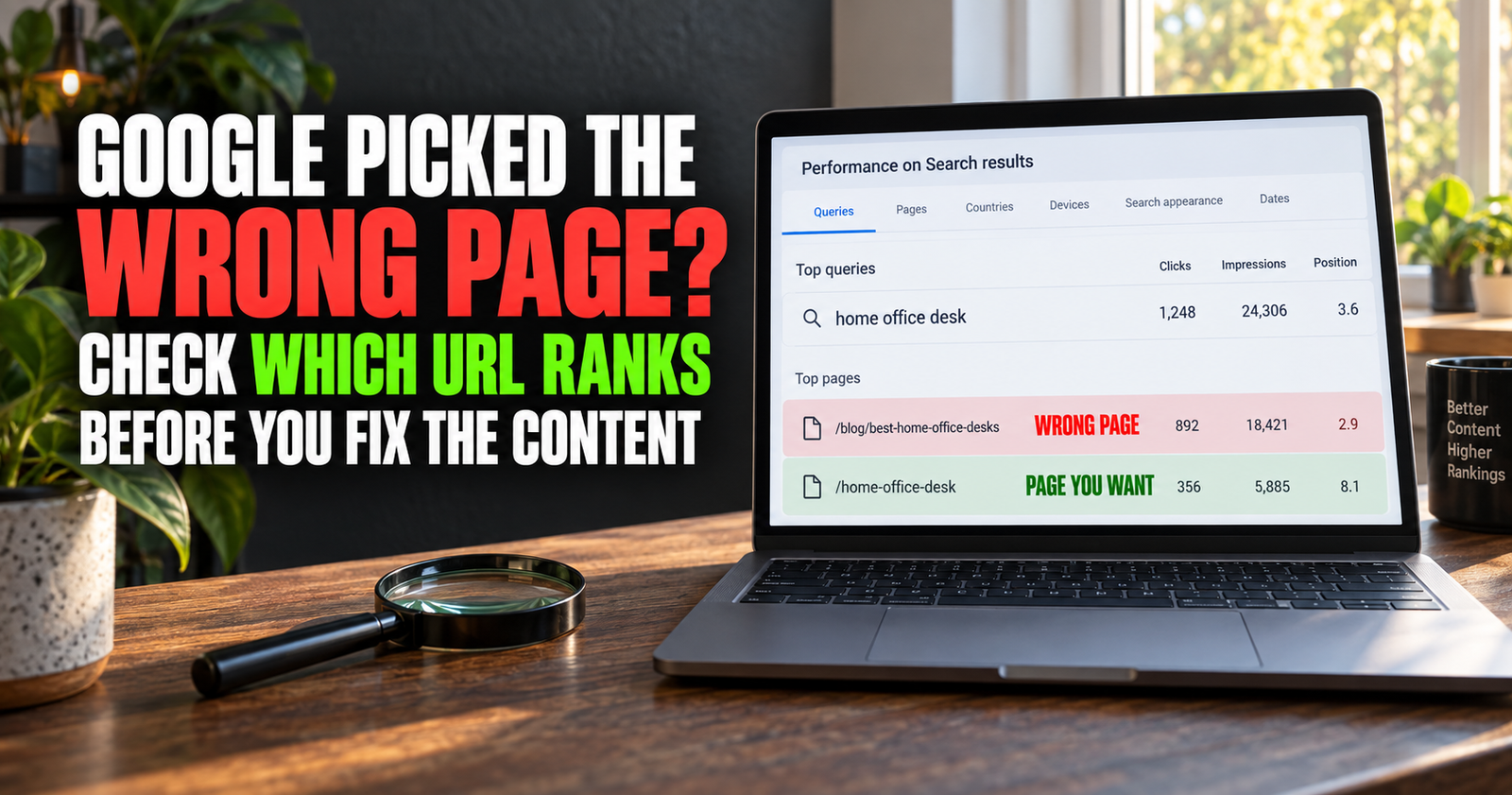


An orphan page is not the same as a low-traffic page
This is an important distinction.
A page can have low traffic and still be well connected. Maybe the topic is highly specific, seasonal, or simply new. That is not automatically a structural issue.
A page can also have decent traffic and still be orphaned. It may get visits from Google, social media, a backlink, or an old email. The moment that outside source slows down, the page has little support from the rest of the site.
I would not judge a page only by traffic. I would ask whether it serves a useful purpose and whether another relevant page gives readers a reason to find it.
How to find orphan pages without making this complicated
You do not need a huge enterprise SEO tool to start finding pages that may be disconnected.
Start with your WordPress post list, your sitemap, and a simple spreadsheet of published URLs. Look for pages you remember creating but rarely see mentioned elsewhere.
Then check the articles that should logically connect to them.

For example, an article about building an SEO content cluster should usually have clear links to closely related supporting articles. If one supporting article has no link from that guide, no link from sibling posts, and no category page giving readers a route to it, it deserves a closer look.
Here are a few practical ways to spot the problem.



Search your own site for the page topic
Use Google with a search such as:
site:yourwebsite.com “exact topic phrase”
This can help you find pages that mention the topic or should probably link to it.
You can also search your WordPress posts directly for a key phrase, the article title, or a problem the article solves. The goal is not to force a link into every mention. It is to find the places where a reader would genuinely benefit from the next step.
Check whether related articles point to it
This is the part that takes judgment.

If you have an article about keyword research, it may naturally point readers toward how to tell whether a keyword is too competitive for a new website. If the competition guide sits alone with no other relevant article pointing toward it, that is a missed connection.
Look for relationships like these:
- Beginner guide to detailed guide.
- Problem article to solution article.
- Broad topic to specific topic.
- New article to a helpful older article.
- Supporting article back to the main cluster guide.
Those are the connections that make sense to readers. They also prevent your site from becoming a pile of disconnected pages.
Use your sitemap as a “what have I forgotten?” list
Your XML sitemap is not a perfect orphan-page report, but it can remind you what is published on the site.
Export or copy the URLs into a spreadsheet and sort them by topic, date, or category. You will often notice pages that no longer fit into any obvious content path.
Do not panic when you find one. This is normal website maintenance. The fix is usually simple: identify the strongest related article, add a natural contextual link, and make sure the link accurately describes where it goes.
Look at the internal links inside your content
A site can have plenty of internal links and still have orphan pages.
Why? Because links often flow toward the newest articles, the homepage, or the same handful of favorite posts. Older useful content gets left behind.
I like to review internal links as a network rather than as individual posts. Ask yourself: which pages keep receiving links, and which pages never seem to get mentioned?
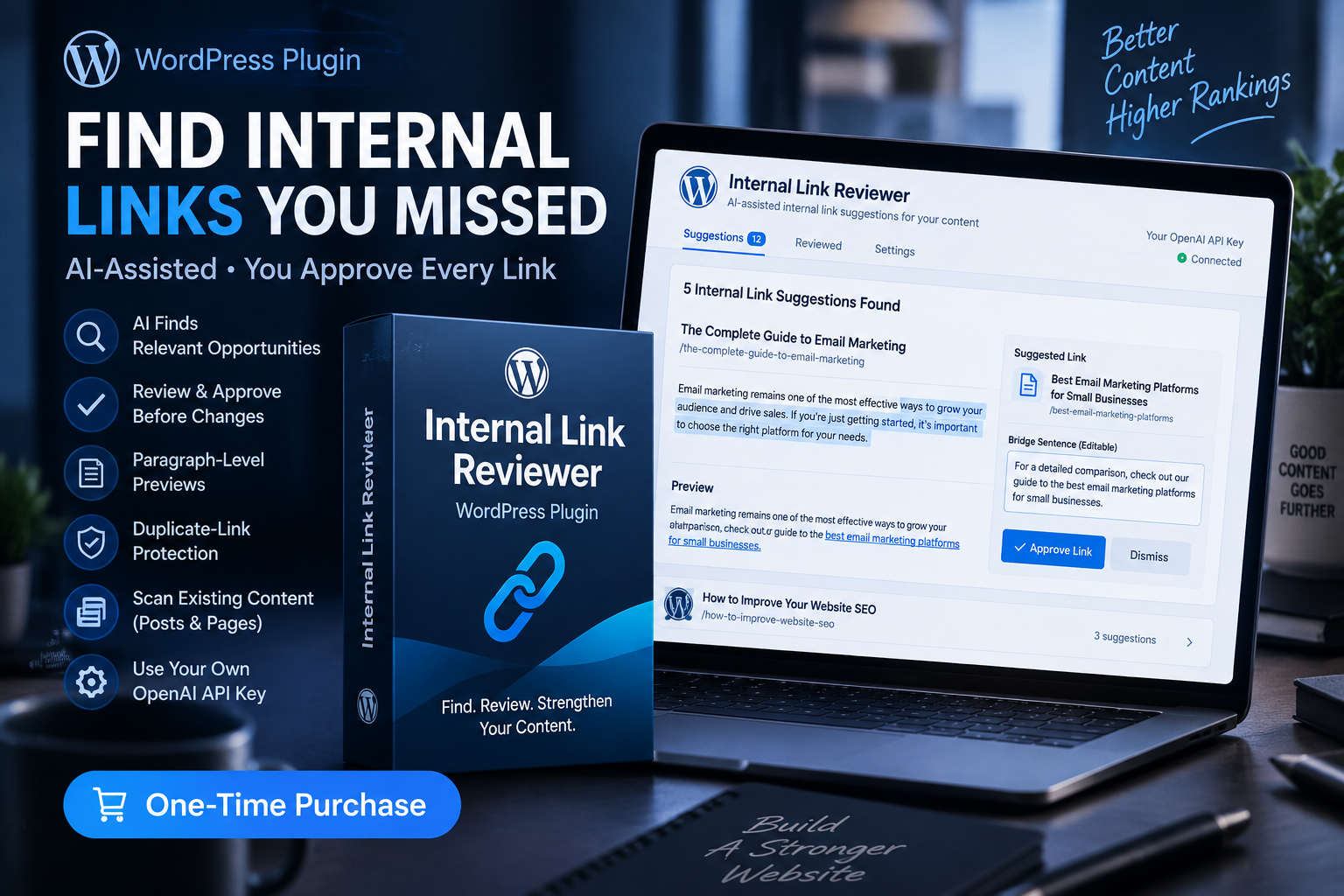
That is where a manual review becomes valuable. The Internal Link Reviewer WordPress plugin can help surface contextual internal-link opportunities, but I would still review every suggestion before adding it. A relevant link is useful. A random link just because software found a matching word is not.


How to fix an orphan page
Fixing an orphan page is not about placing one awkward link somewhere and checking a box.
First, decide whether the page deserves to stay published.
If the answer is yes, give it a clear role in the site. That may mean linking to it from a related guide, adding it to a relevant category, including it in a resource section, or connecting it to a supporting article.
If the page is thin, outdated, or duplicates a stronger page, it may need a rewrite, merge, redirect, or removal instead. Keeping every old URL forever is not the same thing as maintaining a useful website.
The best fix depends on what the page is supposed to do.
Give every important page a job
This is the part that keeps orphan pages from coming back.
Every useful page should have a role:
- A cornerstone guide introduces and organizes a bigger subject.
- A supporting article answers one specific question in depth.
- A product or service page helps someone take action.
- A category page helps visitors browse a major subject.
- A resource page helps people locate useful tools or next steps.
Once you know a page’s job, you can see where it should be linked.
A supporting article about search intent should connect to a keyword-research guide. A guide about topical authority should connect to articles that explain how to build the topic coverage behind it. A product page should be reachable from content where that product actually solves the reader’s problem.
Do not create fake links just to “de-orphan” a page
This is where internal linking gets messy.
You should never shove a link into a paragraph if the destination does not help the reader. That makes the article worse, and it gives visitors a reason to stop trusting your recommendations.
Instead, look for a meaningful bridge.

If you are explaining why a new website is not ranking, you might naturally mention that it needs a better-connected body of content, then point to your guide about topical authority and how to build it.
That is useful because it answers the next question. The link has a purpose beyond SEO.
Build links while the article is still fresh
The easiest time to prevent an orphan page is when you publish it.
Before you hit publish, choose a few existing pages that should link to the new article. Then add a few links from the new article to older related content where they truly help.
This small habit keeps new content from sitting alone for six months while you promise yourself you will circle back later.
It also helps prevent the opposite problem: stacking every new link into one article and ignoring the rest of the site.
A simple orphan-page review routine
You do not need to audit your whole website every week.
Once every few months, pick a category or one content cluster and review it as a group. Open the main guide, then open the supporting pages. Check whether a reader can move through the topic naturally.
Ask these questions:
- Can I reach every important article from another relevant page?
- Does each supporting article point back toward a broader guide when helpful?
- Are older articles still connected, or are all the links pointing only toward newer posts?
- Does every link improve the reader’s next step?
- Are there pages that no longer deserve to stay separate?
A few thoughtful connections can do more for your site structure than publishing another rushed article.
Orphan pages and content clusters
A content cluster is one of the best defenses against orphan pages because it gives every article a place.
The main guide covers the broad subject. Supporting articles answer the individual questions. The pages link together in ways that make sense for a reader moving from one problem to the next.
That does not mean every page must link to every other page. It means no important page should feel like it was published and forgotten.
When I review a small website, I do not look for the biggest possible number of links. I look for pages that have a clear relationship to the rest of the site. That is what turns individual articles into a resource people can actually use.
Frequently asked questions about orphan pages
Are orphan pages bad for SEO?
They can be a problem when the page is important and receives no meaningful internal links. The bigger issue is lost discoverability and weak site structure, not a special penalty.
Can Google still find an orphan page?
Yes. Google may find it through a sitemap, an external link, a direct URL, or a previous crawl. But that does not make the page well integrated into your site.
How many internal links does a page need?
There is no fixed number. A page needs enough relevant internal links that readers can reasonably find it and understand how it relates to your other content.
Should I link every page from my homepage?
No. Your homepage should stay useful and focused. Link important pages from relevant articles, category pages, hub pages, navigation, or resource sections based on their role.
Alden Whitaker writes practical, plain-English SEO guides for Make It Found that help small website owners make smarter content decisions without getting lost in agency jargon.