
Most website owners guess at the keywords they rank for.
They pick a phrase they want to rank for, search it on Google, do not see their page right away, and assume they rank for nothing. Then they buy another keyword tool or start writing a completely new article.
I would not start there.
Google Search Console already shows the real searches that caused your pages to appear in Google. It shows the queries, the clicks, the impressions, the click-through rate, and the average position. That is not an estimate from a third-party tool. It is Google’s own data about your site.
The tricky part is knowing what to do with the list once you find it.
The easiest free way to see what keywords your site ranks for
Open Google Search Console and choose the property for your website.
Then go to:
Performance → Search results → Queries
That Queries tab is where Google lists the searches that made one of your pages appear in results during the date range you selected.
Turn on all four boxes near the top of the report:
- Total clicks.
- Total impressions.
- Average CTR.
- Average position.
Now you can see more than a list of keywords. You can see what those keywords are actually doing.
Google’s Performance report groups this data by queries, pages, countries, devices, dates, and other useful filters. That makes it the best place to understand how your own site is appearing in search. Google explains the available Search Console performance data here.
What Search Console means by a “query”
A query is simply the words someone typed or spoke into Google.
It might be exactly the keyword you targeted. It might be a longer version of that phrase. It might be a question you never thought to write down. It might even be a search that only partly matches your page.
For example, you may publish an article about finding keywords without paying for tools. Google might show it for searches like:
- Free keyword research for beginners.
- How to find blog keywords without Ahrefs.
- Keyword research without paying.
- How do I find low competition keywords for free?
Those are not four separate articles automatically. They are often several ways people ask for the same help.
The Queries report gives you a view of the real language people use. That is one of the most valuable things on the whole site.
Set the date range before you judge anything
The default date range in Search Console can be too short for a small or newer website.
I usually start with three months when there is enough data. If the site is very new, use all the data you have. Search Console can hold much more historical data over time, but the important part is choosing a date range that gives you enough impressions to see a pattern.
A week of data can be misleading.
A page might get shown a few times one week and not at all the next. One click can make the CTR look amazing. One low-ranking impression can make average position look terrible.
You are looking for useful patterns, not daily drama.
Sort by impressions before clicks
Most people sort their Queries report by clicks.
That is fine when you want to see what is already bringing traffic. But if you want to find opportunities, I would sort by impressions first.
Why?
Because impressions show the searches Google is already testing your site for, even when searchers are not clicking yet.
A query with 500 impressions and two clicks may be more interesting than a query with one click and one impression. The first one tells you Google sees some connection between your page and the search. The page may need a better answer, a better title, a stronger ranking, or more time.
The second one may just be a random small data point.

If you need a clearer explanation of that number, this is what impressions mean in Google Search Console.
Do not expect to see every keyword you care about
Search Console does not always show every single search term. Some very low-volume or privacy-sensitive queries may be hidden from the report.
That does not make the report useless. It still gives you the best real-world view of the searches Google associates with your website.
The important thing is to use the data you do have.
You do not need every last keyword to see which subjects are working, which pages are being tested, and which questions may deserve a better answer.
How to find keywords for one specific blog post
This is where Search Console becomes much more useful.
Instead of looking at the entire website, open the Pages tab and click on one article.
Then go back to the Queries tab.
Now the report is filtered to show the searches connected to that one page.
This is how I would review an existing article.
Let’s say you have a post about why a new website is not showing up on Google. You might find Google is showing that page for searches about indexing, sitemap problems, Search Console, pages not appearing, and new-domain timing.
Some of those searches may fit perfectly. Others may point to questions the page only partly answers.
That is where you get real ideas for improving the page.
The four kinds of keywords you will usually find
When I look through the Queries report, I sort search terms into four simple groups.
Keywords the page was clearly written to target
These are the main subject of the article.
If you wrote a page about search intent, you expect to see terms like “what is search intent” or “why search intent matters for SEO.” Those confirm that Google understands the basic topic.
If your intended keyword is missing completely, do not panic. The page may be new, the wording may differ, or Google may still be figuring out where it belongs.
Close variations that belong on the same page
These are the useful variations.
For a page about keyword competition, people may search “is this keyword too hard,” “how competitive is a keyword,” or “can a new site rank for this keyword.”
Those are often not separate article ideas. They are helpful phrases and subquestions that may deserve a clearer heading, example, or explanation inside the existing article.
This is where you make a page more complete without turning it into a keyword-stuffed mess.
Searches that reveal a missing section
Sometimes a query fits the page, but the current article barely addresses it.
For example, a page about why traffic dropped might begin appearing for “why did my Google traffic drop after updating a post.” If the article discusses traffic drops but does not explain what to check after a major update, that may be a useful new section.
The keyword is not telling you to chase a phrase. It is telling you where a reader may still need help.
Searches that deserve their own page
A separate article is worth considering when the searcher needs a clearly different answer.
For example, “what does average position mean” is a different question from “why do I have impressions but no clicks.” They belong in the same Search Console cluster, but one article cannot fully answer both without becoming unfocused.
That is how I decide whether to improve the current page or create a new one: would the same reader be satisfied by the same answer?
If yes, improve the existing page.
If no, a separate article may make sense.
Do not create a new article for every query
This is the mistake that turns a good site into a messy one.
Google may show one page for twenty, fifty, or a hundred related searches. That is often a good thing. It means the page has room room to answer several natural variations of the same problem.
You do not need separate posts for:
- How to find keywords for a blog.
- How to find keywords for a website.
- How to find SEO keywords.
- How to find free keywords.
- How to find keyword ideas.
Some of those phrases may deserve their own page in certain situations. Most of the time, they belong inside one strong guide if the person searching them needs basically the same help.
Creating too many near-identical pages can cause overlap. Then Google has to decide which one is your best answer, and you have made the job harder for yourself.
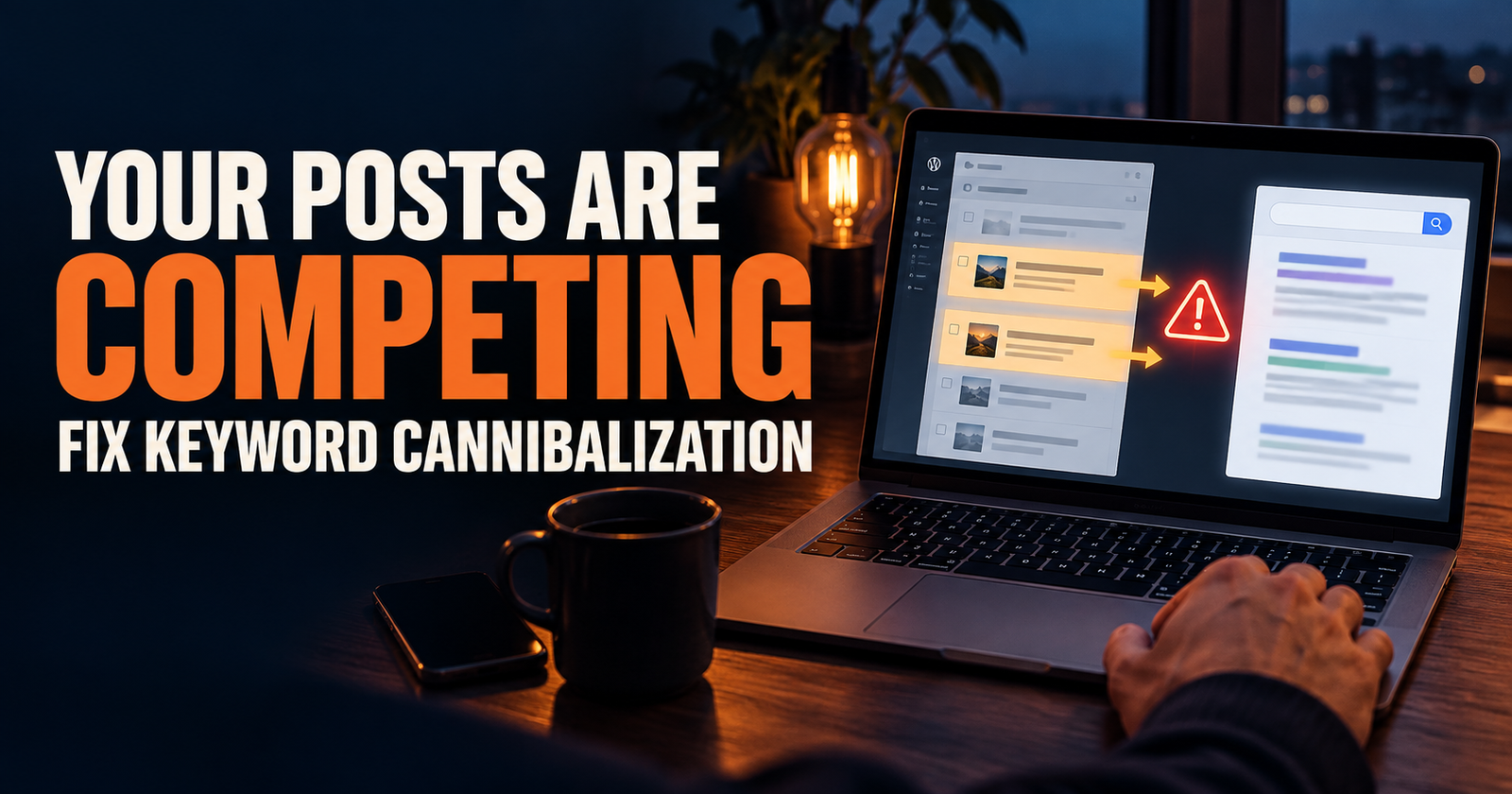
Keyword cannibalization is often just two helpful pages trying to own the same question.
What clicks tell you
Clicks tell you which searches are already bringing people onto your site.
That is useful, but it is not the only thing I would look at.
A query with clicks may be worth protecting and improving. If it sends people to a helpful page, keep that page current. Make sure the title still matches the searcher’s problem. Link to it naturally from newer related content.
Do not overreact and rewrite a page that is already doing its job. Sometimes the best move is to preserve what is working and build supporting content around it.
What impressions tell you
Impressions tell you Google is showing your result.
That is your early visibility signal.
A query with lots of impressions but weak clicks may mean:
- Your page ranks too low to get noticed.
- The title is not giving people a reason to choose it.
- The search results are crowded with ads, videos, maps, or other features.
- The page does not fully match what the searcher wants.
- Google is testing the page for a broader group of searches.
Do not assume every impression needs a fix. First check whether the query actually fits the page.
If it does, investigate the position, title, and page quality. If it does not, you may not need to do anything at all.
What average position tells you
Average position is useful when you look at a specific page or specific query.
A keyword around positions 8 through 20 can be especially interesting because Google already sees some relevance. That does not mean it is guaranteed to reach the first page. It means there may be a real opportunity to improve the page.
You might need a clearer answer, a stronger section, better internal links, fresher information, or a title that better matches the intent.
Do not rely on the sitewide number. It mixes too many pages and too many searches into one average.
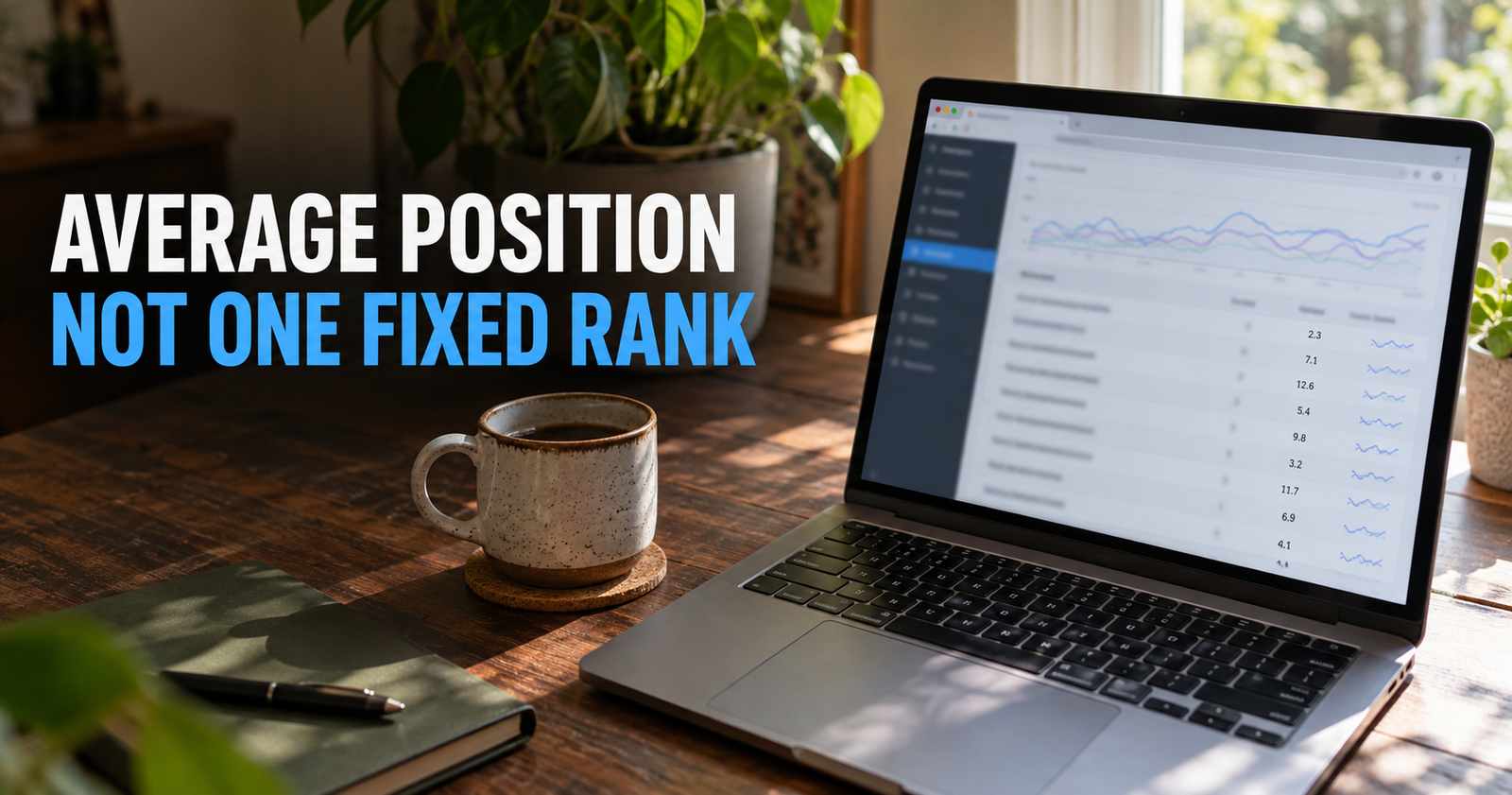
Average position is a clue, not a precise ranking report. The page-and-query view is where the useful decisions happen.
How to find low-hanging-fruit keyword opportunities
Here is the process I would use.
Start in the Queries report with a three-month date range. Sort by impressions. Look for queries that have:
- Enough impressions to be more than random noise.
- A clear connection to one of your pages.
- An average position somewhere close enough to improve.
- A searcher need that your page can honestly serve better.
Then click the query and look at the Pages tab.
This tells you which page Google is showing for that search.
That step is important. You do not want to improve the wrong page or create a duplicate page when Google is already showing one of your articles.
Once you see the ranking page, open it and read it like a visitor would.
Does it answer the question early? Is it missing an obvious step? Is it out of date? Is the headline too vague? Is the article harder to follow than the pages above it?
That is how you turn a keyword report into a useful content decision.
A real example of how to think through it
Imagine Search Console shows your article has impressions for “how often should I post on a new blog.”
You open the page and realize your article mainly talks about publishing more often. But the searches and top results show people are really worried about whether posting every day is necessary.
You do not need a whole new article called “Do I Need to Post Every Day on a New Blog?” unless the question becomes big and separate enough to deserve one.
You may simply need a clear section that says:
“No, you do not need to post every day. A realistic schedule you can maintain is more useful than publishing fast for two weeks and quitting.”
That makes the existing page more helpful. It also gives Google a clearer reason to show it for that variation.
How to spot pages that need a title or opening rewrite
Look for a combination of good impressions, relevant queries, and a low CTR.
If Google is showing the page, and the query fits, but people are not clicking, the page may need a stronger search-result promise.
I would check:
- Does the title describe the exact problem?
- Is the title more specific than the titles around it?
- Does the first paragraph confirm the reader is in the right place?
- Does the meta description explain why this result is worth opening?
- Is the search result crowded with things that make organic clicks harder?
This is not about writing a dramatic headline. It is about making the right reader feel confident that your page answers the question they typed.

CTR only makes sense when you look at the query, ranking position, and search-result page around it.
Use queries to plan supporting articles
Search Console can also help you identify the next logical article in a cluster.
You may see several related questions across different pages, such as:
- What does average position mean?
- Why are impressions high but clicks low?
- How do I find keywords my site ranks for?
- Why did traffic drop?
- How do I improve an existing article?
Those are not random SEO topics. They are part of one person’s journey from “I have Search Console data” to “I know what to do with it.”
That is what a useful content cluster looks like.
The point is not to publish everything at once. The point is to build a site where the next helpful answer is already connected to the first one.
Keep a simple keyword-opportunity list
You do not need a complicated tool or giant spreadsheet.
When you find a useful query, write down:
- The search term.
- The page Google currently shows.
- Impressions.
- Clicks.
- Average position.
- Whether the query fits the current page.
- What action you think makes sense.
Your action might be:
- Leave it alone.
- Add a section to the current article.
- Update the title or opening.
- Add an internal link from a related page.
- Create a new article with a distinct purpose.
That list keeps you from forgetting good opportunities and from making the same decision twice.
Do not make changes based on tiny numbers
A keyword with two impressions and no clicks is not enough evidence to rebuild a page.
New sites and new articles naturally have small, jumpy numbers. One impression can change average position dramatically. One click can make CTR look huge.
I would wait until you see a pattern, especially before changing a page that is already clear and useful.
The goal is not to react faster than everyone else. The goal is to make better decisions than everyone else.
What to do when your Queries report is nearly empty
This is common on new websites.
It may mean Google is still crawling and understanding the site. It may mean the pages are indexed but have not been shown much yet. It may mean the site needs stronger internal connections or more useful content around one topic.
Do not assume an empty report means failure.
Make sure your important pages are accessible, indexed, linked naturally, and focused on real questions. Then give Google time to collect search data.
For a new site, the first few impressions are often more important than they look. They are Google beginning to test where your content may belong.
Frequently asked questions
Can I see what keywords my website ranks for without paying?
Yes. Google Search Console is the best free place to see the searches that made your pages appear in Google results, along with clicks, impressions, CTR, and average position.
Why does Search Console show keywords I never targeted?
Google is matching your page with related searches based on the content and the searcher’s wording. Some of those queries may be useful variations. Others may show that the page is only partly matching a search.
Should I add every keyword from Search Console to my article?
No. Add or improve content only when the query naturally fits the page and helps the reader. Forcing unrelated phrases into an article makes it worse, not better.
How many impressions should a keyword have before I care about it?
There is no magic number. Focus on patterns. A query with steady impressions over a useful date range is more meaningful than one or two random appearances.
Does Search Console show my exact Google ranking?
Not exactly. It shows average position across actual impressions, which can vary by search, device, location, and time. Use it as a useful direction signal, then review specific pages and queries.
Alden Whitaker writes practical, plain-English SEO guides for Make It Found that help small website owners make smarter content decisions without getting lost in agency jargon.