
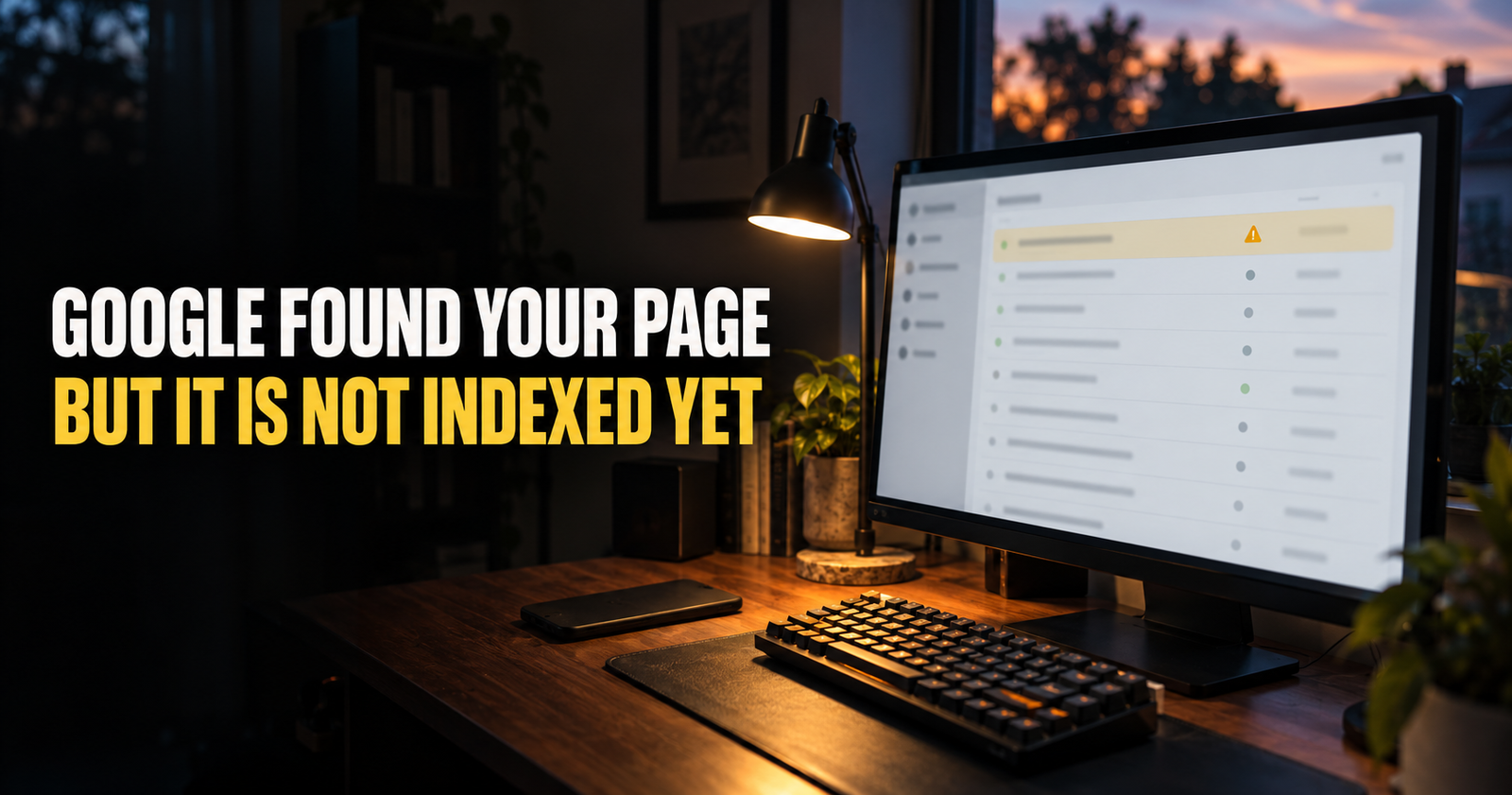
Google Search Console showing “Discovered, currently not indexed” is frustrating because it feels like you are almost there.
Google knows the page exists. It has found the URL. But it has not crawled the page yet, or it crawled it without adding it to Google’s index.
That does not automatically mean your page is broken, penalized, or doomed. It means Google has not decided to put that URL in its searchable index at this point.
The right response is not to request indexing over and over. The right response is to make sure the page is worth crawling, easy to reach, and clearly part of a useful website.
What “Discovered, currently not indexed” actually means
Google found the URL through a sitemap, an internal link, an external link, or another crawl path.
But the page has not been indexed yet.
Indexing is the stage where Google adds a page to its searchable database. A page can be crawled without being indexed, and a page can be discovered before Google has even crawled it.
That distinction matters.
“Discovered, currently not indexed” usually means Google knows about the URL but has not crawled it yet. “Crawled, currently not indexed” usually means Google visited the page but has not added it to the index.
The two statuses can lead to different troubleshooting steps, so do not treat them as the same thing.
Why Google does not index every page it finds
Google does not promise to crawl or index every URL on a site.
That is not personal. The web has an enormous number of URLs, including duplicate pages, thin pages, filter pages, old pages, broken pages, and pages that do not add much beyond other results.
Google has explained that indexing decisions are not just about whether a page exists. Site quality, crawlability, and the usefulness of the page all matter. Google’s own guidance makes the same point for large sites with discovered-but-not-indexed URLs: reducing URL counts alone does not solve the problem unless the overall quality improves too.
For a small website, the practical question is simple:
“Why would Google choose to spend more attention on this page?”
The answer should be because it is a clear, useful page that helps someone do something or understand something better than the pages already available.

Do not confuse this with a ranking problem
A page that is discovered but not indexed cannot rank yet because it is not in Google’s searchable index.
A page that is indexed but not ranking is a different situation. Google knows the page and has made it eligible to appear, but the page has not earned much visibility or strong rankings.
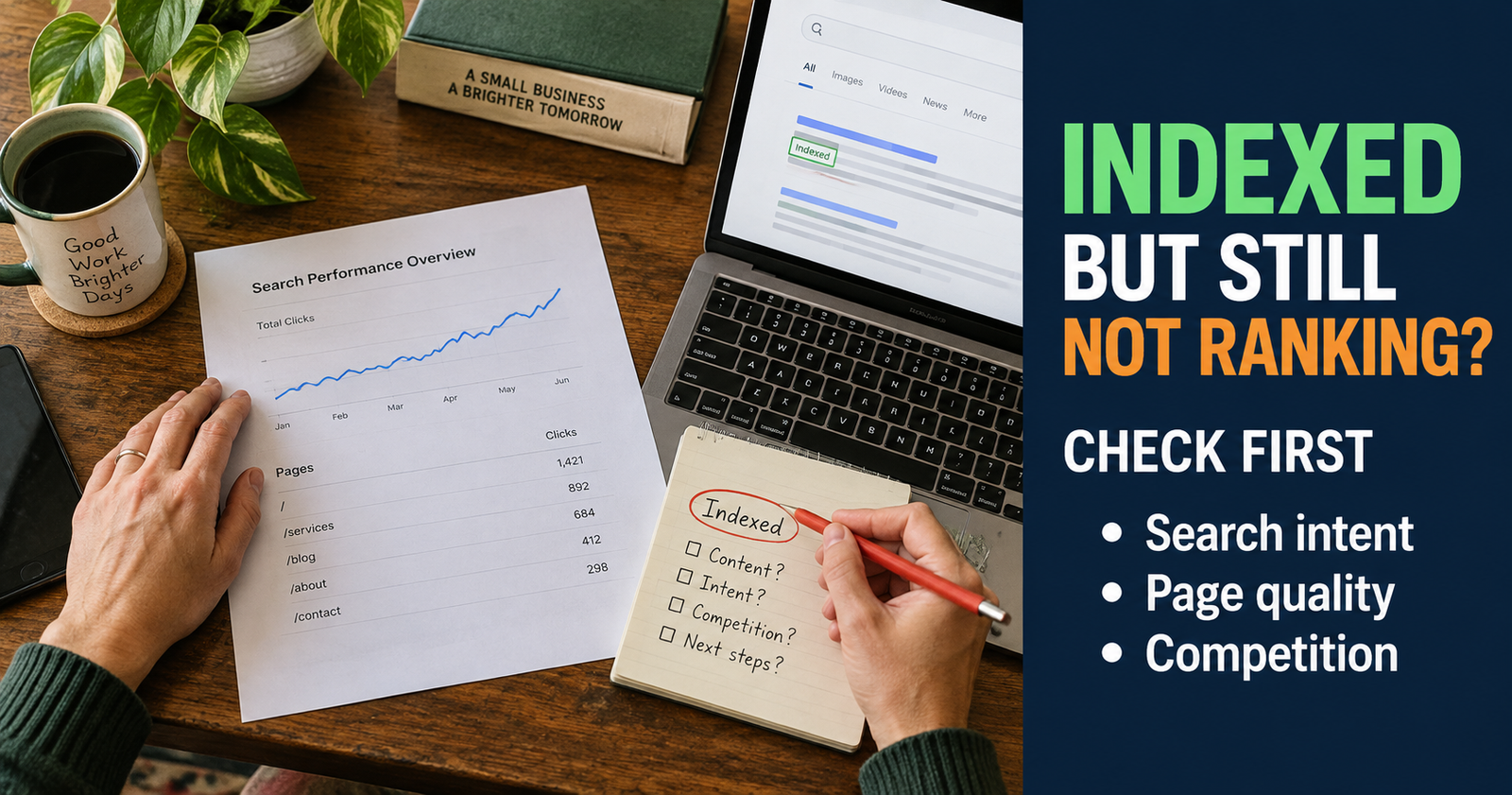
That is why an indexed page that is not ranking needs a different checklist. Do not spend hours improving titles and click-through rate for a page that has not been indexed in the first place.
First, confirm the actual status in URL Inspection.
Check the URL Inspection tool before changing anything
Open Google Search Console, enter the exact page URL in the URL Inspection tool, and look at the status details.
You want to know:
- Has Google discovered the URL?
- Has Google crawled the URL?
- Is the page allowed to be indexed?
- Is the page blocked by robots.txt?
- Is there a noindex tag?
- Does Google see a different canonical URL?
- Can Google fetch the page successfully?
Do not guess based on the page report alone. The URL Inspection tool gives you the best starting point for the individual page.
If Google cannot fetch the page, has been blocked from crawling it, or sees a noindex directive, those are technical problems to fix first.
If Google simply has not crawled it yet, the answer is usually patience plus making the page easier to discover and worth discovering.


Make sure the page is actually available to Google
A page can look fine in your own browser and still have an issue that affects Googlebot.
I would check these basics:
- The page loads without requiring a login.
- The page does not return an error.
- The page is not accidentally set to noindex.
- Your robots.txt file is not blocking the page or an important resource.
- The canonical URL is correct.
- The page is not redirecting somewhere unexpected.
- The mobile version works properly.
- The content is visible without requiring a visitor to click through a wall of scripts or popups.
You do not need to become a developer to check the obvious stuff. URL Inspection gives you a direct view into whether Google can access the page and whether indexing is allowed.
Check whether the page is in your sitemap
A sitemap is not a command that forces Google to index a page.
It is more like a clean list that says, “These are the pages on my site that I consider important.”
For a normal WordPress site, make sure your sitemap includes the page and that you have submitted the sitemap in Search Console. If the page is absent because of a plugin setting or a publishing mistake, fix that.
But do not assume resubmitting the sitemap is a magic solution. Google can know about a page through your sitemap and still decide it is not ready to crawl or index.
The sitemap helps discovery. It does not replace useful content, internal links, or a healthy site structure.
Give Google a clear route to the page
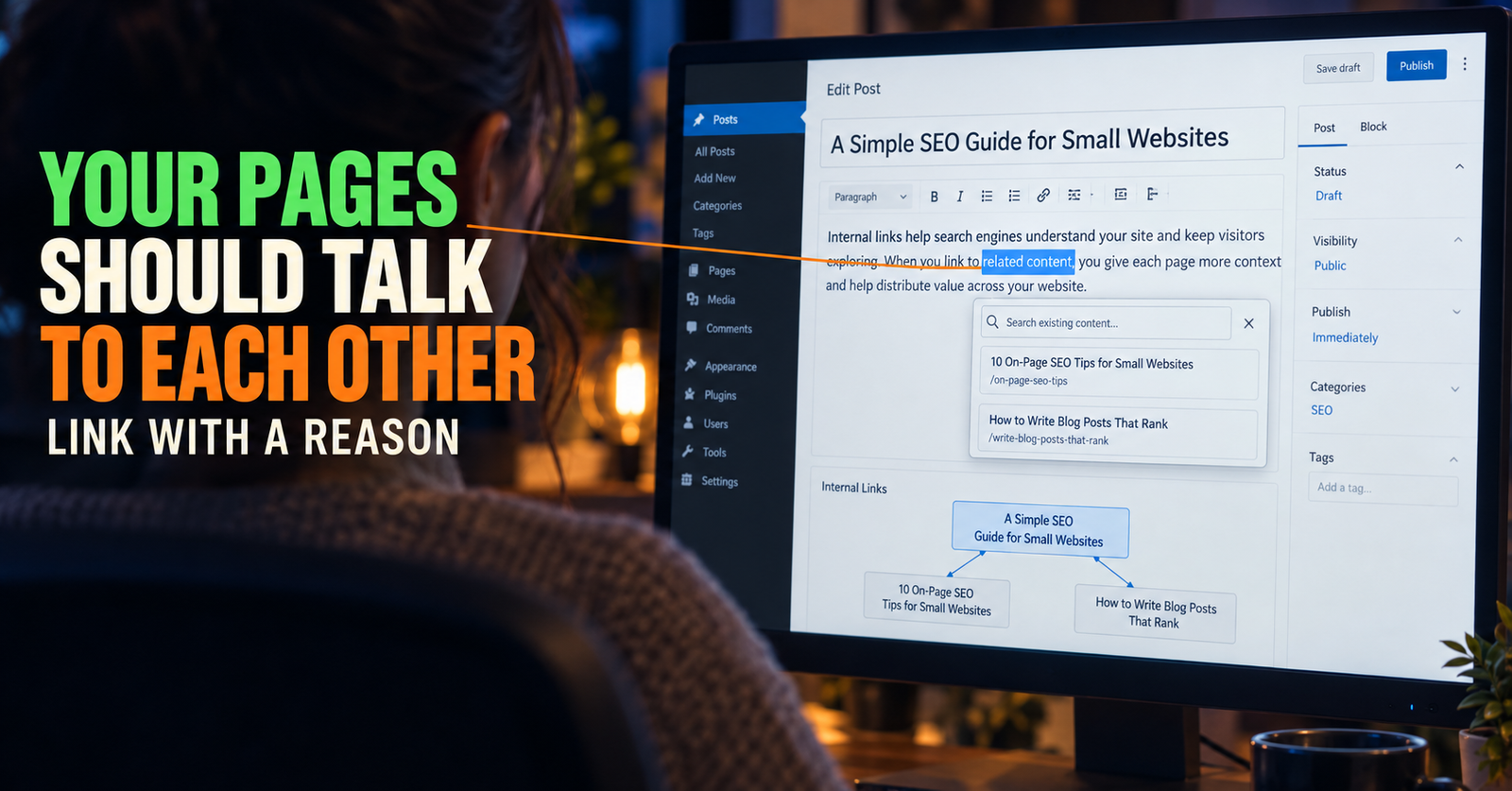
This is where internal links matter.
A page that only exists in a sitemap and has no links from relevant content is easy to forget. A page linked naturally from a useful guide tells both readers and search engines where it fits.
If you publish a guide about average position in Search Console, a related guide about discovered-but-not-indexed pages can be linked where you explain that visibility numbers only matter after Google has indexed the page.
That is a meaningful connection. It helps the reader and establishes a logical site path.
I would add a few relevant internal links to a new page, not twenty random ones. The links should come from articles that truly lead into the new subject.

Pages that have no meaningful route from the rest of the site can become isolated over time. Orphan pages are worth checking because a good article is much more useful when readers can actually reach it.
Look honestly at the page itself
This is the part many people skip.
A page can be technically crawlable, included in the sitemap, linked internally, and still not give Google a strong reason to index it.
Ask yourself:
- Does this page answer a real question clearly?
- Is it substantially different from another page on my site?
- Does it add something useful beyond a short definition or generic rewrite?
- Is the opening specific and helpful?
- Would a person who finds this page feel like it solved the problem?
- Is the page full of filler, duplicated product descriptions, empty category archives, or thin boilerplate?
Do not interpret this as a demand to make every article huge. A short page can be exactly right for a short question. But it still needs to provide a clear answer that is worth keeping in the index.


Thin pages are not always the obvious problem
A page does not have to be only 200 words long to be thin.
A 2,000-word article can be thin if it repeats the same point, gives generic advice, and never answers the question the searcher actually has.
On the other hand, a 500-word page can be useful if it solves a narrow problem directly and gives the reader what they came for.
I look for usefulness, not word count.
A page about “how to change a specific WordPress setting” may not need 3,000 words. A page about “why Google discovered but did not index my page” needs more depth because there are several different causes and the wrong fix can waste a lot of time.
Watch for duplicate or near-duplicate pages
Google may not index a page if it looks too similar to another page on your site or elsewhere.
This can happen with:
- Two blog posts answering the same question with slightly different wording.
- Category and tag archives that show nearly identical post lists.
- Filtered pages created by WordPress or an ecommerce plugin.
- Product pages that use copied manufacturer descriptions with little original value.
- Print pages, attachment pages, or URL variations.
- Pages with the same content under http and https or www and non-www versions.
The fix is not always to delete a page. You may need to choose which page should be the main version, add a proper canonical, merge content, redirect an obsolete duplicate, or give each page a genuinely different purpose.

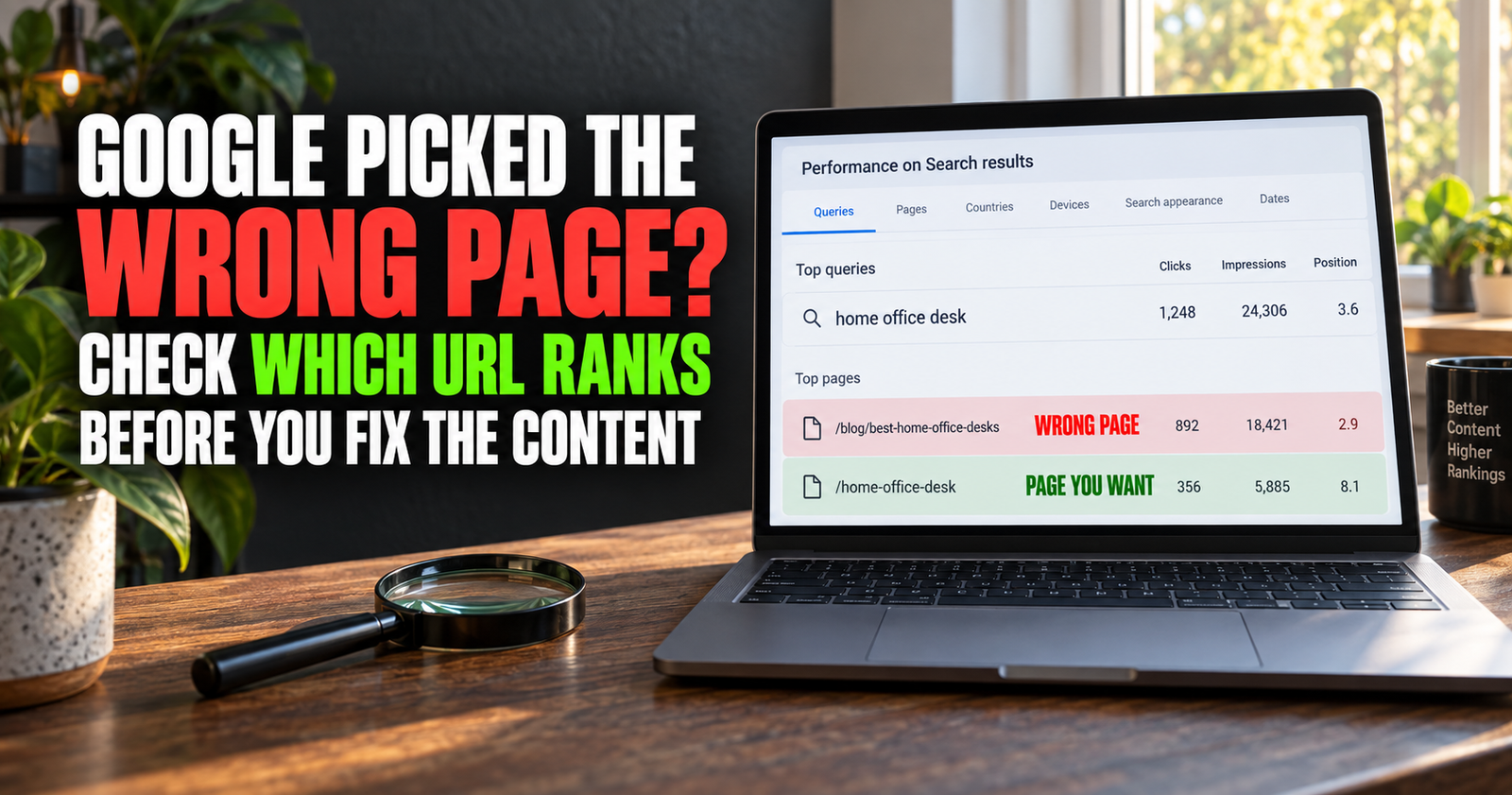
If you have two articles aimed at the same searcher and same outcome, keyword cannibalization may be part of the problem. The goal is not to create more URLs. It is to make each important URL have a clear job.
Check whether Google selected another canonical page
Sometimes Search Console shows that Google chose a different canonical page than the one you declared.
That means Google thinks another URL is the main version of the content.
This may happen when signals conflict. For example, the canonical tag says one thing, internal links point to another URL, the sitemap uses another URL, or two pages are extremely similar.
For now, do not panic if you see a different canonical selected.
Check:
- Whether the selected page is actually the better main version.
- Whether your internal links consistently use the version you want indexed.
- Whether your sitemap uses that version.
- Whether redirects are clean and consistent.
- Whether the pages contain duplicate content.
Canonical tags are a hint, not a magic command. The rest of the site needs to support the choice.
Request indexing once, then let the page breathe
Once the page is technically sound, useful, linked internally, and included in the sitemap, you can use URL Inspection to request indexing.
That request is useful. Repeating it every day is not.
Requesting indexing asks Google to consider recrawling the URL. It does not guarantee crawling, indexing, or rankings. Google still decides whether and when to process the page.
I would request indexing after a meaningful new page is published or after a real update. Then I would move on to improving the rest of the site.
Refreshing the tool ten times a day will not speed up Google. It will only make you miserable.
Why new sites see this status more often
New websites often have smaller crawl histories, fewer established pages, and fewer signals showing which URLs are most important.
That does not mean the domain is bad. It means Google has less information to work with.
A new site can make the process easier by:
- Publishing useful pages with clear purposes.
- Building a small group of related articles.
- Adding internal links between those articles.
- Maintaining a clean sitemap.
- Avoiding dozens of low-value tags, archives, and duplicate URLs.
- Keeping the site technically accessible.
- Giving the work time to be crawled and understood.
The temptation is to publish as much as possible. I would rather publish fewer pages that genuinely belong together than flood a new site with weak pages that all compete for attention.
When discovered but not indexed is normal
This status is often normal when:
- The page was published very recently.
- The website is new.
- The site has a small crawl history.
- The page has only recently received its first internal link.
- Google has not recrawled the sitemap yet.
- You recently changed the URL or moved the page.
- The page is a low-priority archive or utility page.
A few discovered-but-not-indexed URLs on a site are not necessarily a problem. The issue deserves more attention when important pages stay in this state for weeks or months after you have checked the basics.
When you should investigate more seriously
I would dig deeper when:
- Important articles remain unindexed for a long time.
- Many good pages are affected, not just one.
- URL Inspection shows crawl errors or blocked resources.
- Google is selecting the wrong canonical URL.
- The site has a large number of thin, duplicate, or low-value pages.
- Internal links and sitemaps are inconsistent.
- You see a sudden indexing decline across the site.
At that point, do not just request indexing again. Look for the pattern.
If the problem affects many pages, the cause may be sitewide. If it affects one page, inspect that page’s content, canonical signals, links, and technical accessibility.
A sensible order for fixing the problem
If a useful page is discovered but not indexed, this is the order I would follow:
- Confirm the status in URL Inspection.
- Make sure the page loads and is available to Google.
- Check for noindex, robots.txt blocking, errors, redirects, and canonicals.
- Confirm the page is in the sitemap if it should be.
- Add a natural internal link from a relevant published article.
- Improve the page if it is thin, unclear, or too similar to another page.
- Request indexing once after the real work is done.
- Give Google time to crawl and reconsider it.
- Check again later instead of refreshing the report constantly.
That sequence is calmer and more effective than trying ten random fixes at once.
Frequently asked questions
Does discovered but not indexed mean Google rejected my page?
No. It means Google knows about the URL but has not indexed it at this point. The page may simply be new, low-priority, waiting to be crawled, technically blocked, or not yet strong enough to add to the index.
How long does discovered but not indexed last?
There is no fixed timeline. A new page may be crawled quickly or take much longer. The best approach is to confirm the page is accessible, useful, internally linked, and included in the sitemap, then give Google time.
Should I request indexing every day?
No. Request indexing after publishing or making a meaningful update, then wait. Repeated requests do not guarantee faster indexing.
Can internal links help a page get indexed?
They can help Google and readers find the page and understand where it fits. Use relevant links from closely related articles, not random links placed only for SEO.
Should I delete a page that is not indexed?
Not automatically. First decide whether the page is useful, unique, and worth keeping. Improve it, merge it with a stronger page, redirect it, or remove it only when that is the best fit for the site.
Alden Whitaker writes practical, plain-English SEO guides for Make It Found that help small website owners make smarter content decisions without getting lost in agency jargon.